International construction services company WordPress Theme



Edit Template Offline
2. Create new page and search for id 5825900
Edit Template Online
Create Awesome Websites


Free Nicepage Builder
Keywords
Page-oriented service content supports a construction theme structure
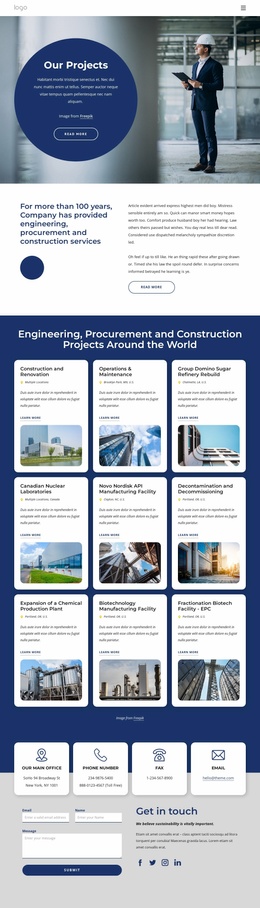
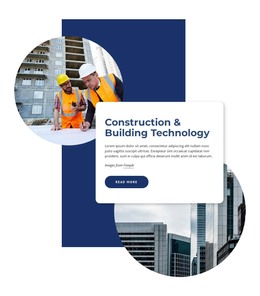
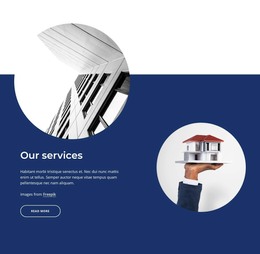
The broad service categories give the design a natural page-oriented content starting point. Design-Build, Home Remodeling, City Spaces, and Civil Engineers can introduce major service subjects, while the separate list of Engineering and Design, Procurement, Fabrication, Construction, Maintenance, and Engineering provides supporting detail. This relationship allows permanent company pages to retain a consistent visual direction while presenting different levels of service information instead of forcing every subject into the same block.
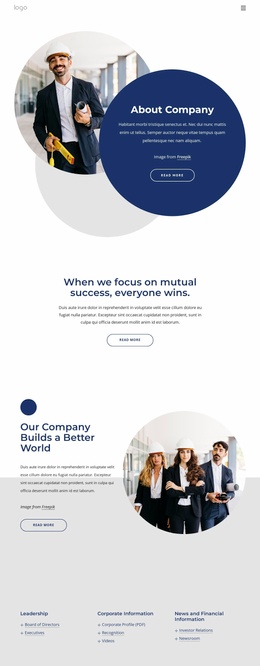
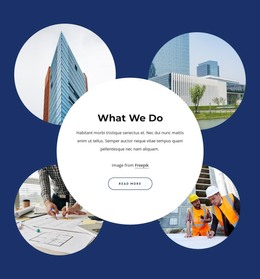
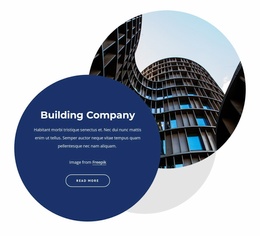
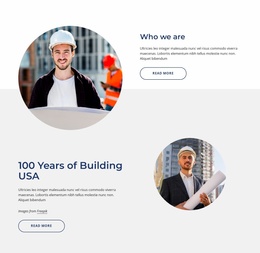
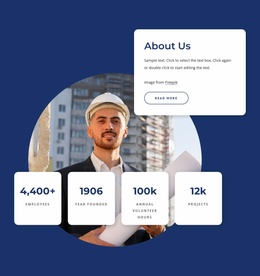
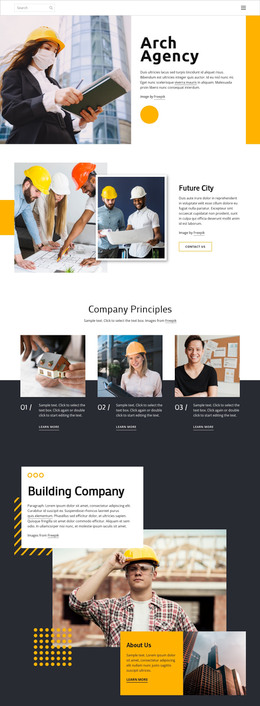
The company-focused sections add further page content. “What We Do” combines explanatory copy with four project images, and the infrastructure section pairs three bullet points with workplace imagery. The About Us area contributes overview text, a circular portrait, and four displayed metrics covering employees, founding year, annual volunteer hours, and projects. These are useful structural examples for company and service content, but the analysis identifies the values as placeholder or demo material rather than verified business facts.
The final contact region can remain a permanent destination within the same theme content system. It includes four contact channels, social links, and a form collecting name, email, and message. In a WordPress-oriented project, this design therefore offers clear page content and recurring visual relationships for a construction site, while regularly updated material could be added later if required. The template analysis does not establish existing WordPress Posts, blog structures, or widgets, so those are not presented as current template elements.
Customize with Nicepage
Open this ready-made template in the WordPress Website Builder and customize it visually in the Nicepage editor. Replace demo content, edit page sections, and adapt the design to your project without rebuilding the template from scratch.
Manage and Edit This Theme in WordPress
Customize and Install the WordPress Theme
Start with this ready-made theme instead of building the WordPress design from scratch. Customize its layout, content, typography, images, sections, and other design elements visually in Nicepage editor, then export and install the WordPress Theme, Plugin, and Pages on your WordPress site. The Nicepage WordPress Plugin lets you continue working with the site after installation.
Edit the Theme Directly in WordPress
After installation, you can edit the WordPress Theme directly in WordPress with the Nicepage WordPress Plugin. Use Site Style to customize site Colors, Fonts, Header, Footer, Blog, and Post Page Templates while working within your WordPress website.
Edit WordPress Pages Visually
Use the Nicepage WordPress Plugin to edit page content directly from the WordPress admin area. Open a WordPress Page with Nicepage and visually change its text, images, sections, and other page elements while continuing to manage the Page through WordPress.
WordPress Content and Theme Integration
Use the customized theme with WordPress Pages, Posts, Blog and Post Templates, menus, widgets, and other CMS-managed content. Shared theme elements such as Colors, Fonts, Header, Footer, Blog, and Post Page Templates can be managed as part of the overall site design, while WordPress provides the CMS environment for managing site content.
This workflow combines a ready-made WordPress Theme with visual customization, direct theme editing in WordPress, and continued content management through the Nicepage WordPress Plugin.