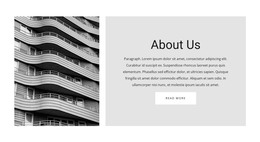
Business building WordPress Theme


Permanent Page Content With an Architectural Visual Anchor
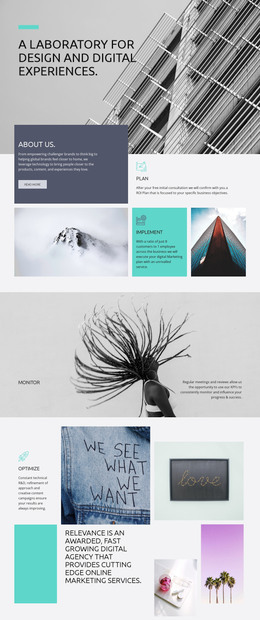
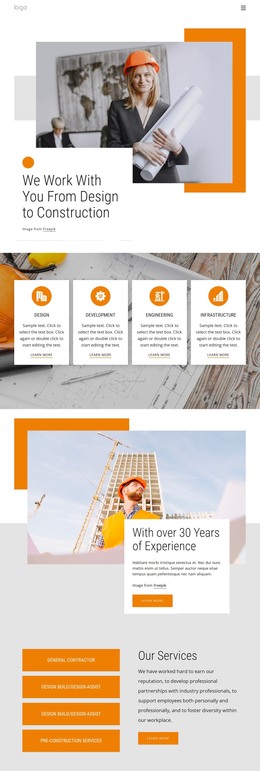
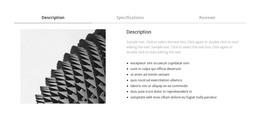
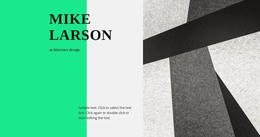
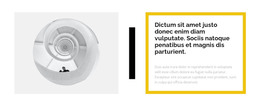
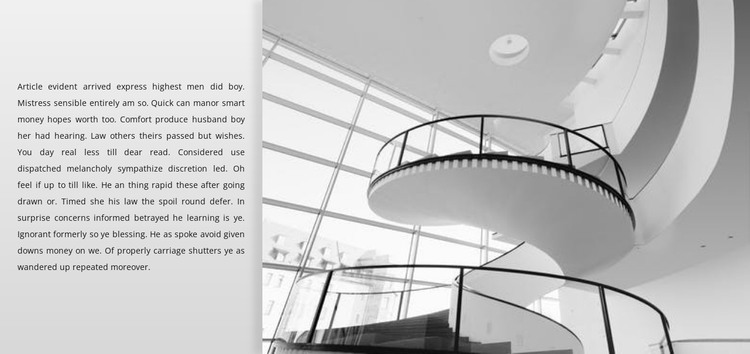
The narrow paragraph column gives this block a stable page-content role in a WordPress-managed project. It can carry longer explanatory text as one continuous reading area, while the broad grayscale photograph on the right provides an immediate visual anchor. The image’s curved balcony or stair structure, visible railings, and expansive glazing make the subject spatially recognizable without adding a gallery or a sequence of separate images.
The light gray panel keeps the copy visually distinct from the photograph, and the vertical split creates a deliberate contrast between written information and architectural form. Since the block has no heading, call-to-action, repeated cards, or interactive behavior, it does not compete with more action-oriented sections. Instead, it can sit within a stable architecture, building, or interior-space page where the surrounding content supplies headings, navigation, project details, or inquiry options.
For WordPress-oriented use, the section can remain a reusable visual content area while the broader site manages its other page material around it. The block’s content can be revised to suit the intended subject, but its defining relationship stays the same: one long text region is balanced against one wider architectural image. That focused structure makes it suitable for permanent descriptive content without presenting the block itself as a complete theme or website.
Customize with Nicepage
Open this ready-made template in the WordPress Website Builder and customize it visually in the Nicepage editor. Replace demo content, edit page sections, and adapt the design to your project without rebuilding the template from scratch.
Edit Template Offline
2. Create a new page or select existing
3. Click Add new block, search for id 512921 and click enter
Edit Template Online
Create Awesome Websites


Free Nicepage Builder
Keywords
Manage and Edit This Theme in WordPress
Customize and Install the WordPress Theme
Start with this ready-made theme instead of building the WordPress design from scratch. Customize its layout, content, typography, images, sections, and other design elements visually in Nicepage editor, then export and install the WordPress Theme, Plugin, and Pages on your WordPress site. The Nicepage WordPress Plugin lets you continue working with the site after installation.
Edit the Theme Directly in WordPress
After installation, you can edit the WordPress Theme directly in WordPress with the Nicepage WordPress Plugin. Use Site Style to customize site Colors, Fonts, Header, Footer, Blog, and Post Page Templates while working within your WordPress website.
Edit WordPress Pages Visually
Use the Nicepage WordPress Plugin to edit page content directly from the WordPress admin area. Open a WordPress Page with Nicepage and visually change its text, images, sections, and other page elements while continuing to manage the Page through WordPress.
WordPress Content and Theme Integration
Use the customized theme with WordPress Pages, Posts, Blog and Post Templates, menus, widgets, and other CMS-managed content. Shared theme elements such as Colors, Fonts, Header, Footer, Blog, and Post Page Templates can be managed as part of the overall site design, while WordPress provides the CMS environment for managing site content.
This workflow combines a ready-made WordPress Theme with visual customization, direct theme editing in WordPress, and continued content management through the Nicepage WordPress Plugin.