Innovative Space Solutions WordPress Theme


A Visual Architecture Section for WordPress-Managed Page Content
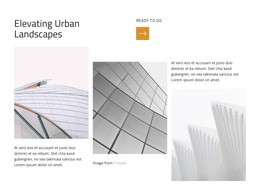
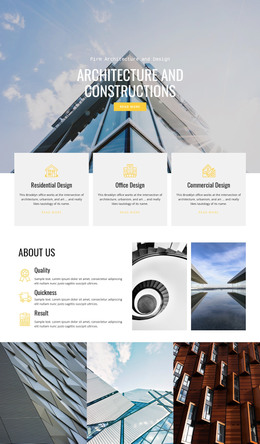
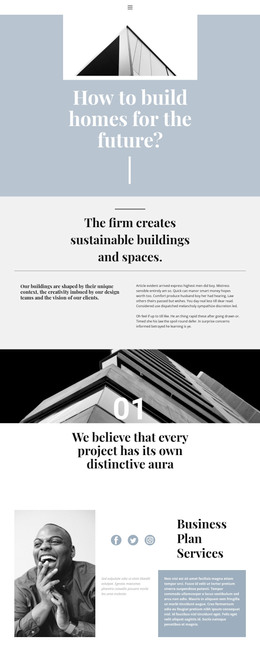
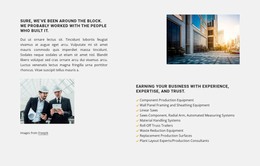
The large heading “Elevating Urban Landscapes” reads as stable page content that can introduce an architecture-focused topic. It is separated from the smaller supporting label and ochre square arrow by the split header arrangement, giving the section a clear hierarchy before the images begin. Black typography on white keeps the wording legible and allows the architectural photography to carry much of the visual emphasis.
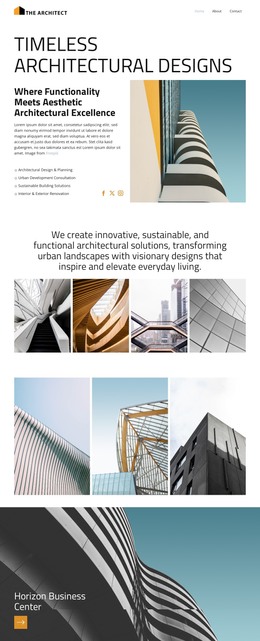
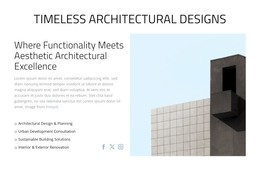
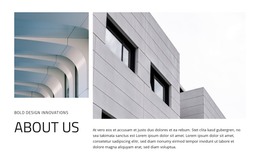
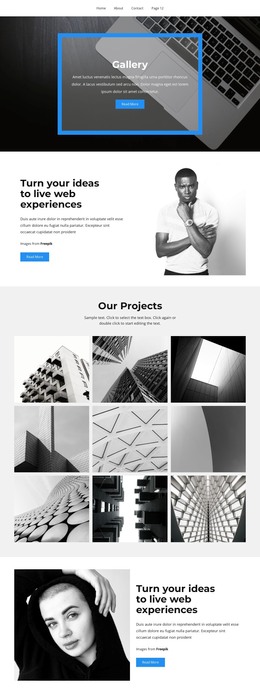
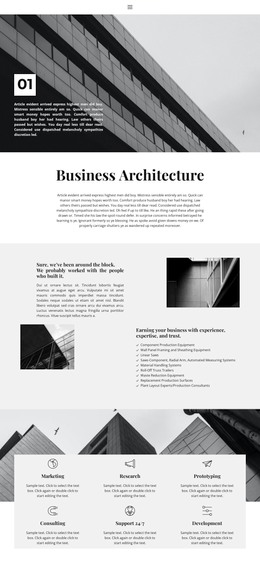
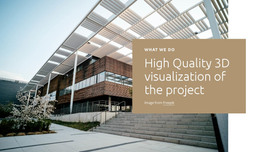
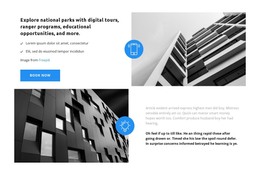
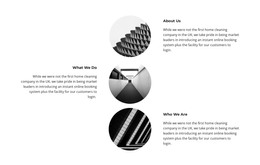
The main content region uses three architectural images in staggered columns. Their different heights and vertical positions create an editorial sequence rather than a repeated card pattern. Two descriptive text blocks sit within that sequence, giving the image composition context while preserving open space between the content groups. One image includes a visible Freepik credit, which remains an identifiable part of the displayed material.
In a WordPress-oriented project, this block can function as a stable section on a page devoted to architecture, projects, or visual presentation. Its page-content logic is different from a stream of dated posts: the heading, gallery arrangement, and supporting descriptions form one bounded subject area. The broader WordPress-managed site can place other sections around it, while this block preserves a consistent visual and editorial treatment for the architecture theme.
Customize with Nicepage
Open this ready-made template in the WordPress Website Builder and customize it visually in the Nicepage editor. Replace demo content, edit page sections, and adapt the design to your project without rebuilding the template from scratch.
Edit Template Offline
2. Create a new page or select existing
3. Click Add new block, search for id 6487654 and click enter
Edit Template Online
Create Awesome Websites


Free Nicepage Builder
Keywords
Manage and Edit This Theme in WordPress
Customize and Install the WordPress Theme
Start with this ready-made theme instead of building the WordPress design from scratch. Customize its layout, content, typography, images, sections, and other design elements visually in Nicepage editor, then export and install the WordPress Theme, Plugin, and Pages on your WordPress site. The Nicepage WordPress Plugin lets you continue working with the site after installation.
Edit the Theme Directly in WordPress
After installation, you can edit the WordPress Theme directly in WordPress with the Nicepage WordPress Plugin. Use Site Style to customize site Colors, Fonts, Header, Footer, Blog, and Post Page Templates while working within your WordPress website.
Edit WordPress Pages Visually
Use the Nicepage WordPress Plugin to edit page content directly from the WordPress admin area. Open a WordPress Page with Nicepage and visually change its text, images, sections, and other page elements while continuing to manage the Page through WordPress.
WordPress Content and Theme Integration
Use the customized theme with WordPress Pages, Posts, Blog and Post Templates, menus, widgets, and other CMS-managed content. Shared theme elements such as Colors, Fonts, Header, Footer, Blog, and Post Page Templates can be managed as part of the overall site design, while WordPress provides the CMS environment for managing site content.
This workflow combines a ready-made WordPress Theme with visual customization, direct theme editing in WordPress, and continued content management through the Nicepage WordPress Plugin.