Global modern architecture WordPress Theme


Edit Template Offline
2. Create new page and search for id 34994
Edit Template Online
Create Awesome Websites


Free Nicepage Builder
Keywords
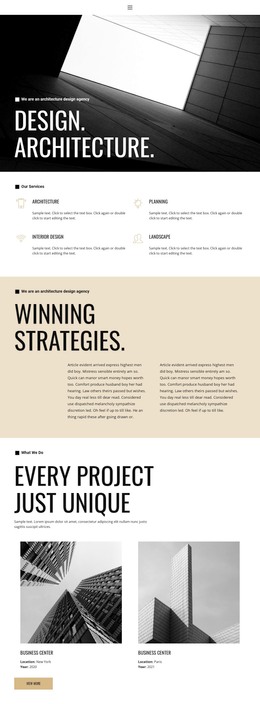
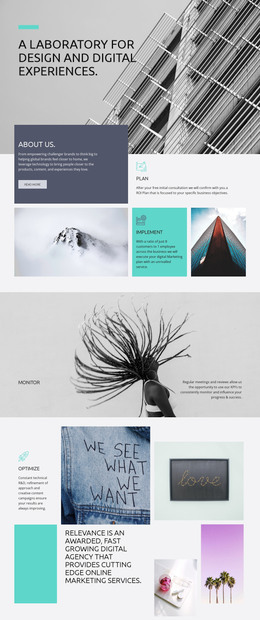
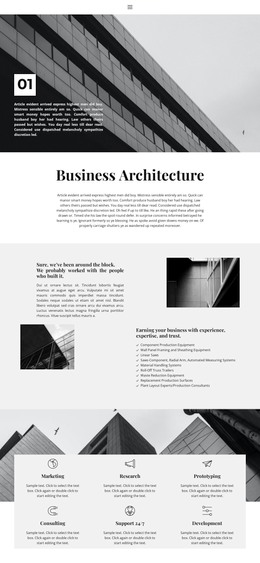
Permanent Property Content and Reusable Enquiry Areas Suit a Theme
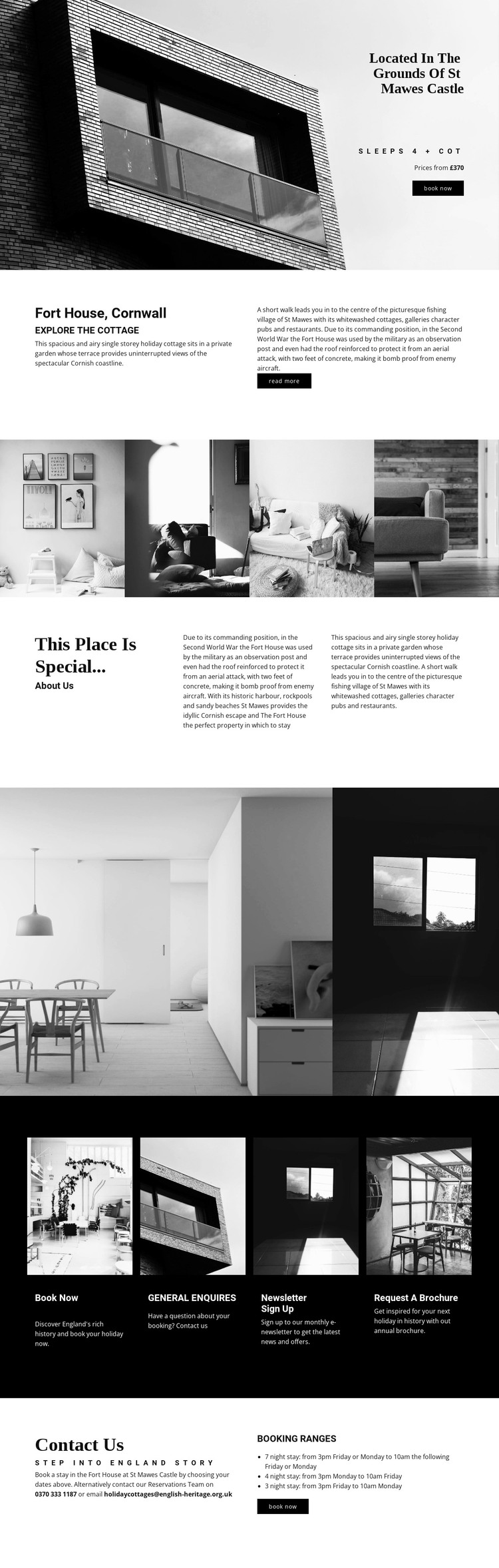
The page contains several kinds of content that can remain central to a WordPress-managed accommodation site. The opening hero and the Fort House overview provide permanent property information: the cottage name, its position in the grounds of St Mawes Castle, its coastal setting, occupancy, and booking direction. The historical section adds editorial depth, giving the design a place for the property story rather than limiting it to transactional details.
The galleries and repeated cards create a second layer of content organization. The four-image property strip and the smaller interior group can support visual presentation of the accommodation, while the dark row separates Book now, General enquiries, Newsletter sign up, and Request a brochure into recognizable response areas. The closing Contact Us section adds reservations information and stay-duration guidance, giving the page a practical endpoint. If the project later introduces regularly updated accommodation news or local information, those additions would relate to this established visual system without being claimed as existing sections.
This interpretation differs from a static-only use because it considers how permanent property content and future editorial material could coexist within one theme direction. The analysis does not verify WordPress Pages, Posts, or widgets in the template itself. Nicepage’s WordPress Plugin is an optional product bridge for editing supported page content in WordPress; it does not prove that CMS content is already present in this design.
Customize with Nicepage
Open this ready-made template in the WordPress Website Builder and customize it visually in the Nicepage editor. Replace demo content, edit page sections, and adapt the design to your project without rebuilding the template from scratch.
Manage and Edit This Theme in WordPress
Customize and Install the WordPress Theme
Start with this ready-made theme instead of building the WordPress design from scratch. Customize its layout, content, typography, images, sections, and other design elements visually in Nicepage editor, then export and install the WordPress Theme, Plugin, and Pages on your WordPress site. The Nicepage WordPress Plugin lets you continue working with the site after installation.
Edit the Theme Directly in WordPress
After installation, you can edit the WordPress Theme directly in WordPress with the Nicepage WordPress Plugin. Use Site Style to customize site Colors, Fonts, Header, Footer, Blog, and Post Page Templates while working within your WordPress website.
Edit WordPress Pages Visually
Use the Nicepage WordPress Plugin to edit page content directly from the WordPress admin area. Open a WordPress Page with Nicepage and visually change its text, images, sections, and other page elements while continuing to manage the Page through WordPress.
WordPress Content and Theme Integration
Use the customized theme with WordPress Pages, Posts, Blog and Post Templates, menus, widgets, and other CMS-managed content. Shared theme elements such as Colors, Fonts, Header, Footer, Blog, and Post Page Templates can be managed as part of the overall site design, while WordPress provides the CMS environment for managing site content.
This workflow combines a ready-made WordPress Theme with visual customization, direct theme editing in WordPress, and continued content management through the Nicepage WordPress Plugin.