The building services company WordPress Theme



Edit Template Offline
2. Create new page and search for id 76708
Edit Template Online
Create Awesome Websites


Free Nicepage Builder
Keywords
Service Content and Company Sections Suit a Managed Construction Site
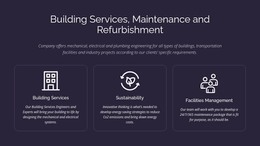
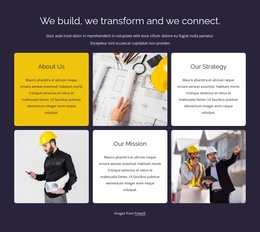
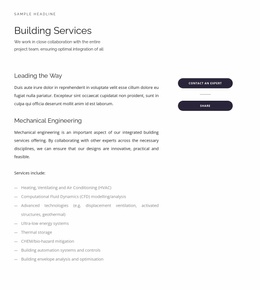
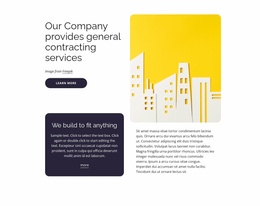
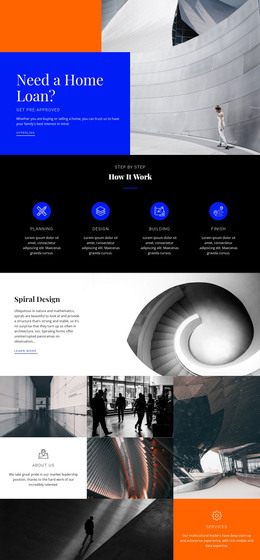
The page separates permanent company information into recognizable content areas. The hero introduces the building services company, while the first service group frames Building Services, Sustainability, and Facilities Management as broad areas that can remain part of the main site presentation. The technical section adds more specific information through Mechanical Engineering, HVAC, CFD modelling, and building automation systems and controls, giving the design a clear place for detailed service content rather than only promotional headlines.
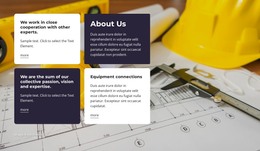
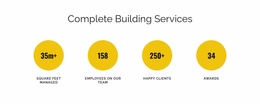
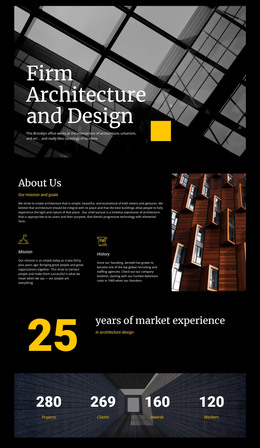
The category cards create another useful content relationship. Design-Build, Remodeling, City Spaces, and Civil Engineers are shown as distinct image-backed subjects, while Digital Solutions and Road Design appear in a related service grouping. This arrangement can accommodate page-oriented company information and recurring service descriptions without treating the demo labels or sample metrics as independently verified business claims. The Our Story section supplies a separate narrative context, and the four metric displays reserve space for structured evidence that can be replaced with approved content.
The closing contact area joins Call Us, Location, Business Hours, and an inquiry form, making it a natural shared communication section. The footer adds Facebook, Twitter, Instagram, and LinkedIn links. In a WordPress-managed project, these page areas can be interpreted through permanent pages and other appropriate content structures while retaining the same visual relationship between technical services, categories, company context, and contact.
Customize with Nicepage
Open this ready-made template in the WordPress Website Builder and customize it visually in the Nicepage editor. Replace demo content, edit page sections, and adapt the design to your project without rebuilding the template from scratch.
Manage and Edit This Theme in WordPress
Customize and Install the WordPress Theme
Start with this ready-made theme instead of building the WordPress design from scratch. Customize its layout, content, typography, images, sections, and other design elements visually in Nicepage editor, then export and install the WordPress Theme, Plugin, and Pages on your WordPress site. The Nicepage WordPress Plugin lets you continue working with the site after installation.
Edit the Theme Directly in WordPress
After installation, you can edit the WordPress Theme directly in WordPress with the Nicepage WordPress Plugin. Use Site Style to customize site Colors, Fonts, Header, Footer, Blog, and Post Page Templates while working within your WordPress website.
Edit WordPress Pages Visually
Use the Nicepage WordPress Plugin to edit page content directly from the WordPress admin area. Open a WordPress Page with Nicepage and visually change its text, images, sections, and other page elements while continuing to manage the Page through WordPress.
WordPress Content and Theme Integration
Use the customized theme with WordPress Pages, Posts, Blog and Post Templates, menus, widgets, and other CMS-managed content. Shared theme elements such as Colors, Fonts, Header, Footer, Blog, and Post Page Templates can be managed as part of the overall site design, while WordPress provides the CMS environment for managing site content.
This workflow combines a ready-made WordPress Theme with visual customization, direct theme editing in WordPress, and continued content management through the Nicepage WordPress Plugin.