
Urban WordPress Themes
For neighborhood projects, architecture firms, and civic organizations, WordPress becomes more useful when recurring city content is easy to update. Urban themes should support visual CMS editing, consistent site chrome, and structured pages without relying on static HTML workflows.



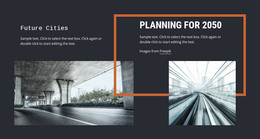
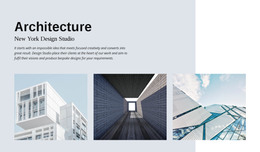

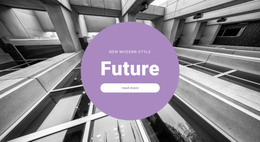
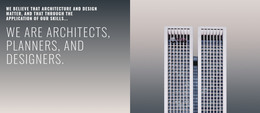


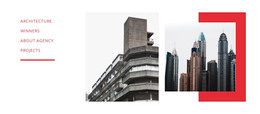
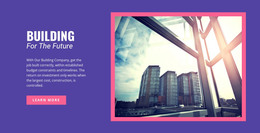
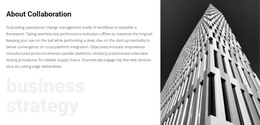
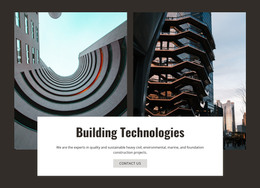







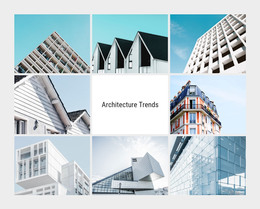
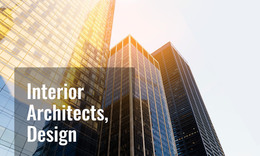

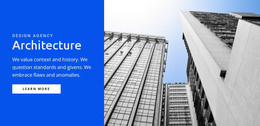
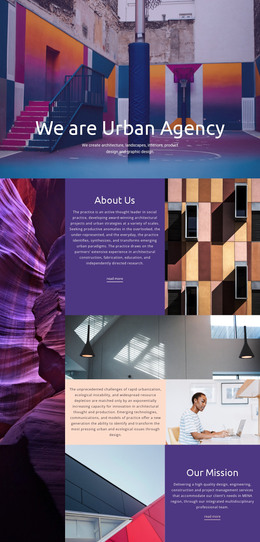
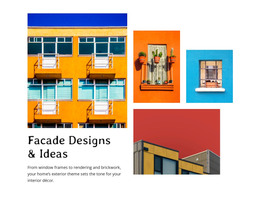

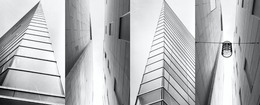
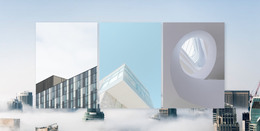





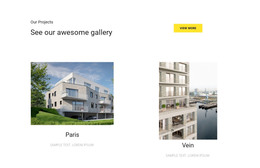
















Other Architecture & Building WordPress Themes
Professional Urban WordPress Themes for Frequently Updated Sites
Most readers of a city magazine never open its homepage. They land on a single post from search, read about a new bakery or a mural tour, and leave. An urban WordPress theme determines how those posts look, as well as how every page and listing added after launch looks. Urban themes in this collection serve everything from condo developers to taxi services, and each business updates its site on a different schedule.
Checks Before Installing Anything
Editors spend far more time in posts and archives than on the front page, so look at the parts that shape that everyday work:
- Blog and single post layouts, since most new content on an urban site arrives as a post with a featured photo.
- WooCommerce product layouts, in case the site will sell prints, tickets, or merchandise.
- Demo content that imports with the theme, so pages, posts, and menus appear in place before you replace them.
- Compatibility with plugins you already use, such as an events calendar, tested on a copy of the site first.
A real estate team selling condos works in bursts, adding a listing, updating a price, then marking a unit as sold. A neighborhood blog runs on a steady stream of posts with phone photos and long headlines, and the theme has to suit that rhythm.
Restyling Without Leaving WordPress
Small visual changes no longer have to go back to whoever built the theme. With the current Nicepage plugin, you can edit colors and fonts directly in WordPress. You can also adjust the header and footer there, along with the layouts for blog and post pages. To carry these changes over to regular WordPress pages, set the Site Style Source to Plugin.
More extensive structural work still happens in the Nicepage desktop application, while pages built with Nicepage open in the WordPress admin via the Edit with Nicepage button. Day to day, editors handle posts, photos, and menus in the familiar WordPress dashboard.
Inside a Neighborhood Magazine
Picture a small magazine covering the districts of one city. Each post is assigned a district category, so a reader who lands on one story can access everything else about that area from a single archive. Adding another district takes a new category and a menu link, since WordPress builds the archive page automatically. That makes a fair test for any urban WordPress theme.
Ask whether a new contributor could publish a post, add a featured photo, and file it under the right district without help. If they can, and the post looks like the rest of the site, the theme fits a magazine that publishes this often.