From design to construction WordPress Theme



Edit Template Offline
2. Create new page and search for id 5518306
Edit Template Online
Create Awesome Websites


Free Nicepage Builder
Keywords
Service and Project Areas Suit WordPress-Managed Content
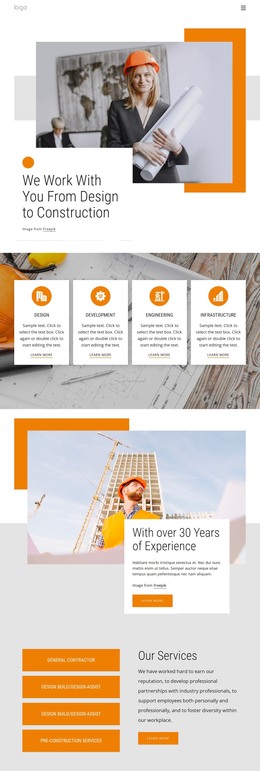
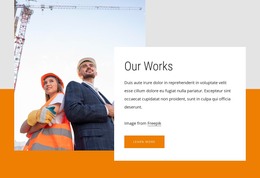
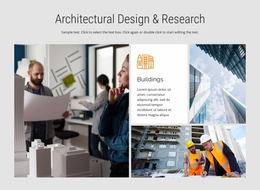
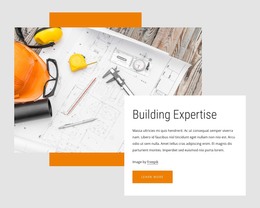
The page separates permanent service information into clear areas that can translate naturally into a WordPress-managed construction site. The four capability cards establish a concise overview of Design, Development, Engineering, and Infrastructure, while the services section gives more specific emphasis to General Contractor, Design Build/Design-Assist, and Pre-Construction Services. Together, these areas provide page-oriented content that can remain central to the site’s visual direction while the wording and imagery are maintained as project information changes.
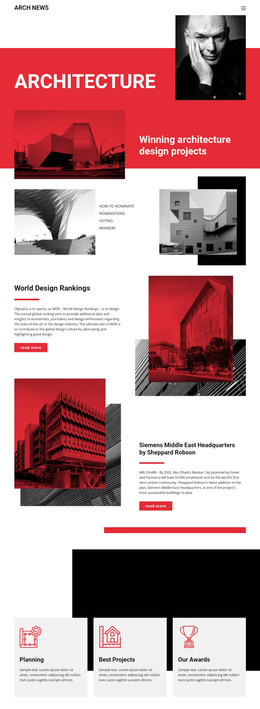
The project category showcase offers a different content relationship. Design-Build, Remodeling, City Spaces, Civil Engineers, Workspaces, and Housing are presented as repeated image-led items, making them suitable references for project, service, or portfolio-oriented content without claiming that a particular WordPress post structure already exists. The experience summary and reputation section can support background information, while the orange project discussion band keeps the inquiry purpose visible between content groups.
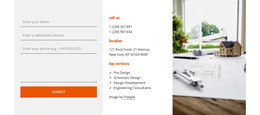
At the end, the contact form is paired with phone, location, top services, and a supporting image. This gives the theme a defined contact area rather than leaving communication as an isolated button. The logo, social links, and dark footer provide shared site elements that can maintain the same visual character around additional WordPress-managed pages.
Customize with Nicepage
Open this ready-made template in the WordPress Website Builder and customize it visually in the Nicepage editor. Replace demo content, edit page sections, and adapt the design to your project without rebuilding the template from scratch.
Manage and Edit This Theme in WordPress
Customize and Install the WordPress Theme
Start with this ready-made theme instead of building the WordPress design from scratch. Customize its layout, content, typography, images, sections, and other design elements visually in Nicepage editor, then export and install the WordPress Theme, Plugin, and Pages on your WordPress site. The Nicepage WordPress Plugin lets you continue working with the site after installation.
Edit the Theme Directly in WordPress
After installation, you can edit the WordPress Theme directly in WordPress with the Nicepage WordPress Plugin. Use Site Style to customize site Colors, Fonts, Header, Footer, Blog, and Post Page Templates while working within your WordPress website.
Edit WordPress Pages Visually
Use the Nicepage WordPress Plugin to edit page content directly from the WordPress admin area. Open a WordPress Page with Nicepage and visually change its text, images, sections, and other page elements while continuing to manage the Page through WordPress.
WordPress Content and Theme Integration
Use the customized theme with WordPress Pages, Posts, Blog and Post Templates, menus, widgets, and other CMS-managed content. Shared theme elements such as Colors, Fonts, Header, Footer, Blog, and Post Page Templates can be managed as part of the overall site design, while WordPress provides the CMS environment for managing site content.
This workflow combines a ready-made WordPress Theme with visual customization, direct theme editing in WordPress, and continued content management through the Nicepage WordPress Plugin.