The home for dreams WordPress Theme


A Focused Architectural Message for WordPress Page Content
“New Goal” and “for your dreams” form a compact piece of page content that can introduce a theme before visitors reach more detailed material. The first heading carries the main statement, while the second line completes it with a supporting phrase. Their centered placement gives the message a single visual focus instead of dividing attention among multiple cards, buttons, or content columns.
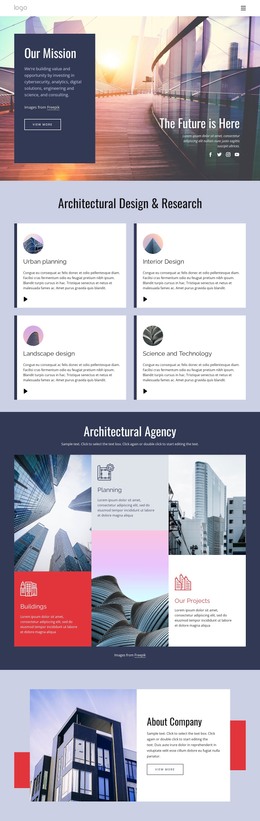
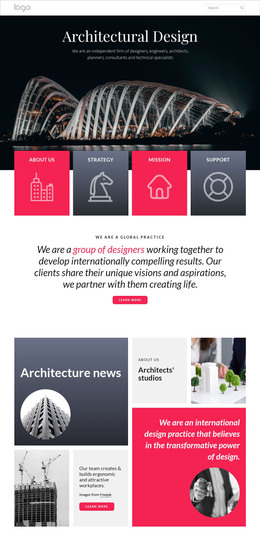
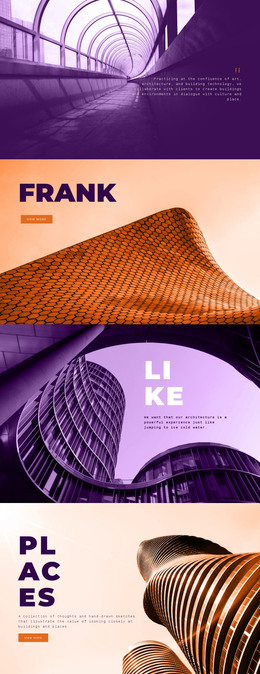
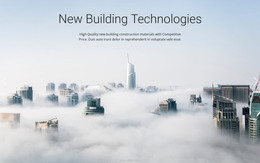
The section’s full-width background depicts a dense urban skyline with several high-rise buildings. Purple and blue image tones establish the atmosphere, and the two headings use distinct white typographic treatments to create hierarchy over the scene. Since the interaction is static, the block depends on its image-to-text relationship and strong contrast rather than on changing slides or expandable content.
In a WordPress-oriented project, this block can remain a stable visual section on a page concerned with architecture, urban buildings, city settings, or travel destinations. Other WordPress-managed content can surround it, such as longer descriptions, project information, or related page sections, while this area keeps the introductory message concise. It is therefore suited to permanent page content that needs a memorable opening visual without claiming to be a complete theme or page. The image-backed arrangement can also be retained as a consistent section pattern when similar content is added elsewhere in the broader project.
Customize with Nicepage
Open this ready-made template in the WordPress Website Builder and customize it visually in the Nicepage editor. Replace demo content, edit page sections, and adapt the design to your project without rebuilding the template from scratch.
Edit Template Offline
2. Create a new page or select existing
3. Click Add new block, search for id 56053 and click enter
Edit Template Online
Create Awesome Websites


Free Nicepage Builder
Keywords
Manage and Edit This Theme in WordPress
Customize and Install the WordPress Theme
Start with this ready-made theme instead of building the WordPress design from scratch. Customize its layout, content, typography, images, sections, and other design elements visually in Nicepage editor, then export and install the WordPress Theme, Plugin, and Pages on your WordPress site. The Nicepage WordPress Plugin lets you continue working with the site after installation.
Edit the Theme Directly in WordPress
After installation, you can edit the WordPress Theme directly in WordPress with the Nicepage WordPress Plugin. Use Site Style to customize site Colors, Fonts, Header, Footer, Blog, and Post Page Templates while working within your WordPress website.
Edit WordPress Pages Visually
Use the Nicepage WordPress Plugin to edit page content directly from the WordPress admin area. Open a WordPress Page with Nicepage and visually change its text, images, sections, and other page elements while continuing to manage the Page through WordPress.
WordPress Content and Theme Integration
Use the customized theme with WordPress Pages, Posts, Blog and Post Templates, menus, widgets, and other CMS-managed content. Shared theme elements such as Colors, Fonts, Header, Footer, Blog, and Post Page Templates can be managed as part of the overall site design, while WordPress provides the CMS environment for managing site content.
This workflow combines a ready-made WordPress Theme with visual customization, direct theme editing in WordPress, and continued content management through the Nicepage WordPress Plugin.