Architecture design news WordPress Theme


Stable News Content Fits a WordPress-Managed Page Section
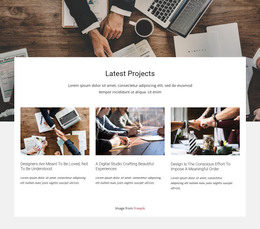
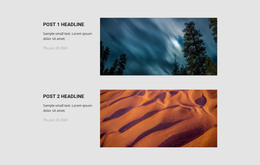
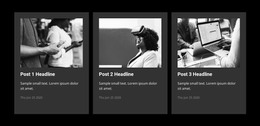
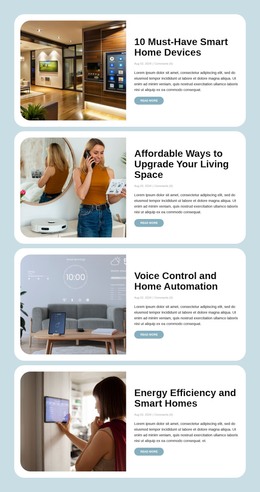
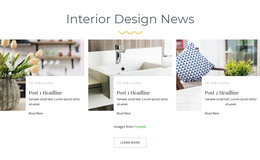
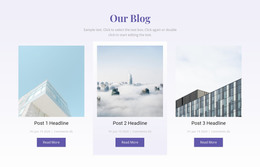
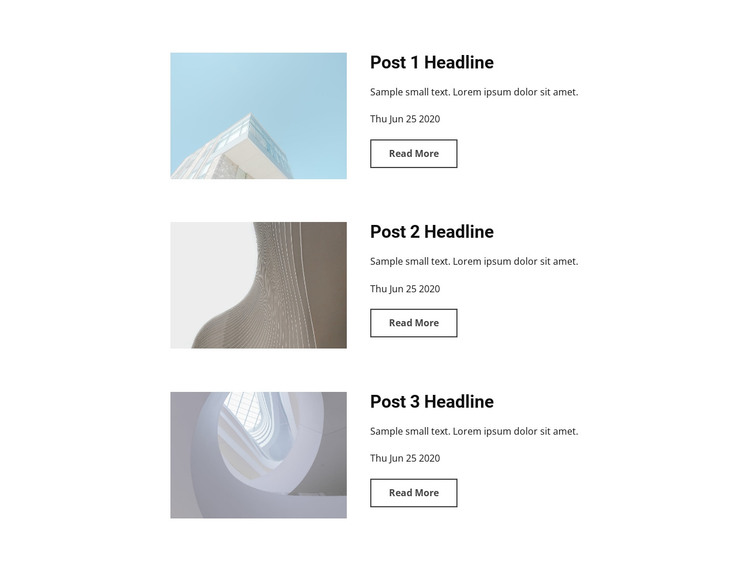
The three rows read as stable page content because each one presents a complete editorial preview rather than a transient interface fragment. A muted thumbnail introduces the entry, the bold headline identifies it, and the excerpt and publication date provide supporting context before the visitor follows the read-more link. Keeping the image on the left and the information on the right gives all three entries the same visual treatment inside the page section.
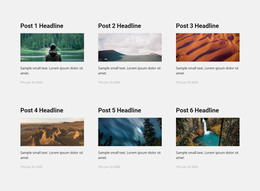
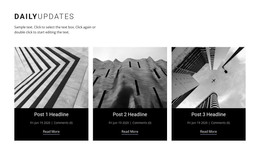
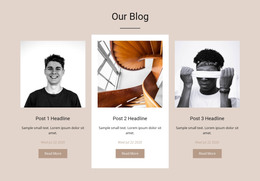
This structure suits a WordPress-oriented project where an architecture or building page needs a persistent news area alongside other managed content. The repeated pattern can accommodate related post previews while the surrounding site handles broader page organization and publishing decisions. The block’s own contribution remains concrete: three image-led entries with linked destinations, dates, and short descriptions.
The centered narrow area and white background help the section remain visually stable when placed among other page content, while the generous row spacing keeps the editorial units readable. The outlined read-more links provide a clear route into the individual items without turning the section into a full blog archive. In a WordPress Theme context, the block can therefore function as a reusable page-content region whose visual presentation stays consistent while the broader project manages its surrounding pages and content.
Customize with Nicepage
Open this ready-made template in the WordPress Website Builder and customize it visually in the Nicepage editor. Replace demo content, edit page sections, and adapt the design to your project without rebuilding the template from scratch.
Edit Template Offline
2. Create a new page or select existing
3. Click Add new block, search for id 87416 and click enter
Edit Template Online
Create Awesome Websites


Free Nicepage Builder
Keywords
Manage and Edit This Theme in WordPress
Customize and Install the WordPress Theme
Start with this ready-made theme instead of building the WordPress design from scratch. Customize its layout, content, typography, images, sections, and other design elements visually in Nicepage editor, then export and install the WordPress Theme, Plugin, and Pages on your WordPress site. The Nicepage WordPress Plugin lets you continue working with the site after installation.
Edit the Theme Directly in WordPress
After installation, you can edit the WordPress Theme directly in WordPress with the Nicepage WordPress Plugin. Use Site Style to customize site Colors, Fonts, Header, Footer, Blog, and Post Page Templates while working within your WordPress website.
Edit WordPress Pages Visually
Use the Nicepage WordPress Plugin to edit page content directly from the WordPress admin area. Open a WordPress Page with Nicepage and visually change its text, images, sections, and other page elements while continuing to manage the Page through WordPress.
WordPress Content and Theme Integration
Use the customized theme with WordPress Pages, Posts, Blog and Post Templates, menus, widgets, and other CMS-managed content. Shared theme elements such as Colors, Fonts, Header, Footer, Blog, and Post Page Templates can be managed as part of the overall site design, while WordPress provides the CMS environment for managing site content.
This workflow combines a ready-made WordPress Theme with visual customization, direct theme editing in WordPress, and continued content management through the Nicepage WordPress Plugin.