Reliable roofing solutions WordPress Theme


Edit Template Offline
2. Create new page and search for id 6435187
Edit Template Online
Create Awesome Websites


Free Nicepage Builder
Keywords
Repeated Roofing Content Fits a Page-Oriented Theme Structure
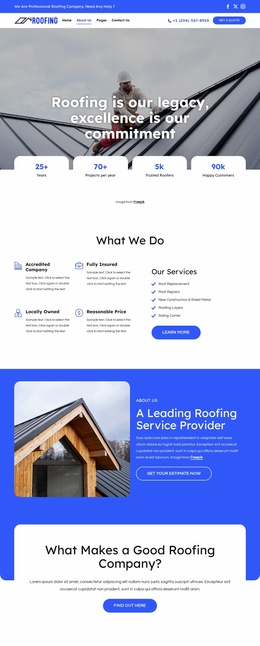
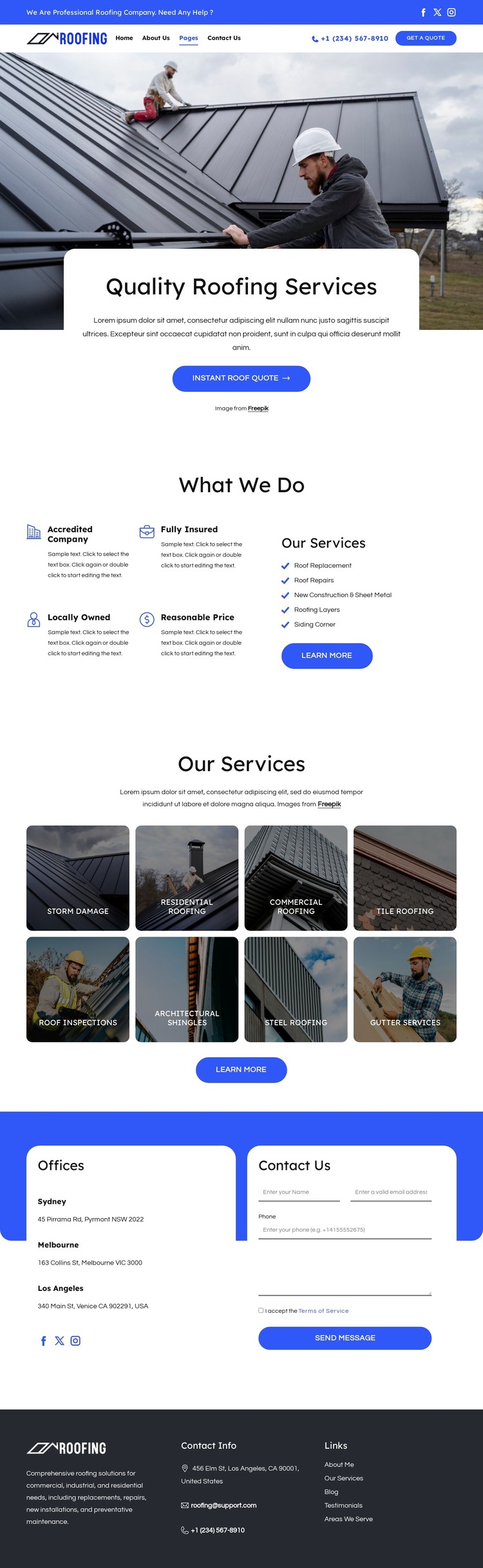
The eight service tiles give the design a useful set of recurring content areas for a WordPress-oriented project. Storm Damage, Residential Roofing, Commercial Roofing, Tile Roofing, Roof Inspections, Architectural Shingles, Steel Roofing, and Gutter Services are visually grouped but individually recognizable, which makes the layout suitable for organizing permanent service information without changing the page’s central character. The four feature items above them add a concise supporting layer: Accredited Company, Fully Insured, Locally Owned, and Reasonable Price.
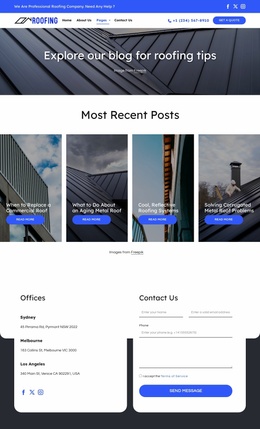
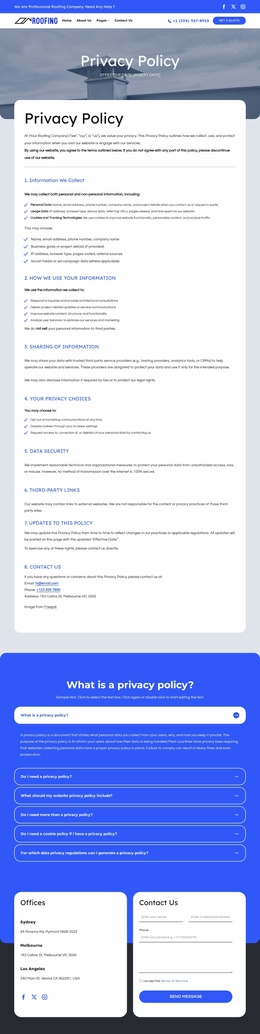
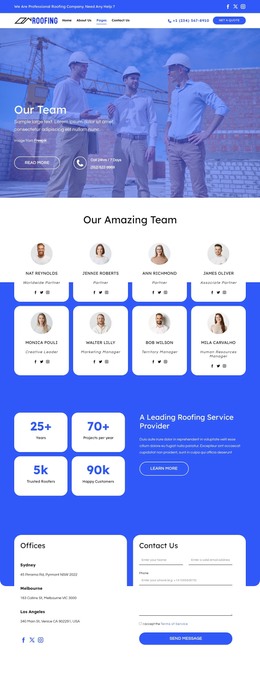
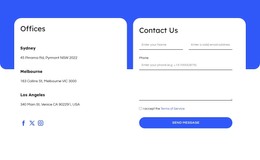
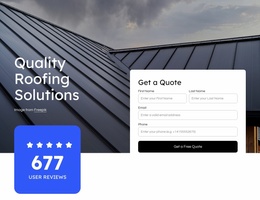
The surrounding page areas provide the context needed to keep those services connected to the wider site. The two-level header carries navigation, social links, phone access, and a quote button, while the hero introduces the roofing subject and offers an Instant Roof Quote action. In the Offices section, Sydney, Melbourne, and Los Angeles listings appear beside a Contact Us form, separating location information from the inquiry interface while keeping both visible. Phone and email channels continue into the dark footer with a company summary and secondary links. These page-oriented and repeated sections can support WordPress-managed content as the site evolves, while the template preserves a consistent visual direction around services, locations, and contact information.
Customize with Nicepage
Open this ready-made template in the WordPress Website Builder and customize it visually in the Nicepage editor. Replace demo content, edit page sections, and adapt the design to your project without rebuilding the template from scratch.
Manage and Edit This Theme in WordPress
Customize and Install the WordPress Theme
Start with this ready-made theme instead of building the WordPress design from scratch. Customize its layout, content, typography, images, sections, and other design elements visually in Nicepage editor, then export and install the WordPress Theme, Plugin, and Pages on your WordPress site. The Nicepage WordPress Plugin lets you continue working with the site after installation.
Edit the Theme Directly in WordPress
After installation, you can edit the WordPress Theme directly in WordPress with the Nicepage WordPress Plugin. Use Site Style to customize site Colors, Fonts, Header, Footer, Blog, and Post Page Templates while working within your WordPress website.
Edit WordPress Pages Visually
Use the Nicepage WordPress Plugin to edit page content directly from the WordPress admin area. Open a WordPress Page with Nicepage and visually change its text, images, sections, and other page elements while continuing to manage the Page through WordPress.
WordPress Content and Theme Integration
Use the customized theme with WordPress Pages, Posts, Blog and Post Templates, menus, widgets, and other CMS-managed content. Shared theme elements such as Colors, Fonts, Header, Footer, Blog, and Post Page Templates can be managed as part of the overall site design, while WordPress provides the CMS environment for managing site content.
This workflow combines a ready-made WordPress Theme with visual customization, direct theme editing in WordPress, and continued content management through the Nicepage WordPress Plugin.