
Tool HTML Templates
A planning platform and an online meeting service may look similar in a directory, but solve different problems. Tool HTML templates keep the tool's purpose, setup requirements, and access links distinct in readable, reusable HTML sections.































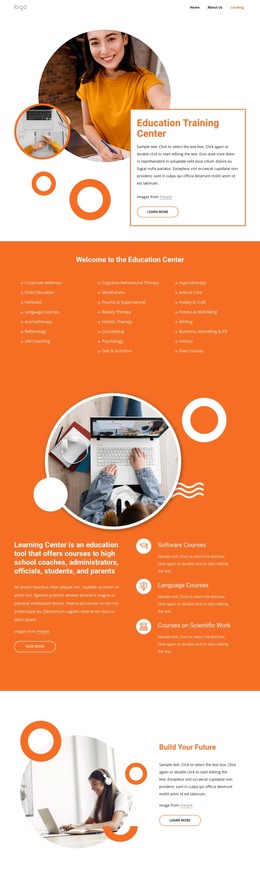


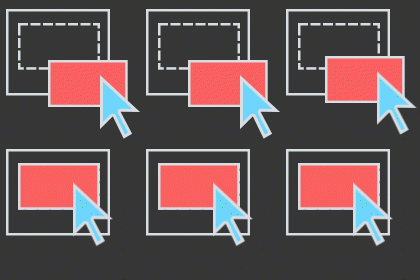


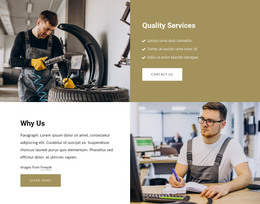
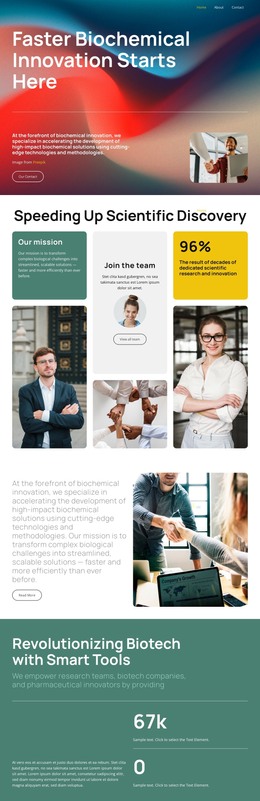
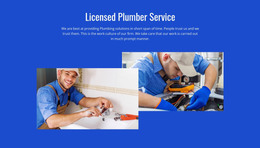

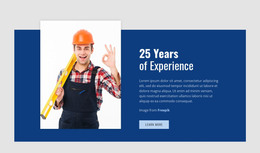
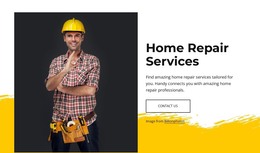
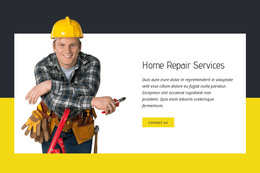











More HTML Templates from Architecture & Building Category





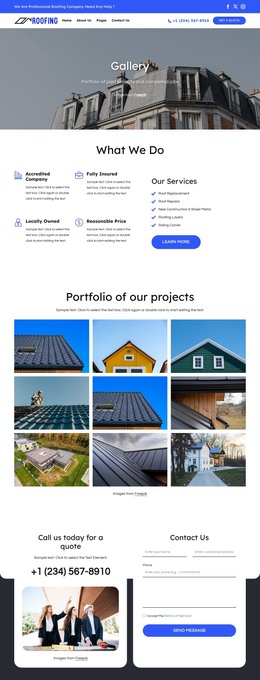
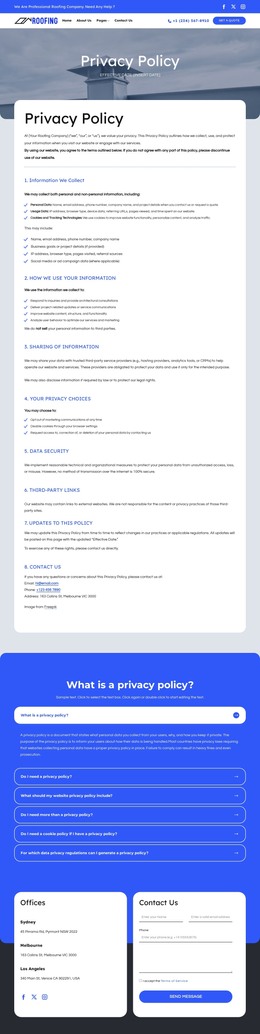


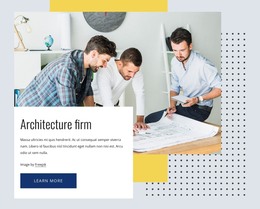


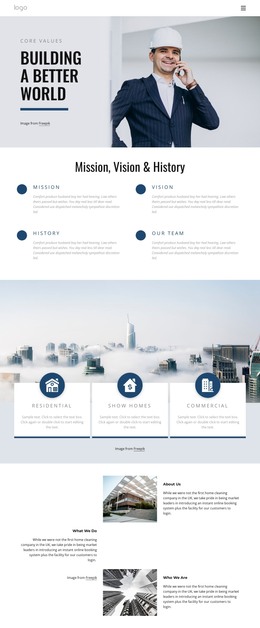
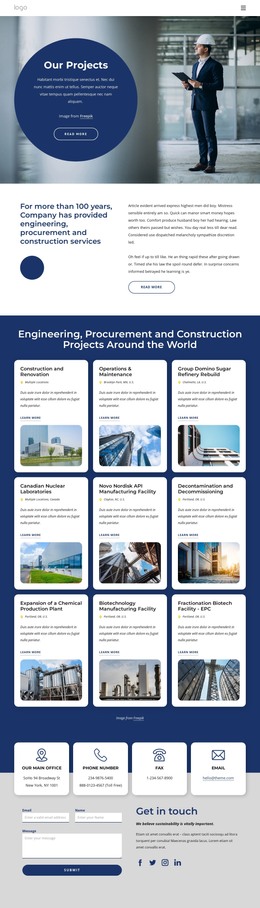
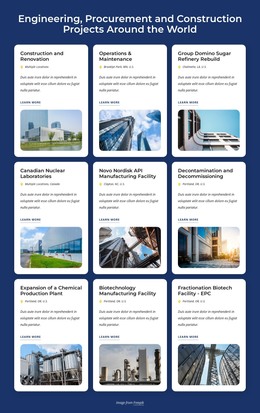
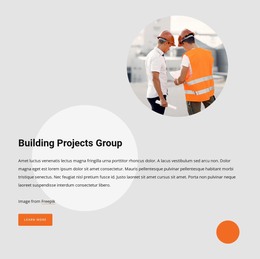

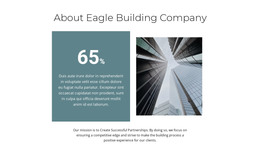


Other Architecture & Building HTML Templates
Professional Tool HTML Templates for Software Products and Online Utilities
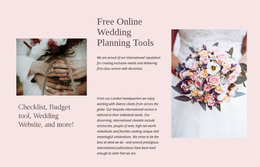
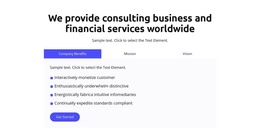
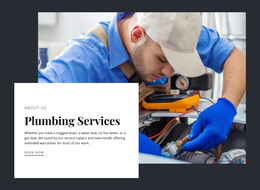
Tool HTML templates serve quite different projects. One design presents a single SaaS product, while another gathers several online utilities into one browsable collection. The category also includes planning apps, meeting software, and trade tools like plumbing. Each tool type expects something different from visitors, so it pays to compare structure before colors.
Matching Layout to What Your Tool Does
A file converter, a team planner, and a catalog of free utilities each need a different first screen. Software designs usually follow one of these patterns:
- A SaaS product page, or a set of pages for a larger platform, where an interface screenshot in the hero leads into features, pricing, and a signup button.
- A utility layout with the working area near the top, so visitors can convert a file or run a calculation right away.
- A directory where categories and cards help people compare services and reach the one they need.
For the directory option, Nicepage's Grid Repeater Element lets you apply one layout of images, text, and other elements across all cards, while individual entries keep their own content. A single-product site may not need a repeater
Sections Worth Checking in a Live Preview
The live preview reveals everything a thumbnail hides below the hero. Many tool HTML templates include product screenshots and use case blocks, though the set varies by design. A wide dashboard screenshot that reads well on a laptop can shrink into an illegible strip on a phone, where a cropped view of one panel would explain the feature better. A phone view also shows how the menu collapses and where the main button ends up. Placeholder headlines hide most of these issues, so test the layout with a real product name and a realistic description.
Customization Effort and Backend Limits
Almost every project replaces the logo, the color scheme, and the interface images, with effort that depends on the template and your editor. The product description tells you what the design includes, for example, forms or scripts. You can then export the finished project as HTML files for your own hosting or hand it off to a developer.
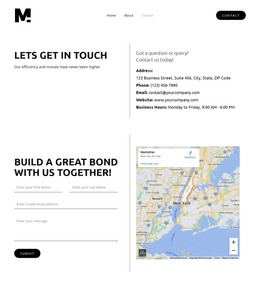
A front-end template shows what the tool looks like and leaves the logic to you. A converter design may include an upload area and a results panel, yet the processing itself needs backend development.
A SaaS site points visitors to sign up, a free utility invites them to use it right away, and a directory sends them to the right service. The design worth keeping already supports that action and your tool's main scenario, leaving only content and branding to change.