Gallery with architecture photo WordPress Theme


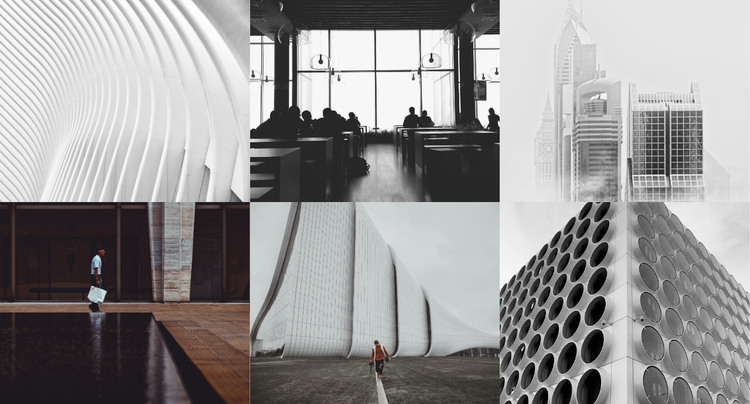
A Six-Image Gallery as Stable WordPress Page Content
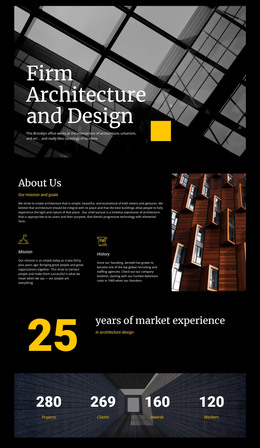
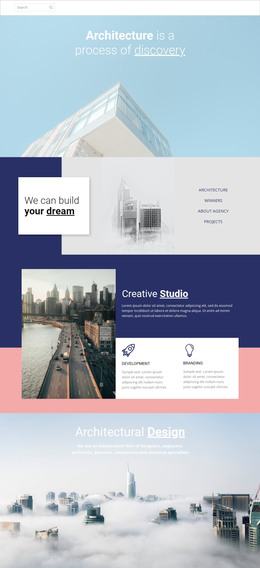
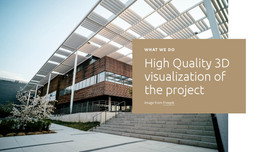
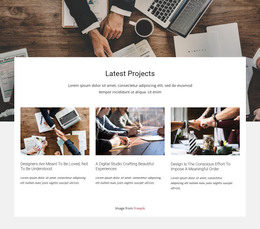
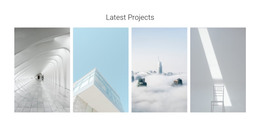
The two-row grid provides a clear way to treat the block as a stable visual content area within a WordPress-managed page. Six equal image tiles display architecture-focused material at once, covering interiors, buildings, and structural details through muted, mostly monochrome photography. Since the gallery has no heading, paragraph, button, or other visible text, the images themselves remain the primary page content and can be surrounded by explanatory copy elsewhere when needed.
The full-width arrangement gives the section a strong visual presence without requiring a complicated content model. Equal tile dimensions make the six images easy to scan as one collection, while high-contrast geometry and spacious compositions help distinguish individual views. Occasional human figures provide scale, which is useful when the photographs show large interiors or substantial built forms.
For a WordPress-oriented project, this block can serve as permanent portfolio or project-gallery content on a page whose wider material may include descriptions, services, case studies, or contact information. It is not a stream of dated editorial entries; its role is closer to a fixed visual presentation that can remain part of a page's design. The static interaction preserves immediate visibility of all six images and keeps the section focused on visual comparison.
Customize with Nicepage
Open this ready-made template in the WordPress Website Builder and customize it visually in the Nicepage editor. Replace demo content, edit page sections, and adapt the design to your project without rebuilding the template from scratch.
Edit Template Offline
2. Create a new page or select existing
3. Click Add new block, search for id 57140 and click enter
Edit Template Online
Create Awesome Websites


Free Nicepage Builder
Keywords
Manage and Edit This Theme in WordPress
Customize and Install the WordPress Theme
Start with this ready-made theme instead of building the WordPress design from scratch. Customize its layout, content, typography, images, sections, and other design elements visually in Nicepage editor, then export and install the WordPress Theme, Plugin, and Pages on your WordPress site. The Nicepage WordPress Plugin lets you continue working with the site after installation.
Edit the Theme Directly in WordPress
After installation, you can edit the WordPress Theme directly in WordPress with the Nicepage WordPress Plugin. Use Site Style to customize site Colors, Fonts, Header, Footer, Blog, and Post Page Templates while working within your WordPress website.
Edit WordPress Pages Visually
Use the Nicepage WordPress Plugin to edit page content directly from the WordPress admin area. Open a WordPress Page with Nicepage and visually change its text, images, sections, and other page elements while continuing to manage the Page through WordPress.
WordPress Content and Theme Integration
Use the customized theme with WordPress Pages, Posts, Blog and Post Templates, menus, widgets, and other CMS-managed content. Shared theme elements such as Colors, Fonts, Header, Footer, Blog, and Post Page Templates can be managed as part of the overall site design, while WordPress provides the CMS environment for managing site content.
This workflow combines a ready-made WordPress Theme with visual customization, direct theme editing in WordPress, and continued content management through the Nicepage WordPress Plugin.