Thoughtful, collaborative and insightful WordPress Theme



Edit Template Offline
2. Create new page and search for id 1229639
Edit Template Online
Create Awesome Websites


Free Nicepage Builder
Keywords
Service and offering areas give WordPress content a clear visual home
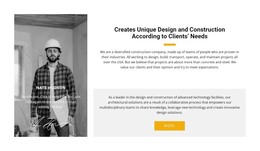
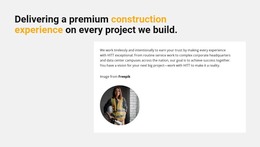
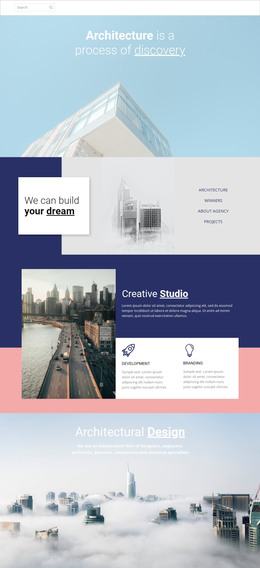
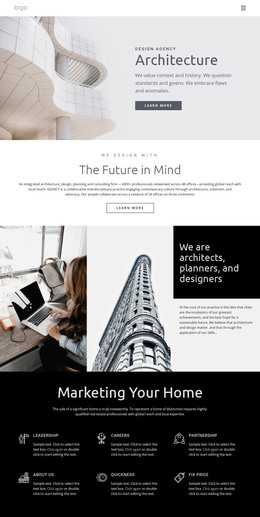
The page divides permanent company information into recognizable content areas that can work well within a WordPress-oriented site. The hero introduces Building, Industrial, and Future, while the company section explains client-focused design and construction. A separate capabilities area gives technical subjects such as production equipment, material handling, and plant-layout consulting enough space to be maintained as structured page content rather than hidden inside one introductory paragraph.
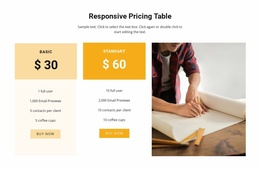
Wood Truss Systems creates another page-oriented content group, with About Us, Our Strategy, and Our Mission tiles supporting the named offering. The three tabs add Description, Specifications, and Reviews as distinct information roles, and the two package cards create a comparison area with purchase actions. These relationships make the design useful for a site that needs to present both company information and specific construction-related offerings while keeping them in one visual system.
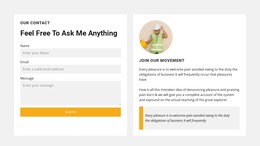
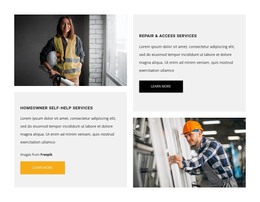
The four service cards provide additional category-style entry points for Design-Build, Remodeling, City Spaces, and Civil Engineers. Testimonials and contact panels then support reassurance and communication around those areas. The analysis does not verify WordPress Posts, blog content, or existing CMS structures in the template, so those should not be treated as present. Instead, the design's confirmed page sections can serve as the visual basis for managing construction content in WordPress.
Customize with Nicepage
Open this ready-made template in the WordPress Website Builder and customize it visually in the Nicepage editor. Replace demo content, edit page sections, and adapt the design to your project without rebuilding the template from scratch.
Manage and Edit This Theme in WordPress
Customize and Install the WordPress Theme
Start with this ready-made theme instead of building the WordPress design from scratch. Customize its layout, content, typography, images, sections, and other design elements visually in Nicepage editor, then export and install the WordPress Theme, Plugin, and Pages on your WordPress site. The Nicepage WordPress Plugin lets you continue working with the site after installation.
Edit the Theme Directly in WordPress
After installation, you can edit the WordPress Theme directly in WordPress with the Nicepage WordPress Plugin. Use Site Style to customize site Colors, Fonts, Header, Footer, Blog, and Post Page Templates while working within your WordPress website.
Edit WordPress Pages Visually
Use the Nicepage WordPress Plugin to edit page content directly from the WordPress admin area. Open a WordPress Page with Nicepage and visually change its text, images, sections, and other page elements while continuing to manage the Page through WordPress.
WordPress Content and Theme Integration
Use the customized theme with WordPress Pages, Posts, Blog and Post Templates, menus, widgets, and other CMS-managed content. Shared theme elements such as Colors, Fonts, Header, Footer, Blog, and Post Page Templates can be managed as part of the overall site design, while WordPress provides the CMS environment for managing site content.
This workflow combines a ready-made WordPress Theme with visual customization, direct theme editing in WordPress, and continued content management through the Nicepage WordPress Plugin.