Create flexible workplaces WordPress Theme


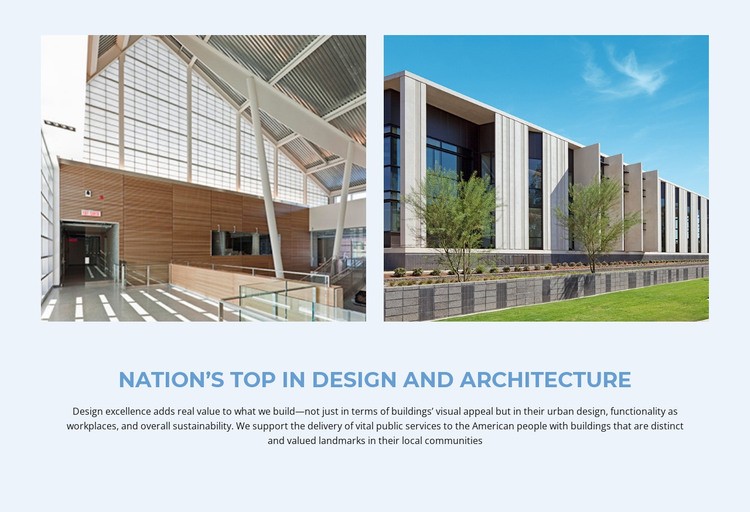
Image-Led Design Content for a WordPress Page
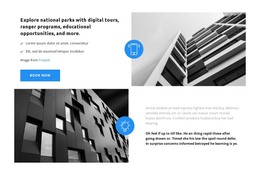
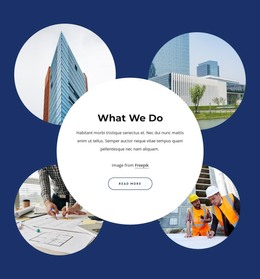
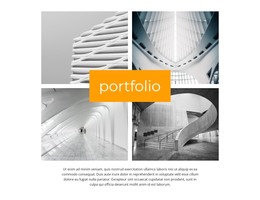
The architectural photographs carry the first visual impression, but the centered heading and paragraph determine how the section is understood. The title, “Nation’s Top in Design and Architecture,” presents a clear subject, while the copy extends it through references to design excellence, visual appeal, urban design, workplace functionality, and sustainability. This relationship makes the block suitable for stable page content that explains a design theme rather than functioning only as decoration.
Within a WordPress-managed page, the section can remain a reusable visual content area for an architecture or construction-oriented presentation. The two images are grouped as an introductory row, and the text beneath them provides the durable explanatory message. That organization suits content that needs to stay recognizable while other page areas evolve around it. The block does not depend on a changing list, post feed, or interactive component; its value comes from the fixed connection between imagery and copy.
Pale blue establishes the section’s visual field, blue heading typography marks the content hierarchy, and dark body text keeps the paragraph readable. Generous spacing prevents the photographs from crowding the centered text region. In a broader WordPress project, this block can occupy a services, design, or introductory content area while other sections handle navigation, portfolio details, contact information, or regularly updated material. Its role is a coherent page section, not a standalone theme.
Customize with Nicepage
Open this ready-made template in the WordPress Website Builder and customize it visually in the Nicepage editor. Replace demo content, edit page sections, and adapt the design to your project without rebuilding the template from scratch.
Edit Template Offline
2. Create a new page or select existing
3. Click Add new block, search for id 43922 and click enter
Edit Template Online
Create Awesome Websites


Free Nicepage Builder
Keywords
Manage and Edit This Theme in WordPress
Customize and Install the WordPress Theme
Start with this ready-made theme instead of building the WordPress design from scratch. Customize its layout, content, typography, images, sections, and other design elements visually in Nicepage editor, then export and install the WordPress Theme, Plugin, and Pages on your WordPress site. The Nicepage WordPress Plugin lets you continue working with the site after installation.
Edit the Theme Directly in WordPress
After installation, you can edit the WordPress Theme directly in WordPress with the Nicepage WordPress Plugin. Use Site Style to customize site Colors, Fonts, Header, Footer, Blog, and Post Page Templates while working within your WordPress website.
Edit WordPress Pages Visually
Use the Nicepage WordPress Plugin to edit page content directly from the WordPress admin area. Open a WordPress Page with Nicepage and visually change its text, images, sections, and other page elements while continuing to manage the Page through WordPress.
WordPress Content and Theme Integration
Use the customized theme with WordPress Pages, Posts, Blog and Post Templates, menus, widgets, and other CMS-managed content. Shared theme elements such as Colors, Fonts, Header, Footer, Blog, and Post Page Templates can be managed as part of the overall site design, while WordPress provides the CMS environment for managing site content.
This workflow combines a ready-made WordPress Theme with visual customization, direct theme editing in WordPress, and continued content management through the Nicepage WordPress Plugin.