Architecture and town planning WordPress Theme



Edit Template Offline
2. Create new page and search for id 4418586
Edit Template Online
Create Awesome Websites


Free Nicepage Builder
Keywords
Project Pages and Reusable Content Share One Visual Direction
The gallery, residential project cards, service section, and awards area provide different kinds of page-oriented content within the same design. The nine-image gallery can introduce the broader project portfolio, while the eight repeated cards create a consistent pattern for individual residential entries. Their shared visual direction makes the transition from overview content to more specific project information easy to understand without claiming that separate WordPress posts or pages already exist.
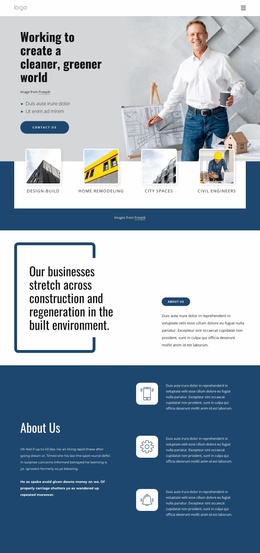
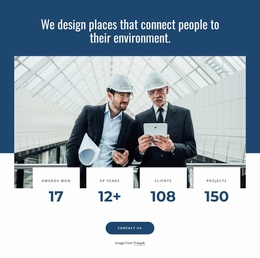
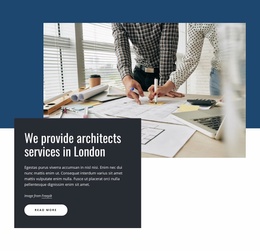
The London services section supplies a permanent informational area, pairing a photograph with a dark text panel and a Read more action. The six year-based awards entries add another recurring content relationship, this time organized chronologically from 2015 through 2022. These regions can be interpreted differently from the project imagery: they explain the offering and recognition rather than simply extending the gallery.
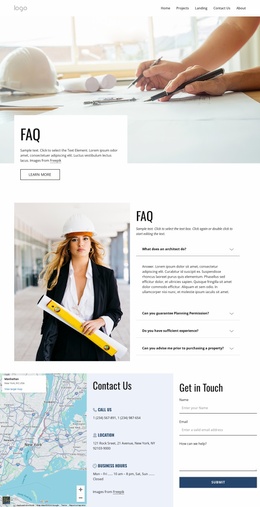
The Contact Us section brings together a form and three contact-information cards, making it a clear page-content region for inquiries. Navigation and mobile navigation provide the shared frame, while the footer closes the current presentation. In a WordPress-managed environment, this combination can support permanent page content and later publishable material while retaining the same visual language. Nicepage’s WordPress Plugin is a possible product bridge for working with that environment, but no unverified blog, post, or category structure is claimed here.
Customize with Nicepage
Open this ready-made template in the WordPress Website Builder and customize it visually in the Nicepage editor. Replace demo content, edit page sections, and adapt the design to your project without rebuilding the template from scratch.
Manage and Edit This Theme in WordPress
Customize and Install the WordPress Theme
Start with this ready-made theme instead of building the WordPress design from scratch. Customize its layout, content, typography, images, sections, and other design elements visually in Nicepage editor, then export and install the WordPress Theme, Plugin, and Pages on your WordPress site. The Nicepage WordPress Plugin lets you continue working with the site after installation.
Edit the Theme Directly in WordPress
After installation, you can edit the WordPress Theme directly in WordPress with the Nicepage WordPress Plugin. Use Site Style to customize site Colors, Fonts, Header, Footer, Blog, and Post Page Templates while working within your WordPress website.
Edit WordPress Pages Visually
Use the Nicepage WordPress Plugin to edit page content directly from the WordPress admin area. Open a WordPress Page with Nicepage and visually change its text, images, sections, and other page elements while continuing to manage the Page through WordPress.
WordPress Content and Theme Integration
Use the customized theme with WordPress Pages, Posts, Blog and Post Templates, menus, widgets, and other CMS-managed content. Shared theme elements such as Colors, Fonts, Header, Footer, Blog, and Post Page Templates can be managed as part of the overall site design, while WordPress provides the CMS environment for managing site content.
This workflow combines a ready-made WordPress Theme with visual customization, direct theme editing in WordPress, and continued content management through the Nicepage WordPress Plugin.