Commercial industrial roofing WordPress Theme


Edit Template Offline
2. Create new page and search for id 6440852
Edit Template Online
Create Awesome Websites


Free Nicepage Builder
Keywords
FAQ Questions and Office Content Form Clear WordPress Page Areas
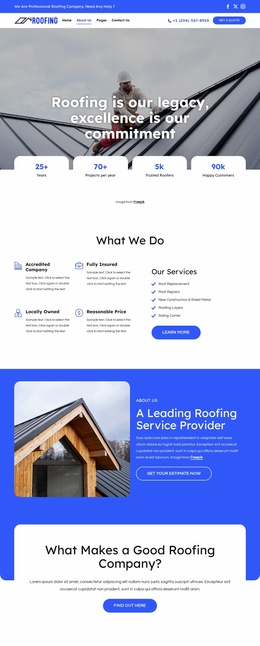
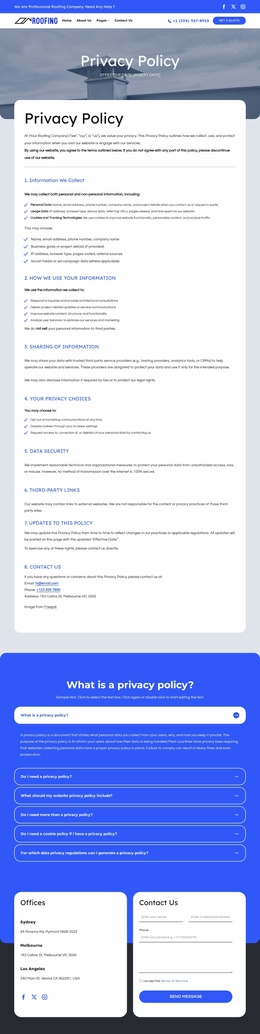
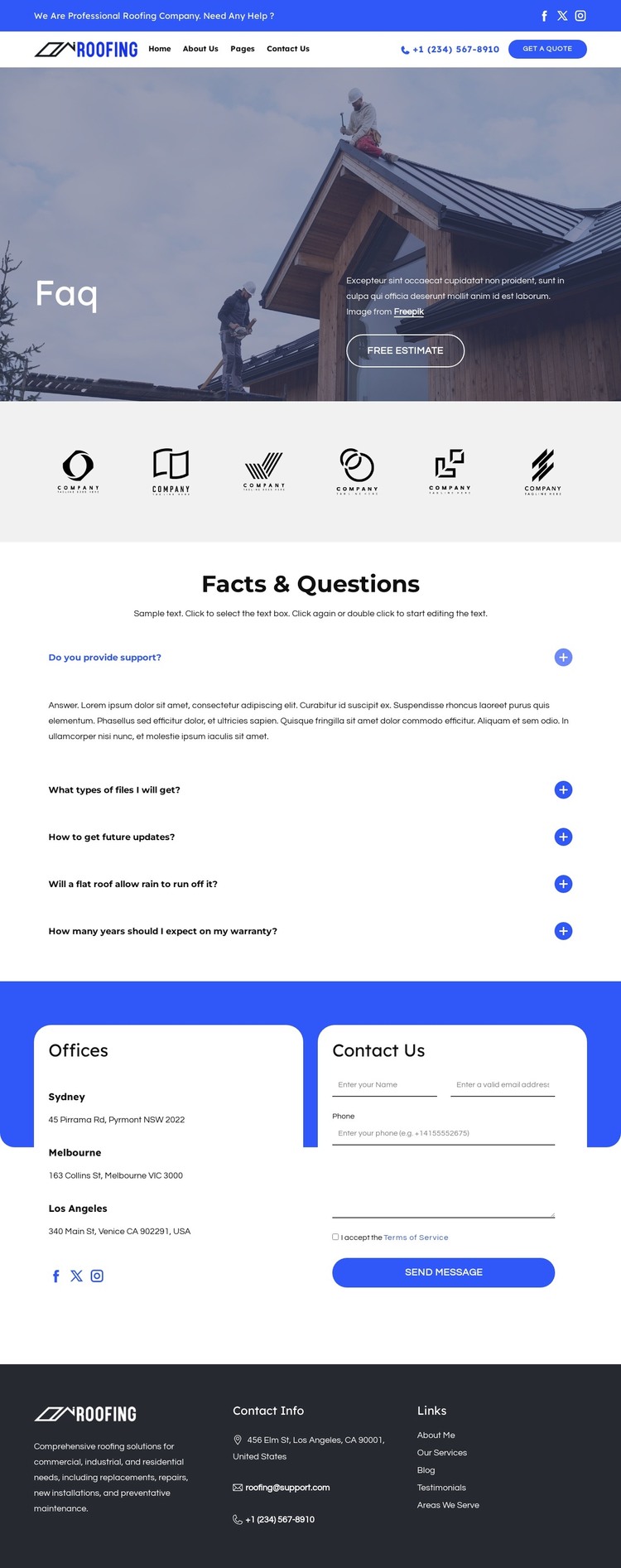
The page-oriented structure gives WordPress content a clear visual frame. The five expandable questions are the primary informational material, grouped under Facts & Questions rather than mixed into the hero or footer. This makes the accordion a natural permanent page area for roofing explanations, while the rooftop introduction, Free Estimate button, and two-row navigation establish the surrounding context. The header also keeps phone contact, social links, branding, and a Get a quote action visible as shared site elements.
The six-logo showcase provides a separate presentation zone between the opening message and the questions. Its repeated monochrome marks can remain a visual support area while the central content continues to answer visitor concerns. The page does not verify blog posts, categories, or other regularly published WordPress structures, so those should not be presented as existing components. Instead, the confirmed FAQ, office, and contact areas are the most reliable basis for interpreting the design as a theme page.
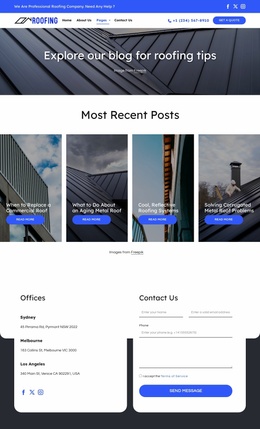
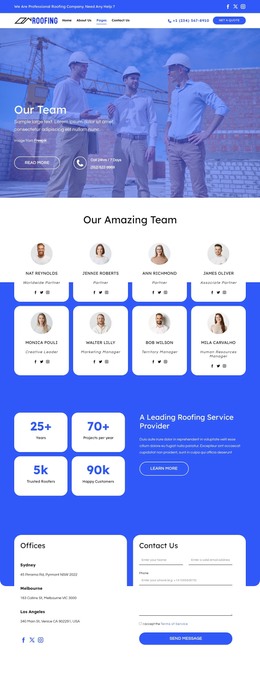
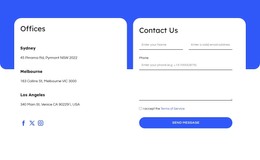
At the bottom, three office locations sit beside a Contact Us heading, visible form, Send Message button, and social links. This combination separates location information from direct inquiry content while keeping both within one coherent page. The dark footer adds branding, contact information, and grouped links that can serve as shared site content. In a WordPress project, these confirmed page areas can remain visually coordinated as permanent roofing information while the wider site adds or manages content around them.
Customize with Nicepage
Open this ready-made template in the WordPress Website Builder and customize it visually in the Nicepage editor. Replace demo content, edit page sections, and adapt the design to your project without rebuilding the template from scratch.
Manage and Edit This Theme in WordPress
Customize and Install the WordPress Theme
Start with this ready-made theme instead of building the WordPress design from scratch. Customize its layout, content, typography, images, sections, and other design elements visually in Nicepage editor, then export and install the WordPress Theme, Plugin, and Pages on your WordPress site. The Nicepage WordPress Plugin lets you continue working with the site after installation.
Edit the Theme Directly in WordPress
After installation, you can edit the WordPress Theme directly in WordPress with the Nicepage WordPress Plugin. Use Site Style to customize site Colors, Fonts, Header, Footer, Blog, and Post Page Templates while working within your WordPress website.
Edit WordPress Pages Visually
Use the Nicepage WordPress Plugin to edit page content directly from the WordPress admin area. Open a WordPress Page with Nicepage and visually change its text, images, sections, and other page elements while continuing to manage the Page through WordPress.
WordPress Content and Theme Integration
Use the customized theme with WordPress Pages, Posts, Blog and Post Templates, menus, widgets, and other CMS-managed content. Shared theme elements such as Colors, Fonts, Header, Footer, Blog, and Post Page Templates can be managed as part of the overall site design, while WordPress provides the CMS environment for managing site content.
This workflow combines a ready-made WordPress Theme with visual customization, direct theme editing in WordPress, and continued content management through the Nicepage WordPress Plugin.