
House Painter Templates
A trim specialist and an exterior repaint crew need different visual cues to make their work recognizable. House painter templates let contractors compare photo emphasis, color treatments, and space for service details before selecting a design direction.





























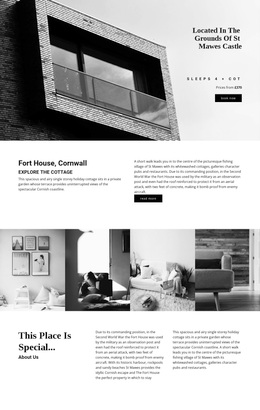
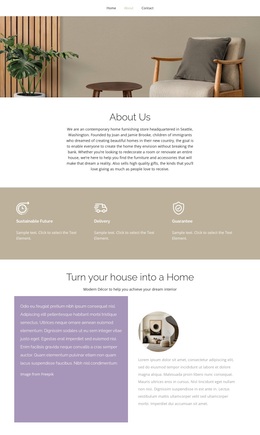





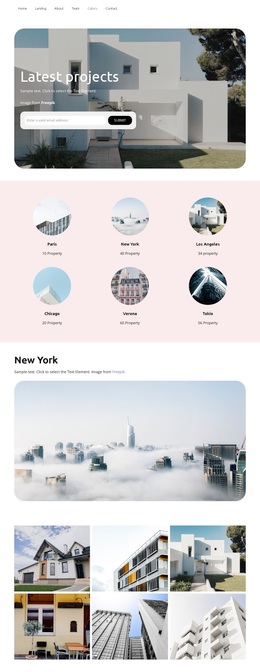

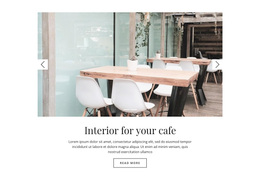





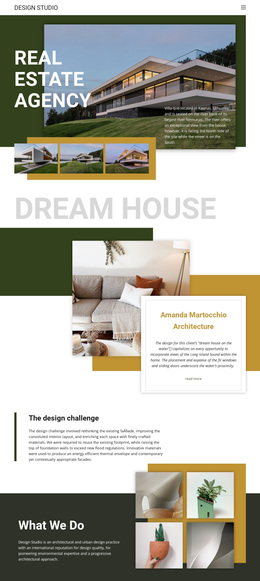


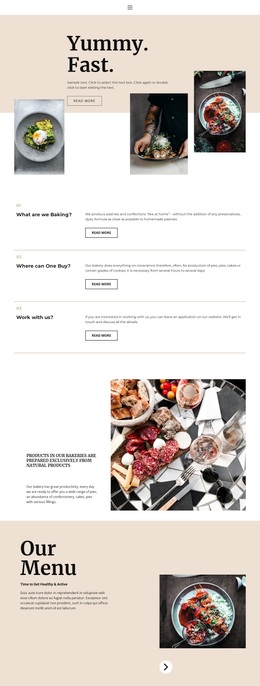


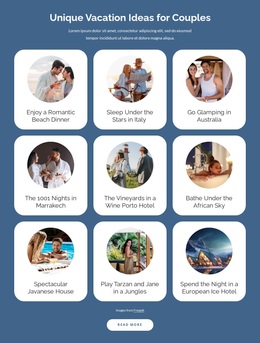
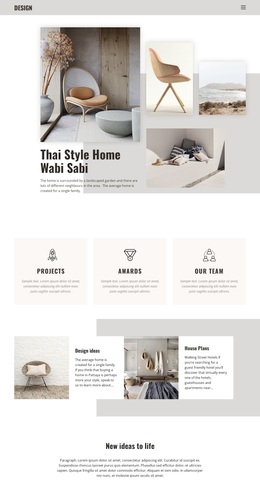






















Other Art & Design Templates
Creative House Painter Templates
Should a painter who mostly refinishes doors and trim pick the same design as a crew that repaints entire facades? Usually not, because each job leaves a different kind of proof. House painter templates come in a range of layouts, from hero sections and gallery arrangements to blocks that pair a photo with a short project note. The right one depends on the jobs your crew does most.
Specialty Comes First
The work a contractor can show should decide the layout, and each specialty points in a different direction:
- Exterior repaint crews need wide frames that keep the whole house in view, since tall crops hide the scale of the job.
- Trim and cabinet painters benefit from close-ups large enough to show crisp edges on door frames and baseboards.
- Crews that help clients choose colors want to show several shades of the same room side by side on a neutral backdrop.
- Historic-home specialists do well with a calm grid where restored details appear beside the full facade.
Many companies cover more than one, so a layout that handles both wide exteriors and tight interior shots often wins. A template full of luxury interiors can also look out of place for a contractor who mostly repaints rentals between tenants.
Testing Every Option With Your Own Photos
Demo photos are picked to flatter the layout, so try your own finished room, exterior repaint, and trim close-up in every shortlisted design. Identical photos keep the comparison fair, since any differences then come from the design itself. Watch whether a headline covers the key part of the hero image or a square crop squeezes a long painted hallway. Keep before-and-after pairs equal in size and close to their captions, though not every design has a dedicated comparison block. On a phone, the same three photos should still read as proof. Nicepage's Add Pages, Blocks & Elements guide explains how to search finished designs and page presets, and the presets start as wireframes you shape yourself.
Warning Signs Behind Pretty Previews
Color is the product in this trade, and a saturated teal section can make a soft greige wall look muddy beside it. Swatch sections, before-and-after layouts, and project galleries appear in some designs only, so confirm them in the preview. If window trim keeps getting cropped or captions drift away from their photos, expect real rework, however good the demo looked. After the photo test, one layout usually stands out by making your trim, rooms, and facades look as good as they did in person.