
Wave Pattern Website Templates
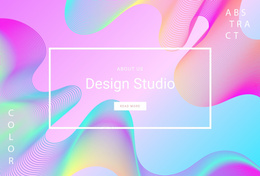
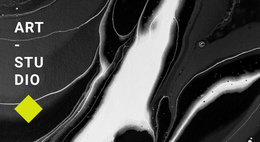
A wave-themed site often needs more than a striking home page. Ready-made website templates provide connected pages, navigation, and reusable layouts so the same curved visual idea can support services, portfolios, about sections, and contact content.































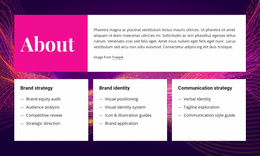




Other Art & Design Website Templates
Ready-to-Use Wave Pattern Website Templates
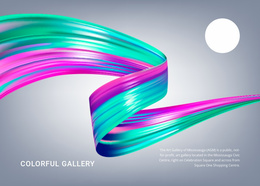
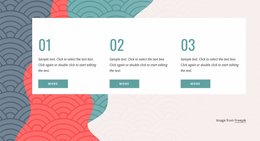
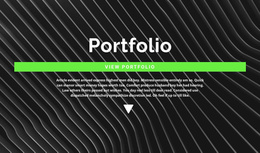
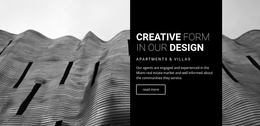
Many wave-pattern website templates come as a set of coordinated pages, with the curved motif carried through the homepage, inner pages, and repeated sections. Some keep the waves minimal and airy, while others wrap every screen in layered bands. The gap between a strong template and an ordinary one usually shows up past the first screen, where a weaker design drops the curves and switches to plain boxes.
Previewing Beyond the Homepage
A live preview tells you far more than a thumbnail, so open a few inner pages and run some quick checks:
- See whether the wave still appears after the hero, even if it becomes smaller or quieter.
- Make sure the header and footer sit comfortably with the curves in color and spacing.
- Switch the preview to phone width and confirm that a large wave does not cover headings or buttons.
Also compare the page types in the template with the content you actually have. A shorter set that matches your material requires less rebuilding than a long list of pages that will stay half-empty.
Motif Continuity Across Inner Pages
In a well-built template, the motif tends to change its role from page to page:
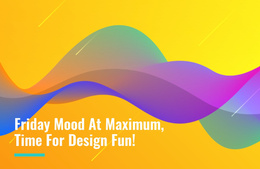
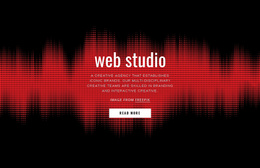
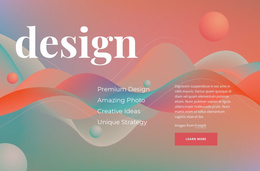
- On the homepage, it takes over the hero as a wide background made of layered bands.
- On inner pages, it shrinks into a thinner curve beneath the page title.
- Between content sections, it returns as a soft divider or a tinted accent behind a single block.
The shapes do not have to match exactly. A template can crop the same curve differently, flip its direction, or lower its intensity, and visitors will still recognize the rhythm. Rounded cards and soft corners alone do not create this effect, because a wave motif relies on flowing lines across the full width of a section.
Customization Without Losing Rhythm
Starting from a template means the visual system is already assembled, so your work shifts to adapting it. Changing the palette usually comes first, and recoloring every wave layer together keeps the homepage and inner pages in the same tonal relationship.
Scale and position deserve a lighter touch. Pushing a curve higher on one page can crowd a heading, and enlarging it on another can make that page feel louder than the rest of the site. Nicepage keeps a project's pages together in one Dashboard, so you can open them in turn and confirm that your edits stay consistent. When the curves still feel planned on the last page you open, the template has done its job, and you can move on to copy and photos.