Modern design firm Template



Edit Template Offline
2. Create new page and search for id 3119309
Edit Template Online
Create Awesome Websites


Free Nicepage Builder
Keywords
Layered Interior Features Give This Design a Distinctive Direction
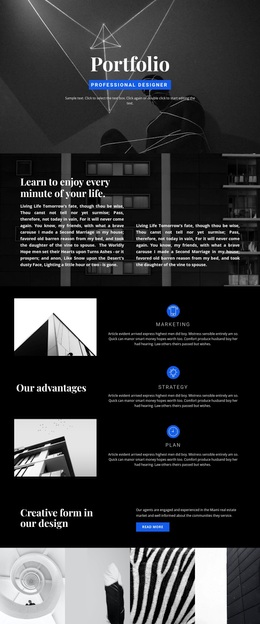
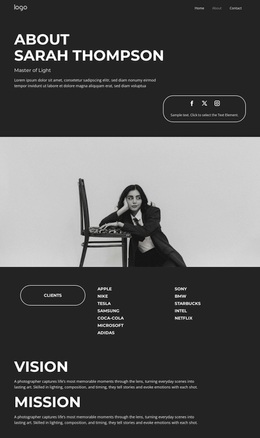
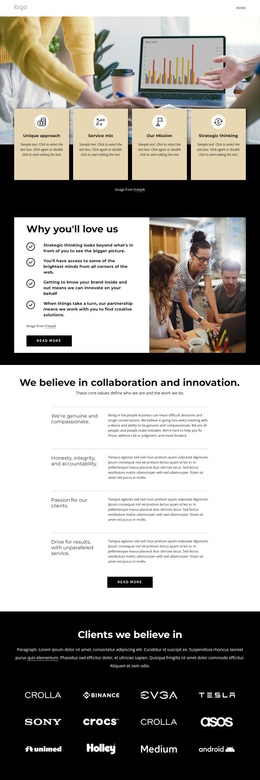
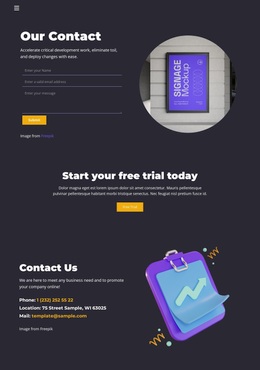
Large image-led sections, geometric overlays, and overlapping white cards make the design recognizable before visitors reach its detailed content. The opening row of four rounded service cards creates a strong visual entry, while the yellow timeline with four year markers adds a graphic rhythm that separates the page from layouts built only from standard service grids. The palette of yellow, orange, charcoal, white, and muted green reinforces that pattern-led character.
The template also covers several related choices for a design-focused project. “Vibrant Patterns” and “House Planning” use layered image panels, the dark work-area section identifies Interior, Design, and Furniture, and the construction and renovation block gives the page a more substantial project focus. Six furniture tiles add a repeated product-style section, although the displayed prices are sample values rather than verified offers. A dark consultation bar and a final contact area with Sydney, Melbourne, and Los Angeles create a practical route from visual interest to inquiry. This combination makes the template worth considering when a project needs bold visual storytelling plus clear coverage of renovation, furniture, planning, and contact content. It is a design option with a strong editorial identity, not merely a generic business layout with interchangeable cards.
Customize with Nicepage
Open this ready-made template in the Template Builder and customize it visually in the Nicepage editor. Replace demo content, edit page sections, and adapt the design to your project without rebuilding the template from scratch.
Start With a Ready-Made Template
Choose a Design for a New Page
Use a ready-made template as a starting point instead of creating every page from a blank canvas. When adding a new page in Nicepage, browse available designs, compare different layouts, and choose an option that already fits the general purpose and visual direction of your project.
Browse Different Page Designs
Explore Page Designs using search, thematic categories, Design Sets, and full-page previews. The collection includes layouts for different subjects and page purposes, making it easier to compare alternatives before selecting a design to customize.
Customize the Selected Template
After choosing a design, create the page and continue editing it visually in Nicepage. Replace the demo content, adjust images, typography, colors, sections, and other elements, and adapt the ready-made layout to your own content instead of rebuilding the design from the beginning.
Explore More Design Directions
If the first option does not match your project closely enough, return to the design collection and compare other templates before committing to a layout. This makes the template library useful not only for faster page creation, but also for exploring different visual approaches and finding a suitable starting point for a new project.
This workflow gives you access to a broad collection of ready-made designs that can be selected, compared, and customized according to the needs of each new page or project.