Thai style for home design Template


Edit Template Offline
2. Create new page and search for id 38174
Edit Template Online
Create Awesome Websites


Free Nicepage Builder
Keywords
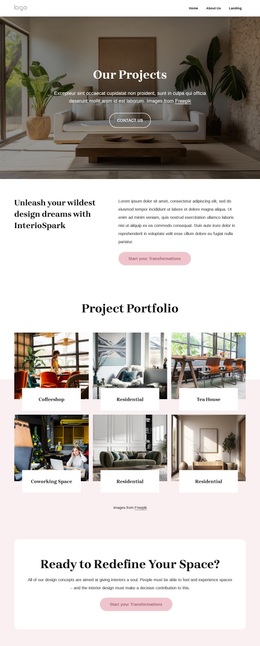
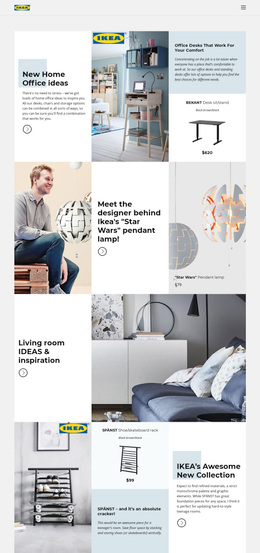
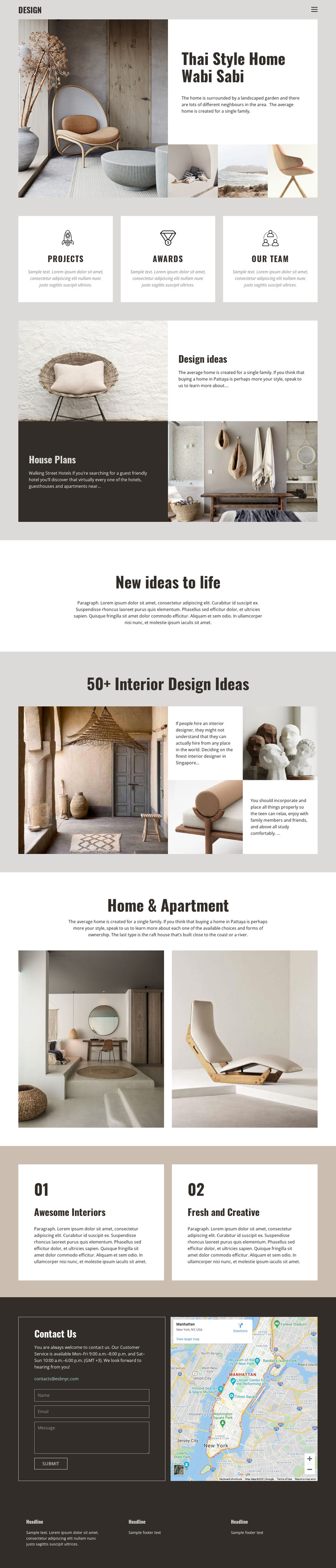
Large residential imagery gives this design a clear interior-focused direction
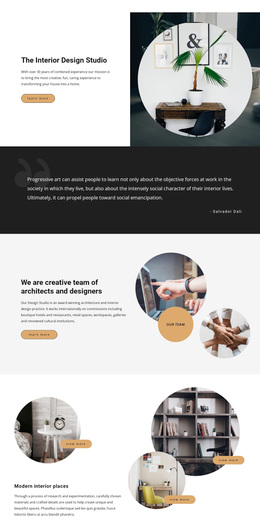
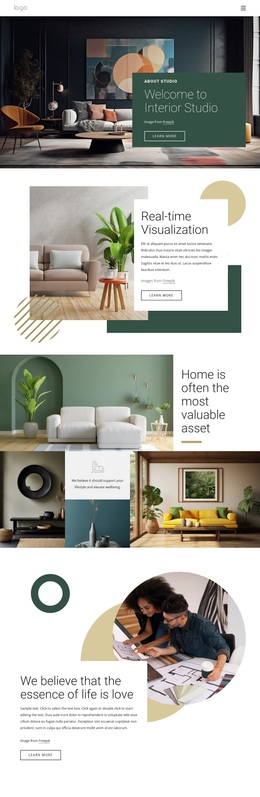
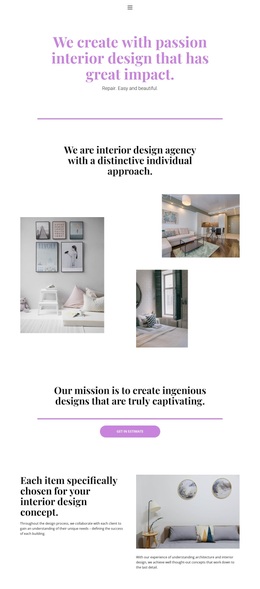
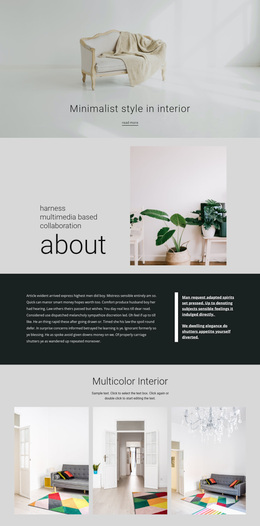
The strongest reason to choose this design is the way it lets residential photography lead the presentation without eliminating explanatory content. The opening Thai Style Home Wabi Sabi composition places a large room image beside a white text panel and follows it with three smaller photographs. Visitors understand the visual subject first, then receive enough written context to interpret the interior concept.
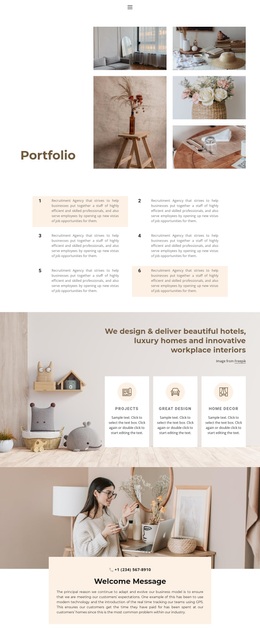
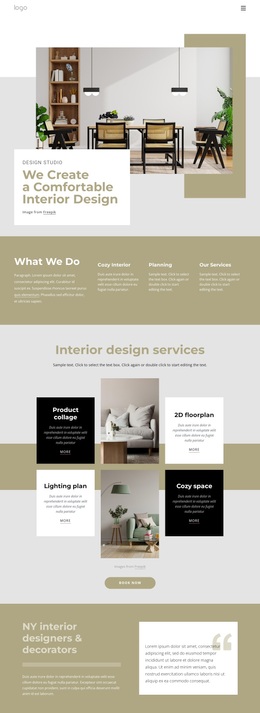
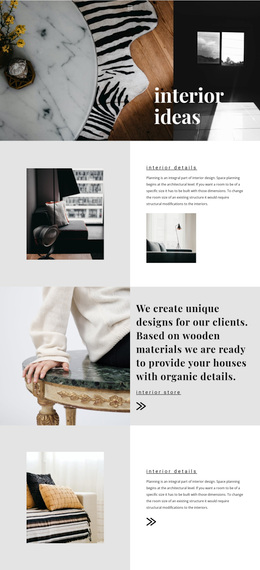
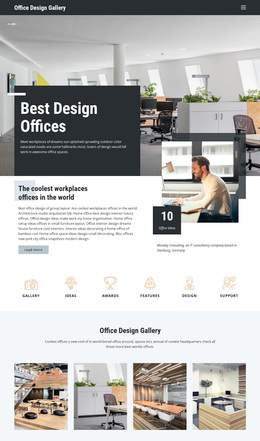
The page also covers several useful content angles for an interior design showcase. Projects, Awards, and Our team appear as three compact feature cards, providing space for credentials and people-focused information. Design ideas and House Plans are treated as alternating editorial rows, which makes the layout suitable for explaining inspiration and planning concepts without turning the page into a dense list. The later collage and Home & Apartment gallery reinforce the image-led direction with additional residential examples.
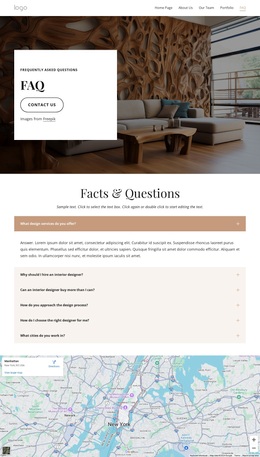
Two numbered cards, “Awesome Interiors” and “Fresh and Creative,” give the design a concise way to summarize qualities before the final inquiry section. The dark Contact Us block adds a form, contact copy, and map, so the page is not only visual inspiration but also includes a practical route for follow-up. It is a useful option when a project needs calm residential imagery, structured design information, and a direct contact ending in one coordinated presentation.
Customize with Nicepage
Open this ready-made template in the Template Builder and customize it visually in the Nicepage editor. Replace demo content, edit page sections, and adapt the design to your project without rebuilding the template from scratch.
Start With a Ready-Made Template
Choose a Design for a New Page
Use a ready-made template as a starting point instead of creating every page from a blank canvas. When adding a new page in Nicepage, browse available designs, compare different layouts, and choose an option that already fits the general purpose and visual direction of your project.
Browse Different Page Designs
Explore Page Designs using search, thematic categories, Design Sets, and full-page previews. The collection includes layouts for different subjects and page purposes, making it easier to compare alternatives before selecting a design to customize.
Customize the Selected Template
After choosing a design, create the page and continue editing it visually in Nicepage. Replace the demo content, adjust images, typography, colors, sections, and other elements, and adapt the ready-made layout to your own content instead of rebuilding the design from the beginning.
Explore More Design Directions
If the first option does not match your project closely enough, return to the design collection and compare other templates before committing to a layout. This makes the template library useful not only for faster page creation, but also for exploring different visual approaches and finding a suitable starting point for a new project.
This workflow gives you access to a broad collection of ready-made designs that can be selected, compared, and customized according to the needs of each new page or project.