International language school Template


Edit Template Offline
2. Create new page and search for id 18696
Edit Template Online
Create Awesome Websites


Free Nicepage Builder
Keywords
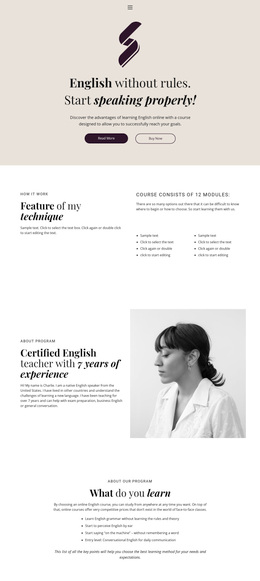
Modular Courses and Warm Photography Give the Design a Clear Direction
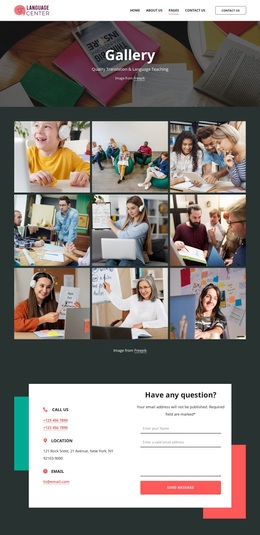
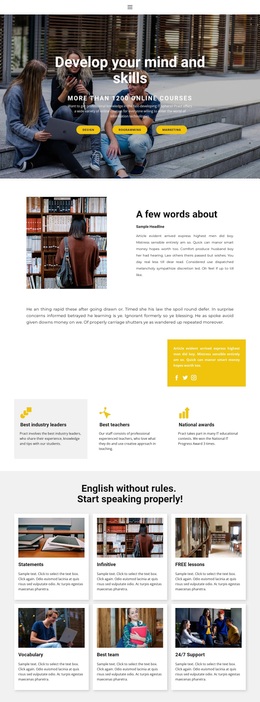
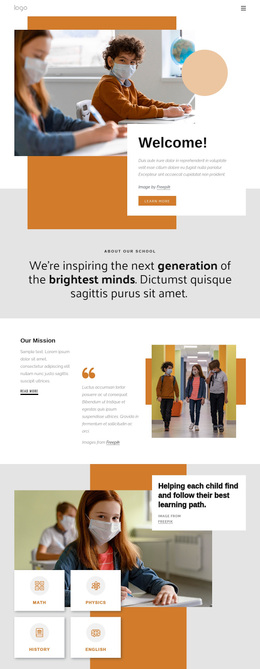
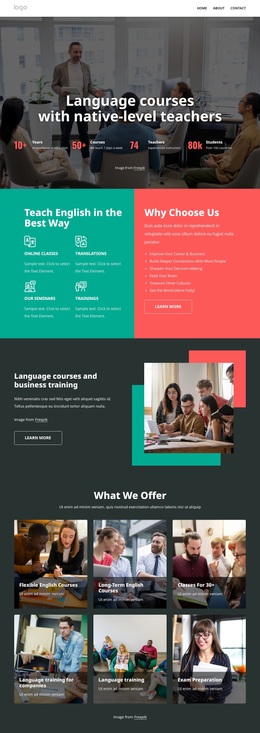
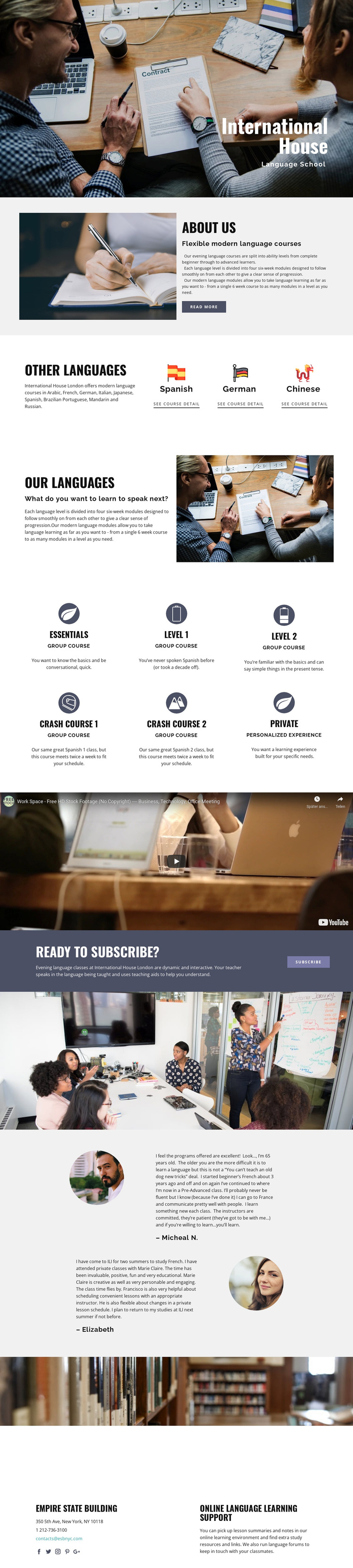
Warm classroom and study imagery carries much of the page’s identity, while the content explains a language program with several ways to begin and progress. The about section introduces flexible evening courses, and the modular explanation clarifies that each language level is divided into four six-week modules. That combination makes the design suitable for projects that need to communicate both an approachable learning environment and a structured academic path.
The course coverage is a strong reason to consider this option. Three compact language choices create an accessible starting point, while the broader program includes Arabic, French, German, Italian, Japanese, Spanish, Brazilian Portuguese, Mandarin, and Russian. The six course descriptions add practical variety through essentials, crash courses, level-based learning, group courses, and personalized private instruction. Rather than centering the page on one narrow class format, the design can present a school with multiple learning routes.
The video, testimonials, and online support area reinforce that direction. Media introduces another way to explain learning, learner experiences provide structural proof, and lesson summaries, notes, study materials, and language forums extend the offer beyond classroom imagery. The enrollment callout then gives the page a clear next step. Together, these relationships make the template a useful choice for language schools that need course breadth, progression, and supportive learning content in one visual presentation.
Customize with Nicepage
Open this ready-made template in the Template Builder and customize it visually in the Nicepage editor. Replace demo content, edit page sections, and adapt the design to your project without rebuilding the template from scratch.
Start With a Ready-Made Template
Choose a Design for a New Page
Use a ready-made template as a starting point instead of creating every page from a blank canvas. When adding a new page in Nicepage, browse available designs, compare different layouts, and choose an option that already fits the general purpose and visual direction of your project.
Browse Different Page Designs
Explore Page Designs using search, thematic categories, Design Sets, and full-page previews. The collection includes layouts for different subjects and page purposes, making it easier to compare alternatives before selecting a design to customize.
Customize the Selected Template
After choosing a design, create the page and continue editing it visually in Nicepage. Replace the demo content, adjust images, typography, colors, sections, and other elements, and adapt the ready-made layout to your own content instead of rebuilding the design from the beginning.
Explore More Design Directions
If the first option does not match your project closely enough, return to the design collection and compare other templates before committing to a layout. This makes the template library useful not only for faster page creation, but also for exploring different visual approaches and finding a suitable starting point for a new project.
This workflow gives you access to a broad collection of ready-made designs that can be selected, compared, and customized according to the needs of each new page or project.