Art Nouveau furniture Template


Edit Template Offline
2. Create new page and search for id 31861
Edit Template Online
Create Awesome Websites


Free Nicepage Builder
Keywords
Interior Photography Carries a Wide Editorial Subject
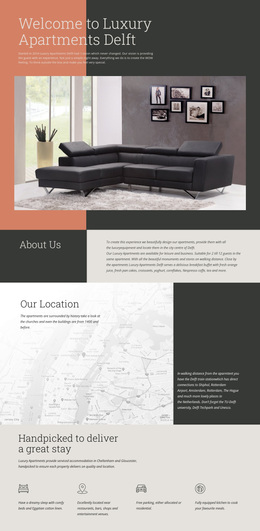
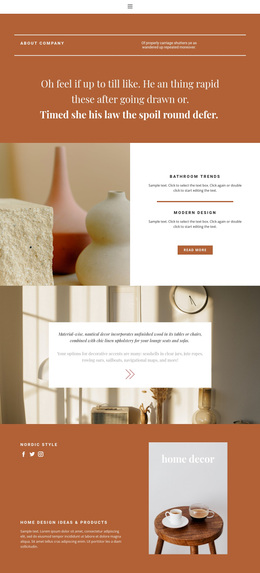
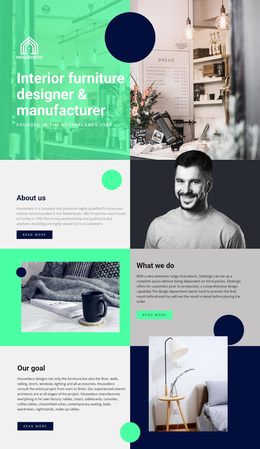
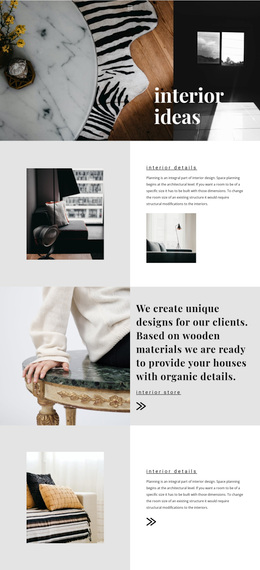
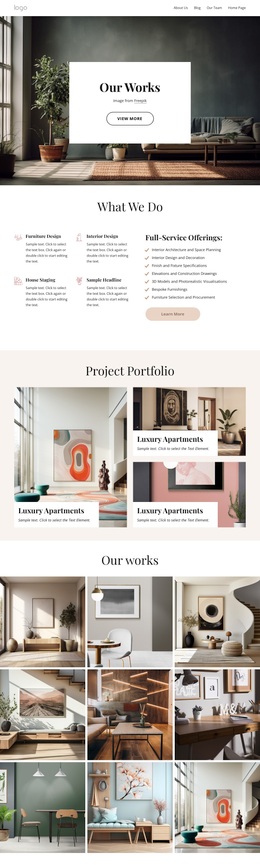
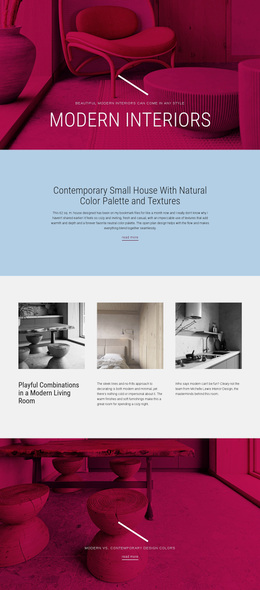
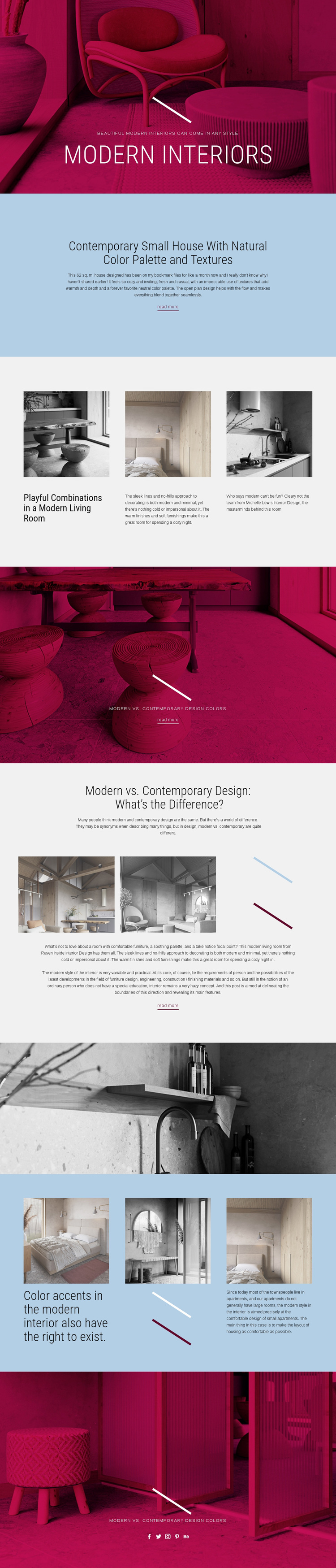
Interior photography is the main reason this design stands out as a ready-made option. It appears in the opening Modern Interiors hero, the living-room feature grid, the modern-versus-contemporary comparison, the wide transition band, and the later color-accent sections. That repeated use makes imagery the carrier of the subject, while the text explains how to interpret the rooms, palettes, textures, and stylistic differences shown on the page.
The content coverage is broad without becoming a generic home page. A featured article focuses on a contemporary small house with natural colors and textures; three image-led columns introduce playful combinations in a modern living room; and the comparison section directly addresses what separates modern from contemporary design. The later grid adds another angle by showing that color accents can have a role in a modern interior. These topics give the layout a clear editorial range.
The design is worth choosing when a project needs visual storytelling supported by concise explanatory copy rather than dense service listings or product catalogs. Magenta and pale blue blocks create a recognizable frame for the grayscale photography, while centered condensed headings and decorative lines keep the page connected from section to section. Read more links make the material expandable, and the closing Facebook, Twitter, Instagram, Pinterest, and Behance links support distribution of the editorial content.
Customize with Nicepage
Open this ready-made template in the Template Builder and customize it visually in the Nicepage editor. Replace demo content, edit page sections, and adapt the design to your project without rebuilding the template from scratch.
Start With a Ready-Made Template
Choose a Design for a New Page
Use a ready-made template as a starting point instead of creating every page from a blank canvas. When adding a new page in Nicepage, browse available designs, compare different layouts, and choose an option that already fits the general purpose and visual direction of your project.
Browse Different Page Designs
Explore Page Designs using search, thematic categories, Design Sets, and full-page previews. The collection includes layouts for different subjects and page purposes, making it easier to compare alternatives before selecting a design to customize.
Customize the Selected Template
After choosing a design, create the page and continue editing it visually in Nicepage. Replace the demo content, adjust images, typography, colors, sections, and other elements, and adapt the ready-made layout to your own content instead of rebuilding the design from the beginning.
Explore More Design Directions
If the first option does not match your project closely enough, return to the design collection and compare other templates before committing to a layout. This makes the template library useful not only for faster page creation, but also for exploring different visual approaches and finding a suitable starting point for a new project.
This workflow gives you access to a broad collection of ready-made designs that can be selected, compared, and customized according to the needs of each new page or project.