
Mosaic HTML Templates
A mosaic page can lose clarity when image tiles, text blocks, and project highlights compete for attention. A prepared HTML structure gives each section a semantic role and keeps the content order readable as the layout adapts.


More HTML Templates from Art & Design Category








































Other Art & Design HTML Templates
Responsive Mosaic HTML Templates
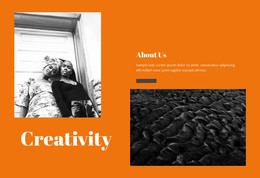
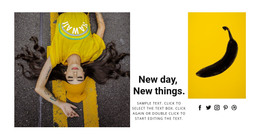
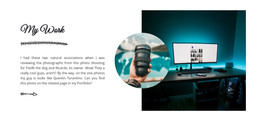
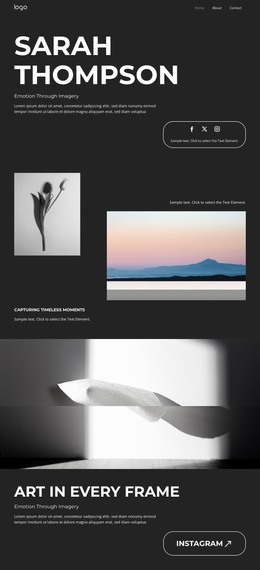
A mosaic HTML template arrives as files you can open in an editor: a page, a stylesheet, and images that already sit inside sections of different widths. The demo screenshot shows one arrangement of those tiles. Everything you do afterward happens in the code behind them, so the source is worth opening before the preview.
Most of that work stays at the content level. Photos get replaced, captions get rewritten, and a card gets duplicated once the gallery grows past the demo.
Markup Behind Uneven Image Blocks
Tile compositions are built in very different ways, and the difference shows up the moment you add one more item. A grid held together by column and row spans continues to work when a card is copied. A layout pinned with fixed offsets asks for manual repair every time.
Sections like these usually carry most of the weight on a mosaic page:
- a wide image tile with a short title placed over it
- a card that repeats through a gallery or a category feed
- a text tile for a service, a note, or a quote
- a call to action tile that closes the visual cluster
No template ships all of them by default, so it helps to open the demo, count what is genuinely reusable, and ignore the rest.
Source Order on Narrow Screens
A phone displays the composition in a single column, and that column follows the order of your file. A tile in the top-right corner of a laptop can rank fourth on a phone while still carrying the headline project.
There is a fast way to see this. Switch styles off in the browser and read the page as plain text. What you get is close to the sequence a visitor scrolls with a thumb. If something important is buried there, move the section inside the HTML. One more media query would only hide it.
Editing Sample Code Without Breaking Tiles
Treat demo content as spare parts. Copy a tile that already behaves the way you need, paste it where the gallery continues, then change the image and the text inside. Class names stay as the author chose them, and arguing with that convention halfway through the project costs more than following it.
Then narrow the browser window until the mosaic collapses into a single column, and see which project a visitor encounters first. If it is the one you would show a client, the template is ready for your content.