
360 Medicine & Science Templates
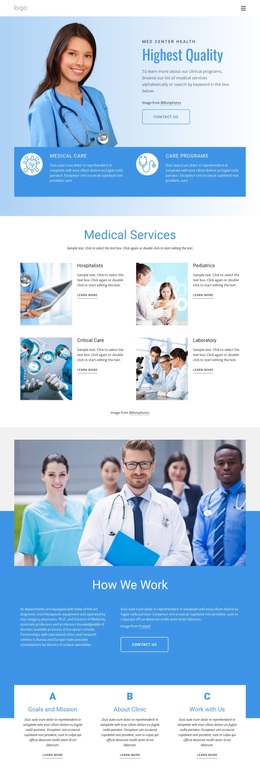
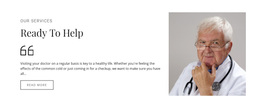
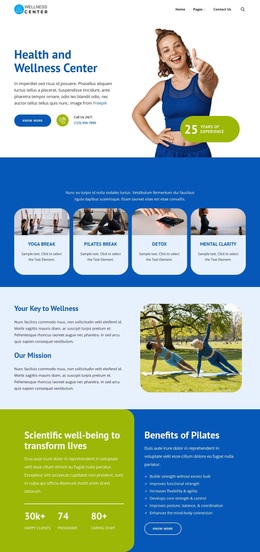

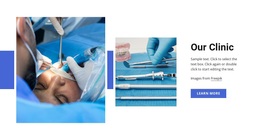
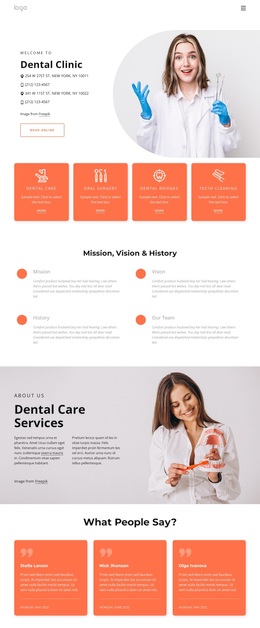
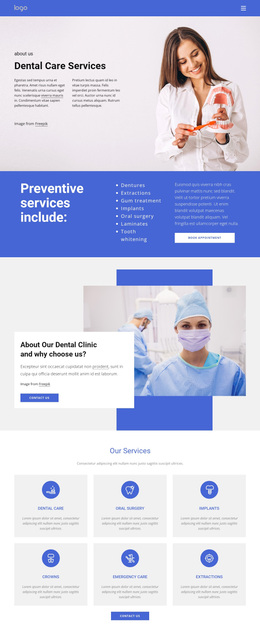
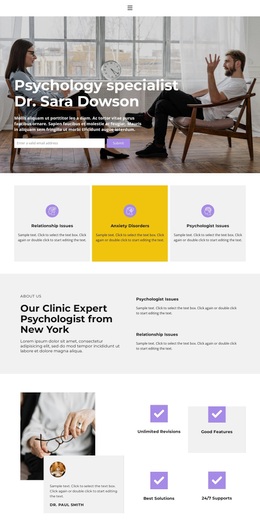
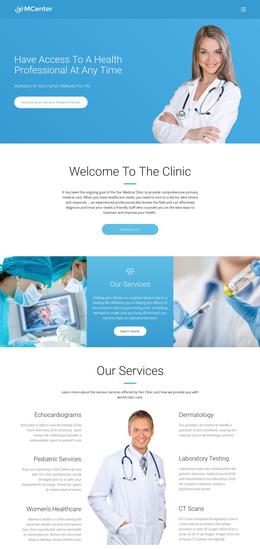
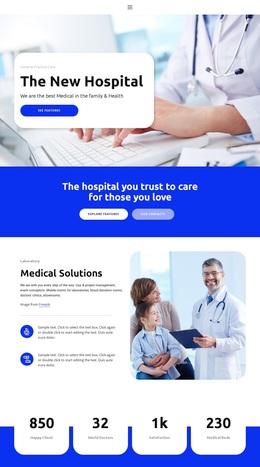

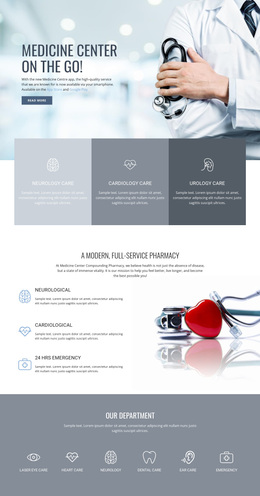
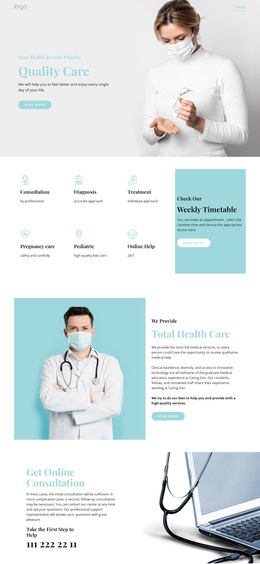
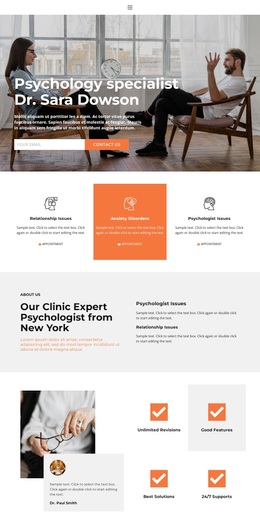
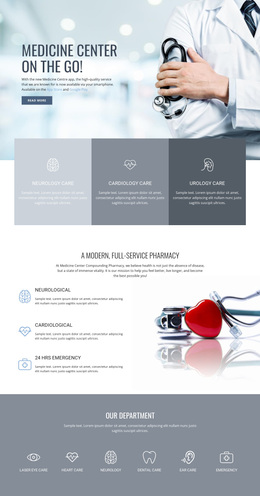
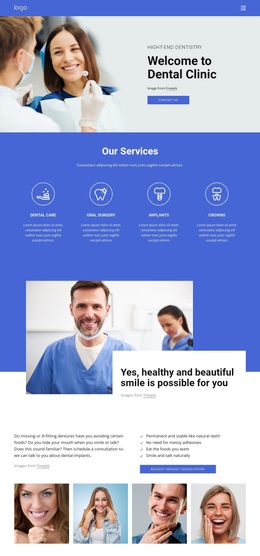
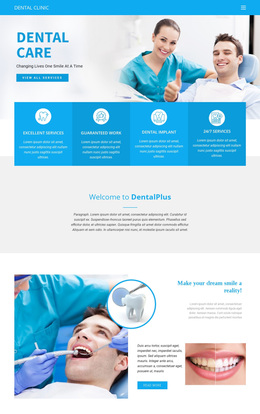

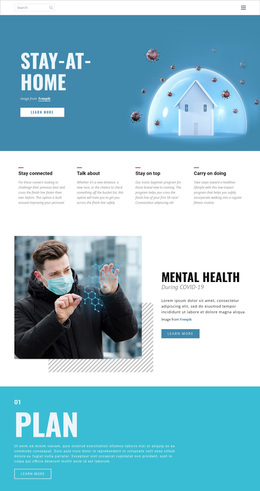
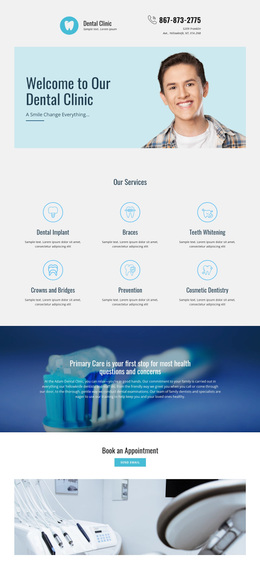
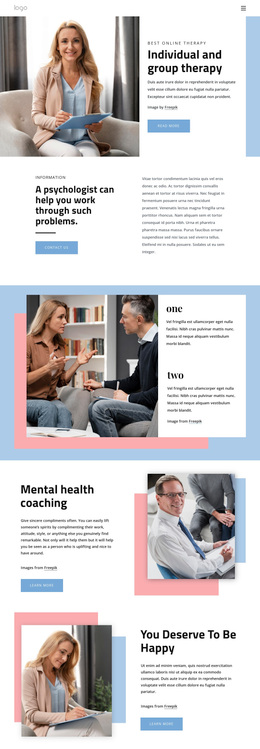
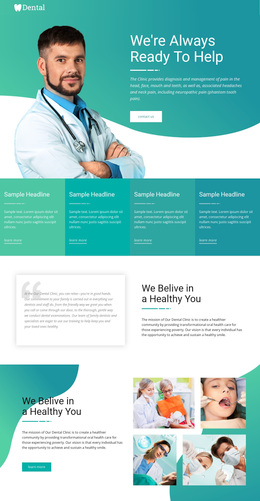
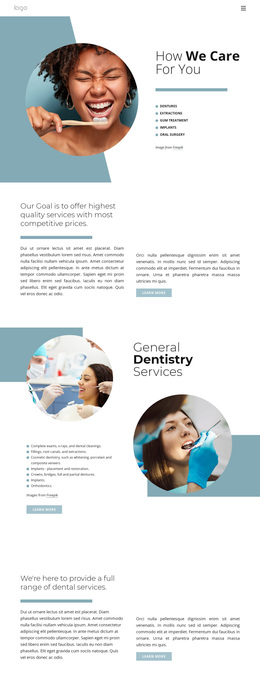
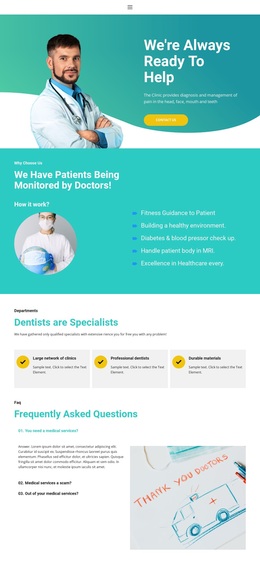

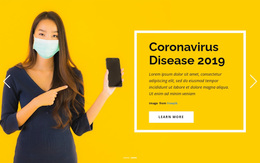

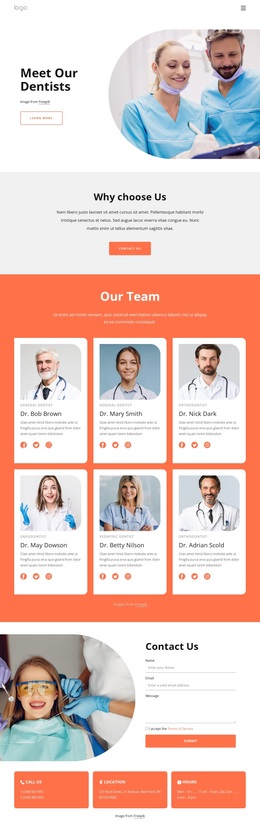

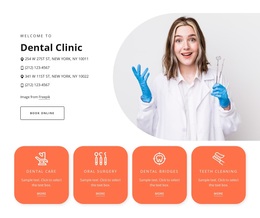
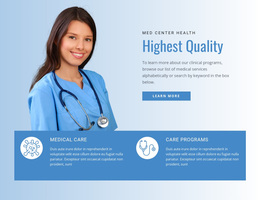
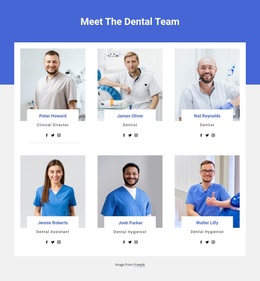
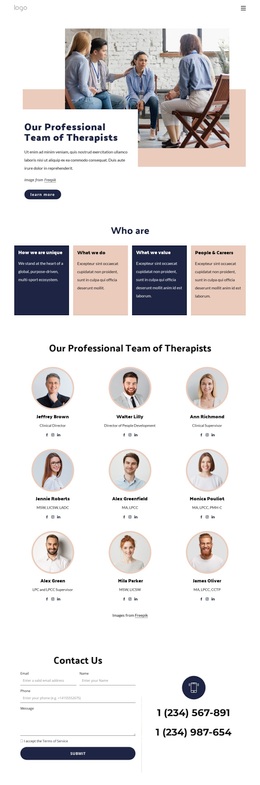
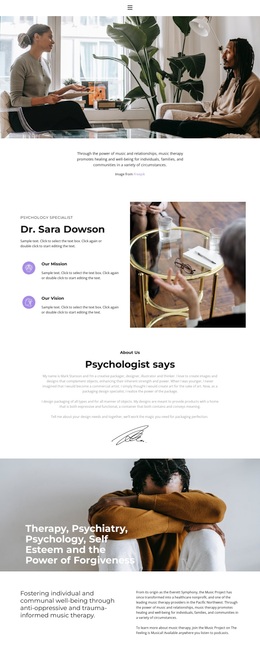
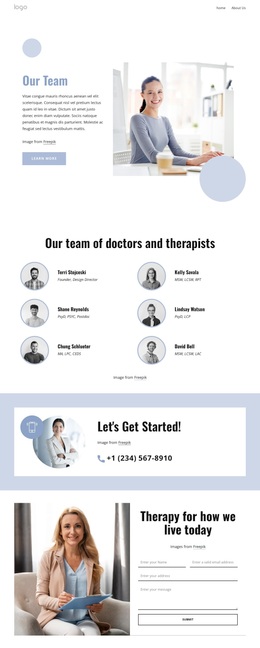
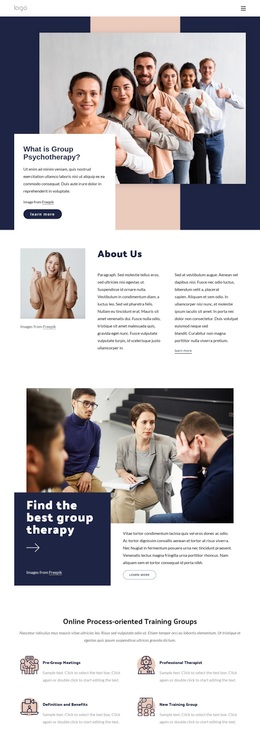






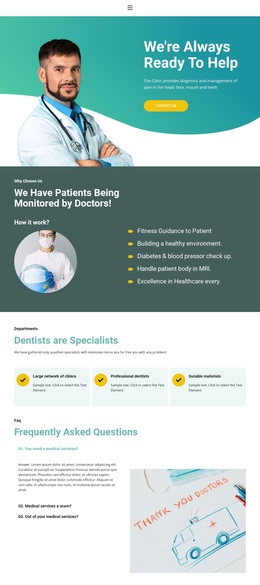
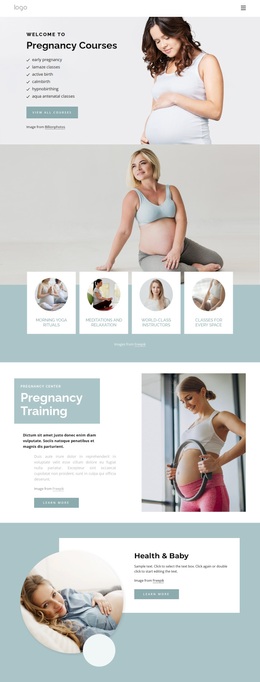
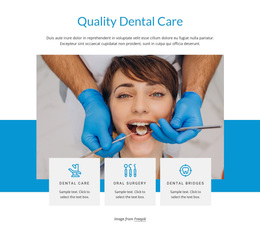
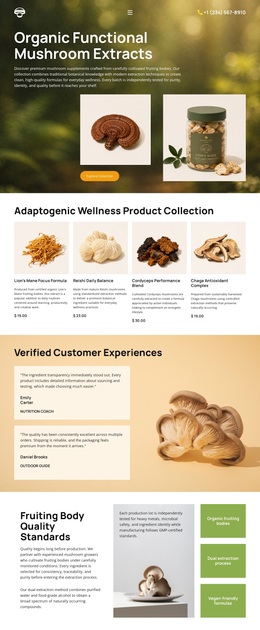



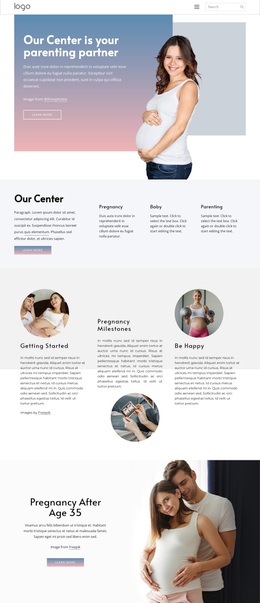



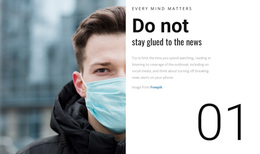

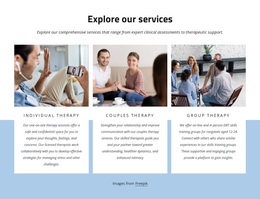
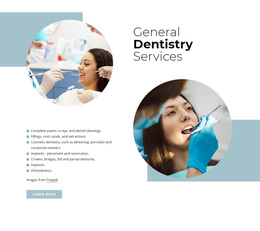
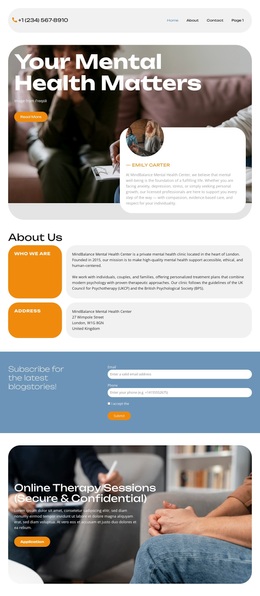
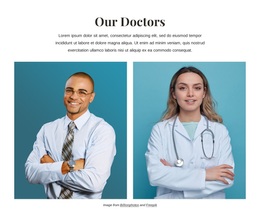


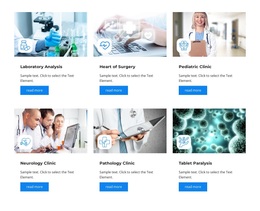




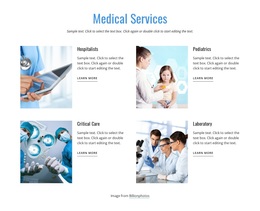
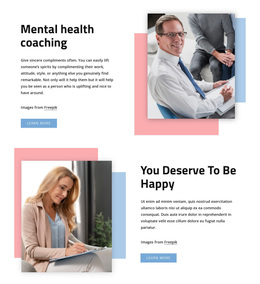

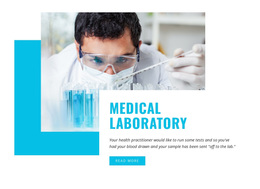

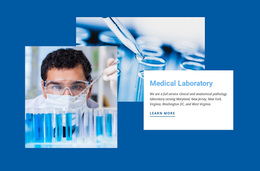



Modern Medicine & Science Website Templates
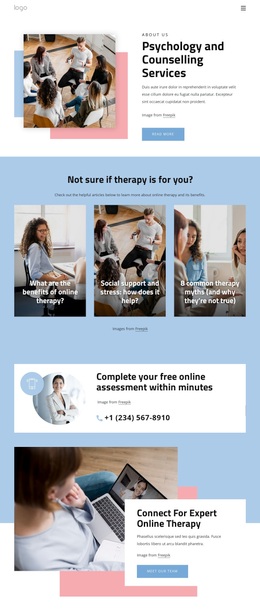
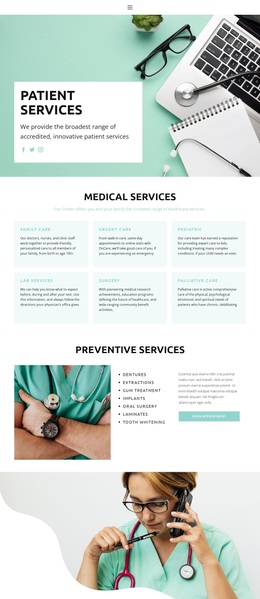
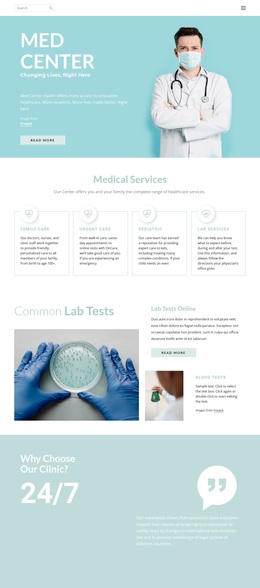
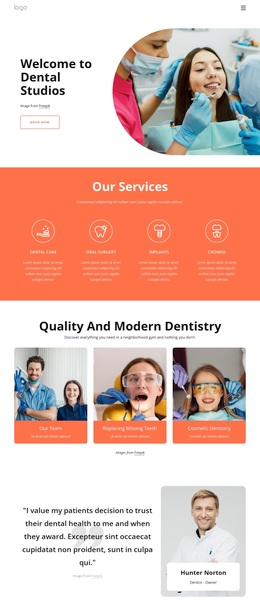
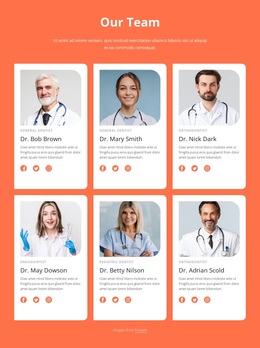
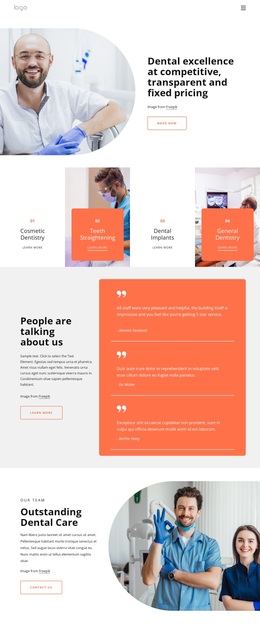
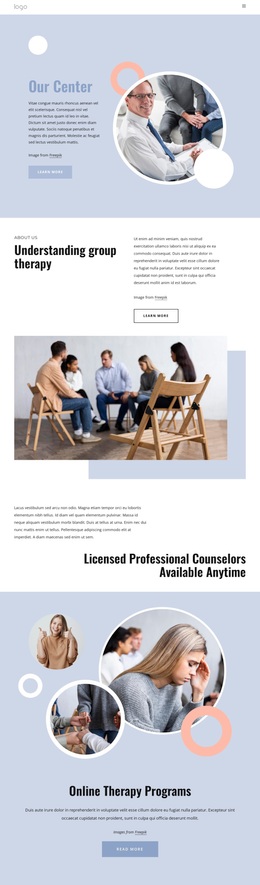
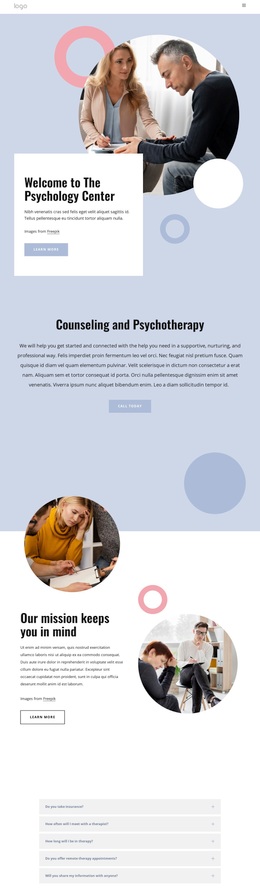
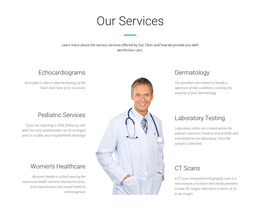
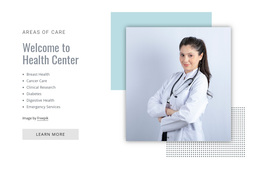
For clinic managers, laboratory teams, researchers, pharmacists, and veterinary practices, medicine and science templates support a unified visual style. Clear structures separate services, research, staff, patient information, and contact paths without a custom layout from scratch.
Who Can Use Professional Medicine & Science Templates?
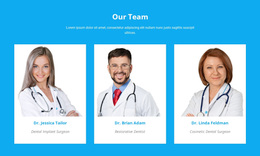
Clinics and hospitals: present departments, specialists, hours, and contact paths. Laboratories and research teams: organize studies, equipment, publications, and project summaries. Pharmacies and veterinary practices: place services, care information, directions, and inquiries into a clear full-site structure that starts from a ready-made visual direction.
Medical website templates can support different information priorities. A diagnostic lab may need method or service cards, while a hospital site can focus on departments and visitor routes. Teams that need a laboratory identity can compare lab website ideas at lab website ideas.
Science website templates also benefit from varied structures. Research groups can favor project summaries and publication blocks; pharmacies can prioritize opening information and contacts. For that retail-health context, pharmacy website concepts offer another relevant direction.
Hospital teams can compare hospital-focused layouts when departments and visitor guidance need more space.
Responsive Features for Medical and Science Websites
Clinical communication
- Use the Grid Repeater to design one department, service, or research card and repeat its styling across other items. The Grid Repeater element keeps repeated columns visually consistent while content changes.
- Add a Contact Form for inquiries, subscription requests, or other visitor communication. Nicepage documents the Contact Form element as a responsive form-building tool.
- Place Google Maps on clinic, laboratory, pharmacy, or veterinary pages when an offline location matters.
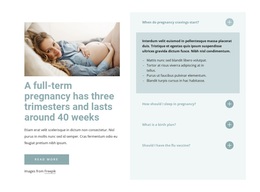
- Use the FAQ Element to keep service, preparation, access, or research-process explanations compact and expandable.
Design and performance
- Edit Responsive Modes separately for desktop, laptop, tablet, and phone views so dense medical content remains readable.
- Apply Theme Settings to keep colors, fonts, and typography consistent across the site.
- Enable Image Lazy Loading when pages contain many staff, facility, or equipment images, so media loads progressively on scroll.
These features turn a broad design collection into a practical starting point. The visual page editor lets teams replace generic blocks with real clinical services, research topics, and department details. Medical and science website templates can therefore share a single editing workflow without requiring the same information structure.
Advanced Medicine & Science Questions
Can medicine and science templates be adjusted for phones and tablets?
Yes. Nicepage supports Responsive Modes for Large Screens, Desktops, Laptops, Tablets, and horizontal or vertical phone views, with layout adjustments for each mode.
Can a medical or science site use one color system across every page?
Yes. Theme Colors in Site Settings apply a global color scheme across pages, helping medical and research teams maintain consistent brand presentation.
Can I host a finished medicine and science website with Nicepage?
Nicepage provides hosting for HTML websites created with Nicepage. It does not provide regular hosting for PHP, JS, or other third-party files.
How can I keep many medical departments or lab services visually consistent?
Use the Grid Repeater. Design one service or department card, then repeat its styling while changing the text and images for each entry.
Shape a Clean Medicine & Science Site with Nicepage
Ready to turn a suitable layout into a site that matches your clinical or scientific identity?
- Select a design direction from the collection and open it in the Online Builder.
- Adjust service blocks, research content, staff information, forms, and responsive views in the visual design canvas.
- Start for free, then publish online or prepare the appropriate output when the site is ready.





















































