620 Contact Form Templates


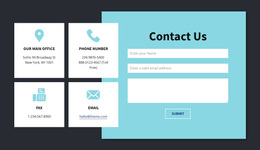
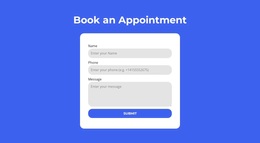


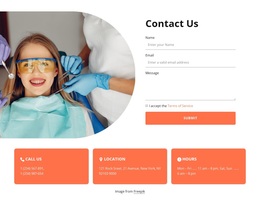
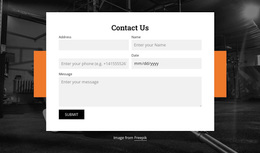
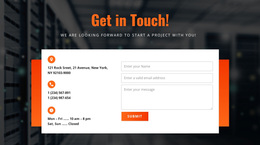
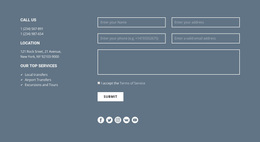
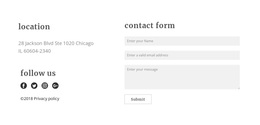
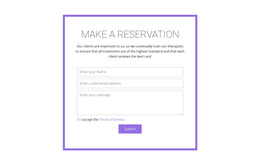


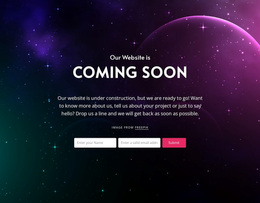


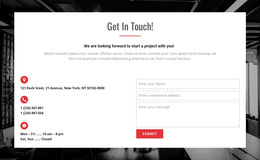
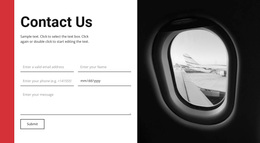

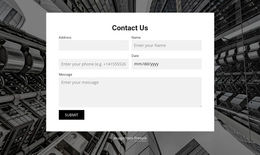


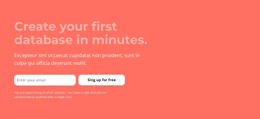
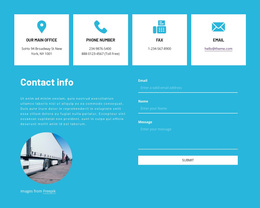

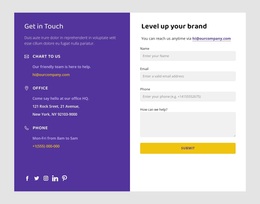
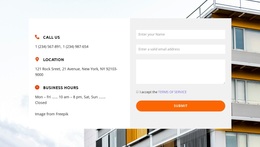















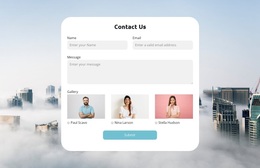



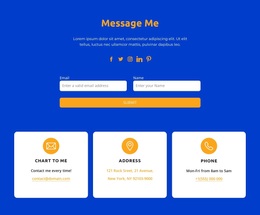


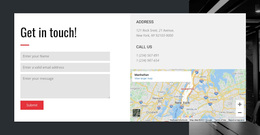
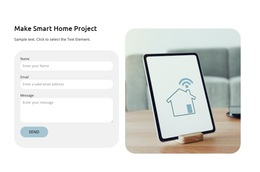

Contact Form Templates for Different Inquiry Needs
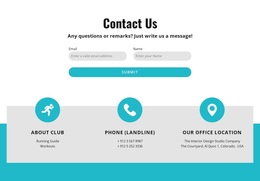
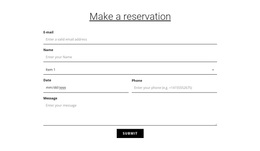
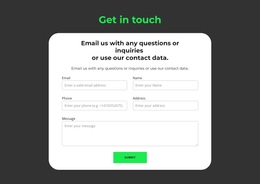
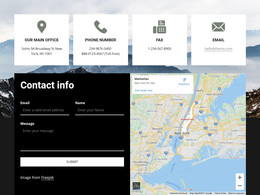
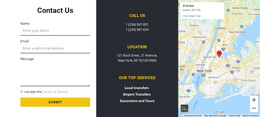
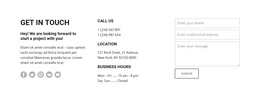
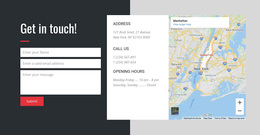
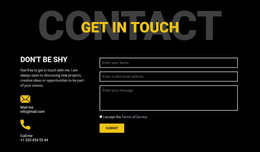
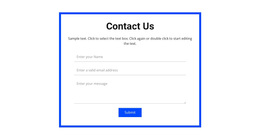
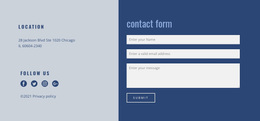
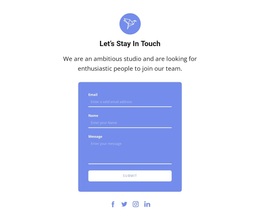
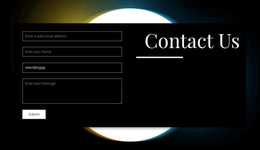
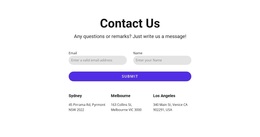
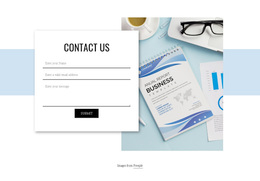
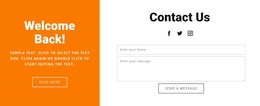
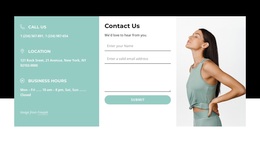
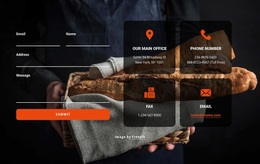
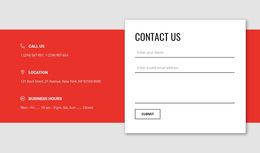
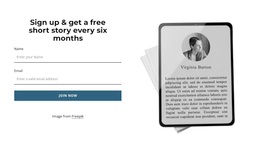
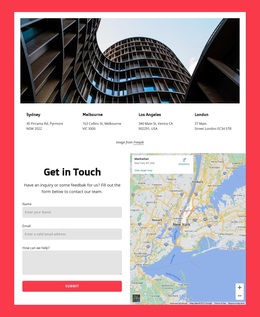
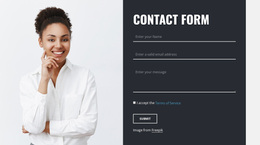
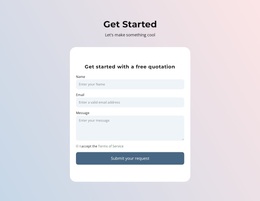
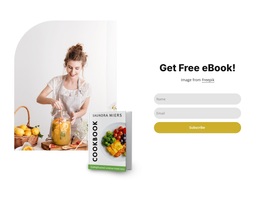
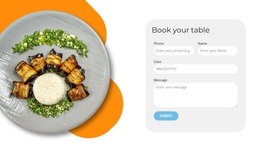
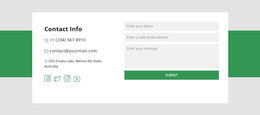
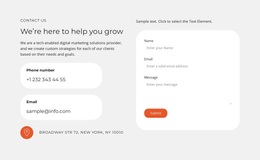
Contact Form Templates make it easier to choose a finished form section for the particular message visitors need to send. Start with the type of inquiry, then select a ready-made layout that collects enough information for a meaningful response. A short question, a pricing request, and a consultation inquiry can require different fields.
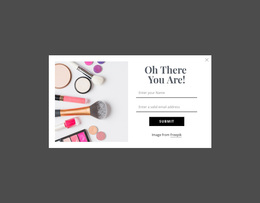
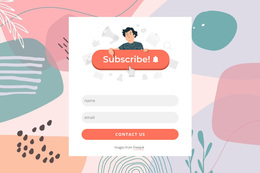
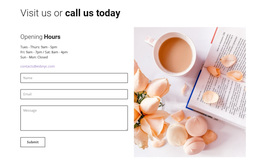
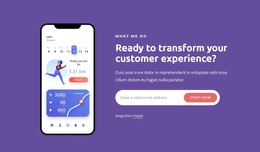
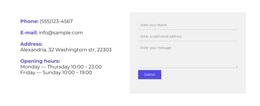
This is the broad collection for finding a ready-made Contact Form block by visitor task, independent of the type of site where it will appear.
Explore Contact Form Types for Common Inquiries
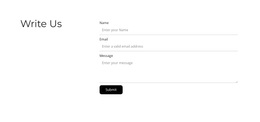
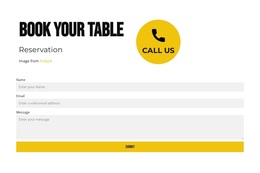
- General inquiry: A familiar name, email, and message sequence for open-ended questions.
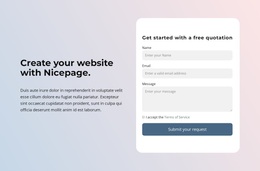
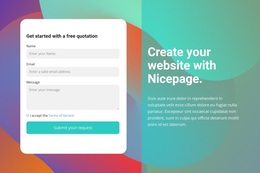
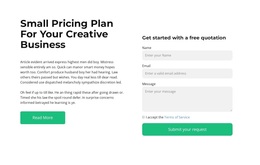
- Quote request: Space for the service, project scope, or information needed to prepare an estimate.
- Consultation inquiry: A topic or preferred service alongside the visitor's contact details.
- Short message: A compact form for a brief question that doesn't need an elaborate field set.
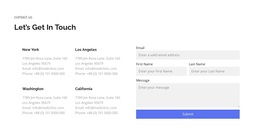
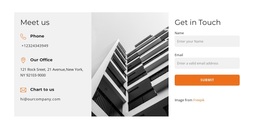
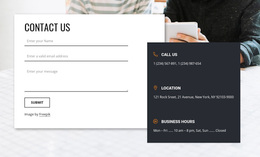
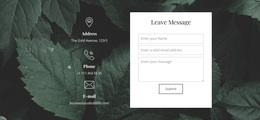
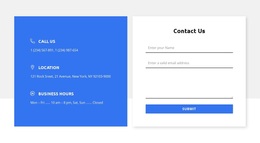
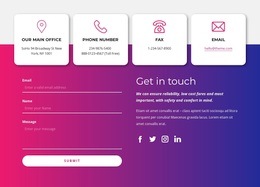
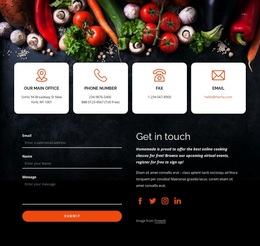
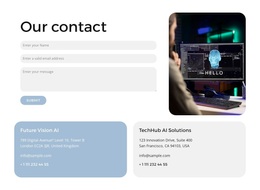
A two-column layout may suit any of these tasks when it improves readability; it is a layout choice, not a separate inquiry type. Supporting contact details can be useful but should not dictate the form's purpose.
Pick a Design Based on the Visitor's Task
For a general question, a short message form is usually sufficient. A quote request may need project context, while a consultation request may need a topic or service choice. Choose by the information required to respond, not by the industry or website category.
Before choosing, consider:
- How much information a useful request requires.
- Whether the form captures enough context to understand and answer the request.
- How much space the page gives the form.
- Whether the chosen arrangement remains readable on phones.
The best option usually requires the fewest structural changes.
Personalize a Ready-Made Form in Nicepage
Nicepage includes a Contact Form element for form-based sections. Choose a finished design, adapt the relevant text and inputs, and adjust its appearance to the project. To deliver submissions and connect to a CRM, configure the appropriate settings.
For tasks that extend beyond contacting a team, Form templates include other types of input.
Contact Form Templates FAQ
Which contact form template suits a short message?
A minimal, single-column form generally gives a short inquiry enough space without unnecessary additional inputs.
How Do I Choose a Contact Form Template for a Specific Inquiry?
Start with the message visitors need to send. A general question can use a concise form, while pricing or consultation requests may benefit from a relevant extra field. Pick a ready-made layout that fits that information.
Can Nicepage AI help create a contact form block?
Nicepage AI Services support generating sites, pages, and blocks. Review any generated form against the intended inquiry before using it.
Can a contact form connect to CRM services?
Nicepage supports contact form integration capabilities. Available destinations and configuration should be checked for the project.
What should I compare first in the gallery?
Compare the form's size, field arrangement, and supporting content. Decorative details are easier to customize than a fundamentally unsuitable layout.
Find a Contact Form Template to Customize
Browse the available block designs, shortlist layouts that match the inquiry, and choose the one that fits the page. Keep the ready-made design and the visitor's request at the center of your choice.