Choice of design for the house Template



Edit Template Offline
2. Create new page and search for id 1343132
Edit Template Online
Create Awesome Websites


Free Nicepage Builder
Keywords
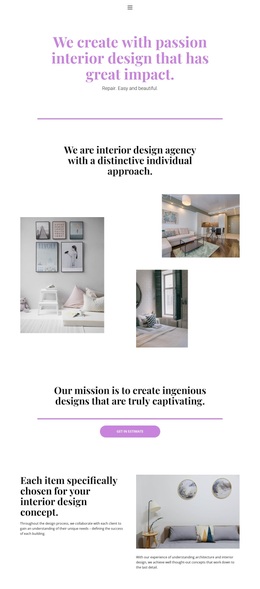
Warm galleries and four service categories make the design easy to choose
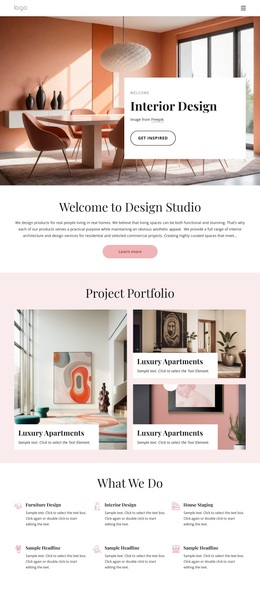
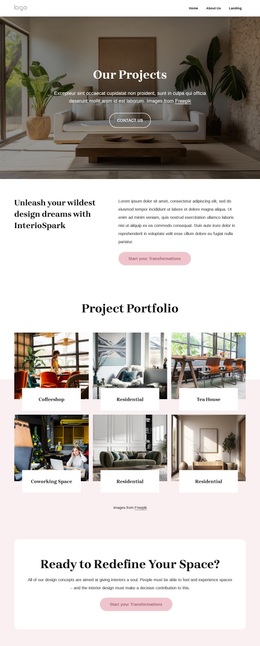
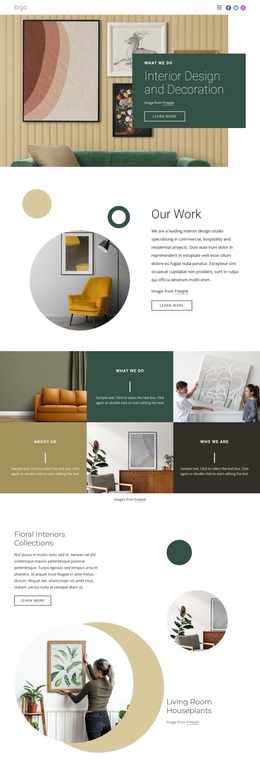
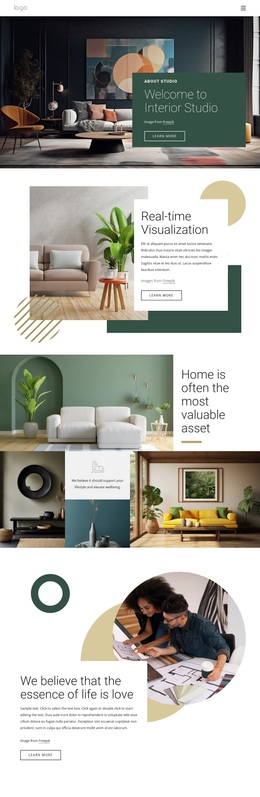
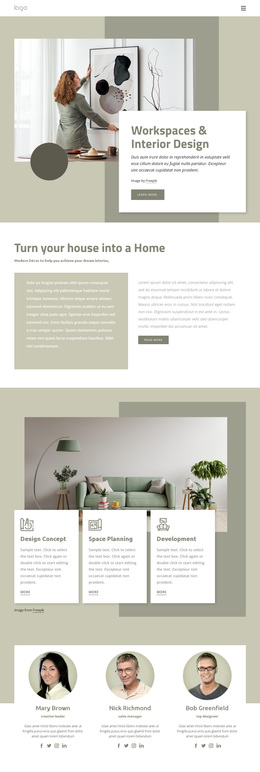
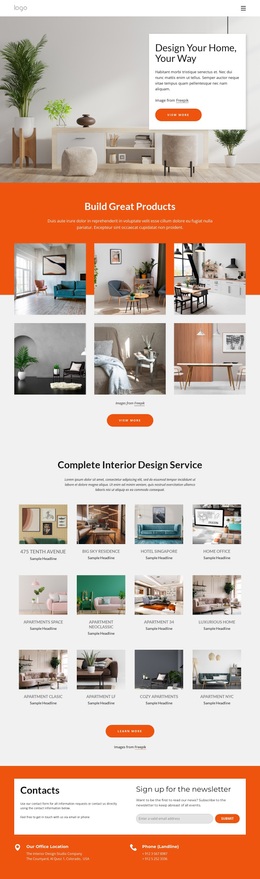
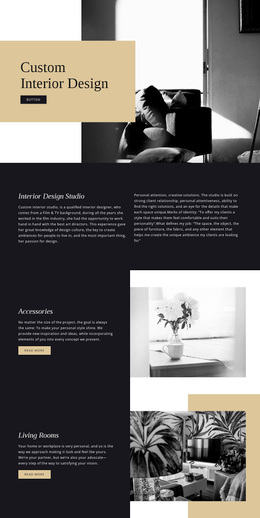
Warm interior photography carries much of the message in this design. The first asymmetrical gallery follows the agency introduction and immediately gives the page a visual portfolio character, while the second three-image arrangement supports the idea of meeting a design consultant virtually. Between them, the centered mission statement, furniture-selection explanation, and home decor promotion add enough written context to show that the page is not built around images alone.
The four service categories—Innovations, Our Works, Luxurious Furniture, and Our Vision—give the template broader content coverage than a single-service introduction. They can help a project present several aspects of an interior design offer without abandoning the editorial rhythm. Three testimonial cards add another recognizable content type, and the logistics and quality-control statement addresses the practical side of the service. Repeated estimate buttons keep the page connected to the verified request objective.
As a design option, this template is most distinctive when visual storytelling and structured service explanation need to work together. It suits an interior agency that wants prospective homeowners to see the atmosphere of the work, understand the scope of the offering, and encounter a clear estimate prompt more than once. The lavender palette, generous spacing, and serif typography reinforce that choice without requiring unsupported claims about a real agency or its sample testimonial content.
Customize with Nicepage
Open this ready-made template in the Template Builder and customize it visually in the Nicepage editor. Replace demo content, edit page sections, and adapt the design to your project without rebuilding the template from scratch.
Start With a Ready-Made Template
Choose a Design for a New Page
Use a ready-made template as a starting point instead of creating every page from a blank canvas. When adding a new page in Nicepage, browse available designs, compare different layouts, and choose an option that already fits the general purpose and visual direction of your project.
Browse Different Page Designs
Explore Page Designs using search, thematic categories, Design Sets, and full-page previews. The collection includes layouts for different subjects and page purposes, making it easier to compare alternatives before selecting a design to customize.
Customize the Selected Template
After choosing a design, create the page and continue editing it visually in Nicepage. Replace the demo content, adjust images, typography, colors, sections, and other elements, and adapt the ready-made layout to your own content instead of rebuilding the design from the beginning.
Explore More Design Directions
If the first option does not match your project closely enough, return to the design collection and compare other templates before committing to a layout. This makes the template library useful not only for faster page creation, but also for exploring different visual approaches and finding a suitable starting point for a new project.
This workflow gives you access to a broad collection of ready-made designs that can be selected, compared, and customized according to the needs of each new page or project.