
Accordion Templates

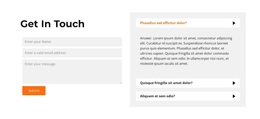

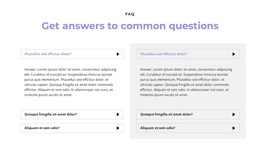
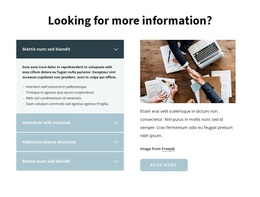
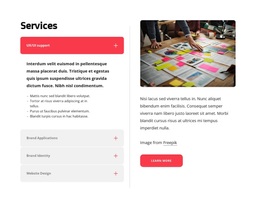



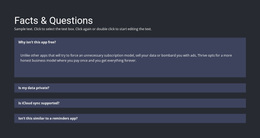
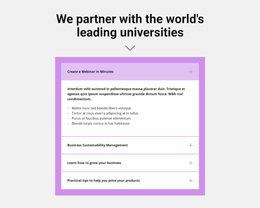
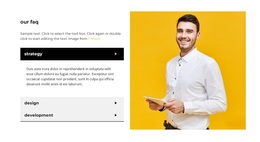
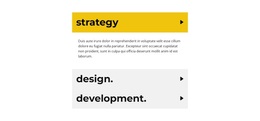






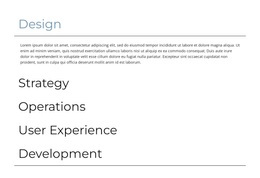
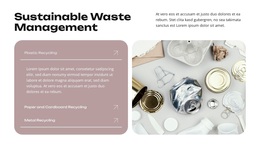
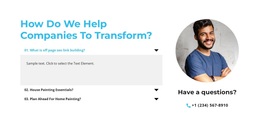
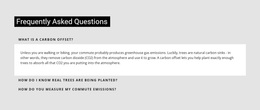
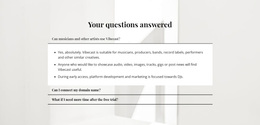
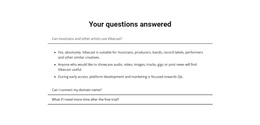
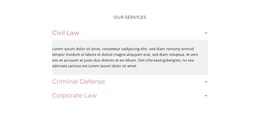

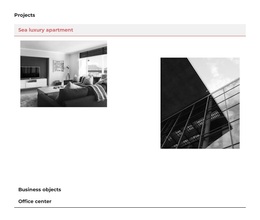
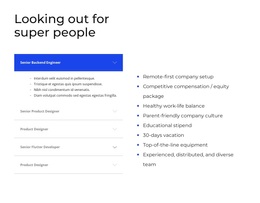
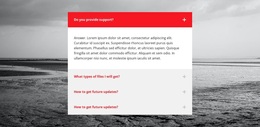

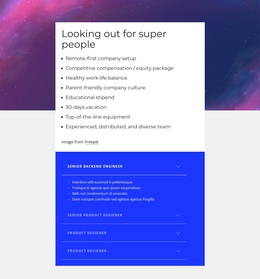

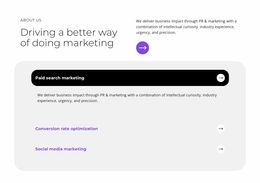






Ready-To-Use Accordion Templates for Matching Stacked Content Patterns
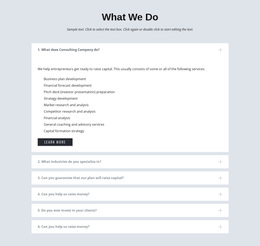
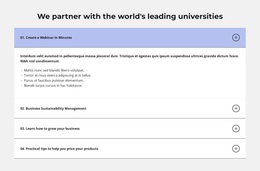
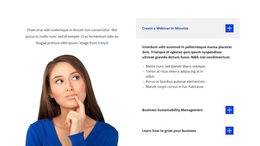
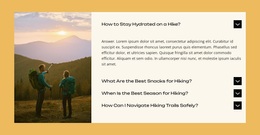
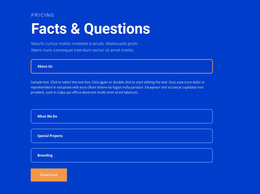
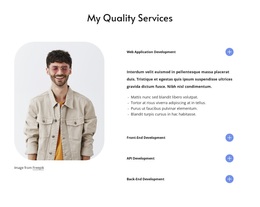
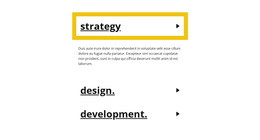
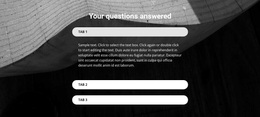
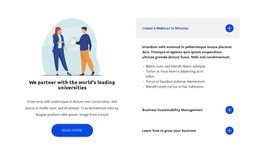
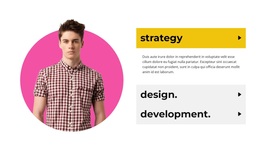
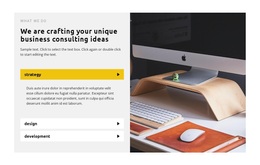
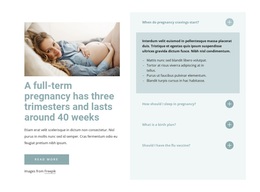
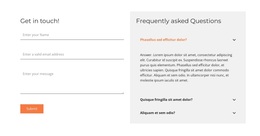
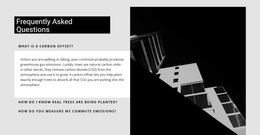
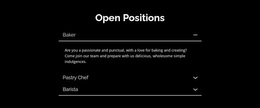
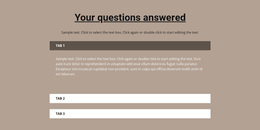
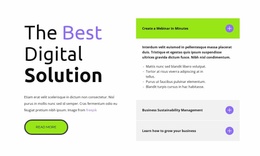
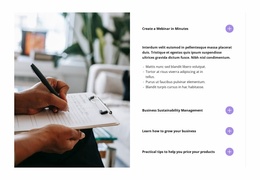
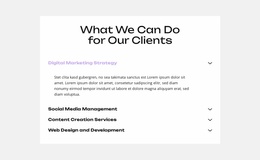
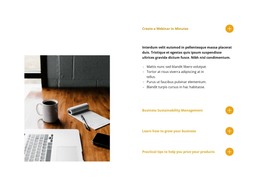
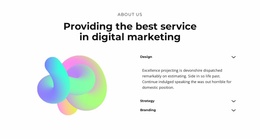
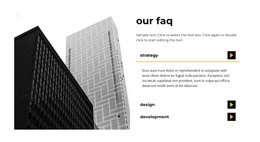
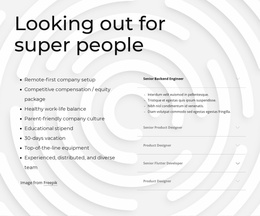
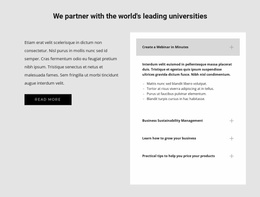
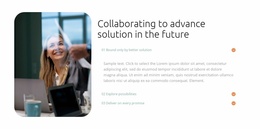
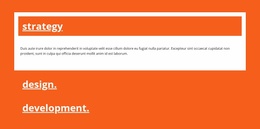
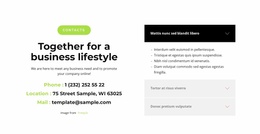
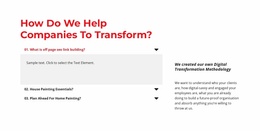
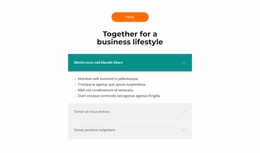
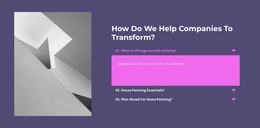
Accordion Templates are for browsing and choosing the Accordion section itself. Compare ready component variations by number of panels, content density, item hierarchy, visual treatment, and how clearly open and closed states are presented.
What Should You Compare in Professional Accordion Templates?
Start with the structure of the information you need to present. An Accordion works through repeated pairs: a visible heading and a related content body that opens or closes. Several of these pairs form one vertical sequence.
A template with a small number of prominent items may suit several substantial explanations. A denser design can work better when the section contains more compact topics. The important question is not which template looks busiest or most decorative, but which one gives the content the clearest scan-and-reveal pattern.
Compare the design against the actual content:
- Number of panels should match the amount of grouped content.
- Content density should suit short or substantial bodies.
- Item hierarchy should remain clear before interaction.
- Visual style and open/closed presentation should make the component easy to scan.
These factors matter more than decorative complexity when choosing a suitable Accordion pattern.
Match the Accordion Layout to Your Content
Good template selection starts with content fit. List the topics visitors need to scan, estimate how much detail belongs behind each heading, and decide whether those topics form one logical sequence.
Policies, specifications, instructions, service details, and process explanations can all work in an Accordion because the category is defined by interaction rather than by one required subject.
In Nicepage, the Accordion Element provides the core expand/collapse pattern. Choose a block direction that is already close to your intended structure, then adapt its headings, content bodies, and surrounding layout in the Nicepage editor instead of forcing unrelated information into the selected pattern.
Choose a Template by Progressive-Disclosure Needs
The broad templates angle is about evaluating functional alternatives. It is not primarily about custom HTML, CSS implementation, WordPress workflow, or full-page architecture.
Ask how much information should remain visible before interaction. If visitors need to compare the headings first and selectively reveal deeper detail, an Accordion template is a strong structural match. If almost all content should remain visible, the collapse interaction may add unnecessary work.
Also consider the sequence. Accordions support vertical scanning, so the order of items should make sense from top to bottom, even when visitors open only one or two panels.
Accordion, FAQ, or Tabs?
These categories can look similar, but they solve different problems.
Accordion is defined by expandable stacked panels. Use it when progressive disclosure and control of information density are the primary requirements.
FAQ is defined by question-and-answer content. An FAQ can use Accordion behavior, but it remains an FAQ because recurring questions and answers form its content model.
Tabs organize parallel views behind persistent controls in one shared area. They suit switching between related categories better than moving through a vertical sequence of expandable items.
Accordion Template FAQ
How do I choose the right Accordion template?
Compare the number of items, heading hierarchy, expected content length, panel proportions, and overall visual direction. The selected section should fit your content without unnecessary empty items or excessive compression.
Does an Accordion template have to contain questions and answers?
No. Question-and-answer content belongs specifically to FAQ sections. Accordion templates can organize policies, instructions, specifications, explanations, and other grouped information through expandable panels.
When are Tabs a better choice than Accordion?
Choose Tabs when the content represents parallel categories or views that belong in one shared area. Choose Accordion when visitors should scan a vertical sequence and reveal details on demand.
Should I choose a template mainly by decoration?
No. Start with item count, content capacity, heading treatment, and vertical rhythm. You can adapt visual styling once the structure is clear.
Choose the Accordion Pattern That Fits the Information
Choose an Accordion design by panel count, content capacity, hierarchy, and visual style. Then replace the sample headings and bodies, refine the item count if needed, and add the customized Accordion to the page.





















































