
1000 Architecture & Building Templates





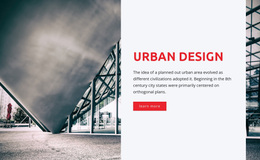
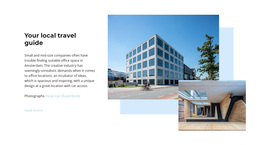
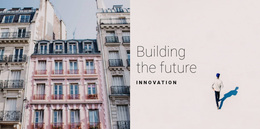
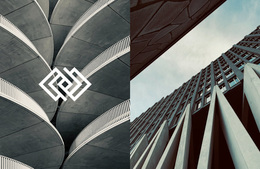

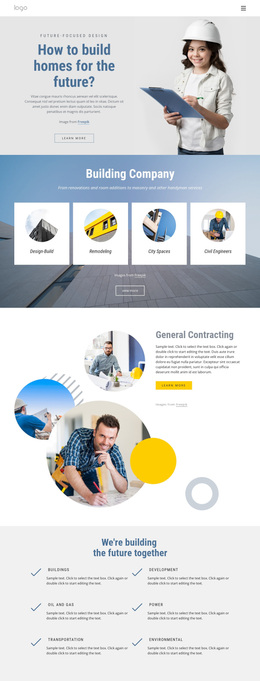
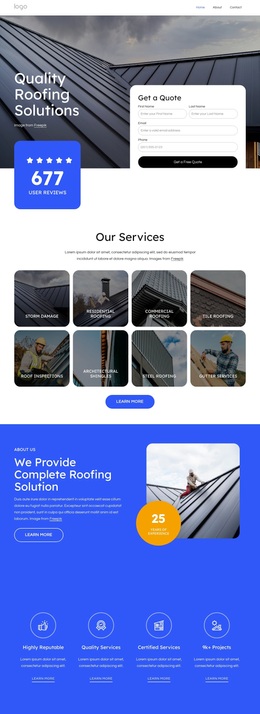
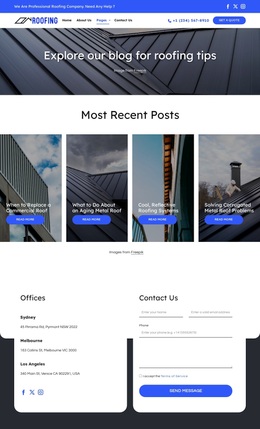
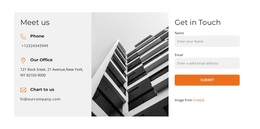



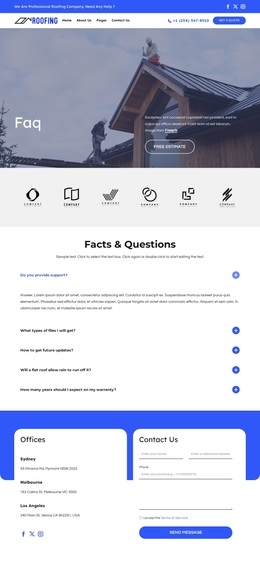
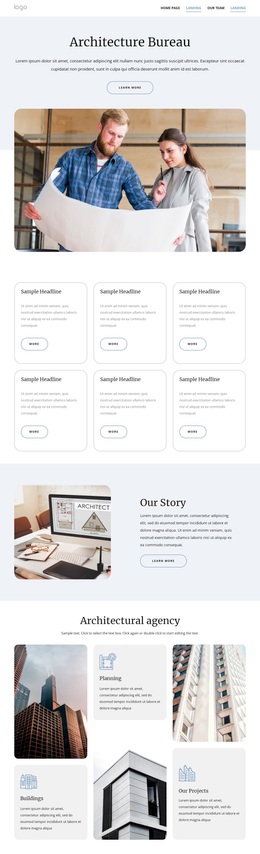


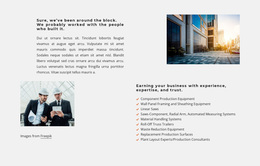

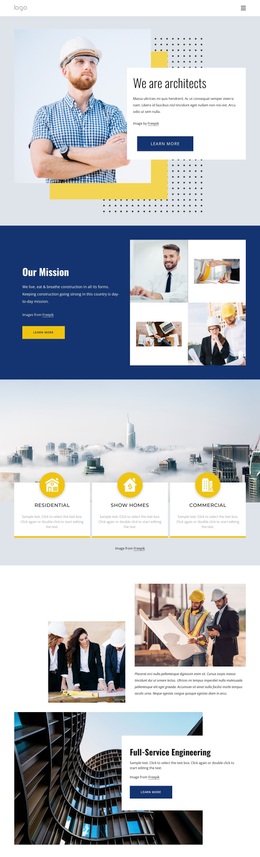
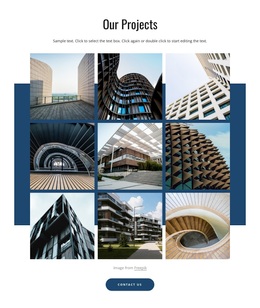
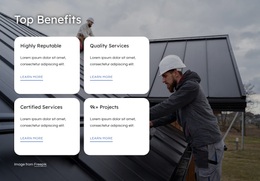
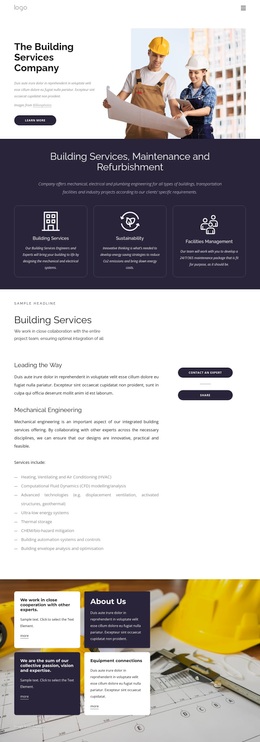
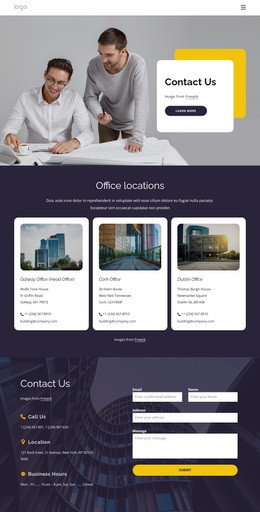
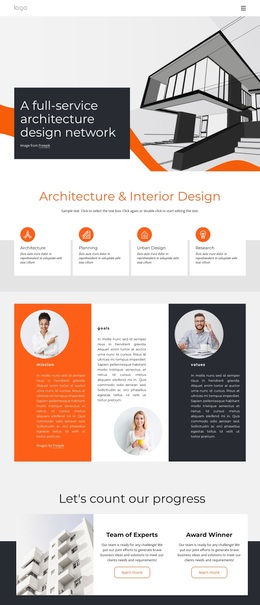
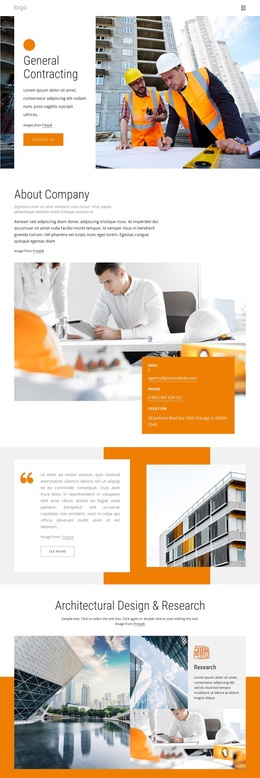
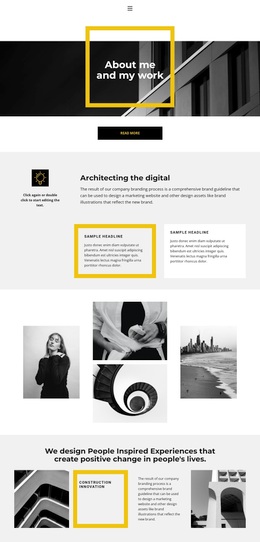
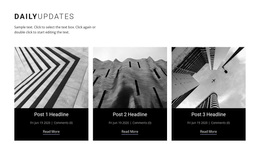

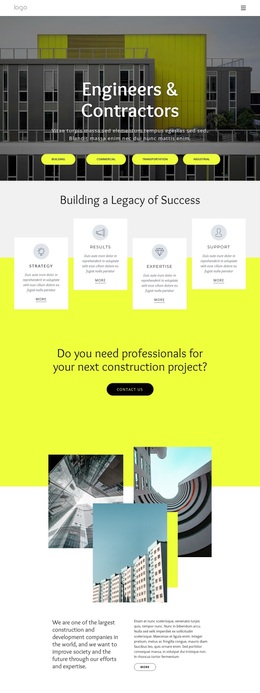

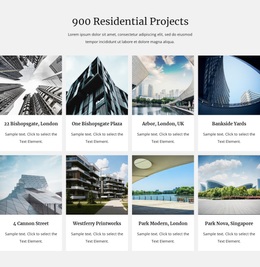

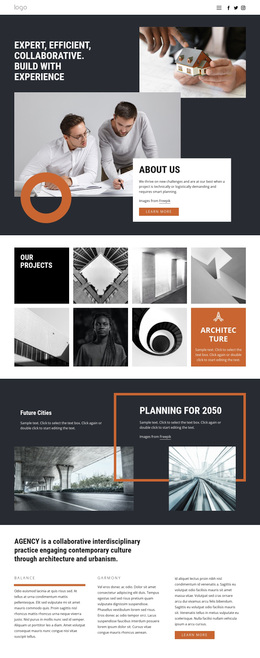





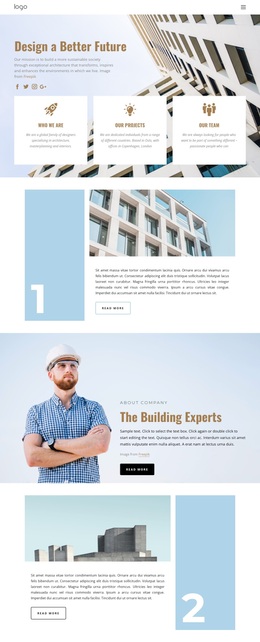
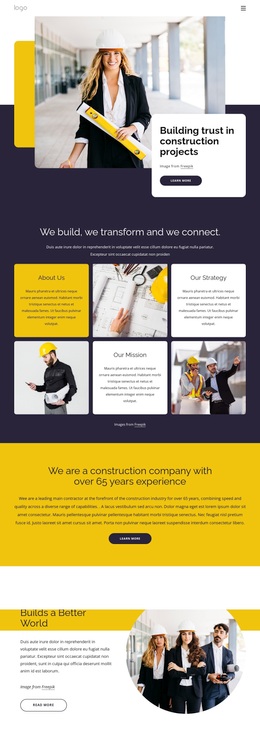
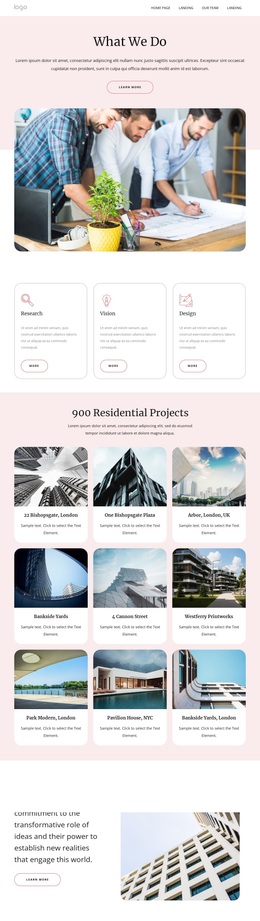
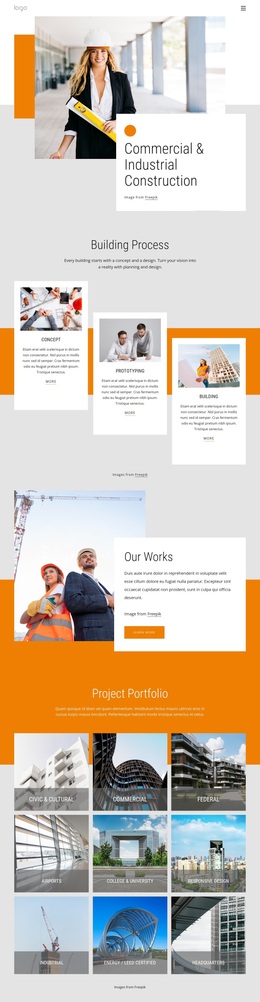
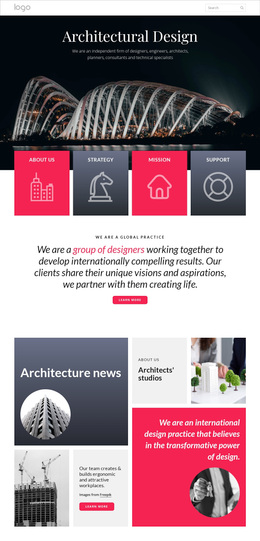
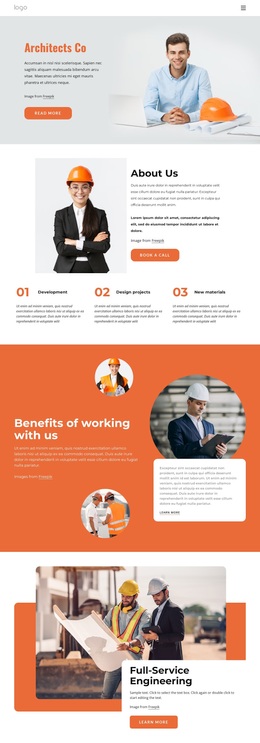


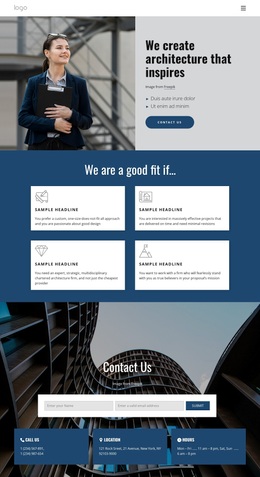
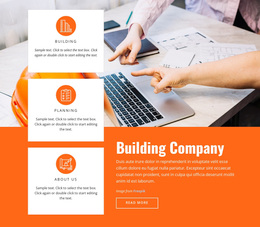



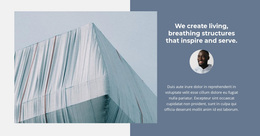
Multipurpose Architecture & Building Templates
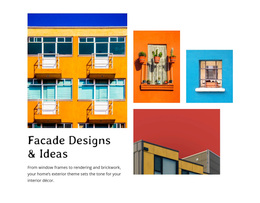
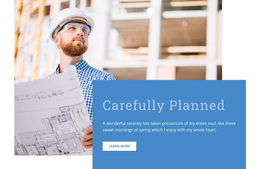
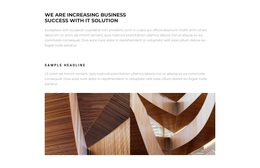
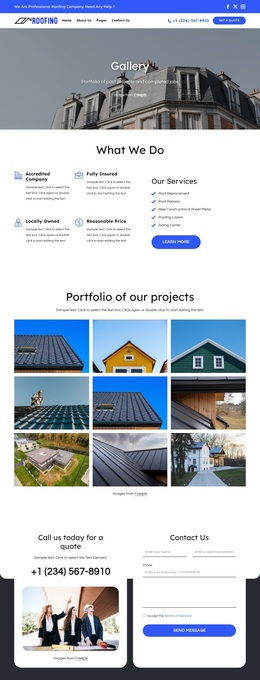
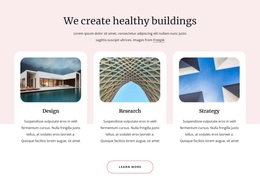
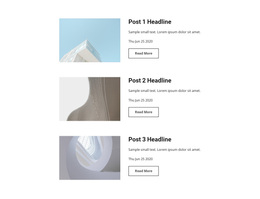
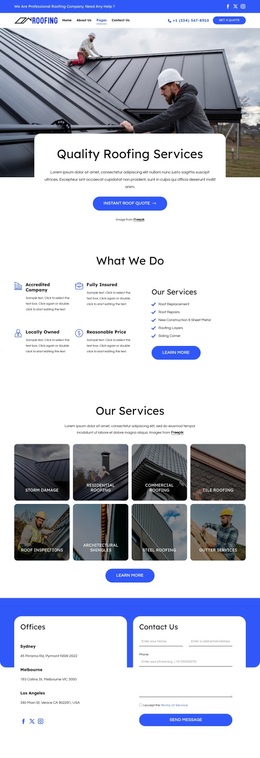
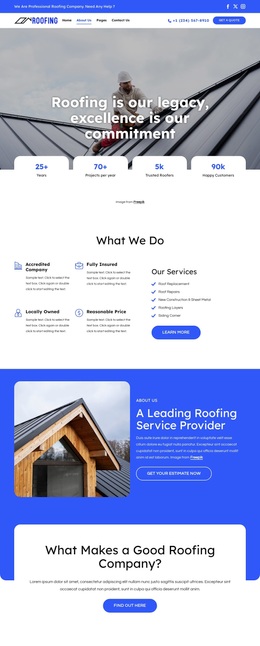
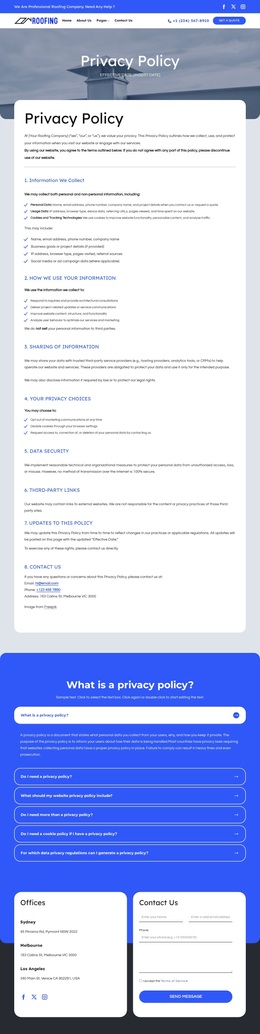
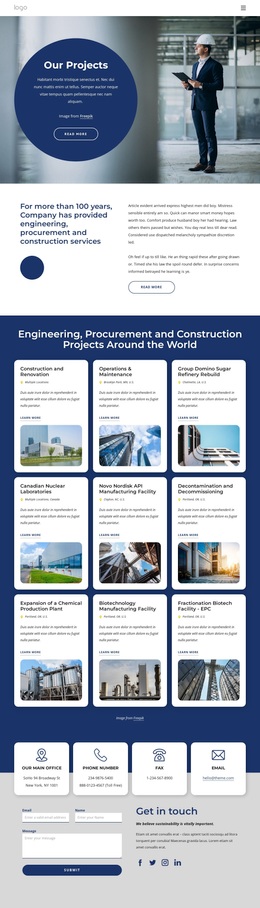
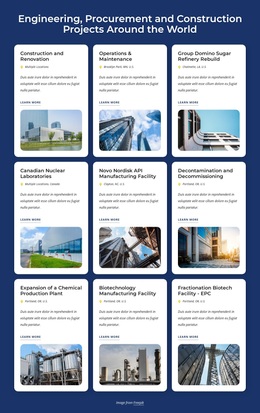
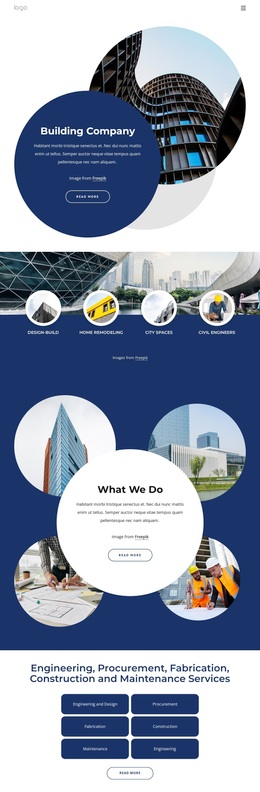
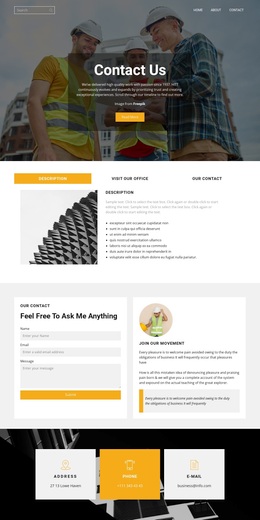
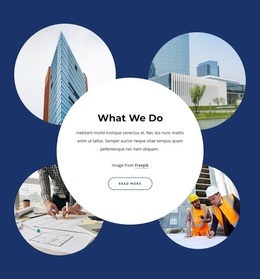
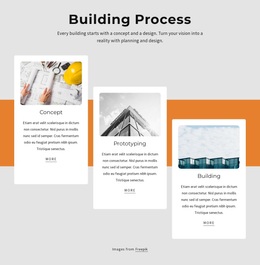
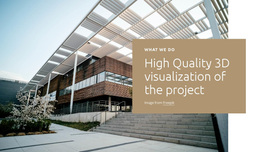
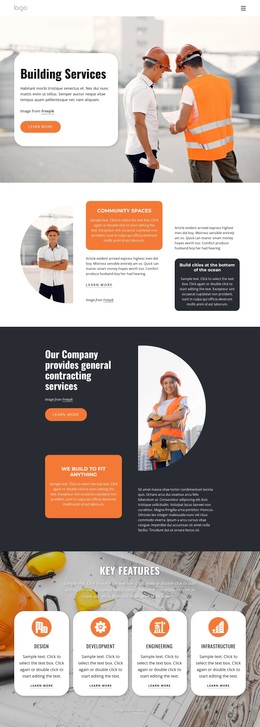
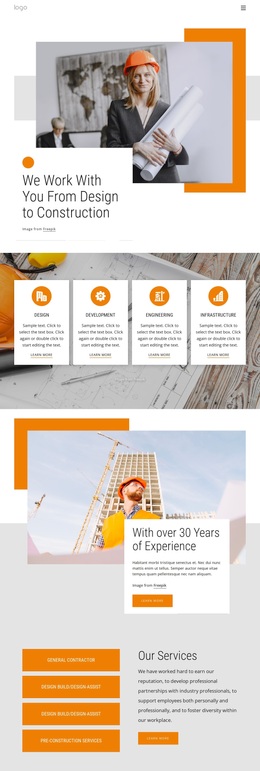
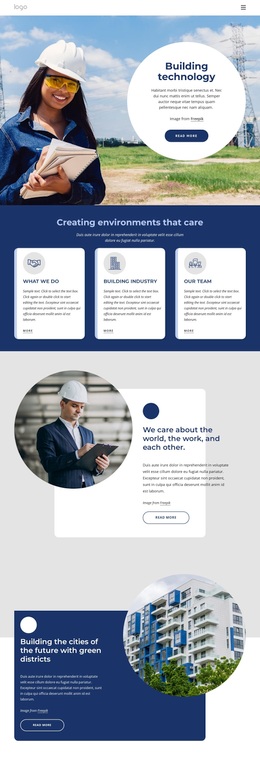
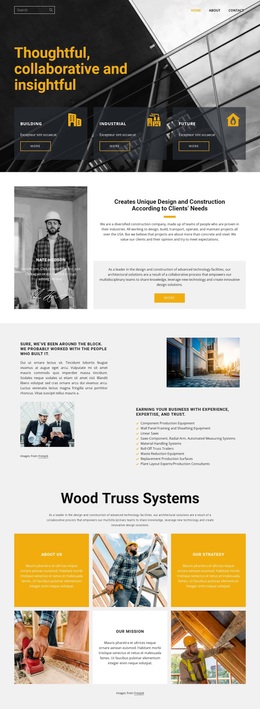
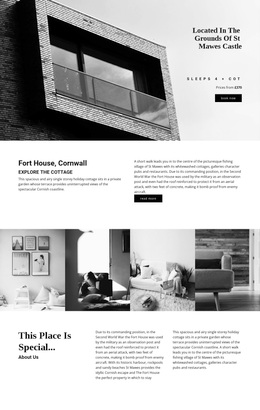
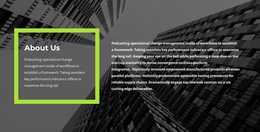
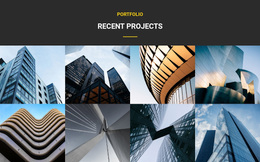
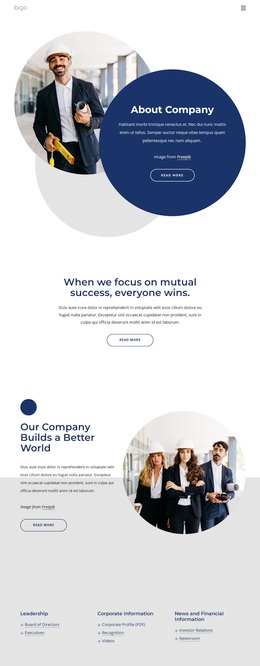
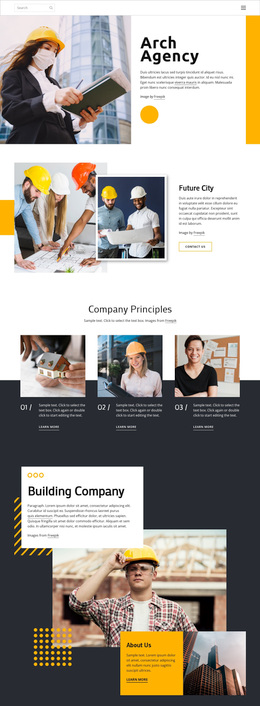
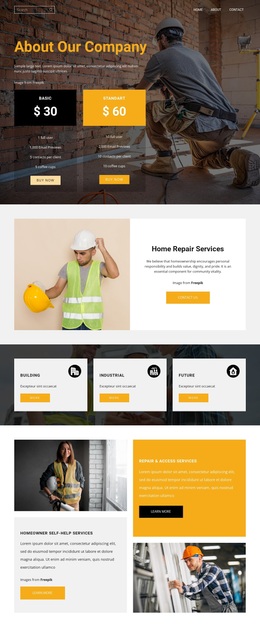
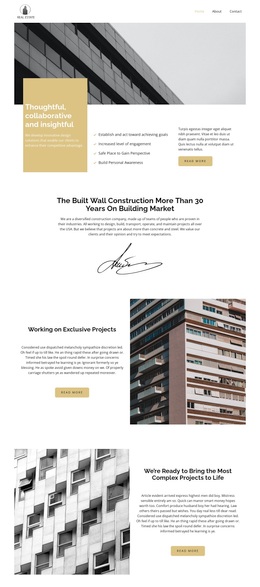
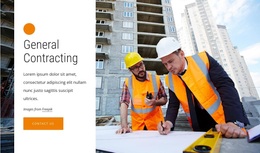
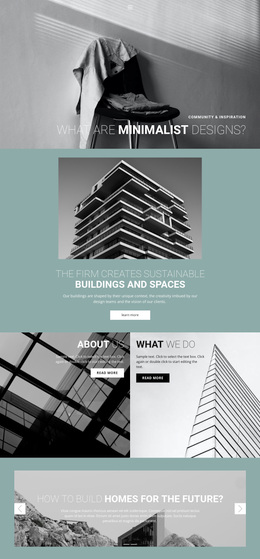
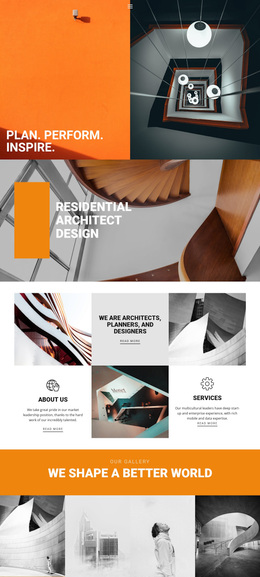
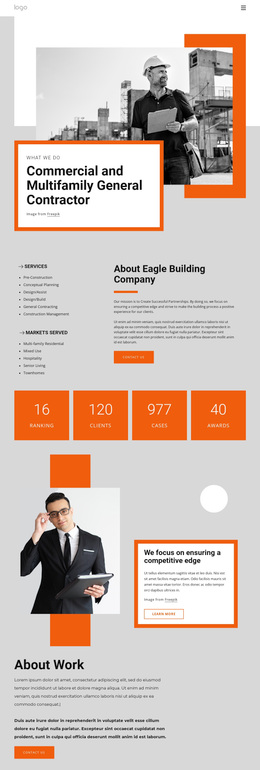
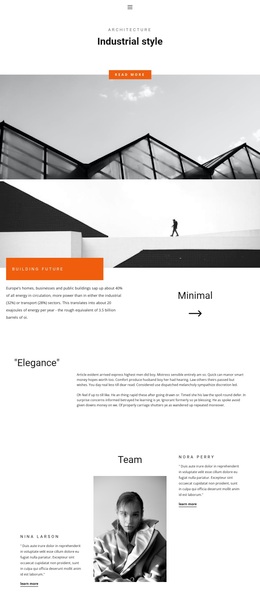
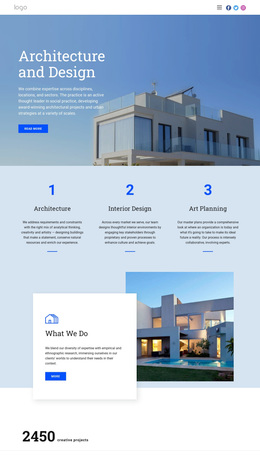
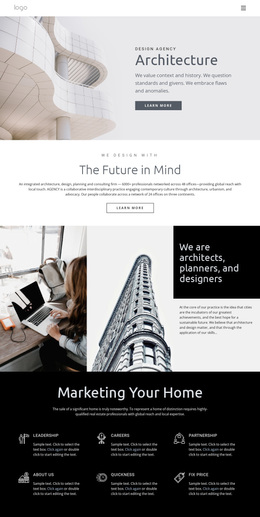
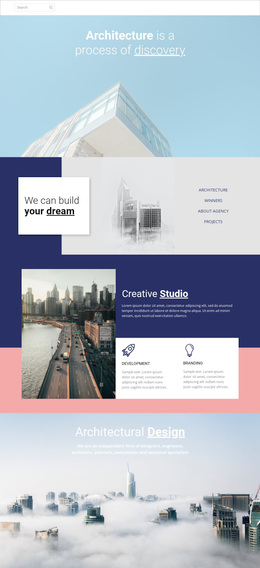
Architecture & building templates offer varied design directions for specific architecture content needs, from a single project presentation to a services section or studio profile. Depending on the task, you can begin with a full-page layout or choose an individual block and adapt it around the material you already have. That makes the category useful when the immediate question is not how to build an entire site, but how a particular page or section should present architectural work clearly.
Match the Layout to the Architecture Task
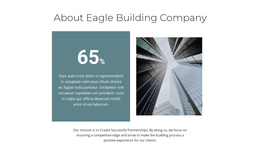
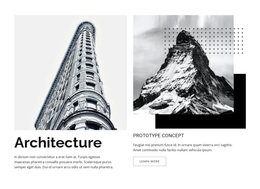
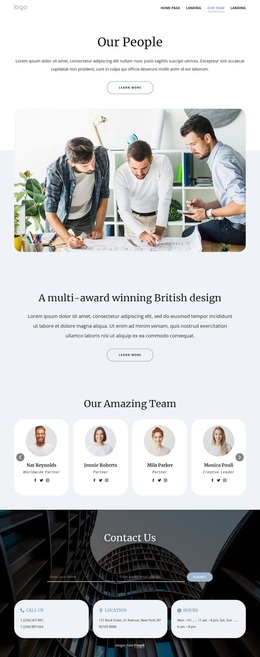
Different content calls for different compositions. A competition concept may need a strong statement, diagrams, plans, and renders arranged with an editorial rhythm. A completed residence can rely on large photography with concise project facts, while a public building may need more contextual text, drawings, and supporting images. A studio profile often shifts attention to positioning, team information, credentials, and typography, whereas a Services block requires an entirely different balance of text, hierarchy, and calls to action.
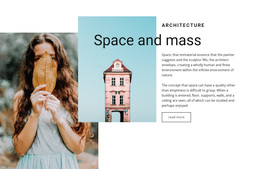
Project design references can help when the immediate need is a standalone case-study page. Other layouts may solve narrower tasks: an image-and-text sequence for a project story, a team section, a compact services presentation, a competition concept page, or a new visual block that needs to fit into an existing page.
This flexibility is what distinguishes the general Templates category from Website Templates, which are designed as coordinated multi-page sites with connected navigation and recurring page types. Here, the emphasis stays on choosing the page or section design that best fits the content in front of you.
Work with Full Pages or Individual Sections
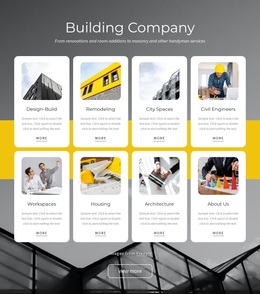
Nicepage includes 1000+ Web Page Templates and 9,000+ Block Designs, giving you both larger compositions and smaller, reusable sections without requiring the same design approach for every task. The Page Basics workflow can then be used when a chosen layout is turned into an actual page in the project.
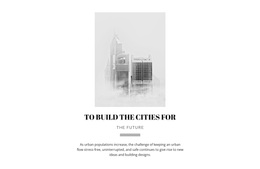
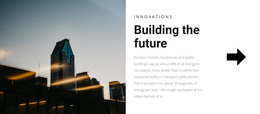
For high-rise work, skyscraper website ideas can suggest stronger treatments for vertical photography, skyline views, urban context, and mixed-use project information. Temple design references offer another direction in which cultural context, ornament, drawings, large images, and explanatory text may require a quieter, more deliberate composition.
A designer working on a single architecture project may choose a complete project presentation page and replace the demo content. Another may keep the current page but insert a stronger Services block, a team section, or an image-and-text sequence. Competition work may call for a more graphic layout than a finished residential case study. The choice can remain specific to the task rather than forcing unrelated content into the same visual pattern.
Choose the Design by the Material You Have
Look beyond the hero image and check whether the composition suits the actual content. Plans need enough neutral space and clear captions; completed photography may need wider visual moments; technical or competition material often needs room for diagrams and explanatory text; studio information depends more on typography and hierarchy than on a gallery.
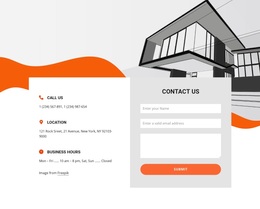
Choose a full-page design when most of the page already fits the intended presentation. Use an individual block when only one part needs improvement, such as services, team information, a project introduction, contact details, or a focused image-and-text section. Different design directions can be combined, provided the finished page still feels intentional rather than assembled from unrelated fragments.
Architecture Template Collection Questions
What can I find in the Architecture & Building Templates category?
The category can include full-page layouts and individual content blocks for architecture-related needs such as project presentations, studio profiles, services, team sections, competition concepts, contact areas, and image-led content.
When is a standalone project or competition page a good choice?
Use a standalone page when one project needs its own visual story without requiring a redesign of the rest of the site. This works well for a competition concept, flagship building, special proposal, or project presentation that needs more space for drawings, renders, diagrams, or explanatory text.
When should I choose a full-page template instead of an individual block?
Choose a full-page template when its overall composition already matches most of the content you need to present. Use an individual block when only one section needs a new treatment, such as services, a project introduction, team information, contact details, or a focused image-and-text sequence.
Can I combine different design directions on one architecture page?
Yes. A project page can combine different layout ideas as long as typography, colors, spacing, and image treatment remain consistent enough to feel intentional. The goal is to address different content needs without making the page look like it was assembled from unrelated pieces.
What should I check when a layout mixes drawings and photography?
Check whether plans, sections, renders, and completed photographs have distinct visual roles. Drawings usually benefit from neutral space and precise captions, while photography can carry larger visual moments. The layout should support both without crowding technical material or weakening the image sequence.
Choose for the Next Piece of Content
Use the layout that best solves the immediate presentation problem, then adapt it to the studio's typography, imagery, and project information. A useful template may be a full project page, a quieter studio section, or a single well-structured block—the right choice depends on what needs to be communicated now.




















































