
Photographer Website Templates






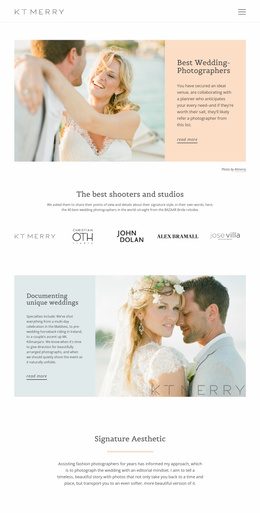
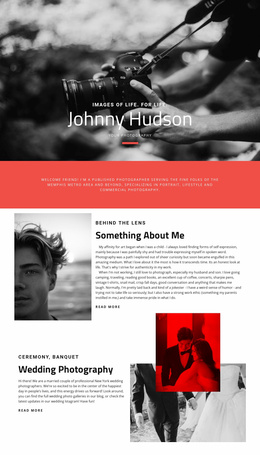




More Website & HTML Templates for Photographer





More Website Templates from Art & Design Category












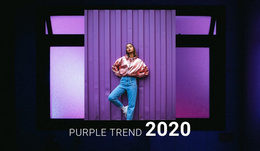




Other Art & Design Website Templates
Professional Photographer Website Templates
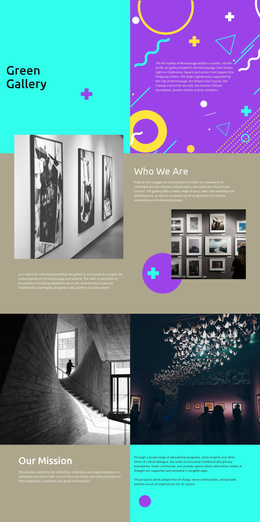
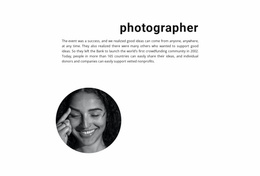
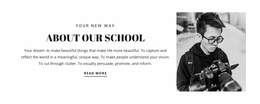
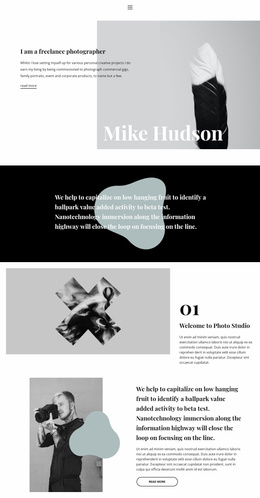
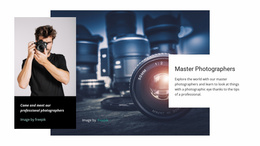
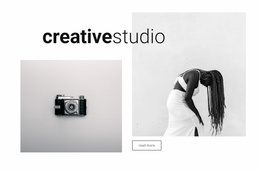
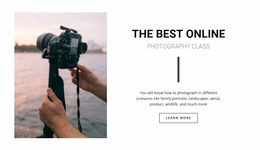
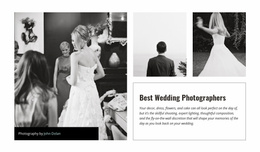
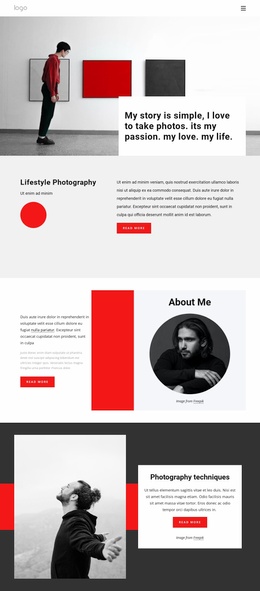
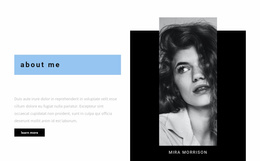
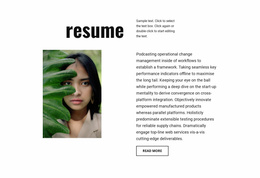
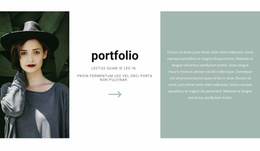
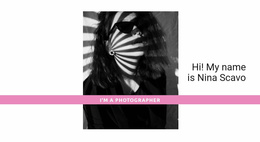
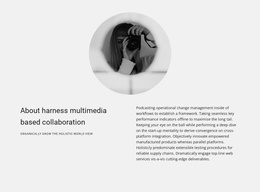
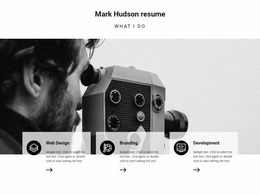
Want to make your photography site credible before your customer goes through the descriptions? Photographer website templates will allow you to show your portraits, wedding pictures, studio photography, travel images, product photography, and event shooting in the best light. You can use all the necessary features, such as a large hero image, portfolio galleries, services, pricing options, reviews, an 'about' section, and a contact form in one convenient template. A photographer website template will be helpful not only for new freelancers but also for large studios that have many sets of photos.
Visitors will easily understand the style, services offered, compare prices, and submit requests without any additional actions. In addition, design really affects trust. More than 75% of people decide whether to consider a business credible based on the design of its website, and 38% of users will immediately leave the website if it seems unattractive in terms of design and content.
Trendy Portfolio Structure for Client Trust
A photography portfolio site must not be like an arbitrary gallery. Rather, there must be a structure: the best pictures first, followed by niche validation, service information, pricing, and contact details.
Useful first-screen blocks of a photography portfolio website can include:
- Adaptive galleries for portrait and project images.
- Clear service blocks with short package details.
- Contact areas for direct client inquiries.
- Editable typography for captions and photographer bios.
- Portfolio sections with balanced image spacing.
- HTML export for independent hosting and updates.
Credibility is established right from the start on a photographic website. In fact, visitors will generally make their decision on whether or not the style of the photos seems credible, relevant, and worth investigating within the first few seconds of the visit.
Spotless Booking Sections and Proof Blocks
Most photographers also sell photos, books, or gift certificates, so there is likely a purchasing process as well as an inquiry process.
Here is the simple Nicepage workflow, which looks like this.
- Select a design that is already suited to your niche market.
- Replace sample photos with your best portfolio photos.
- Include your services, pricing, testimonials, and contact details.
- Tweak font size, spacing, and ordering of galleries.
- Ensure that all menu functions are working properly for both desktop and mobile devices.
- Make sure that all inquiry forms are working before going live.
- Always update your portfolio with new projects.
A photography website should make the next step feel obvious. One visitor may want to book a wedding date, another may compare portrait packages, and someone else may simply want to order prints from a finished gallery.
Find Your Photographer Website for More Requests
Define one of the best photographer website templates depending on the type of service you provide, then customize it according to your galleries, and modify the offer. Utilize just one button rather than several in order to make one request action.