
140 Sale Templates
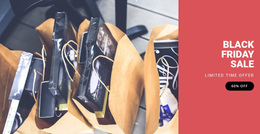

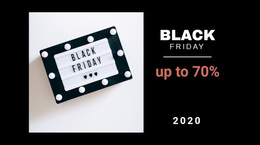
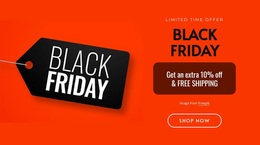

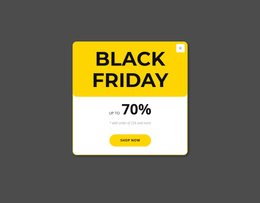



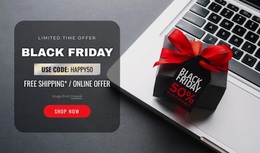
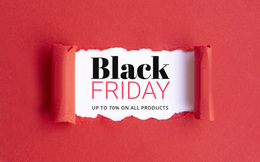

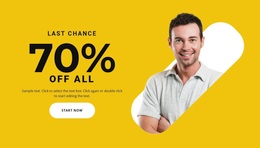
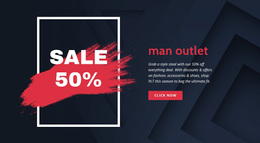


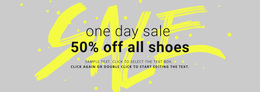
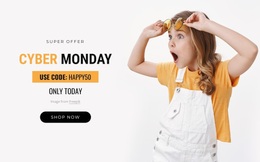
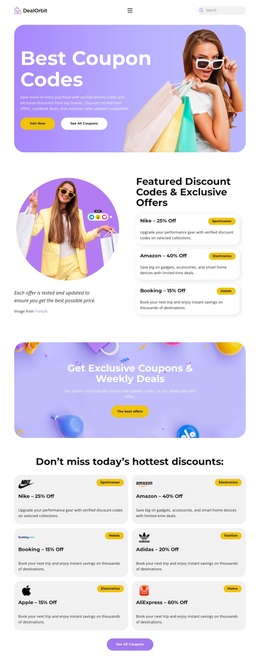
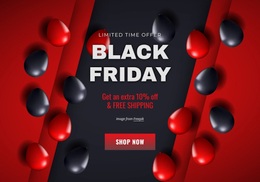

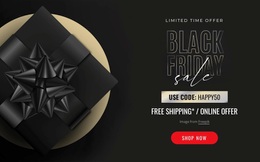
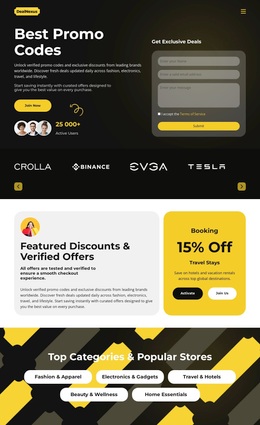
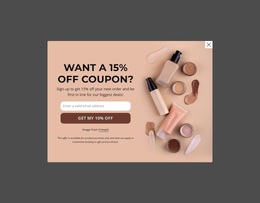
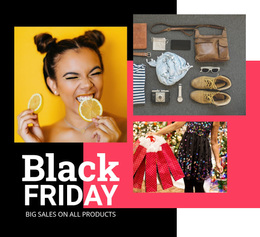


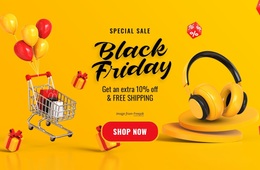
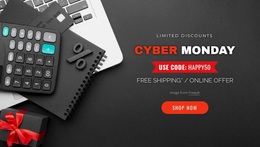











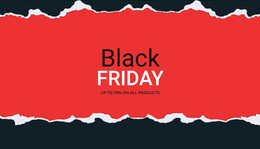
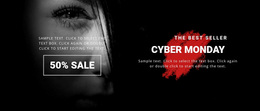
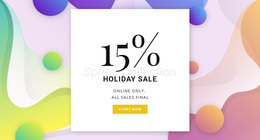
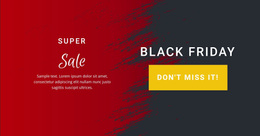

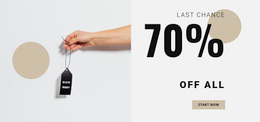


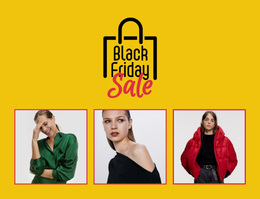
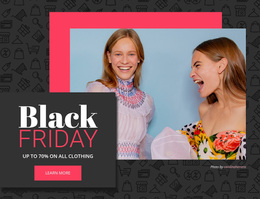



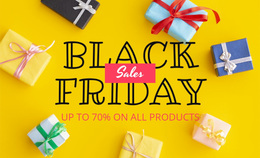
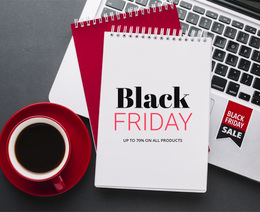




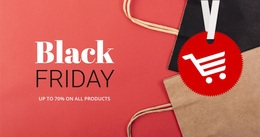


Creative Sale Templates for Retail Promotions
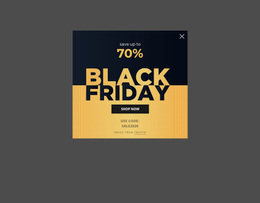
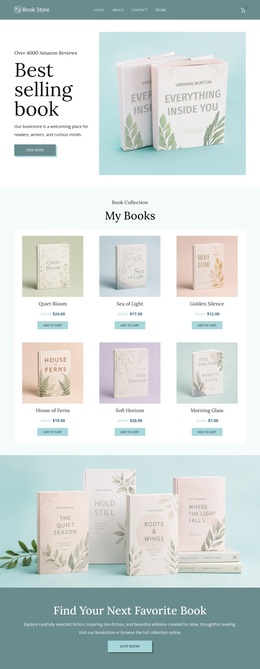
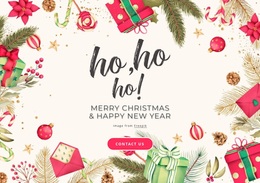
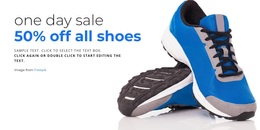
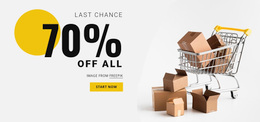
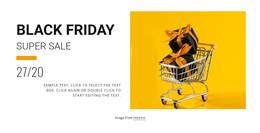
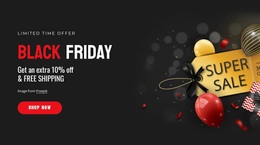
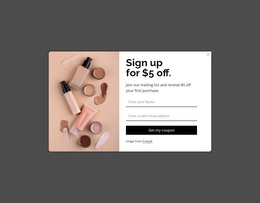
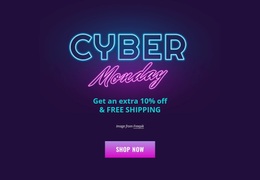
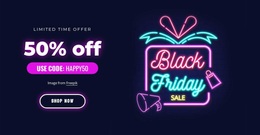
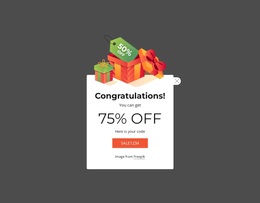
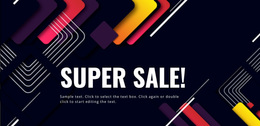
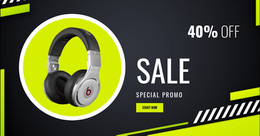
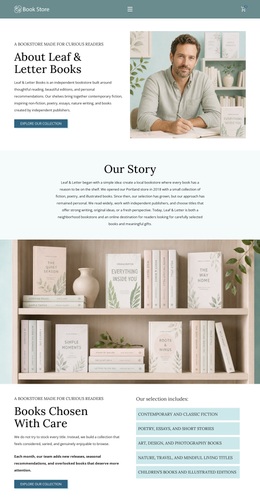
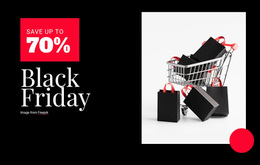
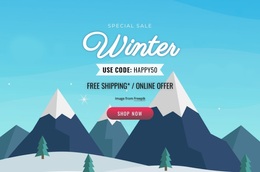
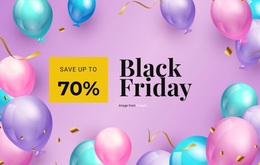
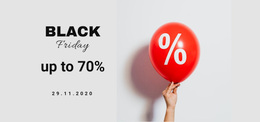
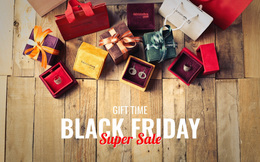
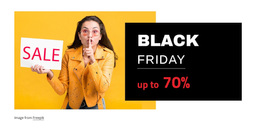
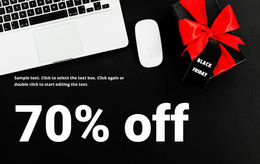
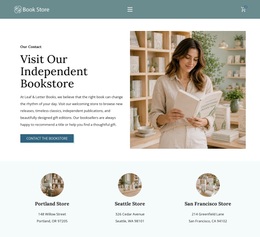
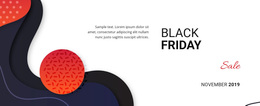
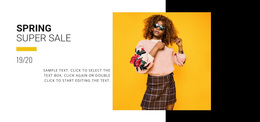
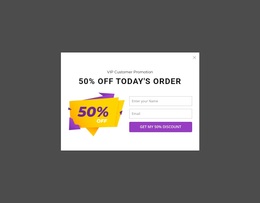
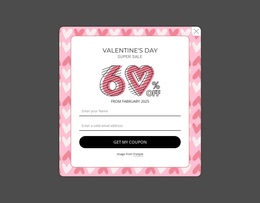
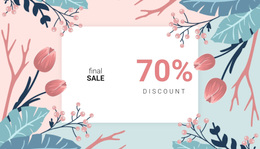
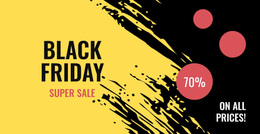
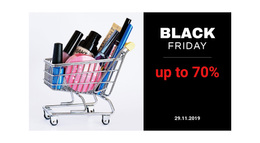
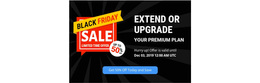
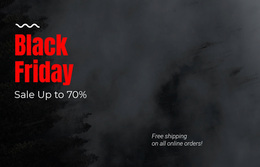
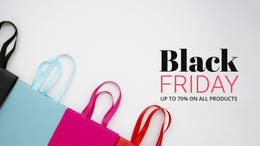
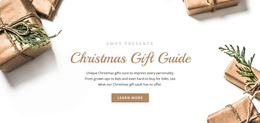
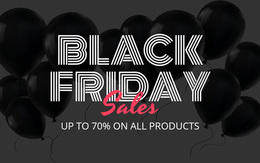
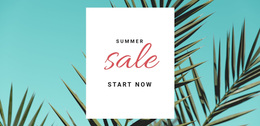
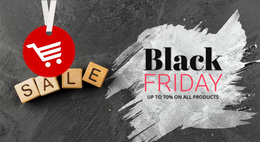
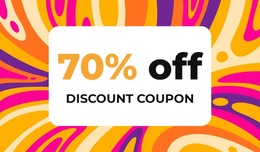
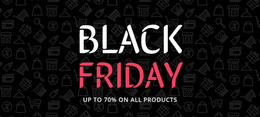
Sale templates give retailers, outlet stores, ecommerce teams, and campaign managers a faster route from a promotion idea to a complete page direction. Different layouts can support voucher offers, clearance events, featured products, or seasonal campaigns without a fixed visual pattern for every project. That variety reduces setup effort and gives each promotion a more suitable initial structure.
How to Create a Professional Sale Website?
Start by matching the layout to the promotion rather than the product category alone. A useful starting point should give each campaign a clear role: - Outlet events need broad product visibility. - Voucher campaigns need simple redemption messages. - Seasonal sale needs time-sensitive emphasis. - Brand promotions need stronger visual storytelling.
Retail sale templates work best when the collection gives you several ways to frame the same retail goal. Compare hero-led pages, product-heavy structures, compact offer pages, and longer promotional compositions before you commit to one direction. For stock-reduction campaigns, outlet website ideas can help narrow the visual approach to product volume and discount visibility.
Nicepage also lets you keep useful campaign sections for later work. The My Library block workflow supports reusable, pre-designed sections, so a proven promotion block can serve as a practical starting point for another retail page without rebuilding its structure from scratch.
Advanced Features for Sale Template Selection
The 1000+ Web Page Templates collection provides designer-made, customizable, mobile-friendly page options for different site types. Product List Element can place selected products on a page and lets you control the layout and number of items shown. Countdown Presets in the Add Panel provide predefined countdown formats for date, time, or number-based campaign needs. Contact Form Presets can add contact or subscription forms when a promotion needs lead capture. Full-Width Slider Element can support a wide hero area with lead text and CTA buttons. Project Export and Import lets you save a Project, Page, or single Block for reuse.
For product-focused promotional website templates, the Product List Element provides a direct way to present selected merchandise within the page structure. Keep that section visually subordinate to the main offer when the promotion depends on a voucher or deadline rather than a full catalog.
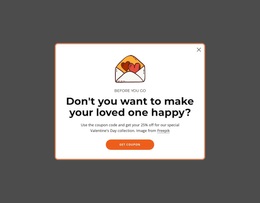
A voucher-focused design direction can shift the hierarchy toward redemption terms, code visibility, and a focused CTA while still using the same visual page editor and design collection.
User-friendly Sale Template FAQ
How do I choose a sale layout if I am not a professional designer?
Start from the campaign purpose and audience. A ready-made Nicepage design gives you a defined starting point, which you can refine around the products, offer type, brand colors, and message.
Can I mix several visual trends into a single retail sale design?
Yes. Keep colors and fonts visually consistent and avoid overloading the page. The sale message and usability should remain clearer than the surrounding decorative trends.
Can I reuse a successful sale block in another campaign?
Yes. Project Export and Import can export a whole Project, a Page, or a single Block so you can save and reuse the work and import it back when needed.
Customizable Sale Campaign Starting Points
A sale collection should give you options without taking control away from the final campaign. Choose a design concept, open the sale website builder through Nicepage Online or the Desktop App, adjust the offer blocks, then publish online or use the supported export workflow. Use buy-focused campaign ideas when the page needs stronger purchase-oriented cues. Start for free and shape the selected layout around the promotion, rather than forcing the promotion into a fixed design.





















































