
100 Pricing Templates
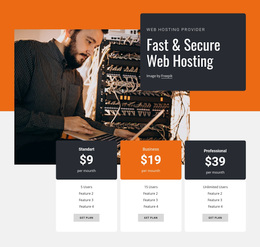
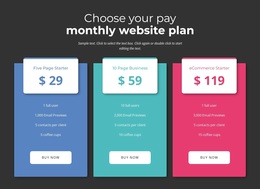
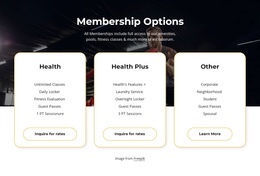
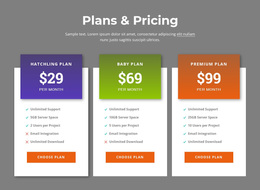

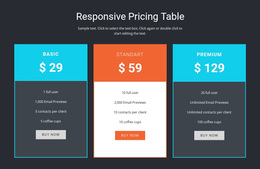

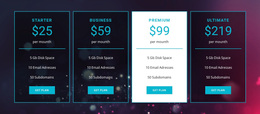
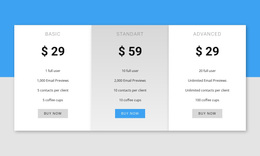
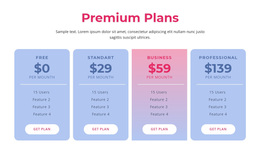
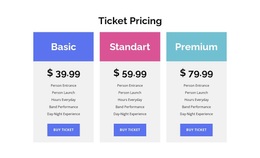

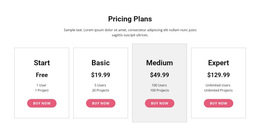
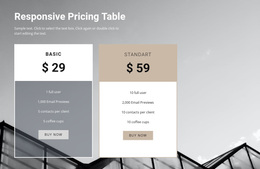
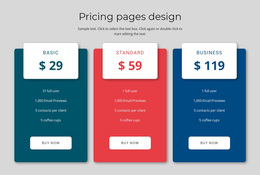



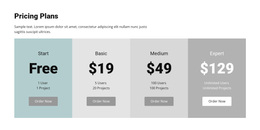
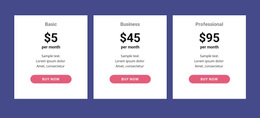
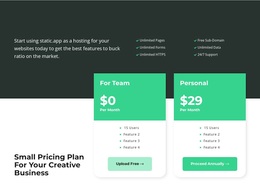
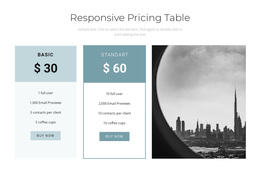



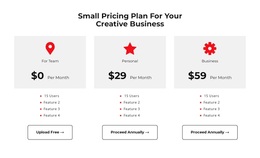
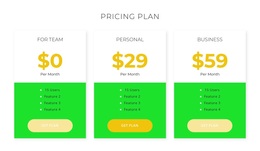

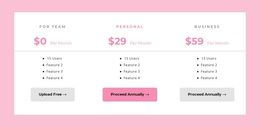
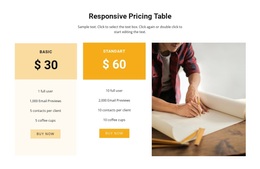

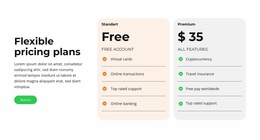
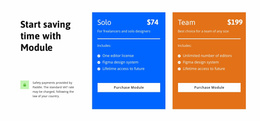
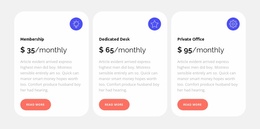
Pricing Templates for Subscriptions, Memberships, and Service Packages
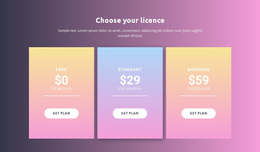
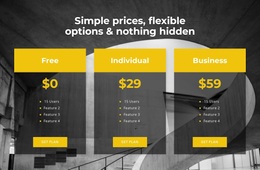
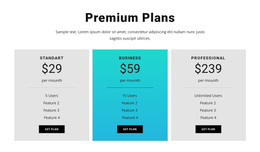
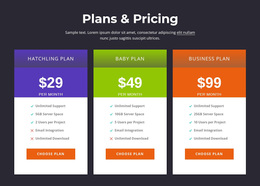
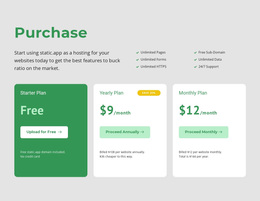
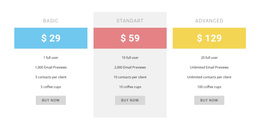
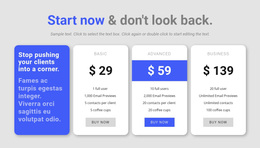
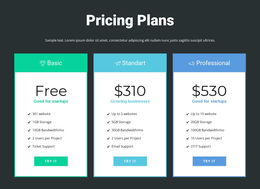
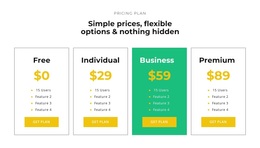
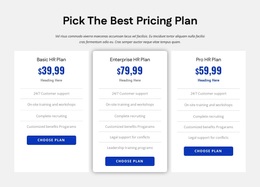
Pricing Templates help you choose a ready-made layout for showing paid options clearly. This is the broad category for pricing designs: compare alternatives by offer type, level of detail, and the decision visitors need to make. Nicepage provides editable Pricing Blocks that can be placed within a page and adapted to real plan information.
A pricing design that suits recurring software subscriptions will not always suit a fixed-price service package. Select by content first, then by visual style.
Explore Pricing Templates by Offer Type
Start with what you sell: subscriptions, memberships, services, or packages. Choose a ready-made pricing layout by the kind of offer and the comparison it requires, before considering where a section will appear on a website.
Start with what you sell: subscriptions, memberships, services, or packages. Browse ready-made pricing layouts around those business needs and the complexity of the offers, rather than beginning with the page’s visual styling or HTML technology.
- Subscriptions: monthly or annual billing, limits, access levels, and renewal conditions.
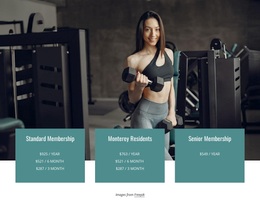
- Memberships: joining periods, visits or usage allowances, and membership privileges.
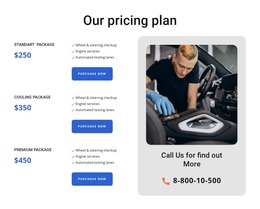
- Service packages: fixed fees, project scope, deliverables, and optional extras.
- Feature-heavy plans: detailed rows where many inclusions must be compared.
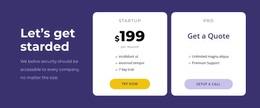
- Custom quotes: starting prices or package outlines with a route to an inquiry instead of an artificial fixed cost.
For example, a fitness club needs to distinguish visit allowances and membership duration. A design agency should make deliverables and revision limits visible. Software pricing may require more comparable feature details. The content pattern determines the appropriate template.
Decide Between Compact Cards and Detailed Comparisons
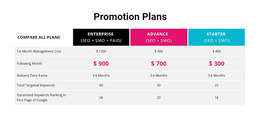
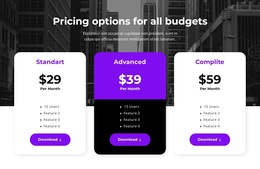
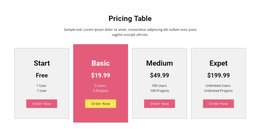
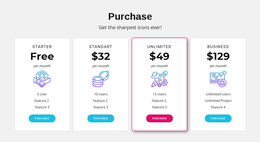
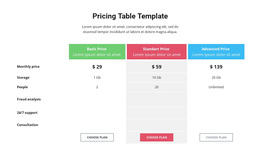
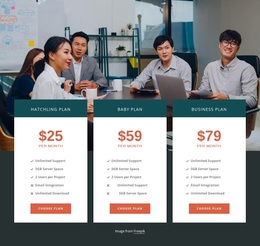
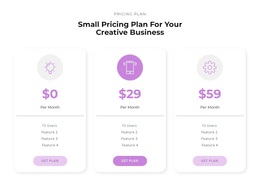
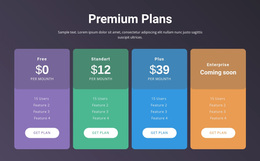
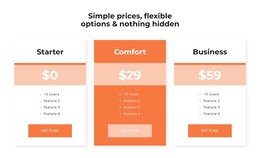
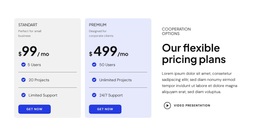
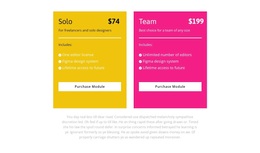
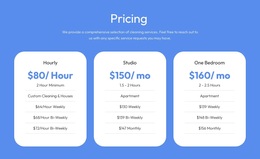
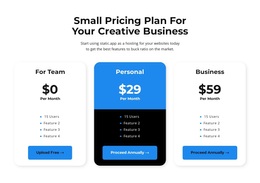
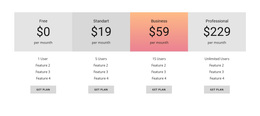
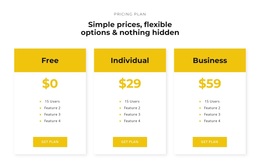
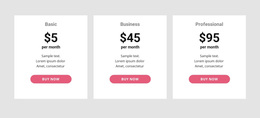
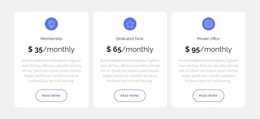
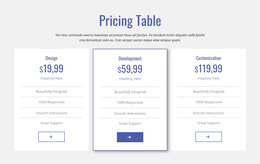
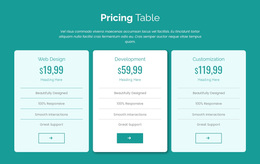
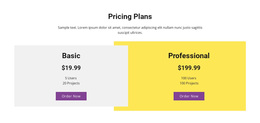
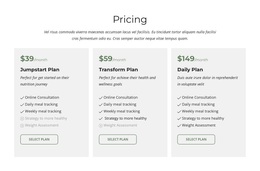
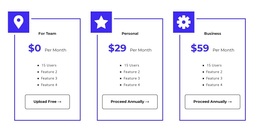
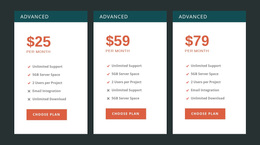
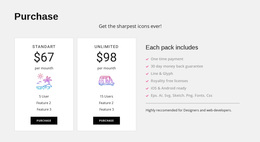
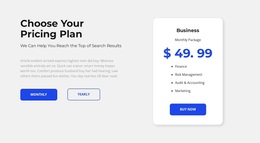
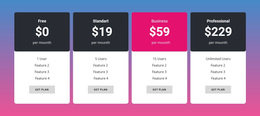
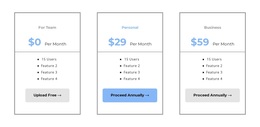
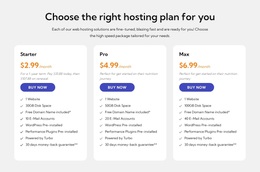
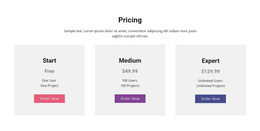
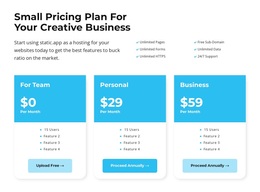
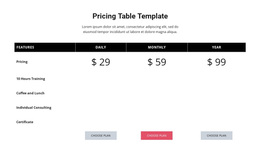
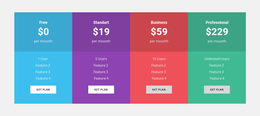
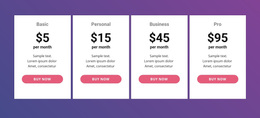
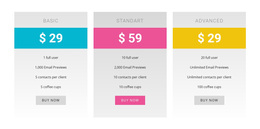
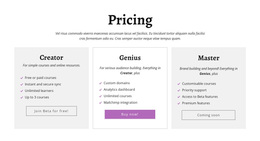
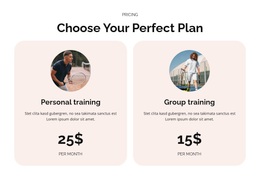
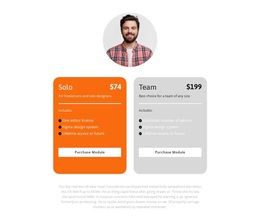
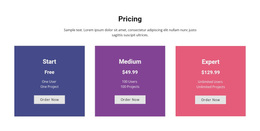
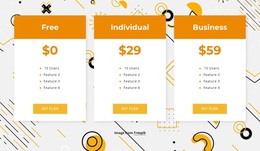
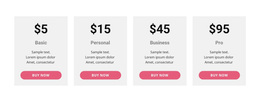
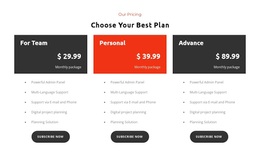
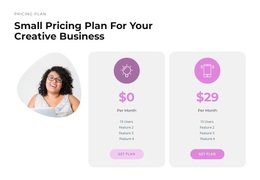
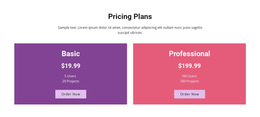
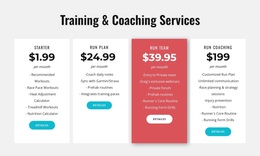
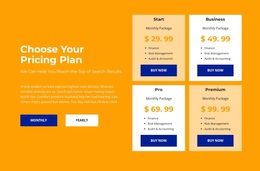
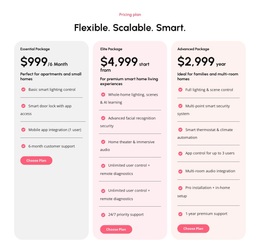
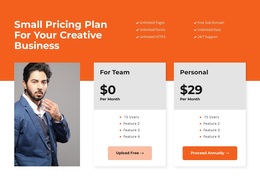
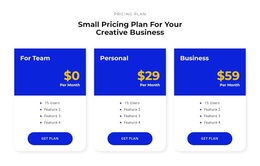
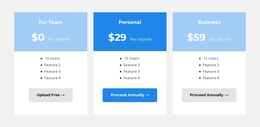
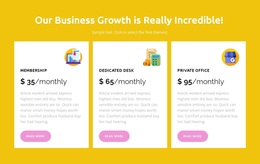
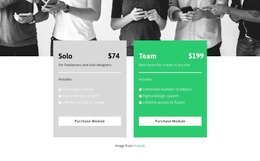
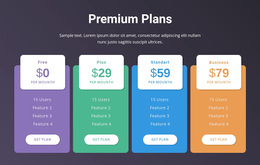
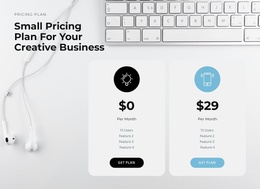
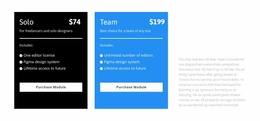
For two or three simple plans, compact cards let visitors evaluate each offer without scanning too much information. For many shared capabilities, Nicepage's Table Element can support a more detailed comparison.
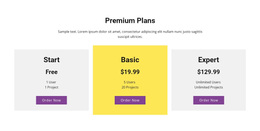
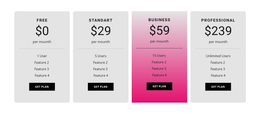
Before choosing, check the number of plans, length of each description, billing periods, and restrictions. Two or three concise offers usually fit cards; when many individual characteristics must be compared across plans, a structured feature comparison becomes more useful. Check that differences and the next step remain visible. Use a featured card when it has a meaningful reason to stand out, not just because the layout needs an accent.
Choose a Ready-Made Design That Fits the Offer
Nicepage's Blocks and Elements workflow provides ready-made designs you can adapt. This broad Templates category organizes choices by type of offer and comparison depth, while Website Templates emphasizes which prepared sections work on different website pages. The Website Builder page instead covers actively editing and maintaining a chosen section.
Make the offer type and the number and complexity of plans the first filters for choosing a prepared block. Styling refinements and the eventual website format are secondary to whether the template fits the commercial proposition.
A Product List is more appropriate for browsing individual merchandise items; Pricing Blocks present related paid offers for comparison. Choose a layout that gives customers the information they need without padding the section with unnecessary tiers or repetitive benefits.
Pricing Templates FAQ
Can I use Nicepage AI to generate a pricing block?
Yes. Nicepage AI Services can generate sites, pages, and blocks. You can use a generated block as a starting point, then refine its prices, plan names, included features, and selection buttons in the Nicepage editor.
Can I customize a pricing template without professional design experience?
Yes. Start with a ready-made Nicepage design that matches your section's purpose and content. Replace the sample information and adjust the layout, typography, and visual emphasis rather than designing every pricing element from scratch.
Can I reuse a customized pricing block on another page?
Nicepage Desktop Application supports saving customized Blocks to My Library and adding them to other pages or projects. This is useful when several pages need a consistent pricing section structure.
When should I choose pricing cards instead of a comparison table?
Choose pricing cards when each offer needs a concise summary with its price, main benefits, and a clear call to action. A comparison table works best when visitors need to compare many shared features or conditions across multiple plans. Nicepage's Table Element lets you organize that information into editable rows and columns.
Choose a Pricing Template That Fits Your Offers
Browse the available Pricing block designs and begin with the structure that best represents your plans. Update the prices, feature lists, and selection actions in the Nicepage editor, then refine the layout to keep the information consistent.
Start with the offer you need to present, then choose a ready-made pricing layout that fits what you sell and how your plans differ.
A successful pricing section should make each offer's cost, included value, and next step easy to compare. The template provides the starting structure; the actual plan information determines which design works best.





















































