
110 Slider Templates






















































































Ready-To-Use Slider Templates for Featured Content
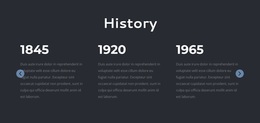
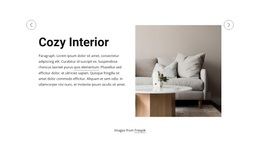
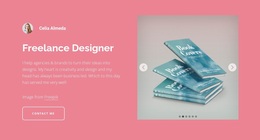
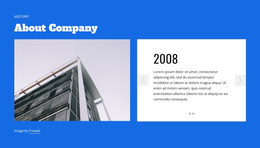
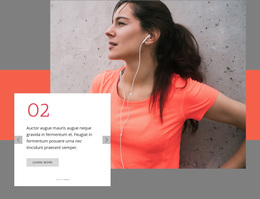
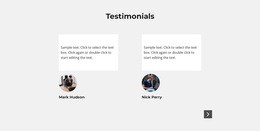
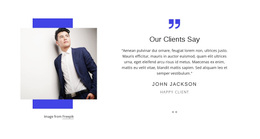
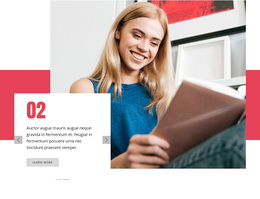
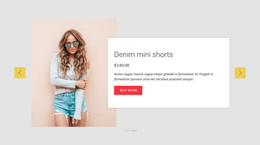
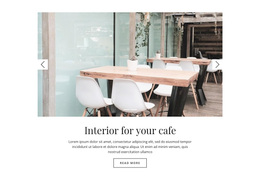
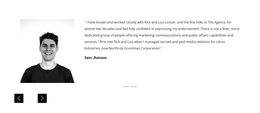
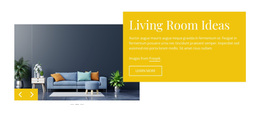
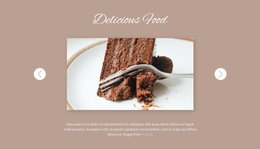
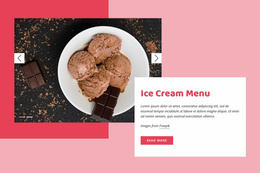
Slider Templates is a general collection of ready-made Slider compositions for testimonials, image showcases, product highlights, promotions, and mixed content. It is a broad starting point for comparing slide structure, content capacity, and navigation across the available designs. A single composition may suit several purposes.
Explore Popular Ready-Made Slider Arrangements
Compare examples according to the information already accommodated in each layout:
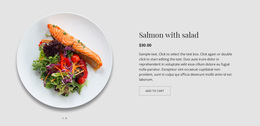
- Featured slides may reserve distinct positions for a feature title, short explanation, supporting image, and relevant action.
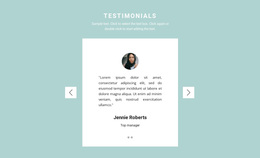
- Testimonials work best when a quotation remains prominent, and attribution has a clear place; a portrait can add context where the design allows it.
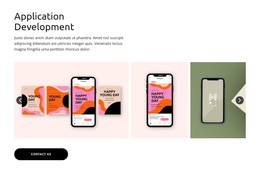
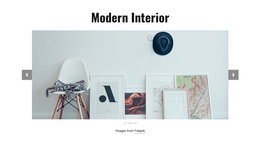
- Portfolio highlights depend on image proportions and whether labels sit alongside or over the picture.
- Promotional slides bring the offer, visual, and button into one recognizable focal area.
- Mixed-content designs may balance a product image with copy or combine a statement with supporting visual details.
These categories may overlap within one design. Compare the actual examples by how clearly each slide separates the main message from supporting content.
Pick a Layout Based on Your Content
A short benefit and a product image call for different space than a customer quotation or a sequence of project photographs. A feature-focused template may suit repeated concise messages; an editorial selection may require longer headings. Decide what must be immediately visible and compare whether the existing composition gives it appropriate prominence.
The Slider Element supports various elements in individual slides. This flexibility helps when tailoring the selected section, but the template's existing visual structure should still guide the choice. A design with balanced text and image areas will generally need less rearrangement for similarly balanced content.
Compare Controls and Slide Presentation
Navigation is part of each ready-made composition. Large arrows work well when they sit outside the main message area; discreet indicators can complement a more restrained design. Check controls against both light and dark example slides. They should be identifiable without covering a face, headline, or action.
The section’s proportions also affect the choice. A compact Slider may leave room for supporting content, while the Full-Width Block Slider documentation describes a more expansive format. Compare the slide composition itself without turning the general catalog into a guide to the whole website structure.
Inspect the Complete Template Before Choosing
Look past the thumbnail. Compare the shortest and longest sample headlines, assess how pictures with different focal points sit in the layout, and review whether the later slides maintain the same visual balance. A template may look excellent at first glance but leave too little room for a longer quote or product name.
The strongest candidate already handles a useful range of content without requiring you to rebuild the sequence. This broad catalog covers overlapping use cases without limiting the choice to a particular site format or editor.
Slider Templates FAQ
Can one Slider Template support different kinds of content?
Yes. Depending on its composition, a design can accommodate several related purposes. Compare its actual slide structure before deciding to reuse it for different content.
What if my headlines vary considerably in length?
Inspect several slides and favor a layout with enough text capacity for your longest likely heading, not just the sample opening slide.
Can I adapt the selected template in Nicepage?
Yes. Nicepage supports visual changes to the slide content and its arrangement, so a suitable starting design can be personalized.
Browse Slider Templates in Nicepage
Compare the complete slide sequences and select the arrangement that accommodates your content, navigation, and available section space.




















































