
Tabs Templates
-
-

-
-
-
-
-
-
-
-
-
-
-
-
-
-
-
-
-
-
-
Free Website Builder SoftwareDownload
-
-
-
-
-
-
-
-
-
-
-
-
-
-
-



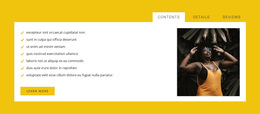
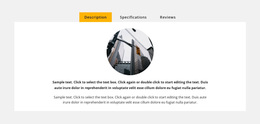
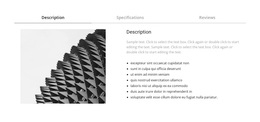


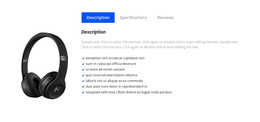






Ready-To-Use Tabs Templates for Different Content Layouts
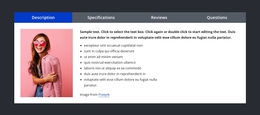
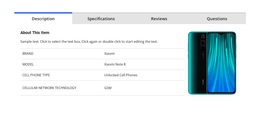
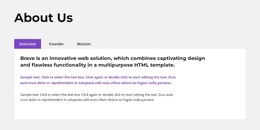
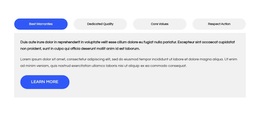
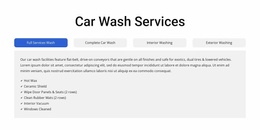
Tabs Templates should help you choose the right Tabs pattern for one specific section. The main decision is which control arrangement, label treatment, panel capacity, and content pattern best fit the information you want to group.
Nicepage Tabs block designs provide multiple starting points for comparing those section-level patterns.
Compare Tabs Patterns by Real Content Conditions
Different Tabs patterns suit different content needs:
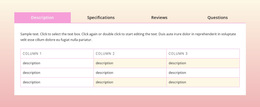
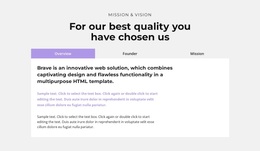
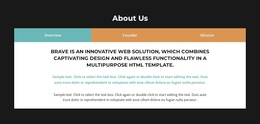
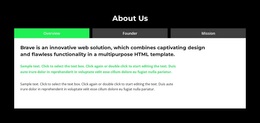
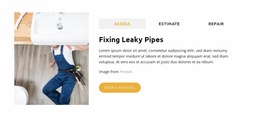
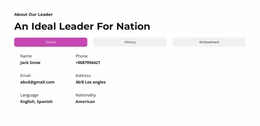
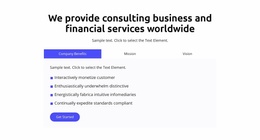
- horizontal tabs work well with three or four short labels;
- vertical tabs are stronger when labels are longer, or categories are more numerous;
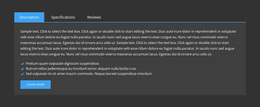
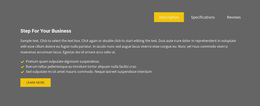
- compact Tabs suit short descriptions, FAQs, or feature summaries;
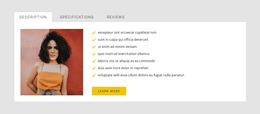
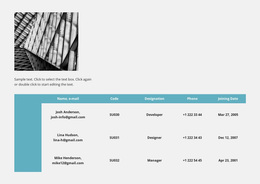
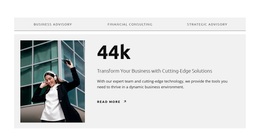
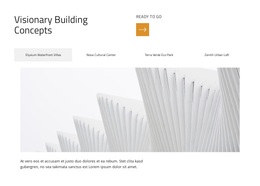
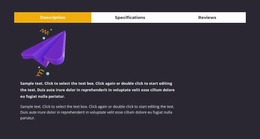
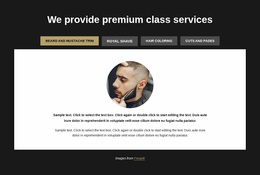
- media-rich Tabs give images and mixed content more room;
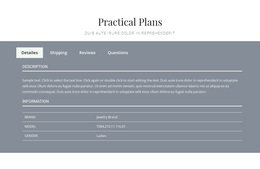
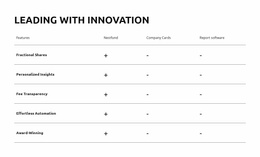
- comparison-focused Tabs work well for plans, products, services, or use cases.
A visually attractive Tabs template can still be the wrong choice if its controls or panel area don't fit the actual content.
Match the Tabs Pattern to Labels and Panels
The number and length of labels should influence which Tabs pattern you choose.
For example:
- three short labels can fit comfortably in a horizontal row;
- five or six longer labels may need a vertical arrangement;
- media-heavy panels need more visual room;
- comparison content benefits from a stable panel area that makes switching easy.
The goal is to choose the Tabs layout that fits the content before customization begins.
Choose Panel Capacity Before Styling Details
Panel capacity is one of the clearest differences between Tabs templates. Some patterns are designed for short text, while others leave room for images, cards, icons, buttons, or mixed content.
Before selecting a pattern, estimate the heaviest panel. If one tab needs a large visual, supporting copy, and a CTA, a compact preset may be too restrictive.
Treat Responsive Behavior as a Selection Criterion
Responsive behavior should help you choose between Tabs patterns.
When comparing templates, ask:
- will the labels still fit on tablet;
- will a horizontal row become crowded on mobile;
- does the panel still have enough room for media;
- will the active state remain clear when controls wrap or stack.
A pattern that already adapts naturally to your labels and panels is usually the stronger starting point.
Tabs or Accordion?
Use Tabs for parallel views that belong in one stable content area. Use Accordion when visitors should scan a vertical list and expand selected details.
Tabs Templates FAQ
How Do I Choose Between Horizontal and Vertical Tabs?
Choose horizontal Tabs for a small number of short labels and vertical Tabs when labels are longer, categories are more numerous, or controls need more room beside the panel.
Which Tabs Layout Fits Long Labels Best?
A vertical or more spacious arrangement usually handles long labels better than a compressed horizontal row.
Which Tabs Template Works Best With Media?
Choose a pattern with enough panel width and internal space for images, product visuals, or mixed media without crowding the controls.
How Much Content Should a Tabs Panel Hold?
There is no fixed amount, but the selected template should comfortably support the heaviest panel without making the section feel unstable.
Should Responsive Behavior Affect Which Tabs Pattern I Choose?
Yes. Label wrapping, control placement, panel width, and active-state clarity at smaller sizes are all useful selection criteria.
Select the Right Tabs Pattern
Compare Tabs templates by control placement, label length, panel capacity, media needs, and responsive behavior. Choose the pattern that best fits the section, then adapt its visual details.





















































