Table Templates
-
-

-
-
-
-
-
-
-
-
-
-
-
-
-
-
-
-
-
-
-
Free Website Builder SoftwareDownload
-
-
-
-
-
-
-
-
-
-
-
-
-
-
-
-
-
-
-
-
-
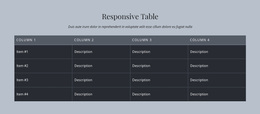
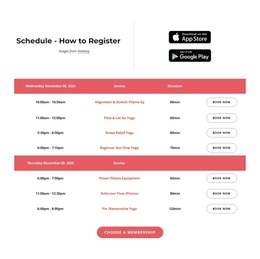
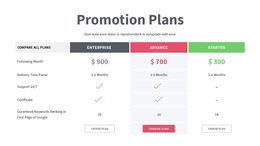
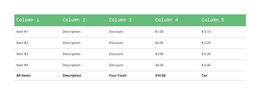
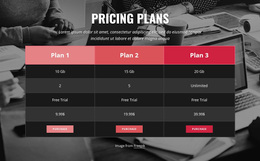
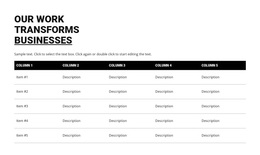
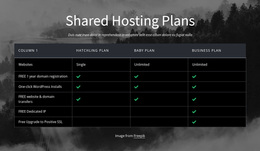
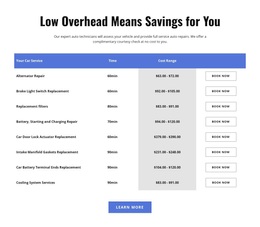
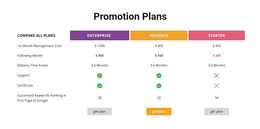

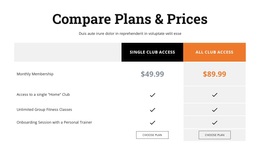
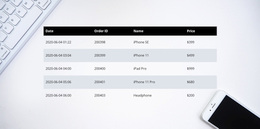
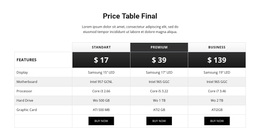
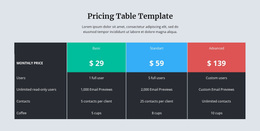
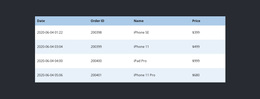
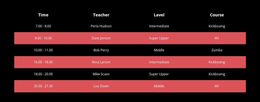
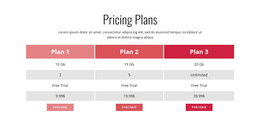
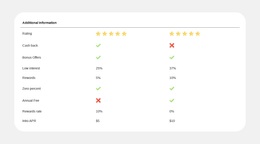
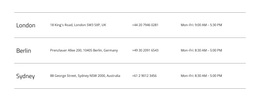
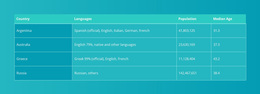
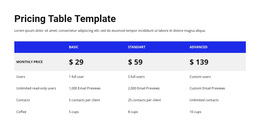
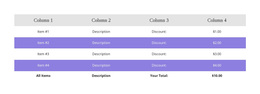
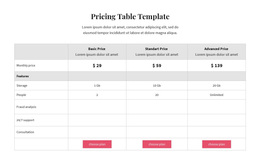
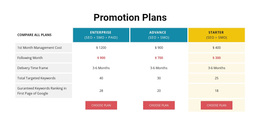
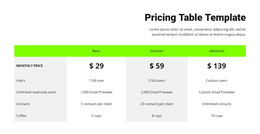
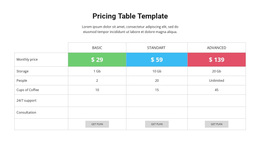
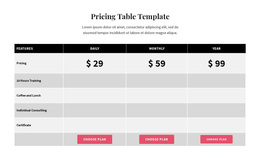
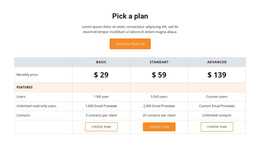

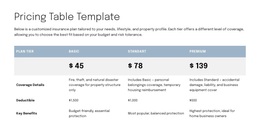
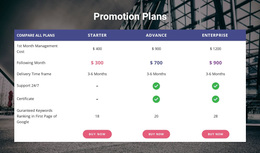
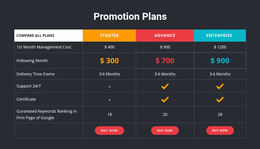
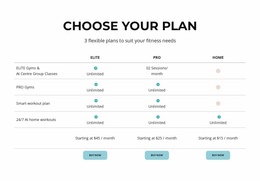

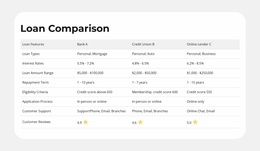

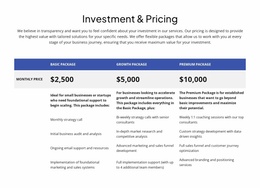
Ready-To-Use Table Templates for Choosing the Right Data Comparison Section
Table Templates are ready-made Nicepage sections for presenting comparisons, schedules, specifications, and other organized information. They offer different column arrangements, density levels, and visual styles, so you can choose a structure that fits your content before making detailed adjustments.
For most projects, the useful starting question is which ready-made design fits the number and kind of values you have. A short reference panel needs a different composition from a multi-option comparison, and neither benefits from extra columns included only for decoration.
Explore Ready-Made Table Template Types
Look through the designs with a practical comparison in mind:
- Comparison tables give several options shared attributes for side-by-side review.
- Specification tables accommodate measurements, features, and descriptive values.
- Schedule tables provide recurring rows for dates, times, or activities.
- Reference tables favor compact, readily scannable facts.
- Information tables can organize grouped details that do not belong in separate cards.
Check the natural label width and how many records each design supports. Some templates use bold header bands, while others rely on restrained rules or alternating backgrounds. Select the structure first, then judge how well its visual style fits the project.
Compare Table Layouts Before Choosing
The Table Element in Nicepage lets you adjust a ready-made design's dimensions, headings, and cell styling. When browsing templates, compare column count, realistic text lengths, visual density, and mobile usability. A compact reference panel may rely on whitespace, while a wider comparison benefits from more distinct headers.
Choose a layout that already suits the amount of information you need. The best starting template requires only ordinary content and styling changes, not a complete reconstruction.
Choose Table Templates for Comparable Facts
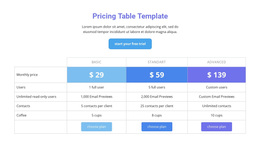
A standard Table works well for specifications, schedules, and reference data. Independent content cards are better suited to a Grid, while commercial tiers may call for pricing table layouts.
The Table Templates category remains a broad selection of ready-made factual layouts, from compact information panels to detailed comparisons.
Table Templates FAQ
How do I choose the right Table template for my content?
Identify the number of records and attributes you need to display, then select a layout with appropriate rows, columns, and headings. A compact table suits short reference information, while a wider arrangement works better for comparing several related attributes.
Can I change the structure of a Table template in Nicepage?
Yes. The Nicepage Table Element provides controls for adding, removing, moving, and resizing rows and columns. You can also edit cell content and adjust formatting to match your data.
Can Nicepage AI help create a table-related block?
Yes. Nicepage AI Services can generate sites, pages, and blocks. A generated block can serve as a starting point, while the Nicepage editor lets you refine its content and layout. For structured factual data, the Table Element provides dedicated row-and-column editing controls.
What makes a compact Table template a good choice?
Compact designs suit short sets of facts that visitors can review without excessive scrolling. Compare the length of your headings with the available width.
Can I adapt the colors of a ready-made Table template?
Yes. Nicepage provides visual formatting for headers, backgrounds, and individual table areas so that you can coordinate the block with the page.
Find a Table Design That Matches Your Data
Explore the available Table Templates by type of information and compare the structures they offer. Select a ready-made layout with appropriate columns and room for actual values, then personalize the content in Nicepage.
The best choice is the Table design that already suits the comparison, schedule, or reference data you need to present.