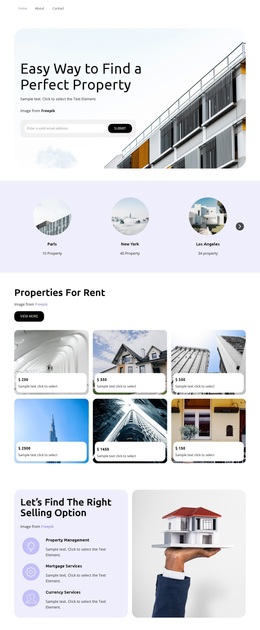
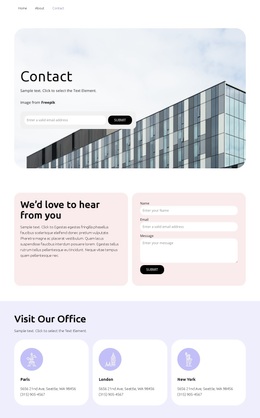
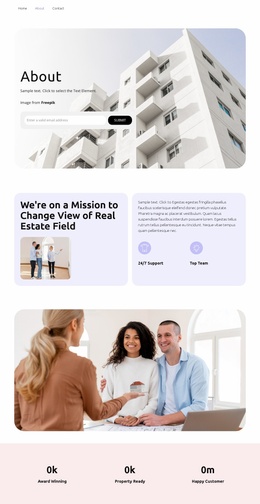
Exclusive apartments Template


Edit Template Offline
2. Create new page and search for id 4491331
Edit Template Online
Create Awesome Websites


Free Nicepage Builder
Keywords
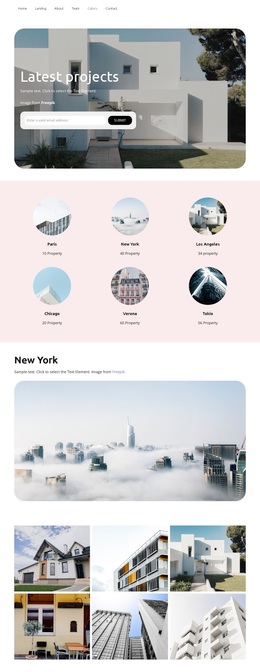
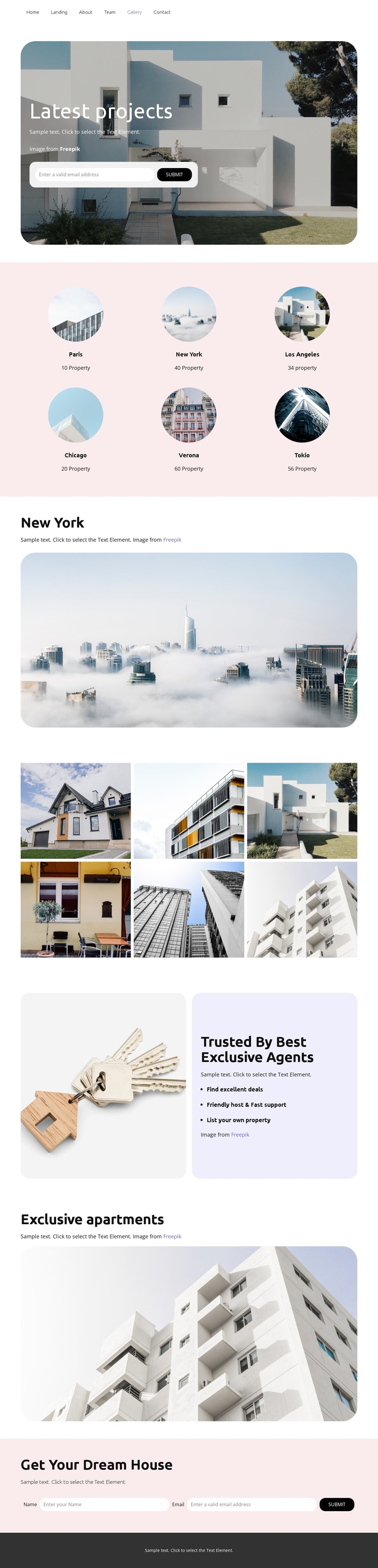
Six Locations and Rounded Galleries Define the Choice
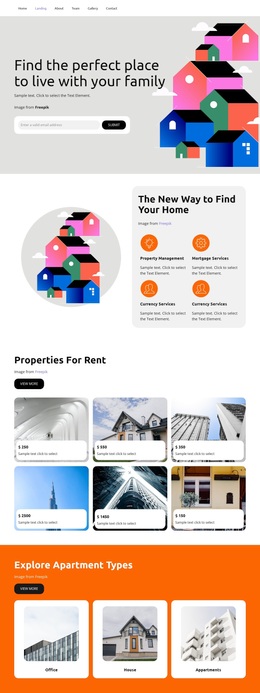
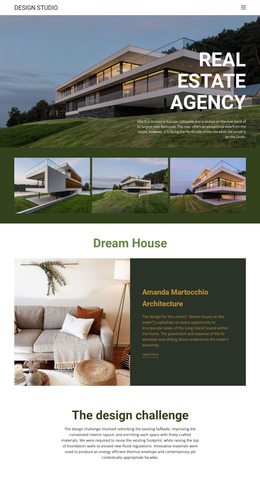
The six named locations make this design a clear option for a property project that needs geographic variety without relying on dense text. Paris, New York, Los Angeles, Chicago, Verona, and Tokio appear as a regular group of circular image items with labels and listing-count content, giving visitors an immediate sense of how the gallery is organized. The design then reinforces its visual direction with a dedicated collection of six property photographs and wide rounded images for New York and Exclusive apartments.
That combination suits a presentation where property imagery carries much of the message. Instead of centering the page on pricing tables or long service descriptions, the layout alternates location discovery, large apartment photography, and concise supporting text. The Trusted By Best Exclusive Agents section broadens the content with three practical statements: finding excellent deals, receiving friendly host and fast support, and listing a property. This makes the design useful not only for people searching for apartments, but also for a real estate project that wants to acknowledge property owners and service support. The email capture form near Latest projects and the final Get Your Dream House name-and-email form complete the option with two clearly visible inquiry opportunities.
Customize with Nicepage
Open this ready-made template in the Template Builder and customize it visually in the Nicepage editor. Replace demo content, edit page sections, and adapt the design to your project without rebuilding the template from scratch.
Start With a Ready-Made Template
Choose a Design for a New Page
Use a ready-made template as a starting point instead of creating every page from a blank canvas. When adding a new page in Nicepage, browse available designs, compare different layouts, and choose an option that already fits the general purpose and visual direction of your project.
Browse Different Page Designs
Explore Page Designs using search, thematic categories, Design Sets, and full-page previews. The collection includes layouts for different subjects and page purposes, making it easier to compare alternatives before selecting a design to customize.
Customize the Selected Template
After choosing a design, create the page and continue editing it visually in Nicepage. Replace the demo content, adjust images, typography, colors, sections, and other elements, and adapt the ready-made layout to your own content instead of rebuilding the design from the beginning.
Explore More Design Directions
If the first option does not match your project closely enough, return to the design collection and compare other templates before committing to a layout. This makes the template library useful not only for faster page creation, but also for exploring different visual approaches and finding a suitable starting point for a new project.
This workflow gives you access to a broad collection of ready-made designs that can be selected, compared, and customized according to the needs of each new page or project.