
520 Technology Templates
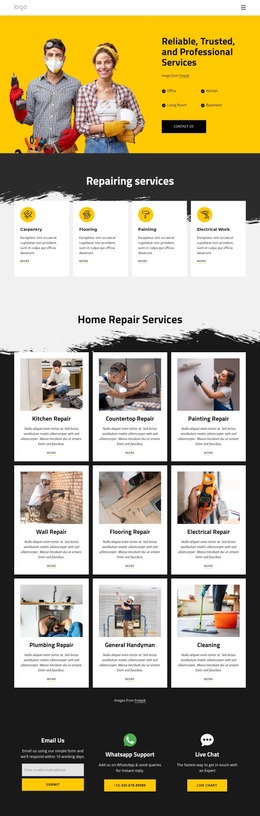
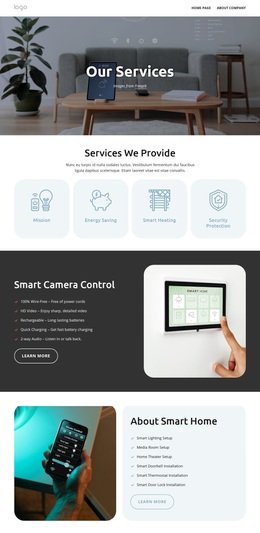

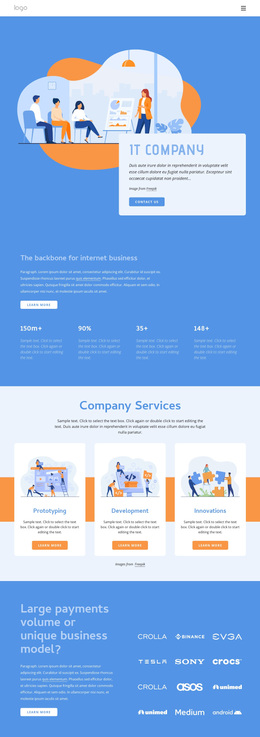


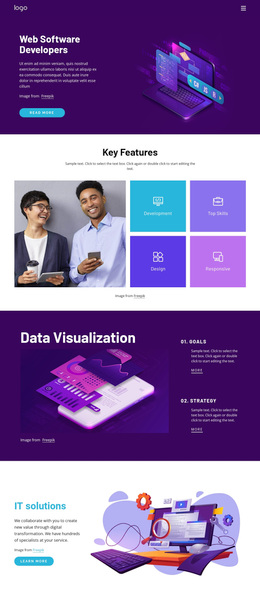
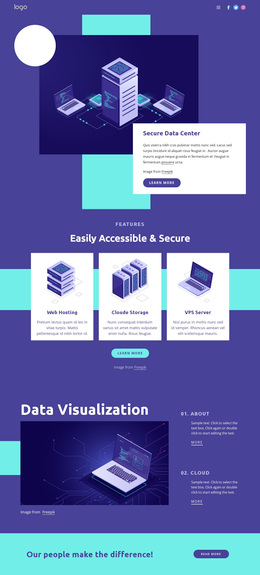
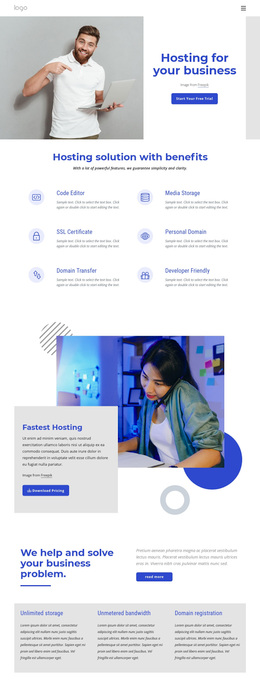

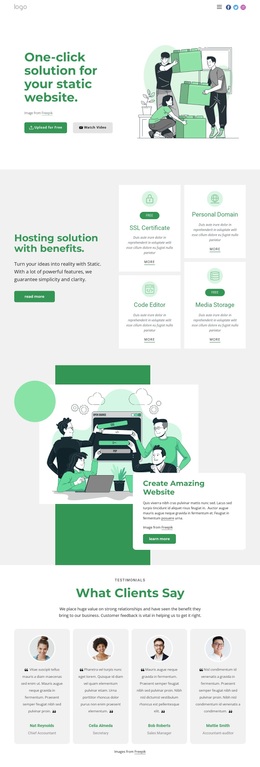
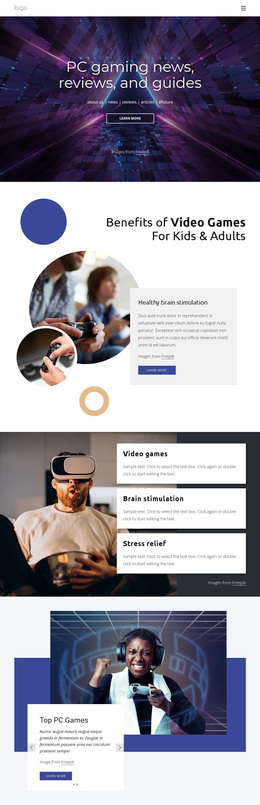



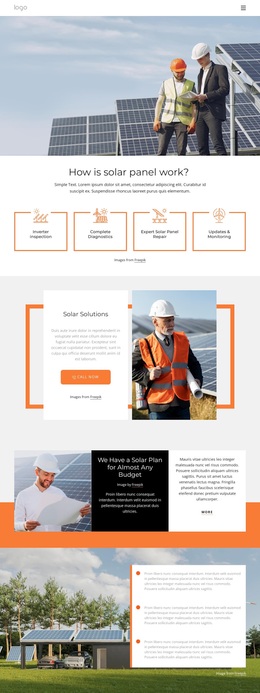
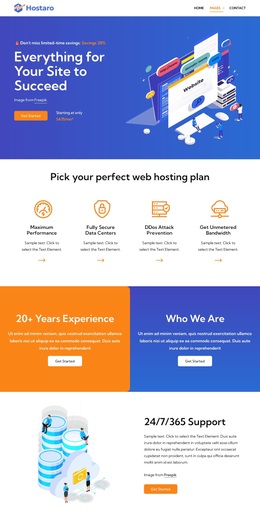






















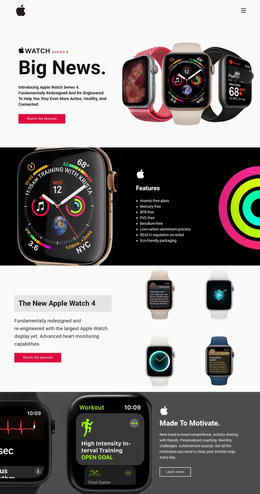
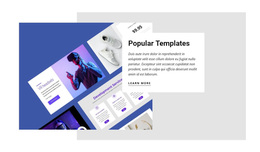
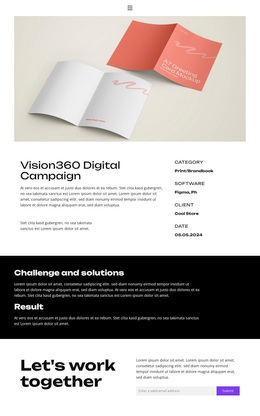

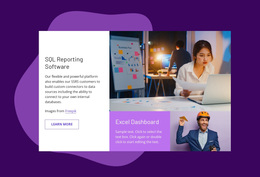
Best Technology Templates for Software, Apps, and IT Services
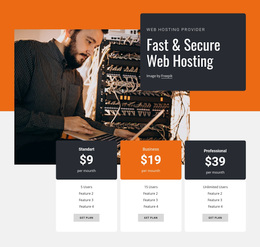
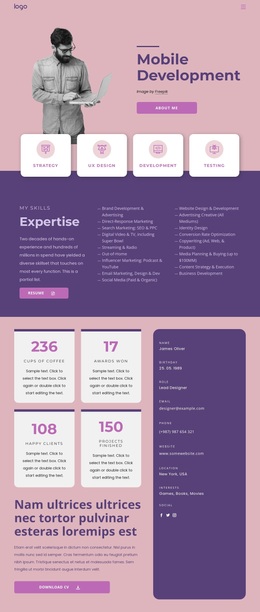
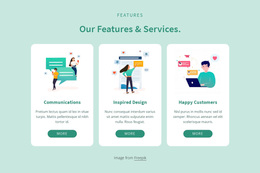
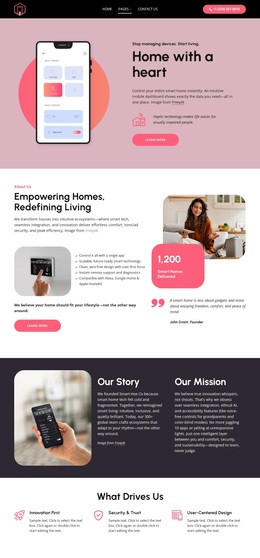
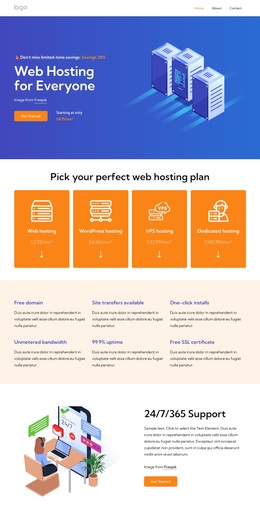
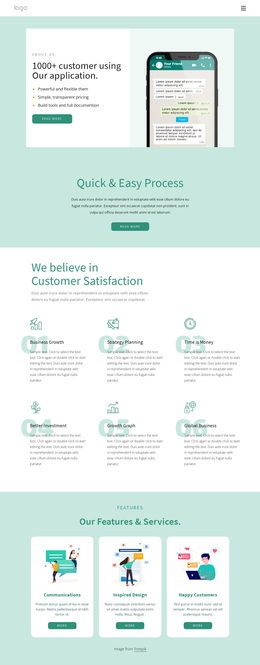
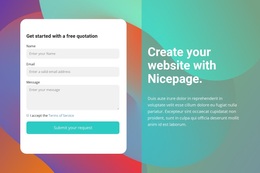
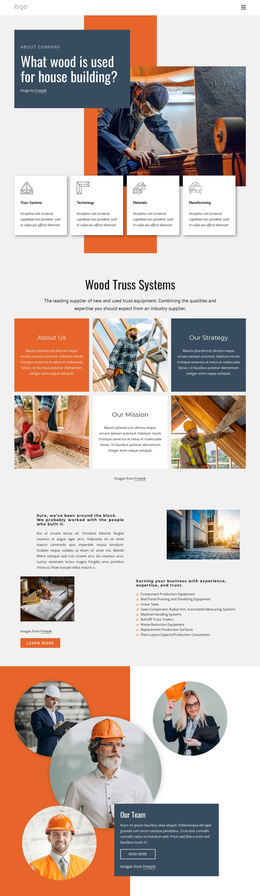
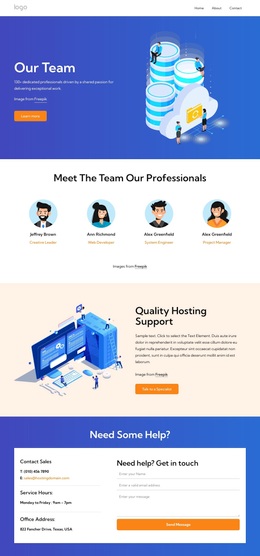
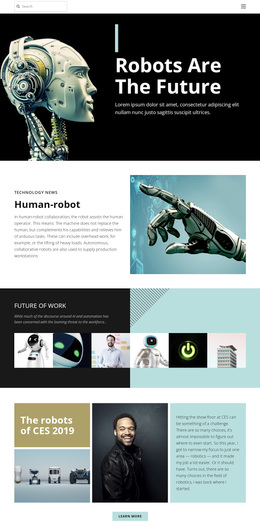
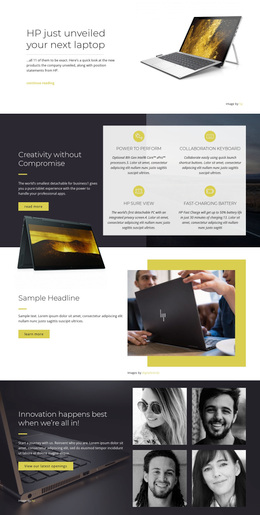
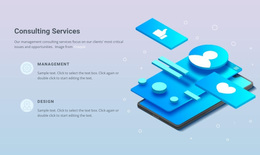
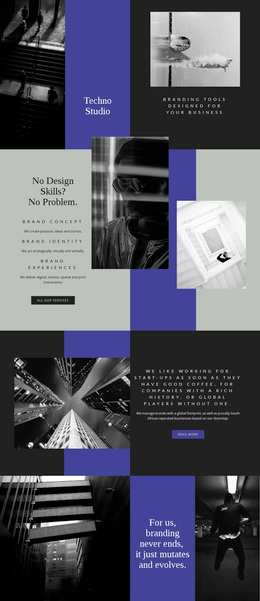
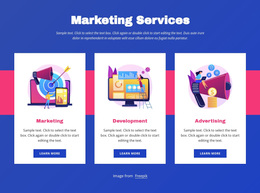
Technology templates give SaaS teams, software vendors, app developers, IT providers, and device brands a broad library of ready-made design starting points for different technology tasks. The collection can include complete Page Designs, focused Blocks, interface-led sections, pricing layouts, integration areas, product-update modules, and other assets that teams can combine around the product or service they need to present.
Why Should You Choose Premium Technology Templates?
The strongest starting point depends on the type of technology offer and the page task. A SaaS product may need a product overview that includes feature groups, pricing, integrations, and proof points. An IT services company may prioritize service categories, case studies, technical expertise, and contact information. An app team may look for interface showcases, download prompts, feature explanations, release updates, or support sections.
Useful options include:
- complete product, feature, or service Page Designs
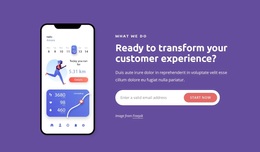
- app and interface showcase layouts
- pricing, integration, update, proof, or CTA Blocks
- focused visual assets for software, devices, and digital services
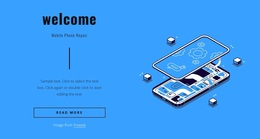
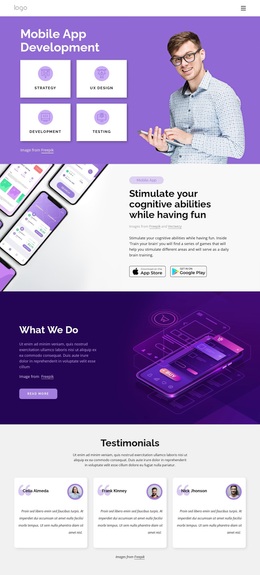
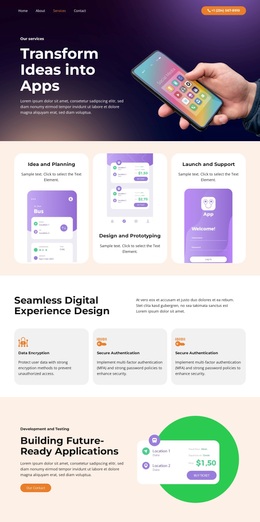
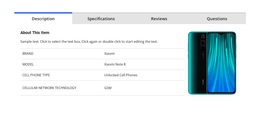
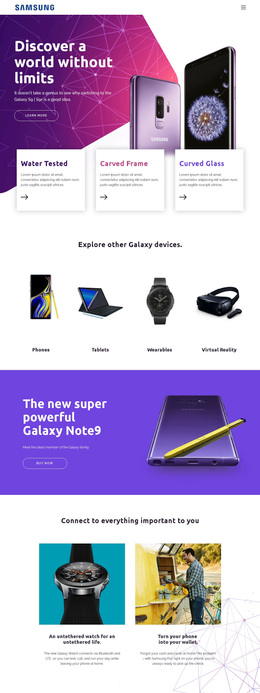
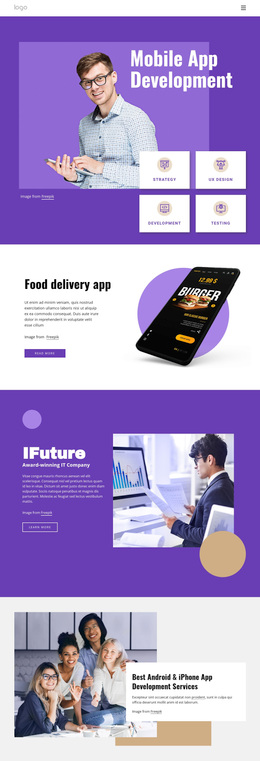
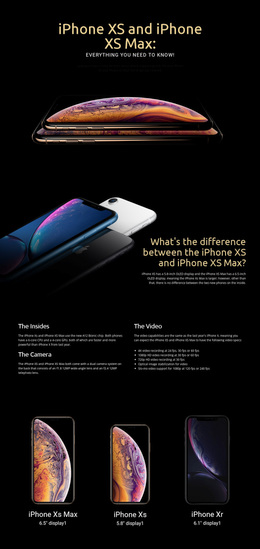
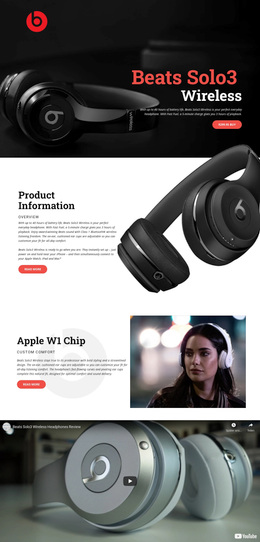
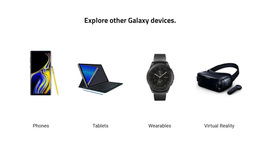
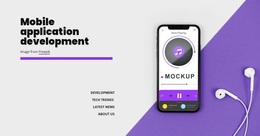
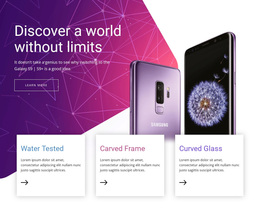
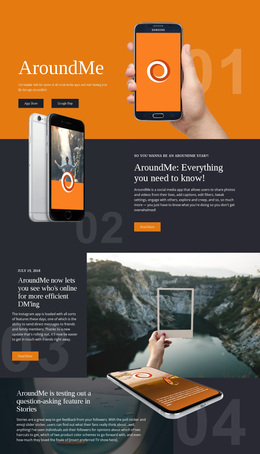
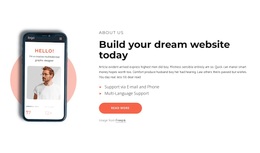
An app company may prioritize screen previews and benefit-led sections, so an app website direction can provide a more focused reference. A device-oriented project can use an iPhone-related design concept when mobile visuals, specifications, and product imagery need a stronger role in the presentation.
Nicepage lets you browse different design starting points and open the most relevant one in the visual page editor. The Page Designs collection supports search, thematic categories, design sets, and full-page previews, making it easier to compare technology concepts before adapting them to a specific software product, app, IT service, or device presentation. Blocks can then extend or replace individual sections when the project needs a more tailored composition.
Multipurpose Features for Technology Templates
Page Designs provide complete single-page starting points for product, feature, service, or app presentations. At the same time, Blocks let you add focused sections for integrations, pricing, testimonials, product updates, technical benefits, or calls to action. Elements such as text, images, buttons, grids, and sliders support detailed product communication. Theme Settings keep colors, fonts, and typography consistent, and the Site Fonts controls let you manage font schemes and typography styles across pages.
Responsive Modes help adapt interface-heavy layouts for large screens, desktops, laptops, tablets, and phones. A Gallery Carousel can present multiple app screens or product interfaces in a single section, while a Slider can group release highlights, feature stories, or device visuals. Animation Effects can add selective emphasis to product interactions without changing the underlying content structure.
For developer-facing software, an XML-related layout direction can support a more technical visual tone while keeping product value, integrations, documentation links, and implementation details understandable to non-technical visitors.
Advanced Ways to Select the Right Technology Layout
Pro Tip: Choose by product task before visual style. For a SaaS launch, a Page Design with product value, feature groups, integrations, and pricing can reduce structural work. For IT services, a combination of service Blocks, case-study sections, and contact content may be more useful. For an app, an interface showcase, a feature area, a download section, and a support block can form the right starting set.
Technology templates can be integrated into a larger website. Still, their main value here is flexibility: teams can select and combine page- and section-level assets to meet immediate product, service, or communication needs, rather than starting from an empty canvas.
Lightweight Technology Template Questions
How do I choose a technology design if I am not a professional designer?
Start with the product or service task. A SaaS project may need feature, pricing, and integration sections; an app may need an interface and download content; while an IT service page may need services, cases, and contact information. Choose the design that already contains the closest structure, then adapt the visuals and copy.
Can I export a technology site from Nicepage Online?
Yes. Nicepage Online can export HTML for third-party hosting. You can also export a Project for import into the Nicepage Application for Windows or macOS when that workflow is needed.
How can an app company show several interface screens without making the page too long?
Use the Gallery Carousel Element to display multiple interface images in a single interactive section. Visitors can move through the screens while the surrounding page remains available for product benefits, feature explanations, release information, and calls to action.
Do technology templates have to represent a complete website?
No. They can be complete Page Designs, focused Blocks, or other design starting points that you combine around a particular task. Those assets can also be incorporated into a larger website as the project grows.
Can I combine Blocks from different technology design directions?
Yes. You can combine Blocks for features, pricing, integrations, product updates, services, or support, then adapt their styling and content so they work together within a single technology project.
Fast Customization from a Ready Technology Template
Start with the asset that matches the immediate technology task: a SaaS product page, an app feature showcase, an IT service section, a pricing block, an integration area, or a device presentation. Open it in the website builder, replace the demo content with real product information, and combine additional Page Designs or Blocks where needed. The result can remain focused on a single page or become part of a larger project without forcing every template choice into a predefined whole-site structure.





















































