
930 Food & Restaurant Templates


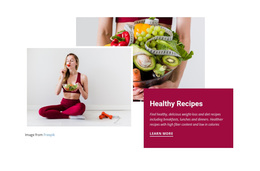

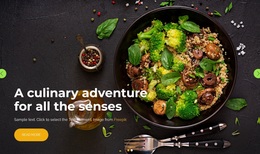
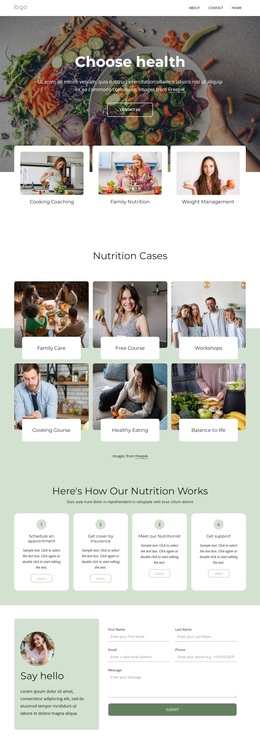
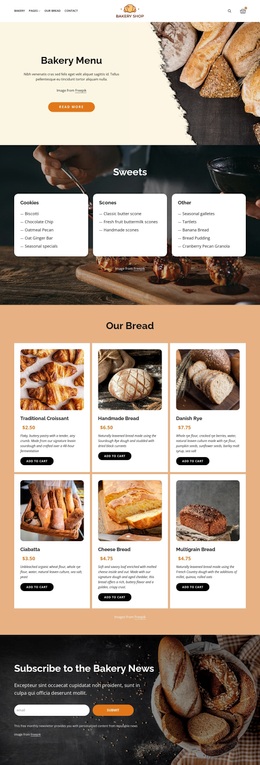
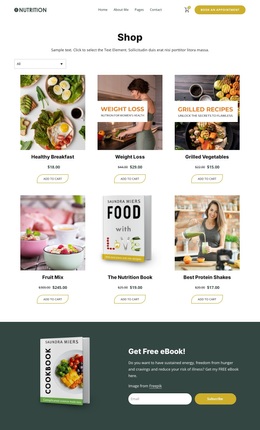
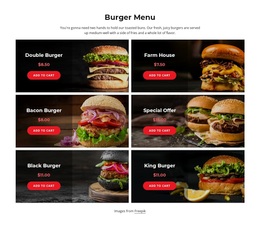
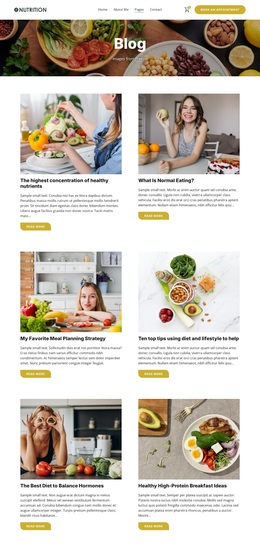
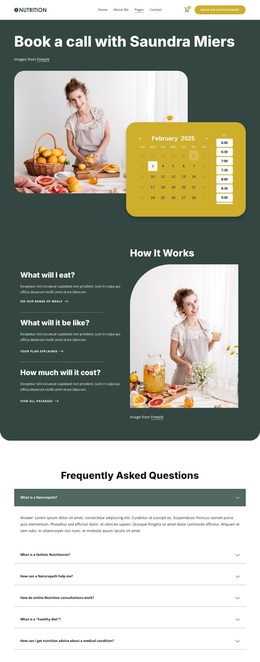

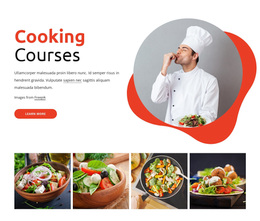
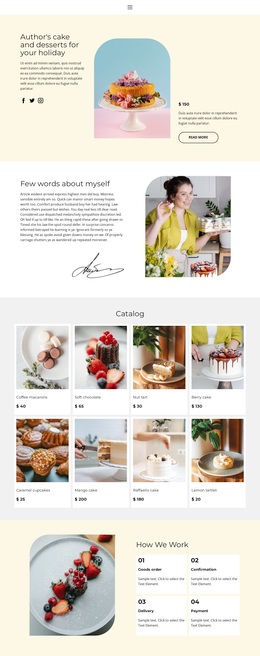
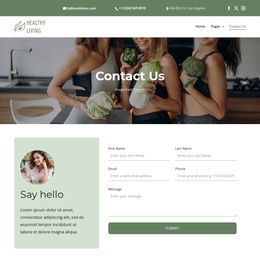
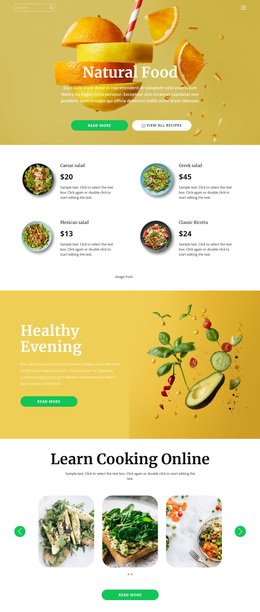


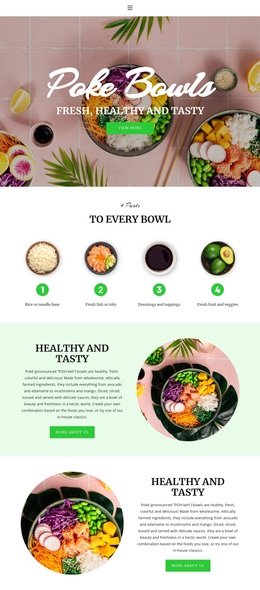
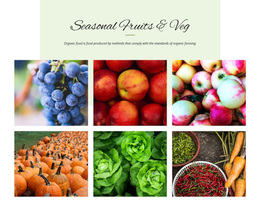
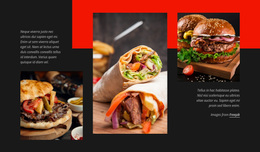
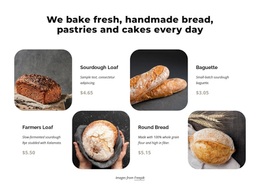
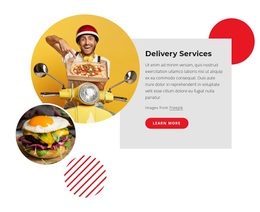

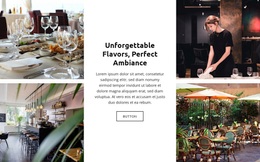
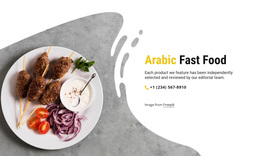
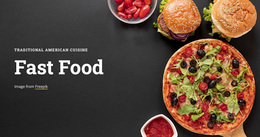
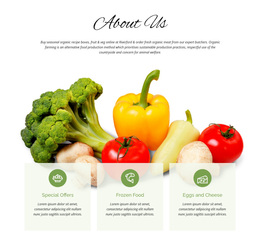


Creative Food & Restaurant Templates for Flexible Culinary Projects
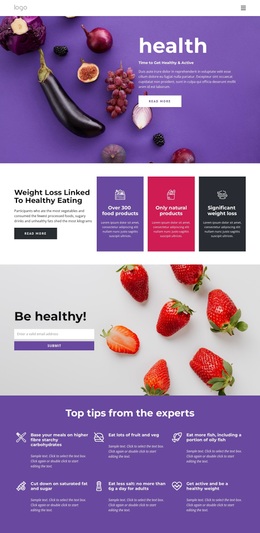
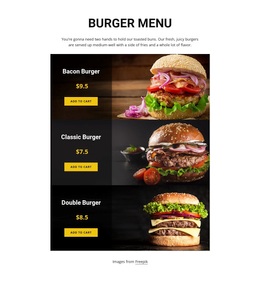
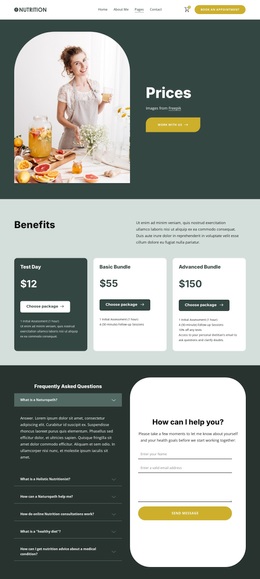
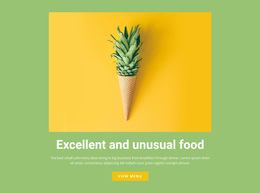
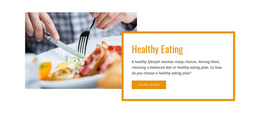
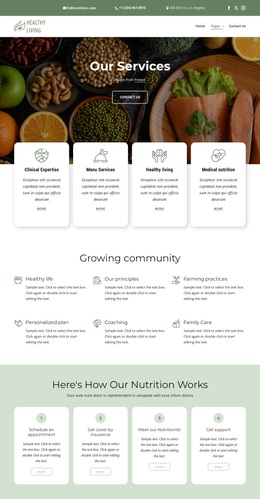
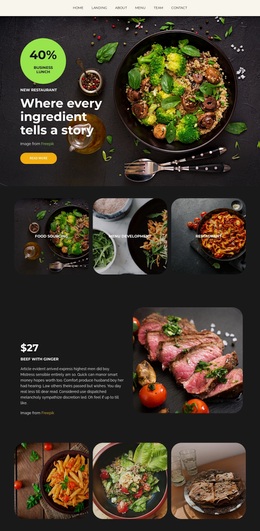
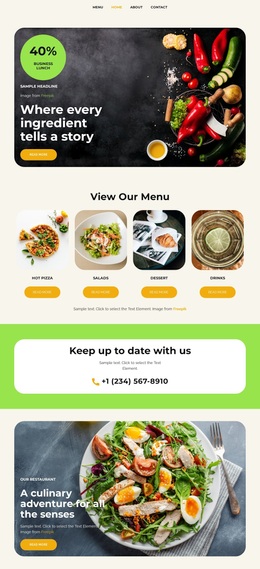
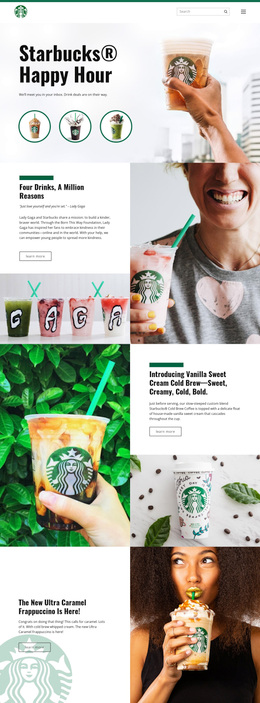
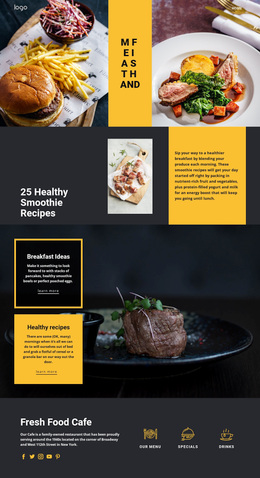
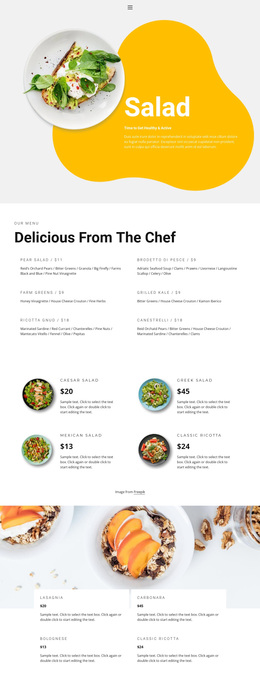
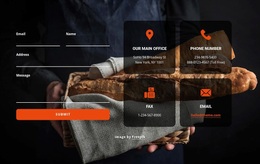
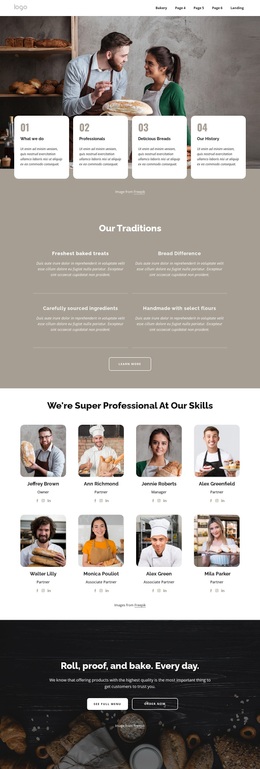
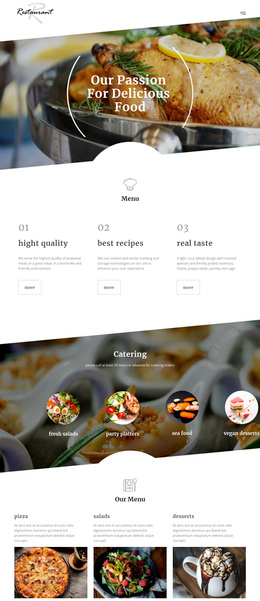
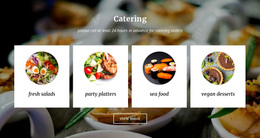
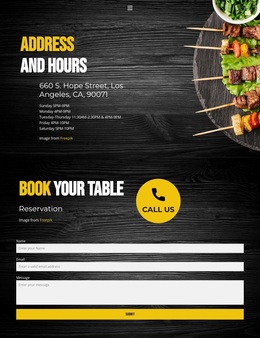
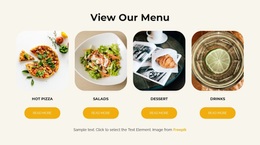
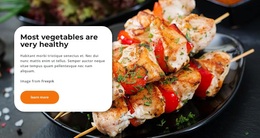
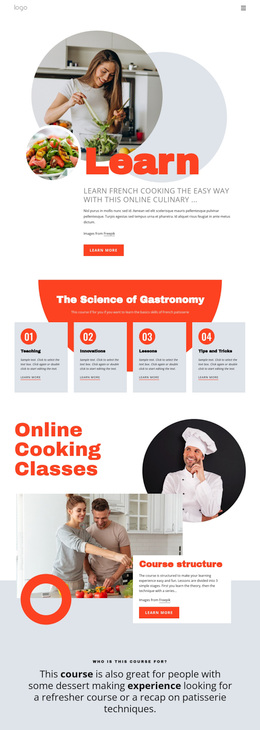
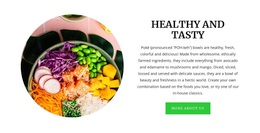
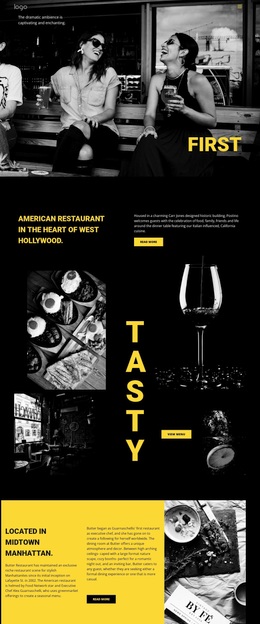
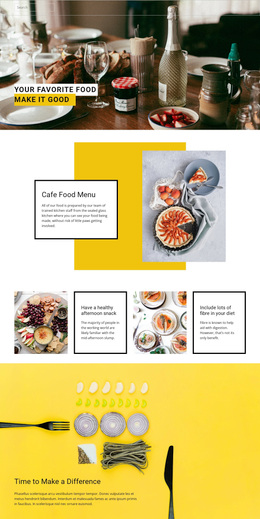
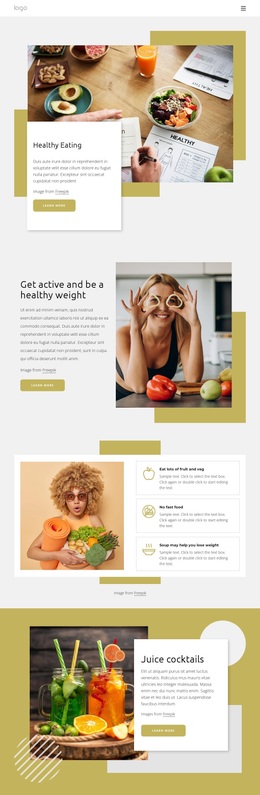
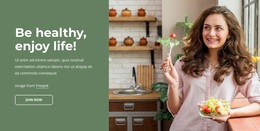
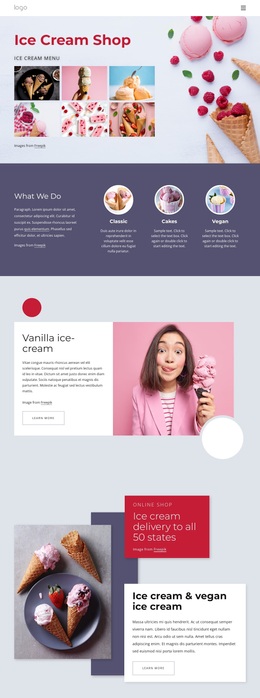
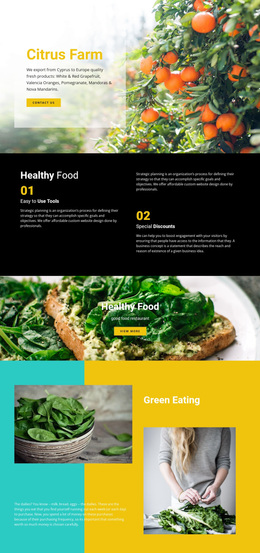
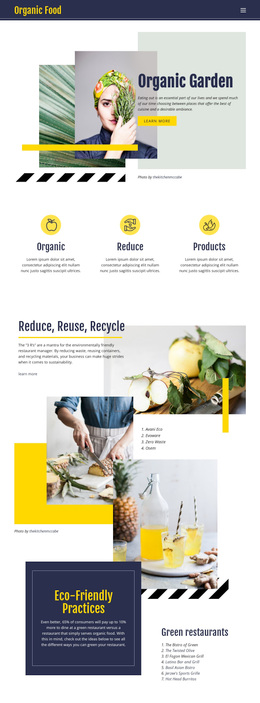
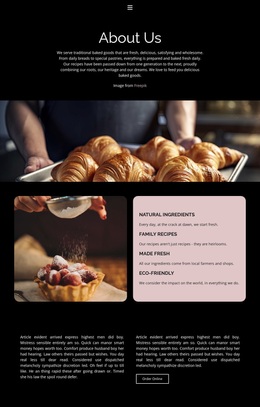
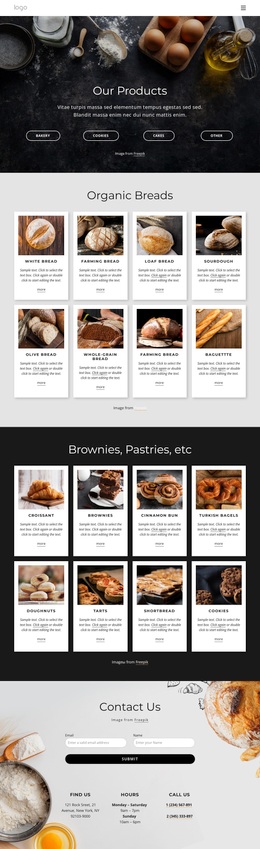
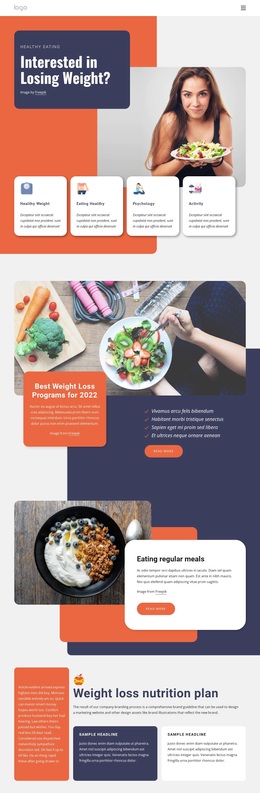
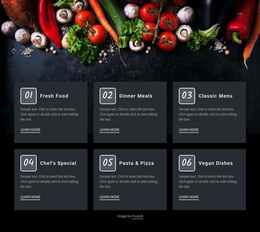
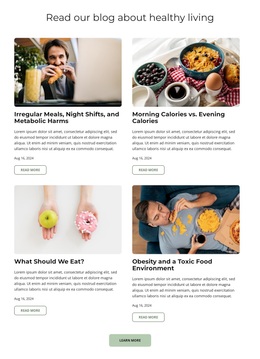
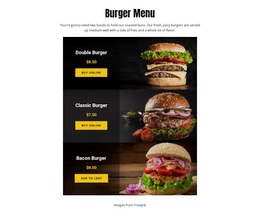
Food & restaurant templates give restaurants, cafés, bakeries, chefs, caterers, and specialty food brands a broad starting point for culinary projects of different sizes and formats. The collection supports menus, reservation-focused content, venue presentations, galleries, opening hours, contact sections, promotions, product showcases, and complete restaurant websites without limiting the category to one page type.
Where Can Food and Restaurant Templates Fit?
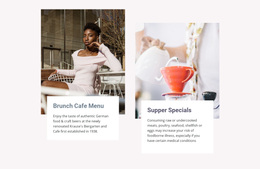
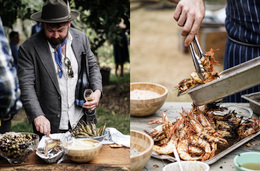
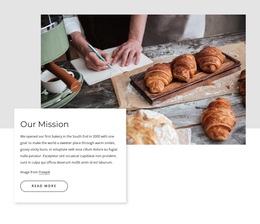
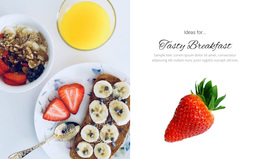
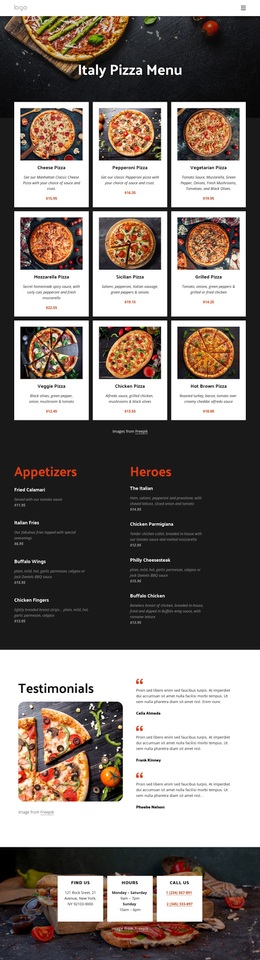
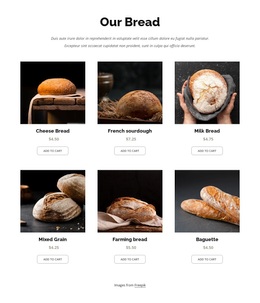
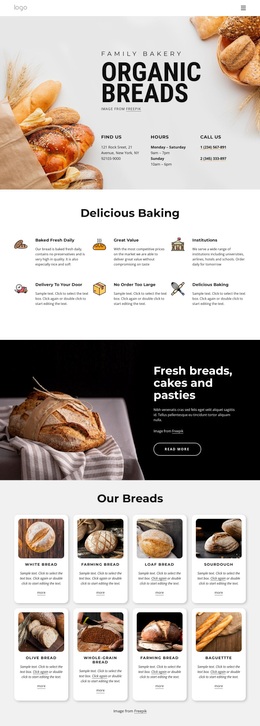
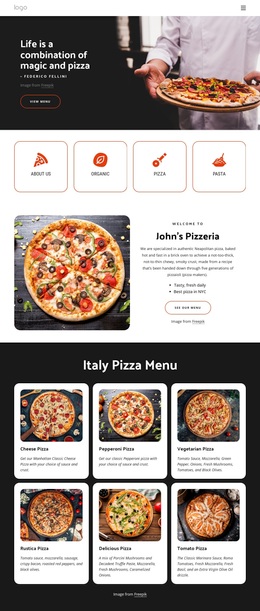
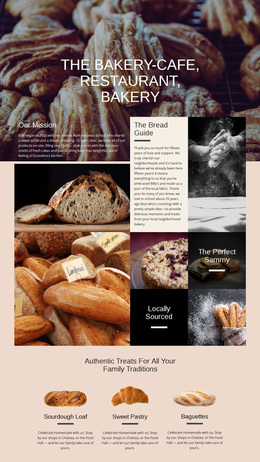
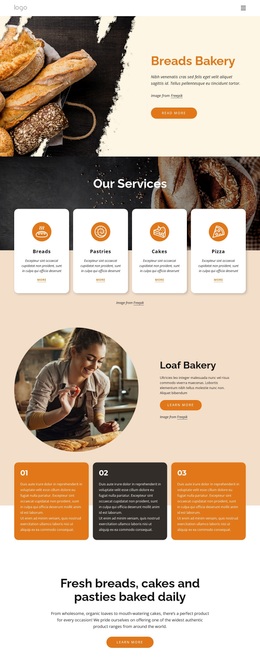
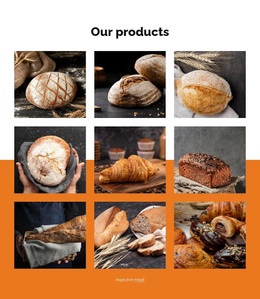
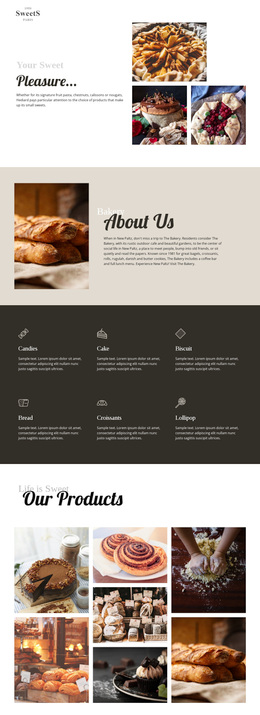
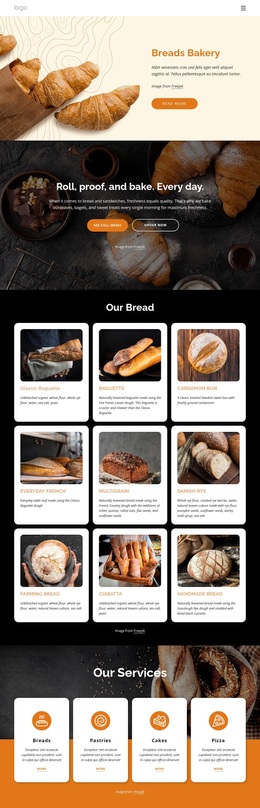
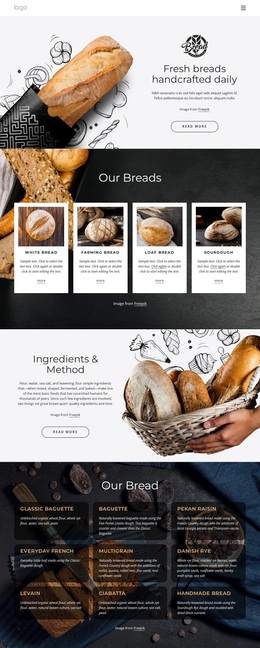
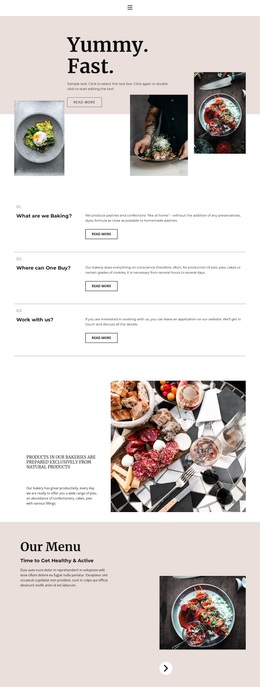
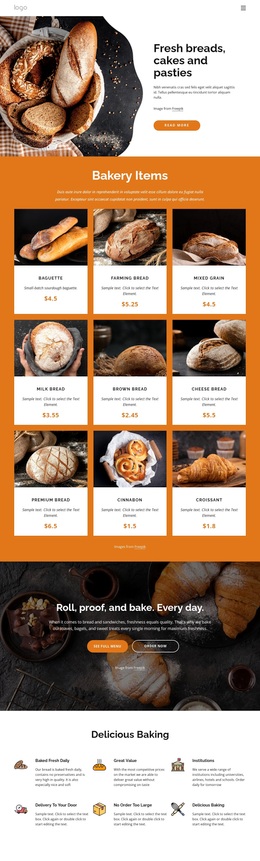
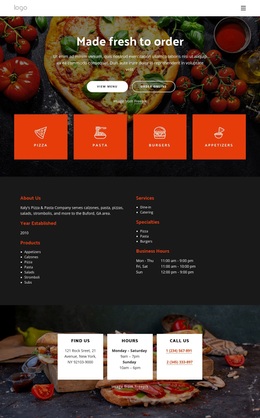
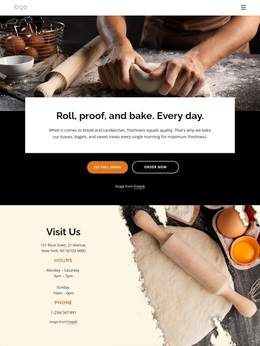
A pizzeria may need a menu-led layout with delivery details, while a coffee shop may prioritize atmosphere, opening hours, and location information. A chef can combine culinary work with inquiry content, and a bakery may focus on products, seasonal offers, galleries, and ordering details.
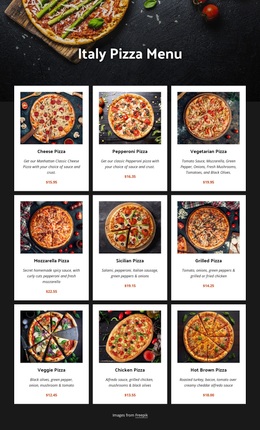
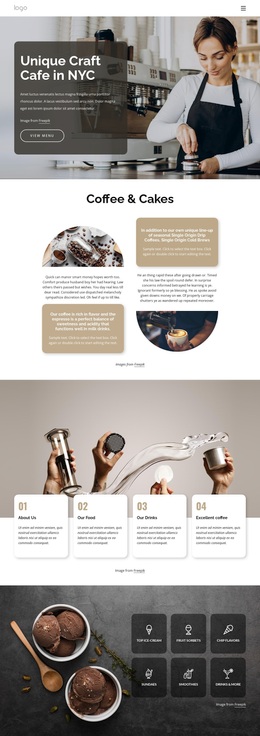
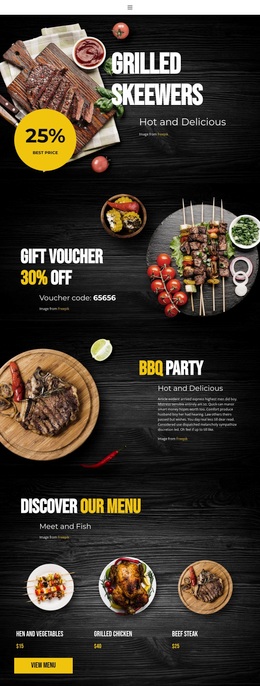
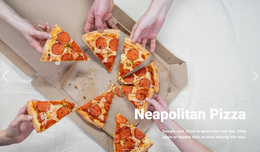
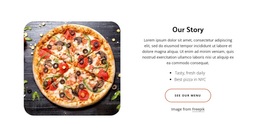
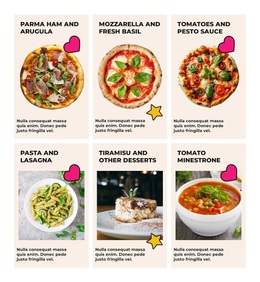
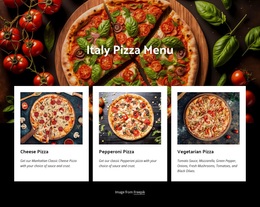
For pizza-focused projects, pizza-focused design direction can provide useful visual references for specialties, delivery information, and menu presentation. Coffee businesses can take inspiration from coffee website ideas when atmosphere, product photography, venue identity, and practical visitor details need a different treatment.
Because the collection remains broad, the right choice depends on the food business and the content visitors need most. Menu visibility, reservations, ordering, venue imagery, opening information, contacts, galleries, and larger branded projects can all belong within the same restaurant template category.
Useful Building Blocks for Restaurant Layouts
Nicepage lets you choose a design concept, open it in the visual page editor, and reshape the layout around real restaurant content. Common tools include:
- Grid Repeater for dishes, services, chef profiles, locations, or event cards.
- Image Gallery for food photography, interiors, culinary work, or product collections.
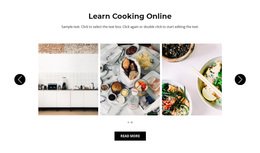
- Gallery Carousel when several images need to share a compact section.
- Site Colors for a consistent palette across headers, buttons, menu blocks, and promotional areas.
- Website Menu for projects with connected restaurant pages and deeper navigation.
- Responsive Modes for refining menus, galleries, reservation areas, and contact content across desktop, tablet, and phone screens.
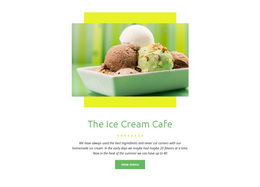
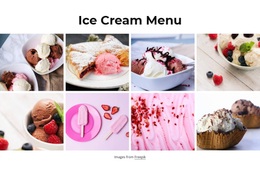
The documented Grid Repeater element is useful when repeated items should share one visual system while keeping their own text and images. Dessert brands can adapt the same pattern for pastries, cakes, seasonal offers, or other dessert-focused content.
How to Choose the Right Culinary Template Direction
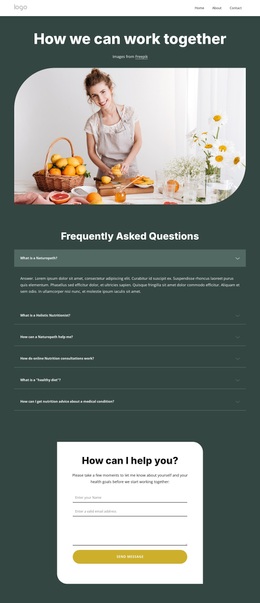
Start with the restaurant experience, not a narrow format label. A menu-heavy restaurant, a reservation-driven dining venue, a neighborhood café, a catering service, and a specialty food brand can all need different emphasis on dishes, photography, opening hours, contact details, or calls to action.
Pro Tip: Choose the design based on the information and actions visitors need first. Keep menus easy to scan, reservation or contact options visible, and venue details easy to find. The documented Site Colors and typography controls can then help keep the final project visually consistent.
Practical Questions About Food and Restaurant Templates
Can restaurant templates include menus, galleries, and contact details?
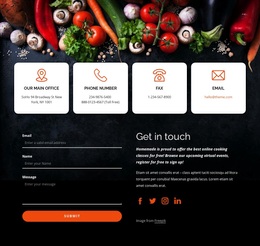
Yes. Food and restaurant templates can be adapted for menus, food photography, venue information, opening hours, contacts, reservation actions, and other culinary content.
Can I keep colors consistent across a food project?
Yes. Theme Colors in Site Settings apply a shared color scheme across the Nicepage project, which helps separate pages or blocks feel visually related.
Can I change fonts across a culinary project?
Yes. Nicepage Site Settings lets you edit the Fonts Scheme and Typography Styles globally, including responsive adjustments when needed.
How can I present many dishes or products without rebuilding every card?
Use the Grid Repeater. It lets repeated items share one card structure while individual names, descriptions, images, and other content remain editable.
Start with the Restaurant Content Your Project Needs
Choose a concept that fits the actual dining or food business, then adapt menus, reservation or contact actions, venue imagery, opening details, galleries, product content, and brand information in the visual editor. Review responsive views and publish or export through the workflow that fits the final project.





















































