
320 Text & Button Templates

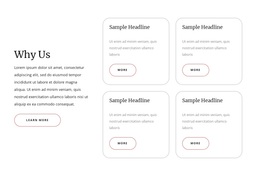
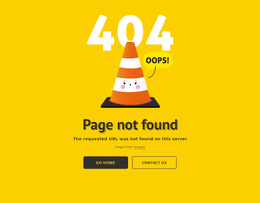
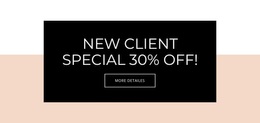
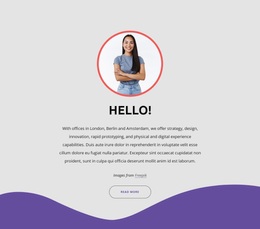
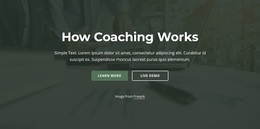
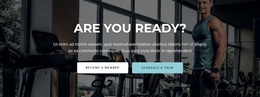
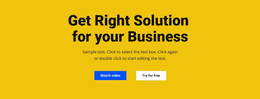
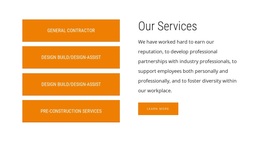

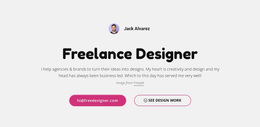
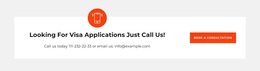
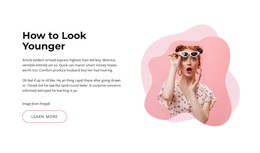
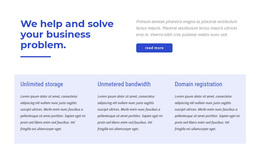
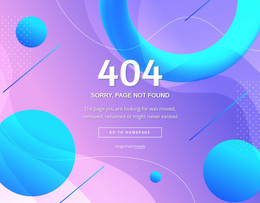
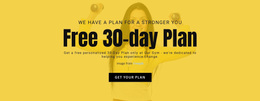
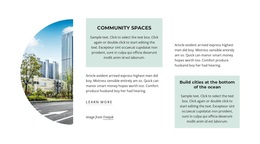
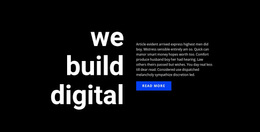



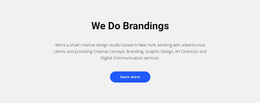
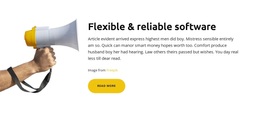
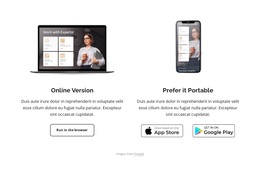
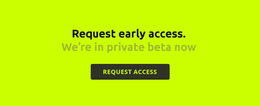
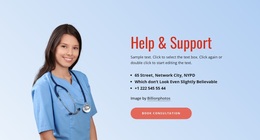

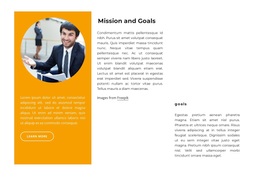

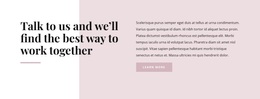
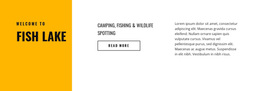
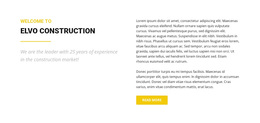
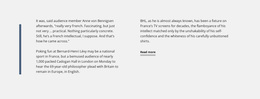

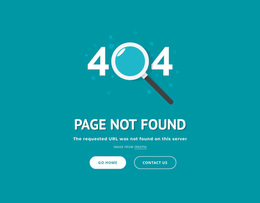
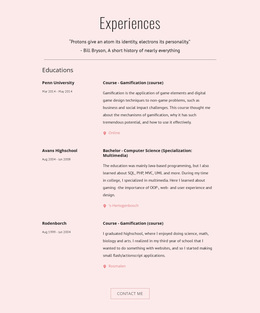





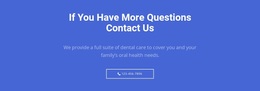
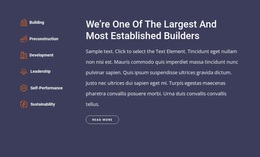
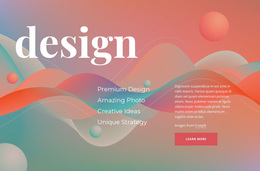
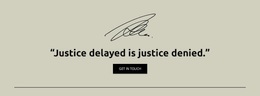



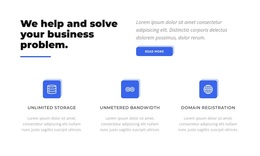
Creative Text & Button Templates for Section Pattern Selection
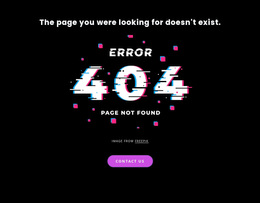
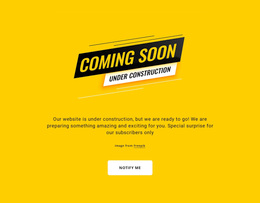
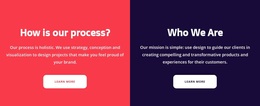
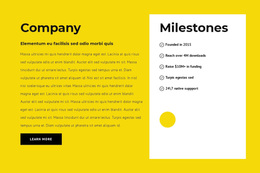
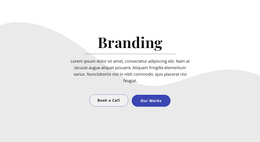
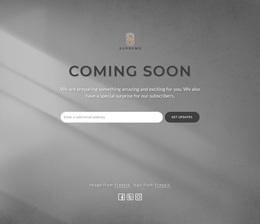
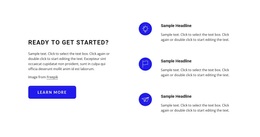
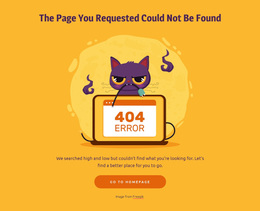
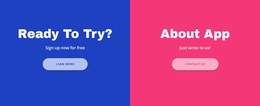
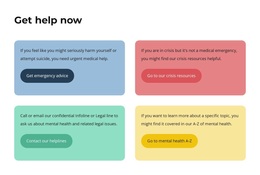
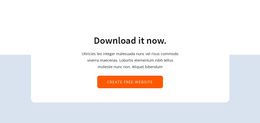
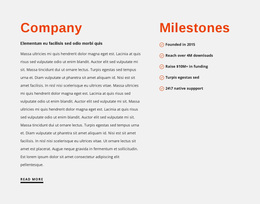
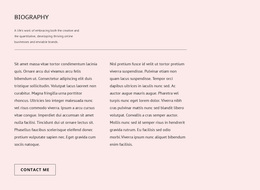
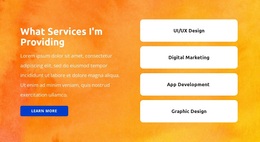
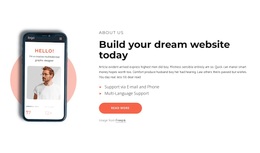
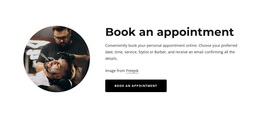
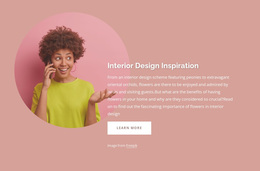
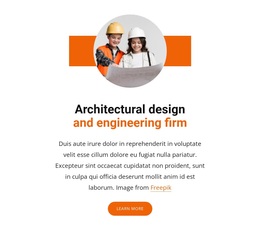
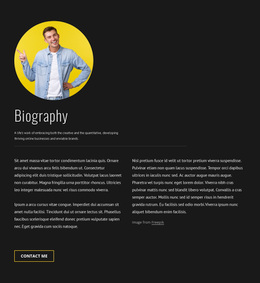
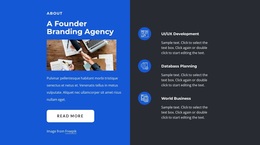
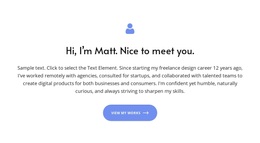
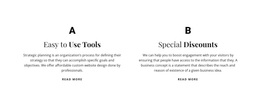
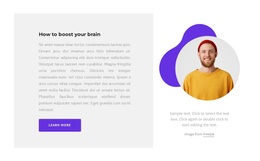
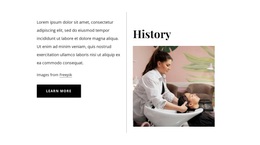
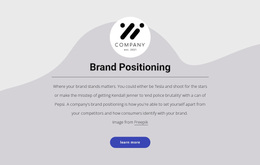
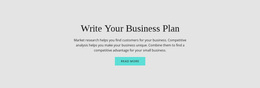
Text & Button Templates are a general gallery of ready message-and-action patterns. Compare compact prompts, centered compositions, split layouts, stacked sections, image-supported variants, and more expressive directions, then choose the pattern whose content capacity and visual character fit the message.
Explore Ready Text & Button Template Patterns
Useful differences between ready patterns include:
- layout style — centered, split, stacked, or asymmetric;
- content capacity — from a short prompt to a more descriptive section;
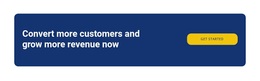
- CTA treatment — understated, prominent, wide, compact, or icon-supported;
- visual direction — minimal, bold, editorial, image-supported, or an angled layout direction.
Start with a pattern that already feels close to the result you want, then replace the sample content and refine the details.
Nicepage provides pre-designed Blocks and Elements that can serve as starting points. The best fit is the pattern that gives the headline, supporting text, imagery, and action the right amount of space without forcing unnecessary content into the section.
Compare Patterns by Content Fit and Visual Character
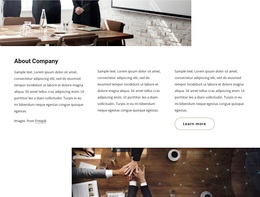
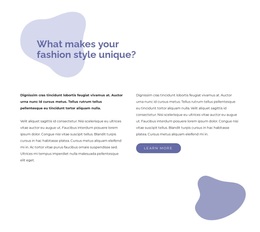
A compact layout can work for a short offer or direct prompt, while a wider split section can carry more explanation or supporting imagery. Stacked and asymmetric patterns can create a stronger visual rhythm when the message needs more personality.
The goal is to compare ready Text & Button patterns as patterns and choose the one whose composition, content capacity, and CTA treatment suit the intended message.
Text & Button Templates FAQ
Are there pre-designed blocks for starting a Text & Button section?
Yes. Nicepage provides a library of pre-designed Elements and Blocks. Use them as starting points, then adapt the copy, imagery, spacing, and actions to your content.
What should I compare between Text & Button templates?
Compare layout style, content capacity, CTA treatment, imagery, and overall visual direction. Choose the pattern that fits the actual content without making the action feel detached.
How is a Text & Button template different from Text On Image?
Text & Button keeps an explicit action central to the section, while Text On Image depends more strongly on the image as part of the message and composition.
Can Text & Button templates include images?
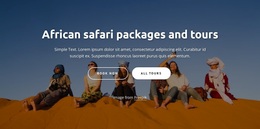
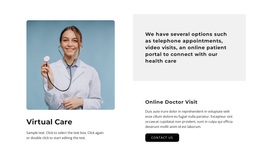
Yes. Images can support the layout when they fit the visual direction, but the action should remain easy to identify alongside the copy.
Start With the Pattern That Fits the Content
Choose the ready Text & Button pattern whose layout, content capacity, and CTA treatment already support the message, then customize it in Nicepage without overcomplicating the section.






















































