
100 Wedding Templates
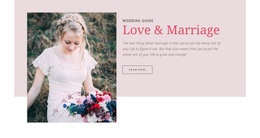
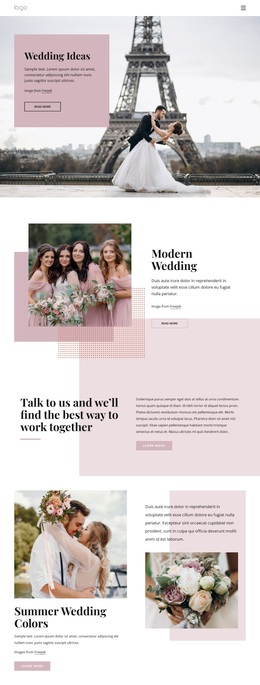
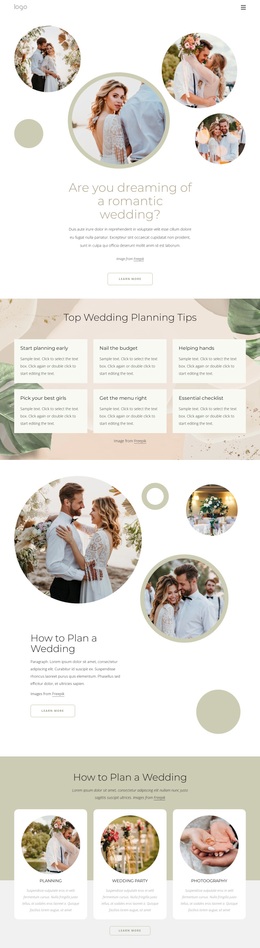
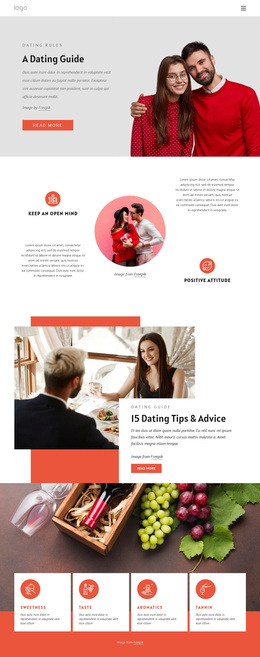
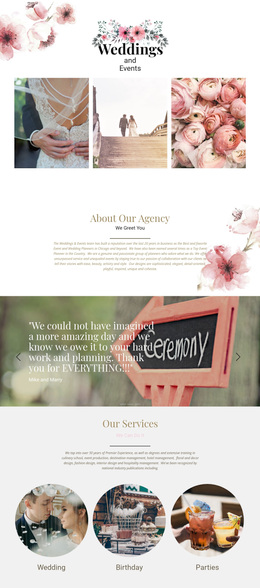
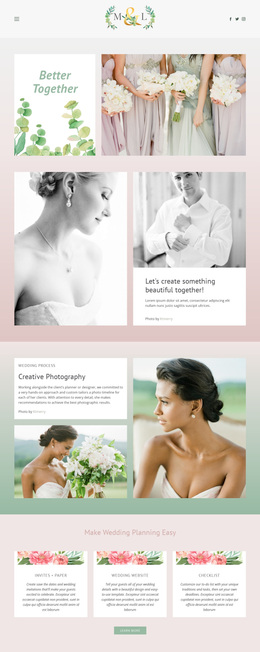
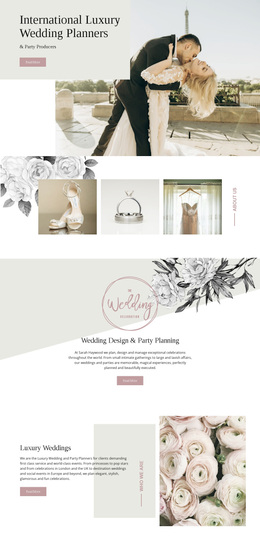
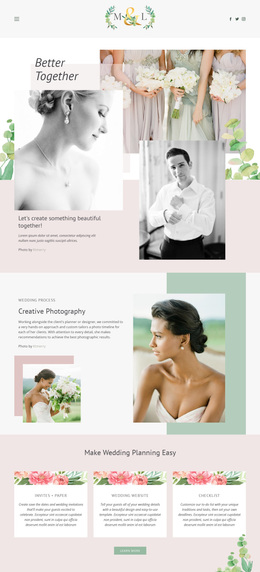



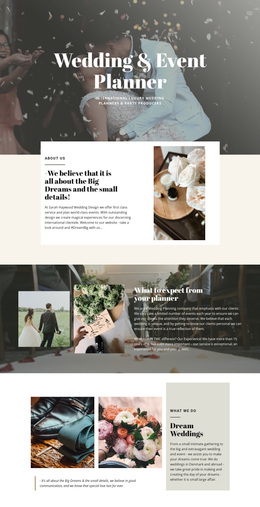
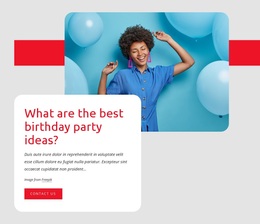

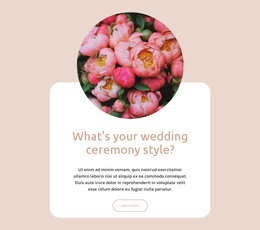
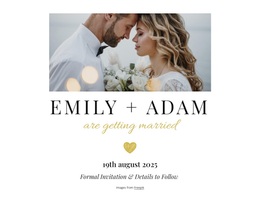
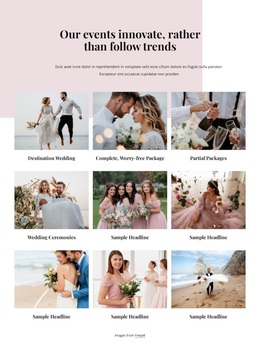
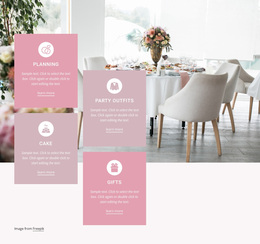
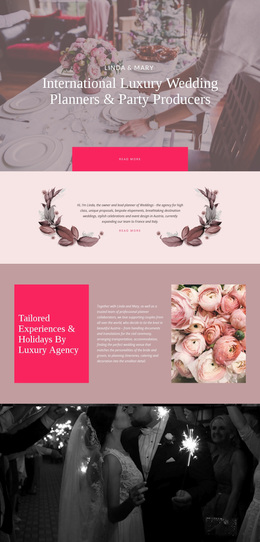
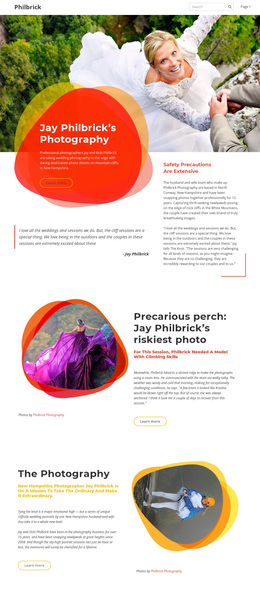


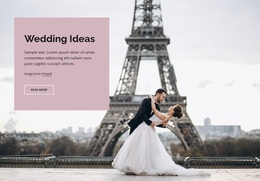

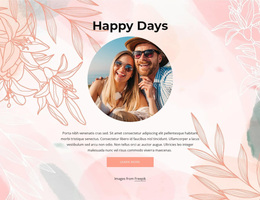
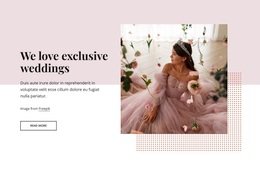

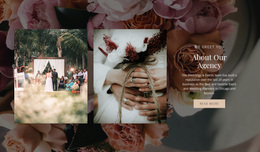
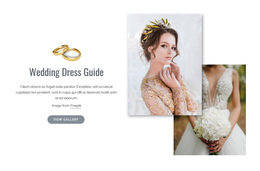
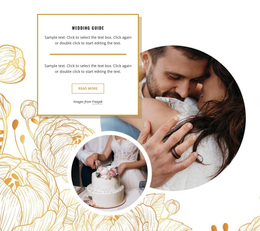
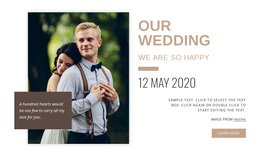
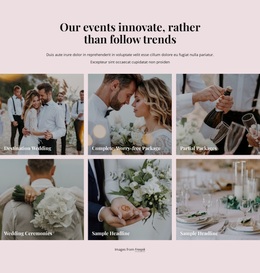



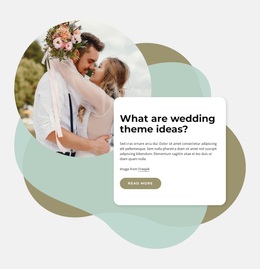
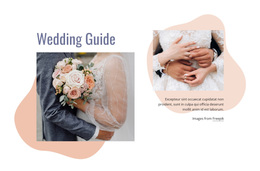
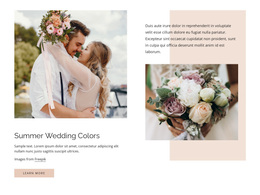


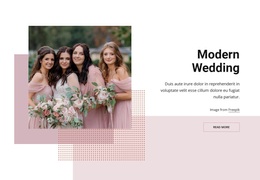

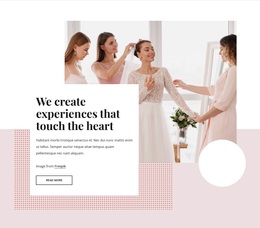
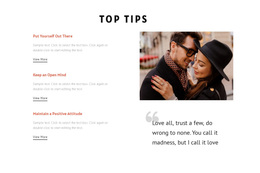
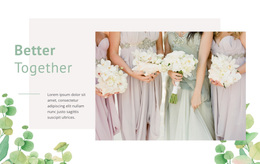
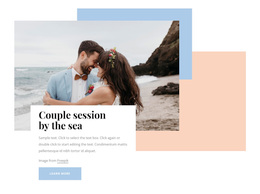
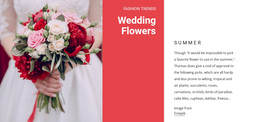

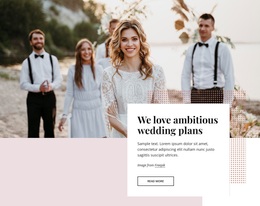

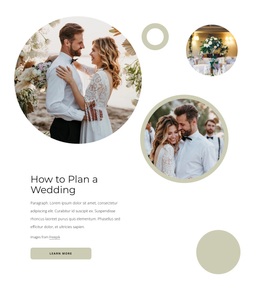

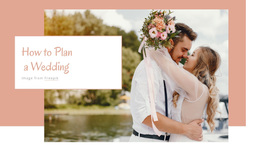

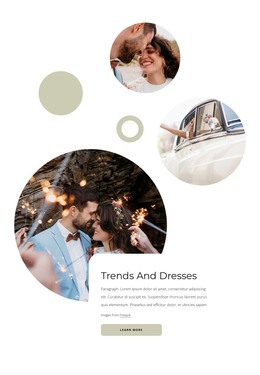
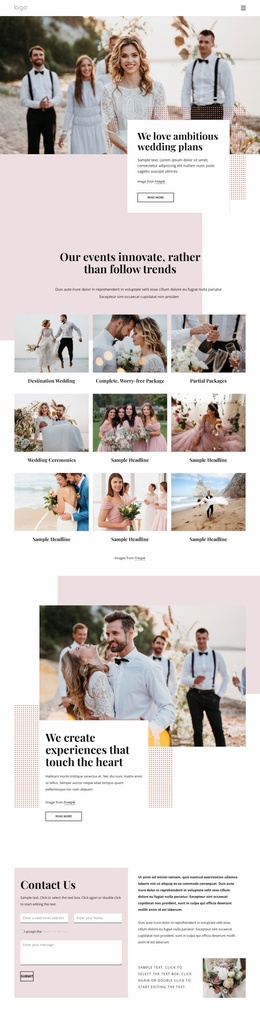

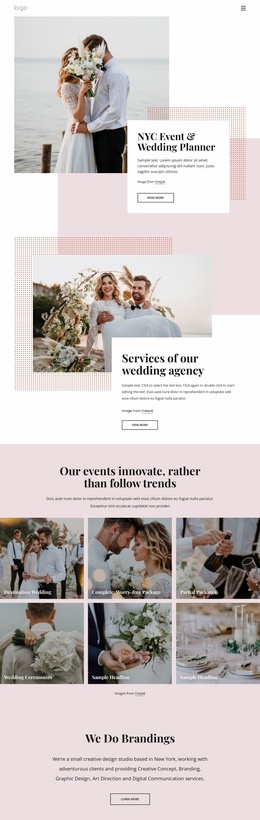
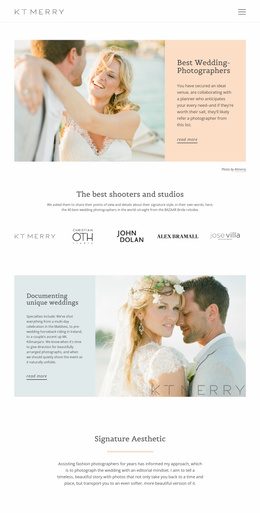


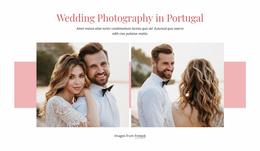


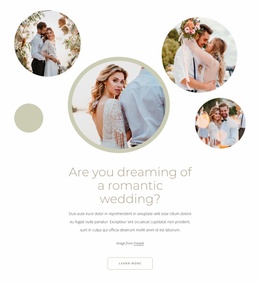
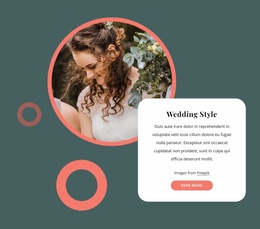
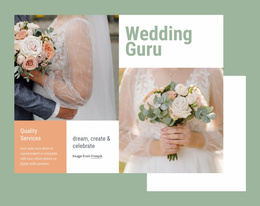
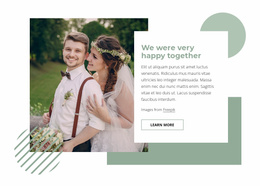
Multipurpose Wedding Templates
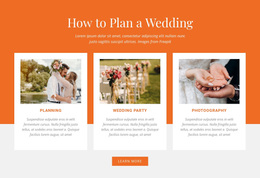
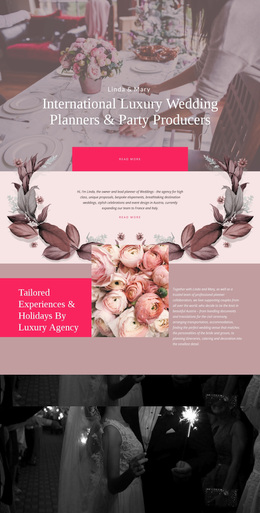
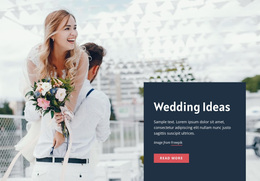
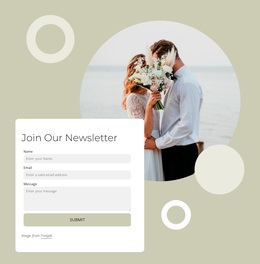
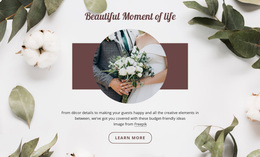
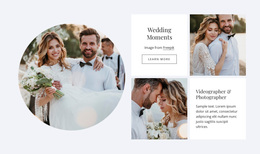
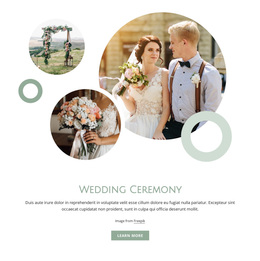
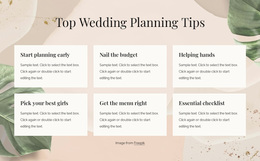
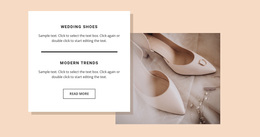
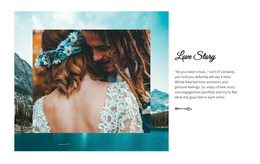
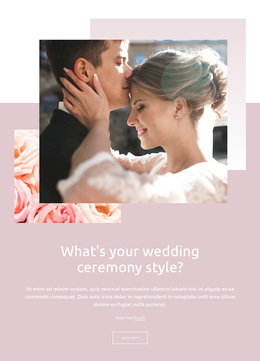
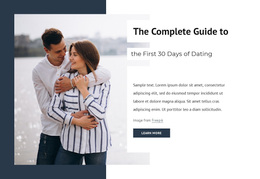
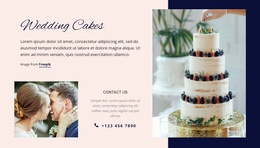
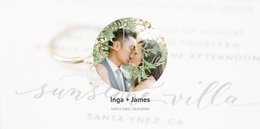
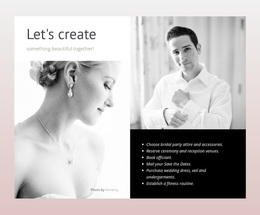
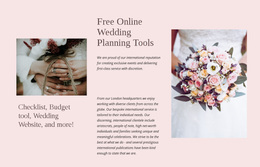
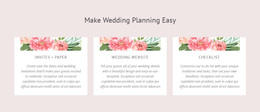
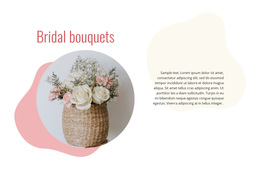
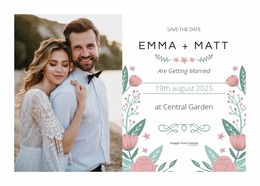
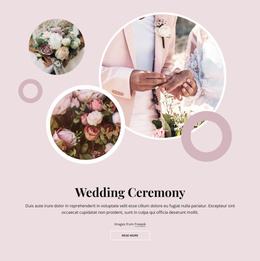
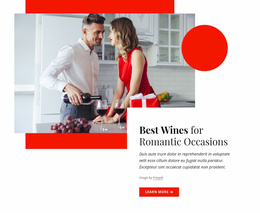
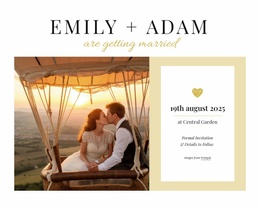
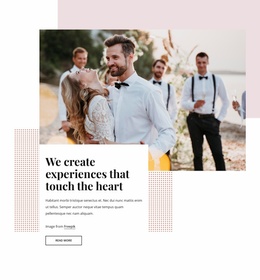
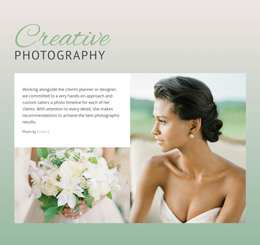
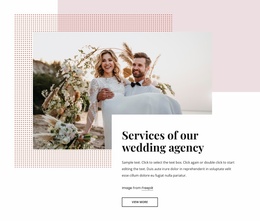
Wedding templates cover a broad set of wedding materials rather than one single format. Couples and planners may need invitation layouts, ceremony programs, menus, welcome signs, seating information, digital announcements, or web pages. The right starting point depends on where the content will be used, how guests will see it, and whether the design needs to work in print, on screen, or across both.
How to Choose Wedding Templates for Different Uses
Start with the job the template must do. Invitations and save-the-dates introduce the event. Programs and menus guide guests during the celebration. Signs help with directions, seating, or schedules. Digital layouts can support online guest information, galleries, or event updates. A coordinated set can make these pieces feel related without forcing every item into the same format.
A design inspired by promises and commitment can support vows, introductions, or ceremony wording, while visual references from wedding memories concepts can suit keepsake pages, photo-led materials, or post-event content. The important point is to choose a format around the use case first, then refine the style.
Flexible Tools for Wedding Template Customization
Nicepage is especially relevant when the wedding template is intended for a digital page or website. Web Page Templates provide ready-made page concepts, while the Visual Page Editor lets you replace text, images, and layout sections directly. Grid Repeater can structure repeated web content such as wedding-party profiles, venue cards, schedule items, or accommodation options.
Nicepage also supports Blank, Preset, and Predesigned Blocks through its documented Block Operations workflow. This helps when a digital wedding layout needs to keep its overall direction but replace sections that do not match the event.
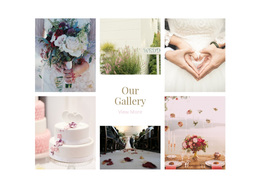
For digital wedding projects, Gallery Carousel Element can present engagement, ceremony, venue, or reception photography, while Contact Form Presets can support inquiry or guest-response scenarios. Responsive Modes allow separate adjustments for desktops, laptops, tablets, and phones.
When you need another visual direction inside the editor, Nicepage's Find Everything search can return Blocks and Designs that help develop new page ideas. A separate honeymoon-inspired section may also fit post-wedding travel or story content.
Advanced Wedding Template Questions
What kinds of wedding templates can couples need?
Common uses include invitations, ceremony programs, menus, welcome signs, seating information, digital announcements, and web pages. The best format depends on when and where guests will use the material.
Are all wedding templates meant for websites?
No. The term is broader than website templates and can refer to printable or digital wedding materials as well as web layouts.
Can wedding web templates use Google Fonts?
Yes. Nicepage provides access to over 1300 Google Fonts in its Desktop Applications, WordPress Plugin, and Joomla Extension, giving digital wedding projects a broad typography selection for headings and body text.
How can I manage several pages in one wedding web project?
Use the unified Nicepage Dashboard to create, open, and manage Project Websites and their individual pages across supported Nicepage platforms.
How can I keep repeated wedding cards visually consistent online?
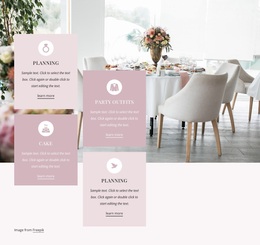
Use the Grid Repeater Element. Design one item and Nicepage repeats its styling and positioning across the other items, while individual text and images can still differ. It works well for wedding-party profiles, schedule cards, venues, or accommodation options.
Drag-And-Drop Control for Digital Wedding Layouts
Not every wedding template belongs on a website, but digital pages benefit from a visual editing workflow. Select a suitable web concept, open it in the website builder, replace generic content with the couple's own story and event details, and refine responsive layouts before publication or export. Start for free and use the web tools where they fit, while treating invitations, programs, signs, and other wedding materials as separate template formats rather than forcing them into the same category.





















































