
280 Pets & Animals Templates

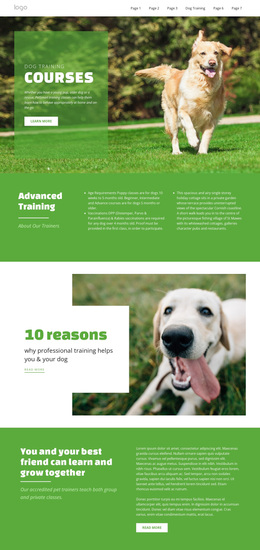
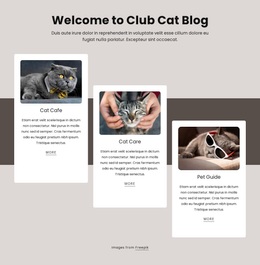
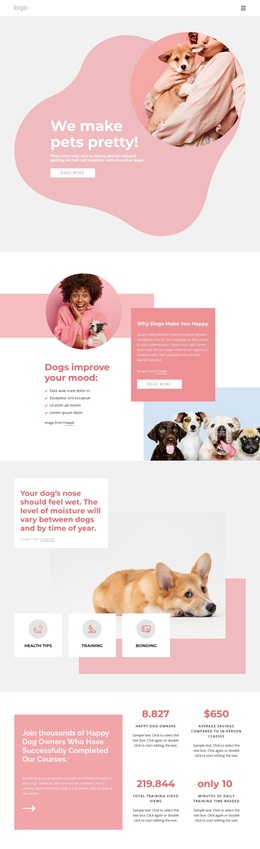
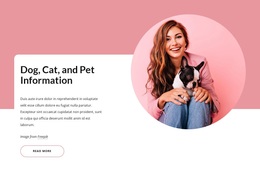
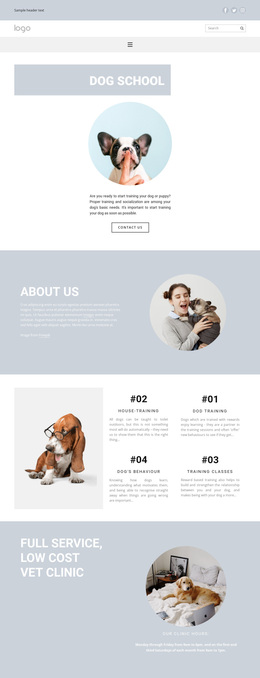
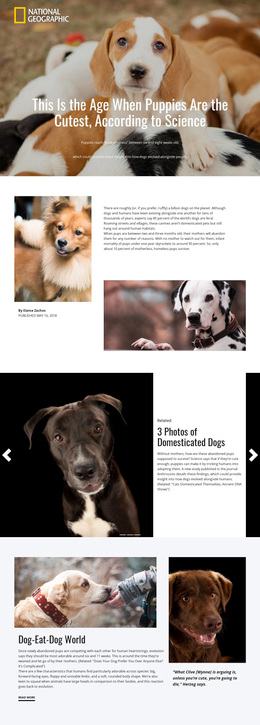
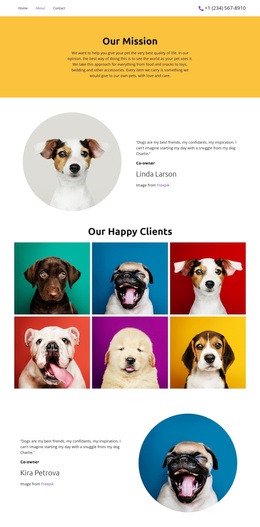







Pets & Animals Templates: Start with the Project Need
Pets & animals templates work best as a broad starting category rather than another name for a complete website. A shelter launching one adoption campaign has a different job from a veterinary practice building a multi-page site, and both differ from an organization that expects staff to publish recurring CMS content.
Before choosing a visual concept, decide how much content the project needs, how visitors will move through it, and who will maintain it after launch. That usually narrows the format faster than comparing dozens of layouts by appearance alone.
Choose by Scope and Publishing Workflow
Ask a few practical questions. Does everything fit comfortably on one URL, or do services, profiles, resources, and contacts deserve separate pages? Is the project a short campaign with one response, or an ongoing site? Will a developer receive static files, or will staff continue publishing in WordPress or Joomla?
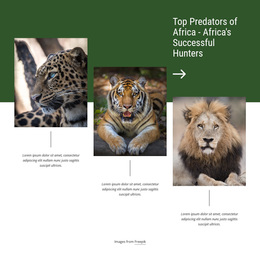
A lion-focused design direction could become a conservation campaign, a multi-page educational site, or a single scrolling story. The animal subject does not determine the delivery model on its own.
Once that choice is clearer, Nicepage Page Designs can help compare visual starting points, while Block Operations support layout changes inside the selected direction.
A Few Common Paths
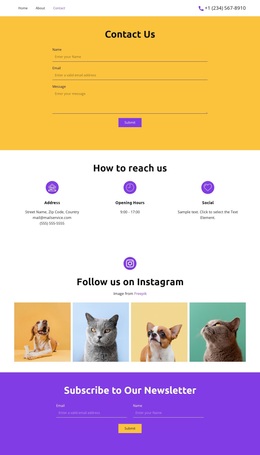
For a full organization site with connected pages and shared navigation, Website Templates are the natural direction. If About, Animals or Services, Gallery, Reviews, and Contact can live comfortably on one URL, a One-Page Template may be enough. A focused adoption or fundraising campaign fits Landing Page logic better because the page centers on a single primary goal.
Static HTML is useful when source files and independent deployment matter. WordPress or Joomla make more sense when ongoing CMS publishing is central to the project. HTML5 is a narrower technical choice when modern markup and source-level semantic QA are required.
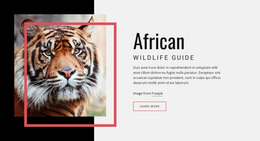
A tiger-oriented visual direction can still be adapted to several of these formats. A turkey-focused concept may suit a farm or educational project, but it should be chosen only after the page count and maintenance model make sense.
When to Stay in the General Templates Category
Stay here while you are comparing formats. Move to a more specific page type once you know whether the project is multi-page, single-page, campaign-focused, static, or CMS-managed. The value of the general category is choice; the value of the specialized category is a clearer workflow.
Choosing a Pets & Animals Template Type
Which template type should I choose for a small animal campaign?
If the project has one campaign goal and one primary response, a landing page is usually the more focused format. If it needs several independent sections such as About, Services, Gallery, Reviews, and Contact on one URL, consider a one-page template instead.
When is a website template better than a one-page template?
Choose a website template when the content benefits from several connected pages and shared navigation. A one-page template works better when the main sections can remain on one URL without making the page difficult to scan.
When should an animal organization choose WordPress or Joomla?
A CMS theme is useful when staff needs an ongoing publishing environment for articles, updates, or other managed content after launch. The exact CMS depends on the organization's existing stack and maintenance workflow.
What is the difference between HTML Templates and HTML5 Templates?
HTML Templates focus on the complete static site package and delivery workflow. HTML5 Templates place more emphasis on modern markup principles and checking the exported source for appropriate semantic structure and media handling.
Do I have to keep the sample layout unchanged?
No. The selected template is a starting point. Replace sample content and adapt the layout in the Nicepage editor after choosing the project format that fits the job.
Decide the Format Before Polishing the Design
Use the broad category to narrow the project model first. Once the page count, navigation, publishing method, and maintenance responsibilities are clear, compare designs within the format that actually fits the animal project.





















































