370 Contacts Templates






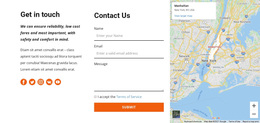
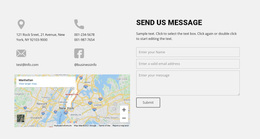
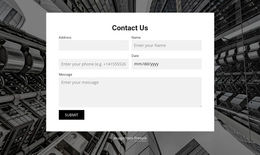

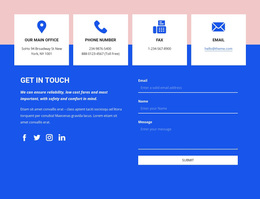

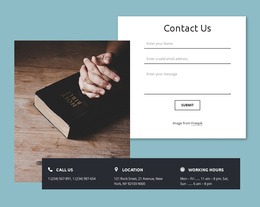
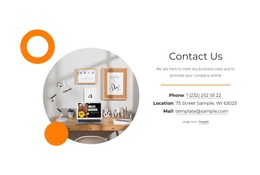
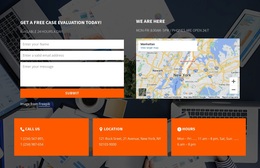

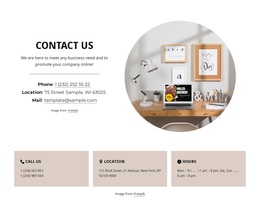
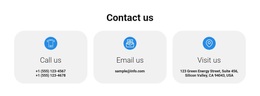
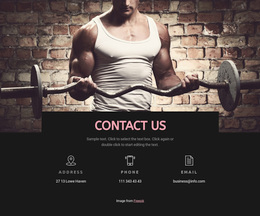
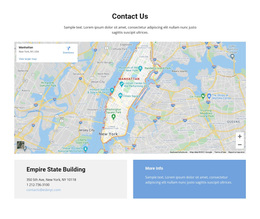






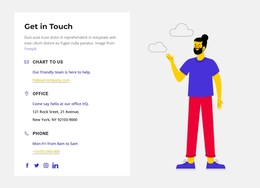
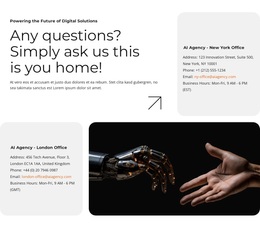
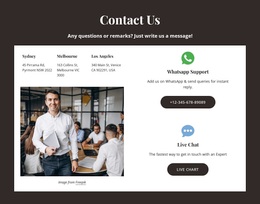
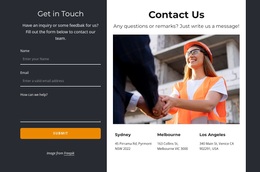
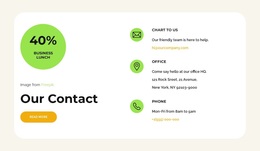
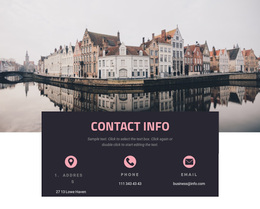

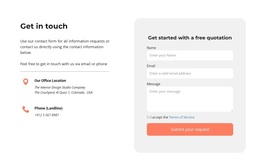
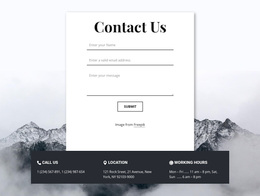
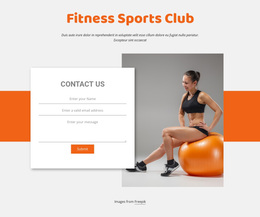

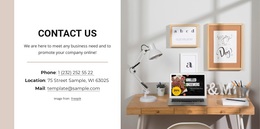
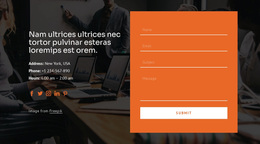
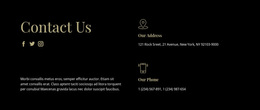
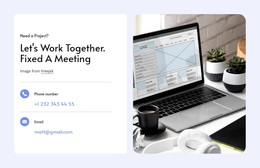
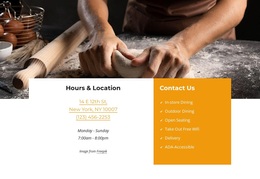


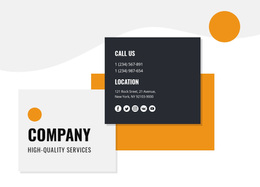
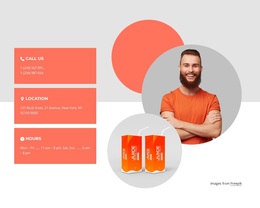

Ready-to-Use Contact Templates for Choosing Phone, Address, and Map Blocks
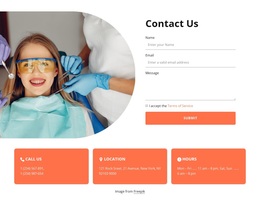
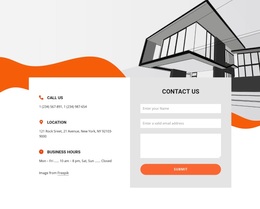
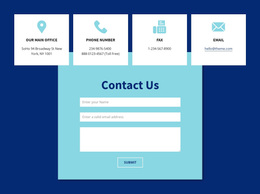
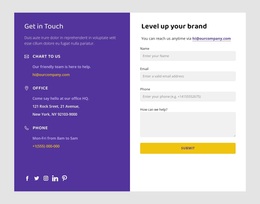
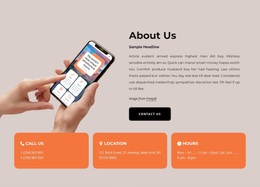
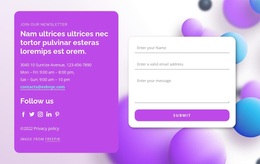
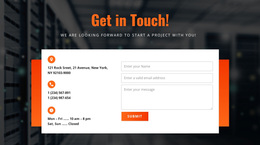
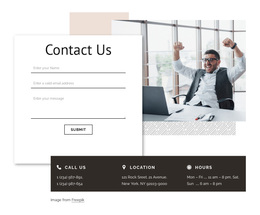
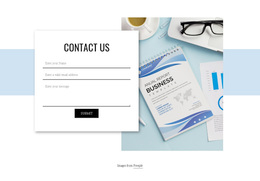
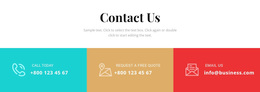
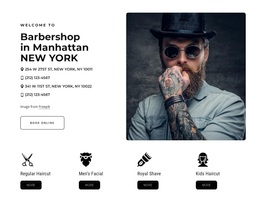
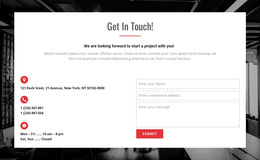
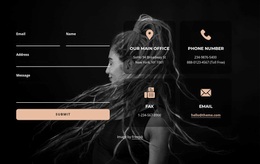
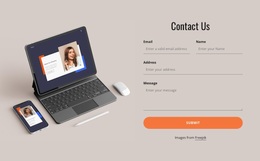
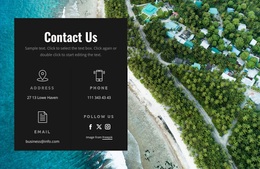
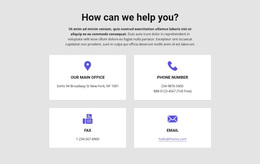
Contacts Templates is the broad starting point for comparing ready-made contact section designs in Nicepage. Browse arrangements for direct phone and email details, written addresses, opening hours, multiple locations, and optional contact forms where available. Unlike a platform-specific selection, this catalog lets you compare what each block can show before narrowing your choice.
The goal is to find a ready layout with enough space for the required contact details and a clear information hierarchy. The location of the section on a page does not define the general Contacts category.
Browse the Full Range of Contacts Template Types
Start with the broadest useful comparison: what the ready-made design visibly includes and how its contact elements are arranged.
Common directions include:
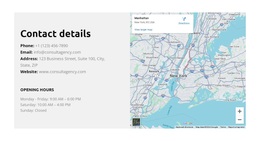
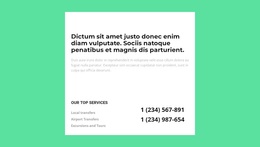
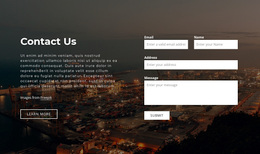
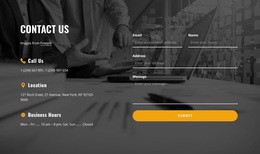
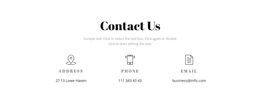
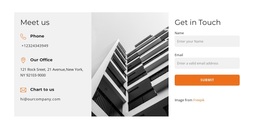
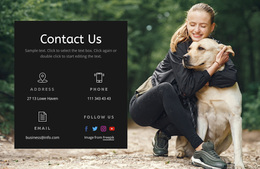
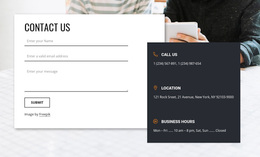
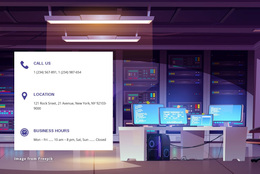
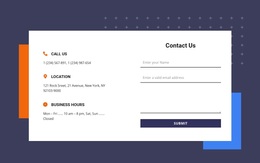
- Contact details panels for phone, email, and opening hours.
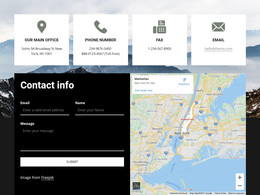
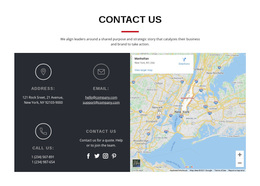
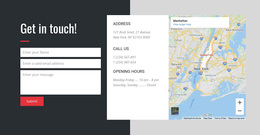
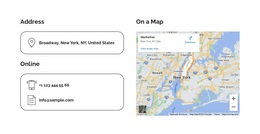
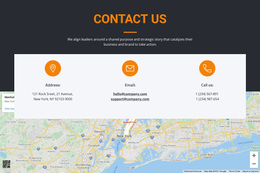
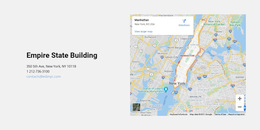
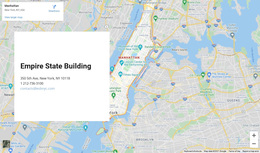
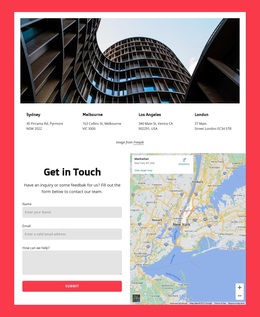
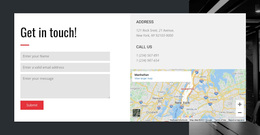
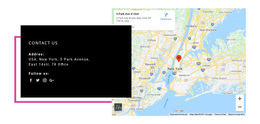
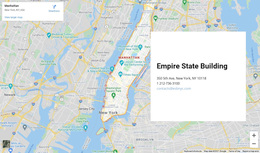
- Map-and-address blocks pairing a written location with a map.
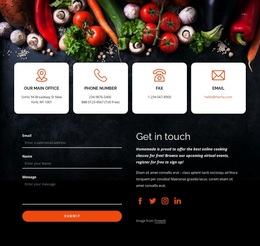
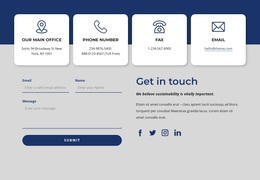
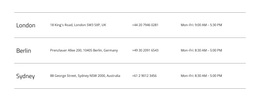
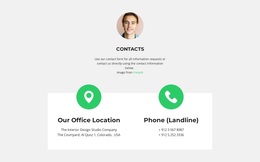
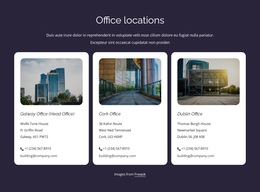
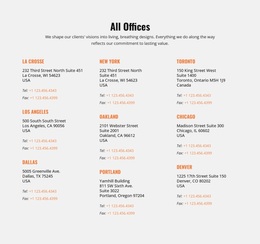
- Office or department cards for several contact groups.
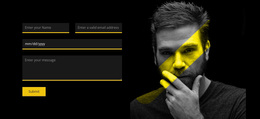
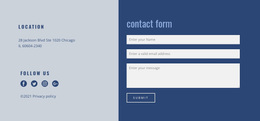
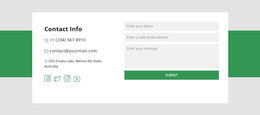
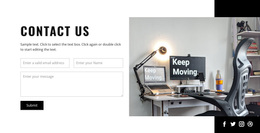
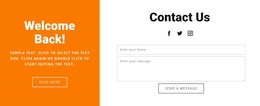
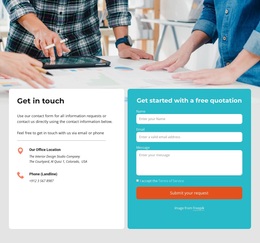
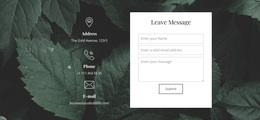
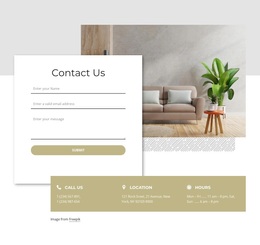
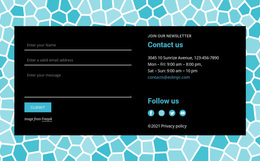
- Contact forms alongside details where combined examples are available.
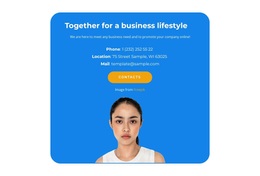
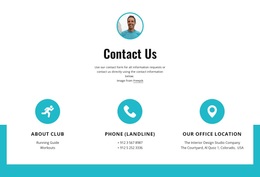
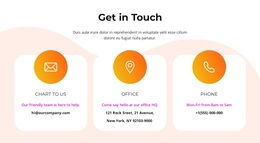
- Social and direct-contact link groups with recognizable icons or labels.
These categories can overlap: an office card might also include a map or social link, while a combined section might contain cards and a form. Choose among actual previews, not rigid labels.
Content fit is the main selection criterion. Choose a block that already has enough room for the information you intend to display.
Compare Styles Across the Complete Contacts Collection
Beyond the type of information displayed, compare whether each prepared section gives sufficient visual emphasis to the contact method visitors are most likely to need.
The general catalog is most useful because the shortlist starts with the actual communication details: one public phone number, separate departmental emails, complete addresses, or multiple sets of opening hours.
Nicepage provides Block Presets and Designs, including the Contacts category. These ready-made arrangements can be selected in the editor and adapted to the actual section content.
Choose the finished composition that fits the page rather than treating a particular icon, map, or form as mandatory.
Assess Map and Direct-Contact Emphasis
After comparing the collection's types and styles, look at the relative emphasis on geographic information versus direct contact details. This is a refinement within the broad selection, not another separate template category.
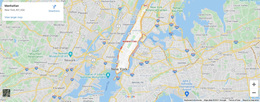
A map-focused Contacts block may position a written address next to a geographical display. Nicepage's Google Maps Element can be added to a block and configured for a specified location.
For sections centered on physical destinations, address layout ideas provide a related design direction.
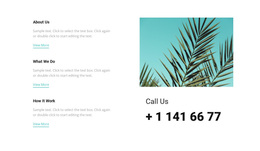
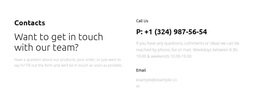
A communication-focused block, by contrast, may feature a prominently labeled telephone number alongside email and operating hours. Call-oriented layouts offer another reference when direct telephone access is especially important.
The dominant element should match the visitor's task. A map is useful for directions, but it does not need to occupy most of a section intended for phone and email communication.
Move From the General Catalog to a Project-Specific Selection
Start with the contact information your section must display, then compare available ready-made designs by clarity, content capacity, and visual emphasis. Once you have a shortlist, choose the composition that most closely fits those needs and adapt its content in Nicepage.
Contacts Templates FAQ
Which types of ready-made Contacts Templates can I compare?
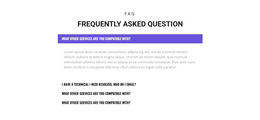
Compare compact panels, icon groups, map sections, and multiple contact cards. Combined form-and-contact designs may also be relevant when present in the collection.
What works for one location versus several branches?
A compact panel is often enough for one contact point. Several offices may need separate cards or a wider multi-location composition.
When should I choose a Contacts template with a map?
Choose a map-oriented layout when visitors need to identify or visit a physical location. Nicepage's Google Maps Element can display a specified location alongside written address details. If direct phone or email communication is the main task, a more compact contact-details design may be sufficient.
Find the Right Contacts Block in Nicepage
Use the broad Contacts collection to compare contact panels, office groups, maps, forms, and direct-contact links. Shortlist a ready-made composition that fits your information, then refine it in Nicepage.
The best choice is the one that makes phone numbers, addresses, emails, and opening hours easy to find without adding unnecessary elements.