
FAQ Templates






Ready-To-Use FAQ Templates for Choosing the Right Question-and-Answer Layout
Five short questions can fit into a simple list. Twenty questions covering payments, accounts, and delivery need a different FAQ template. Choose by the structure of your questions and answers first, not by how elaborate the preview looks.
Nicepage FAQ Templates offer ready-made visual Q&A layouts you can adapt with your own content. Compare visible answers, expandable rows, separated cards, and grouped topics. All are FAQ templates, but they handle question volume and answer length differently.
Compare Compact Lists, Expandable Rows, Cards, and Groups
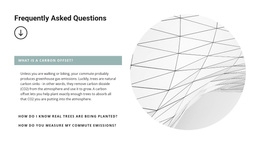
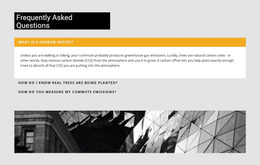
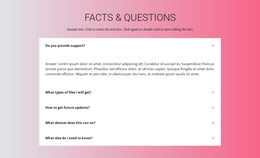
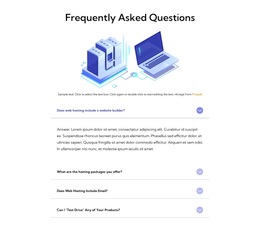
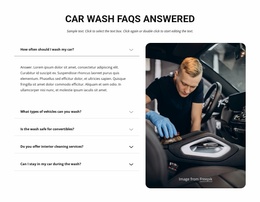
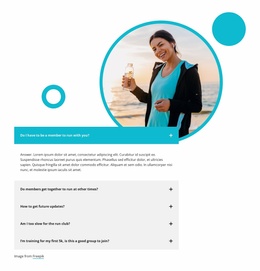
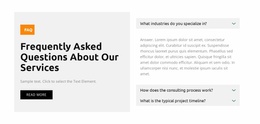
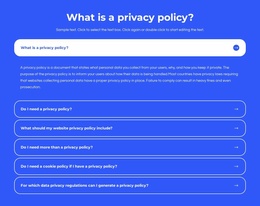
A useful template makes questions easy to find and keeps each answer attached to its heading. Four formats cover common needs:
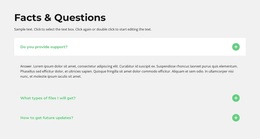
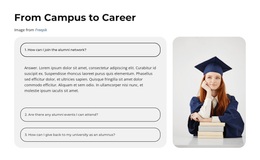
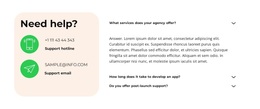
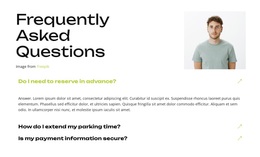
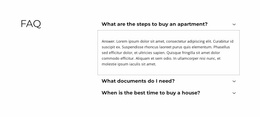
- Compact Q&A lists: show a few short questions and answers without extra interaction.
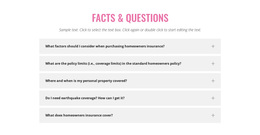
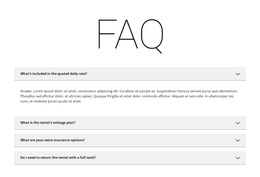
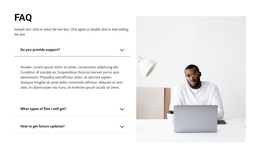
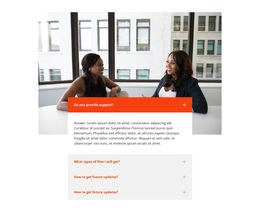
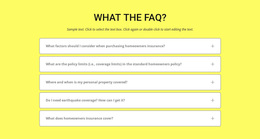
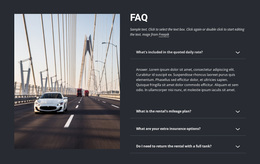
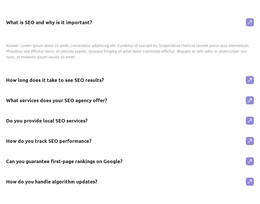
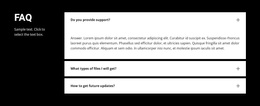
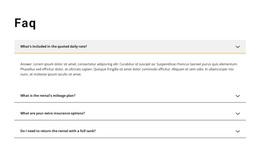
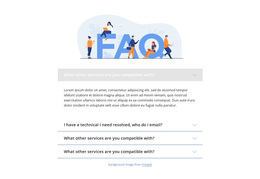
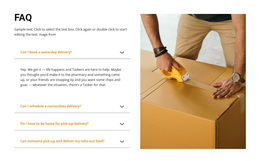
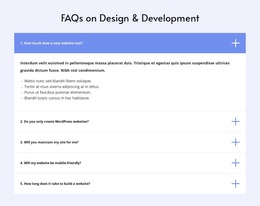
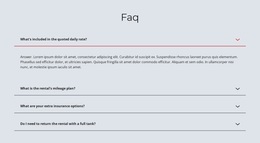
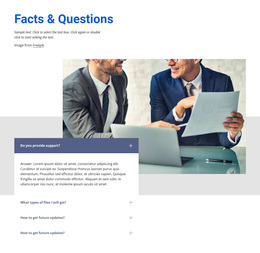
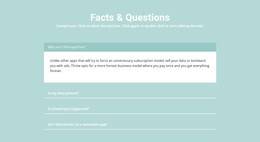
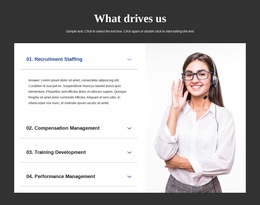
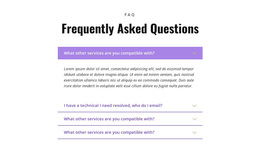
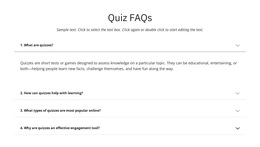
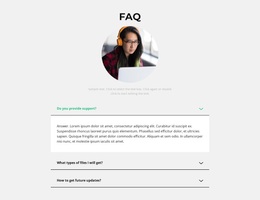
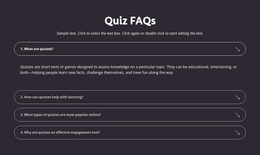
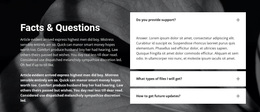
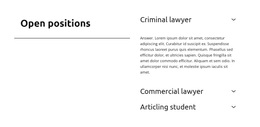
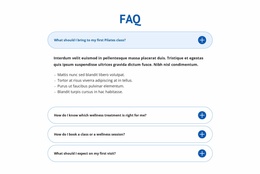
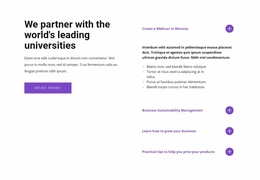
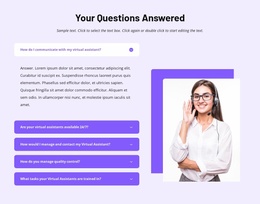
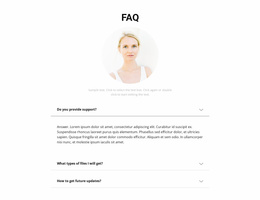
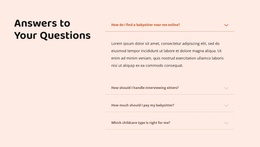
- Expandable FAQ rows: make longer collections scannable by revealing answers only when selected.
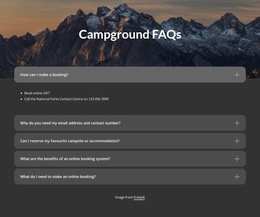
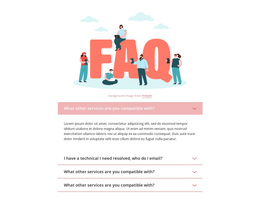
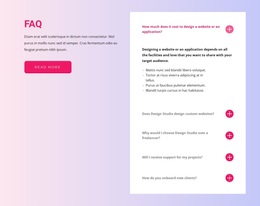
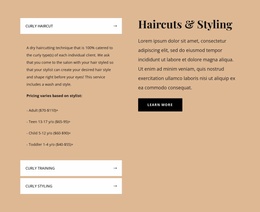
- FAQ cards: give individual questions stronger boundaries, useful when items need visual separation.
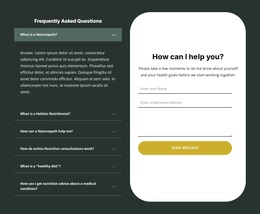
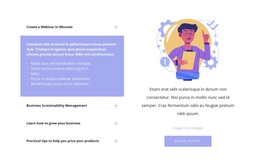
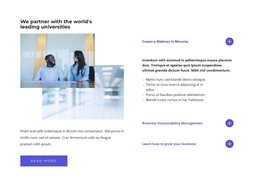
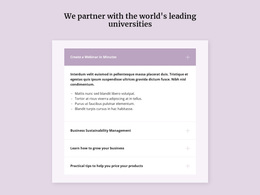
- Categorized FAQ groups: separate subjects such as billing, shipping, and account access.
A layout can combine these patterns. For example, grouped questions may also use expandable rows. Compare how much information is visible before a click and whether visitors can identify their question quickly.
Match the FAQ Template to Your Content
For five brief questions about appointments, a compact list or small set of cards may be enough. For twenty questions split among orders, returns, and payments, choose categorized FAQ sections with clear headings. If answers run several paragraphs, expandable rows can reduce the initial page length.
Use four selection criteria: question count, answer length, topic grouping, and answer visibility. A template with strong decorative cards may feel crowded when every answer is long; a minimal divided list may be too flat when topics need clear separation.
For different uses, compare FAQ website templates, FAQ HTML templates, and FAQ website design templates. These related categories help narrow the layout choice without changing what makes the content a FAQ.
Customize a Ready-Made FAQ Layout in Nicepage
Nicepage provides pre-designed Elements and Blocks, including the FAQ Element for expandable questions and answers. Select a prepared layout with a suitable number of rows, replace sample questions with real visitor concerns, and adjust answer lengths and presentation to match.
Check whether each template actually has the visible answers, interactive rows, or topic divisions you need. A prepared visual layout is not a guarantee of finished policy content, working search, or filtering. It is a starting structure for your own Q&A.
Choose a Format That Stays Readable
Compare a template with all answers visible against one with expandable content. The first reduces clicking for short explanations; the second helps readers scan a longer question list. Cards emphasize individual items, while grouped FAQ layouts emphasize subjects.
Also inspect the narrow-screen arrangement. Long headings should wrap cleanly, and any open answer should stay connected to the right question. If an FAQ is later placed on a website page, its appearance can be adapted there—but the main choice here is the Q&A format itself.
FAQ Templates FAQ
Does Nicepage provide ready-made FAQ section designs?
Yes. Nicepage provides pre-designed Elements and Blocks, including a built-in FAQ Element for organizing questions and answers. You can start with an existing section structure and adapt the content in the Nicepage editor.
Should I choose a FAQ template with visible or expandable answers?
Visible answers suit a small collection of short explanations. Expandable FAQ rows help readers scan more questions without displaying every answer at once. Compare these formats using realistic answer lengths.
When should I choose categorized FAQ templates?
Choose grouped Q&A layouts when your questions cover several subjects, such as billing, returns, and account access. A short set of closely related questions can usually remain in one list.
How do I choose a FAQ design if I am not a professional designer?
Count your questions, estimate answer lengths, and identify any topic groups. Choose a layout that handles that content clearly, then refine its typography and spacing instead of relying on decoration alone.
Compare FAQ Formats Before Choosing
Start with your real questions and compare compact lists, expandable rows, cards, and grouped layouts. Choose the FAQ template that makes those answers easiest to find, then adapt the sample content in Nicepage.





















































