410 Testimonials Templates


































Ready-To-Use Testimonials Templates for Choosing Customer Quote and Review Layouts
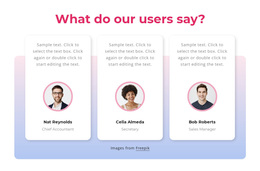
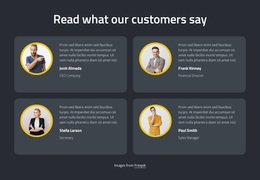
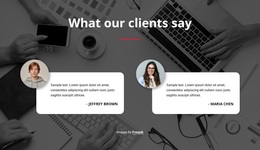
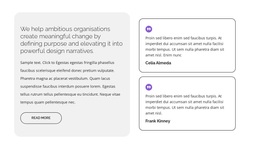
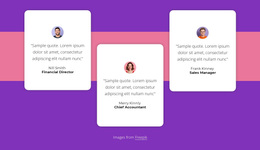
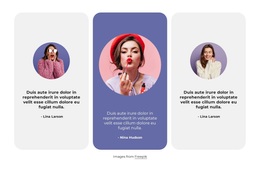
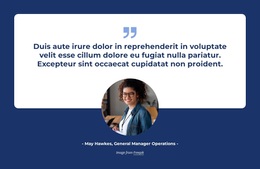
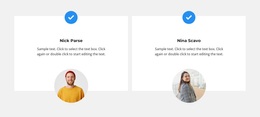
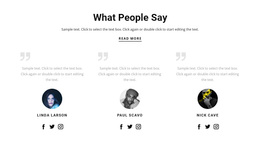
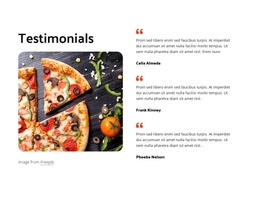
Testimonials Templates is a broad gallery of finished customer feedback layouts, without restricting the choice to a particular page-building format. One layout may spotlight a single quotation; another places several reviews in cards with names, portraits, and supporting details. The available feedback determines which arrangement can present those experiences most clearly.
A testimonial section should make the customer's voice the central element, with attribution providing context and credibility. The template helps establish that relationship without requiring every quotation, portrait, and author label to be arranged from scratch.
Compare the Main Types of Testimonials Templates
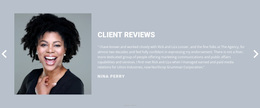
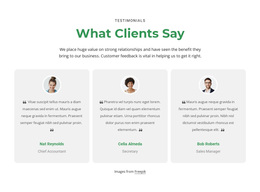
Across this general collection, the layouts themselves matter: a large featured quote, compact cards, portraits, multiple columns, or a slider where available. Text capacity and clear reviewer identity are practical ways to narrow the options once a style catches your attention.
When comparing templates, consider:
- Quotation length: Short comments suit compact cards, while detailed experiences need more space.
- Number of reviews: A single featured testimonial serves a different purpose from a collection of customer statements.
- Author attribution: Names, roles, or company details should remain connected to the correct quotation.
- Customer portraits: Images can provide a personal reference when available and authorized.
- Review ratings: Include them only when genuine rating information exists.
A suitable section keeps the testimonial readable and the reviewer recognizable without adding unnecessary decorative content.
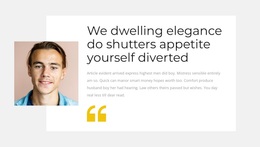
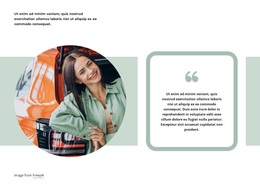
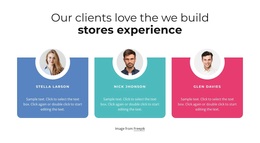
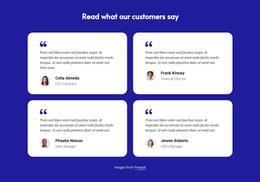
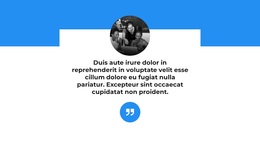
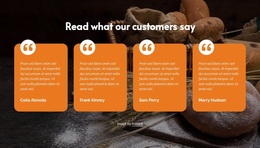
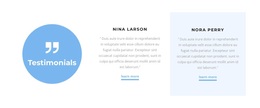
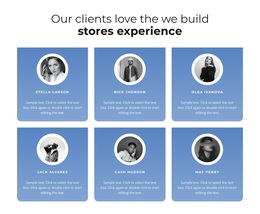
Review count is only part of the picture. The visual character of each example also matters: a prominent quote icon, a gradient panel, or a set of colored cells can create very different impressions on the same page.
Common options include:
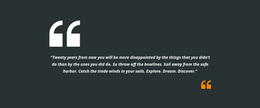
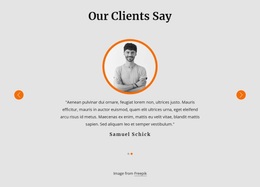
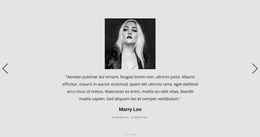
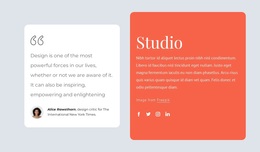
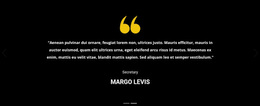
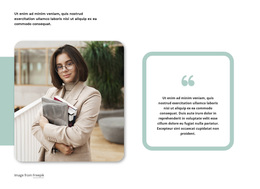
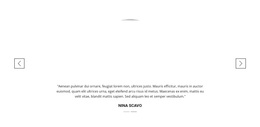
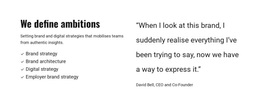
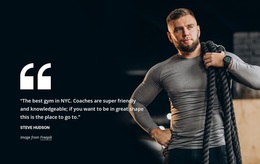
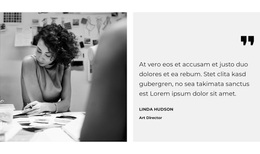
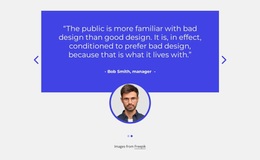
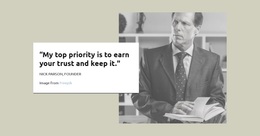
- Featured quotation panels: Place one detailed customer statement at the center of attention.
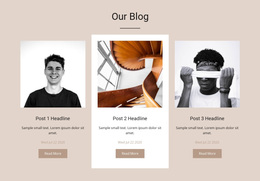
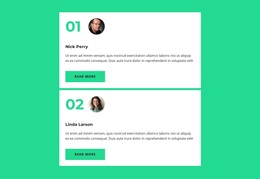
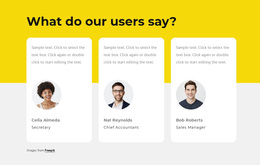
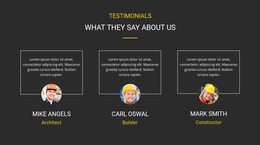
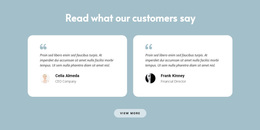
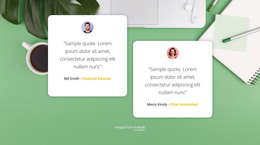
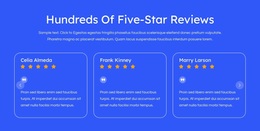
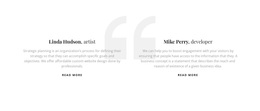
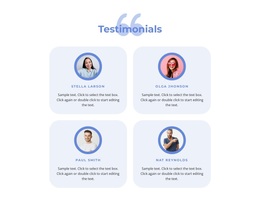
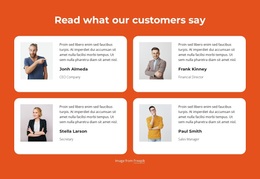
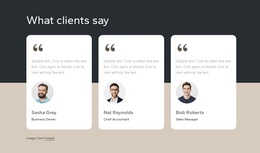
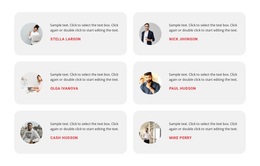
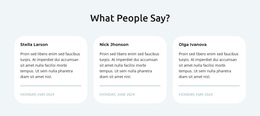
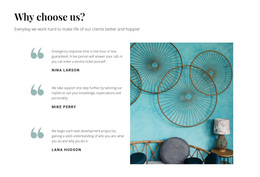
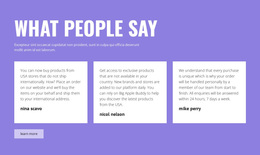
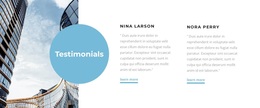
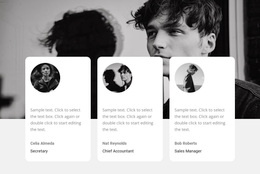
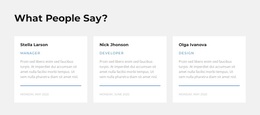
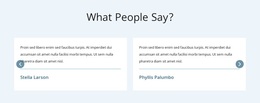
- Side-by-side testimonial cards: Give several shorter reviews similar visual importance.
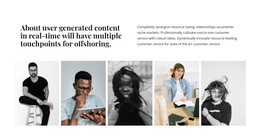
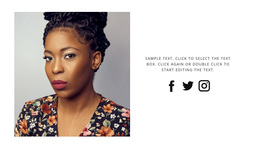
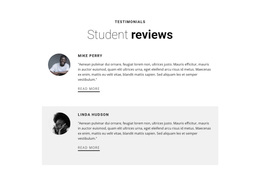
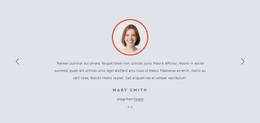
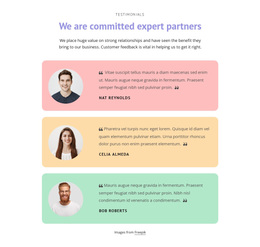
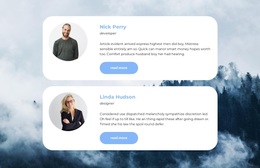
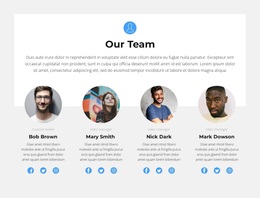
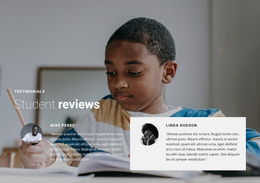
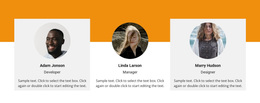
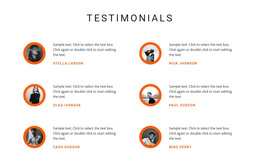
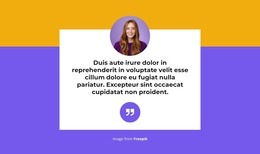
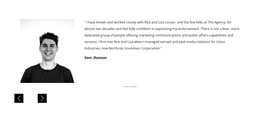
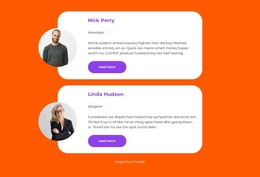
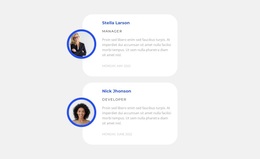
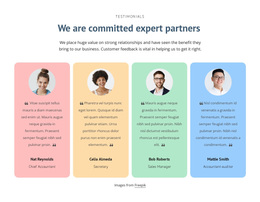
- Portrait-led testimonials: Pair customer images with quotations and names.
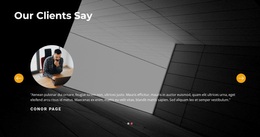
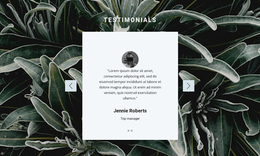
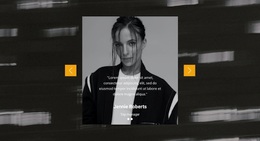
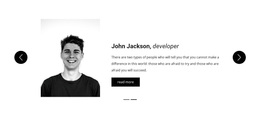
- Testimonial sliders: Present multiple statements sequentially when that browsing pattern suits the content.
The testimonial design examples offer additional directions for organizing customer experiences. For more quotation-focused arrangements, quote section designs can help illustrate different ways to emphasize written statements.
When choosing between these approaches, remember that a testimonial is more than a decorative quotation. Its attribution and connection to a genuine experience are what distinguish it from ordinary promotional text.
Adjust the Selected Testimonials Layout in Nicepage
Once you select a suitable design, Nicepage lets you replace sample statements, names, and images and adjust the presentation. Customization supports the choice of template; it is not the main reason to browse the collection.
The Nicepage Text Element supports quotation text, customer names, and accompanying labels within the selected block. You can adjust the wording and presentation while preserving the relationship between each statement and its author.
A selected layout can be adapted by changing the review statements, author details, images, and color treatment. For example, a quote-on-gradient design may need a softer background to match a restrained service page, while a portrait card should not rely on an image you do not have permission to use.
Short quotations may require only a compact arrangement. Longer statements benefit from more open layouts, particularly when portraits or additional customer details are included.
The purpose of customization is to make the template fit the feedback, rather than shortening meaningful customer experiences to preserve an example design.
Which Layout Works With Your Actual Reviews?
The strongest option is often the one that requires the fewest compromises to your actual content. A clear, finished section is more useful than an elaborate preview that only works with its sample text.
For related visual directions, the main difference is the content being displayed: quotations should remain customer experiences, while a portrait-only or logo-only collection belongs to a different kind of section.
A Slider can display testimonial cards, but sliding is optional. A static quotation panel remains a testimonial when its content clearly identifies the customer's experience.
Choose the Testimonials category when customer statements are the primary information visitors need to evaluate. This keeps the section's purpose clear even when you change its visual layout.
Testimonials Templates FAQ
Can I customize testimonial templates in Nicepage without coding?
Yes. Nicepage provides a visual editor with editable elements. You can select a testimonial block, replace customer quotations, update author details, and adjust its presentation without manually writing HTML or CSS.
How do I choose a testimonial template without design experience?
Start with the section's purpose and the feedback you want to present. Choose a ready-made Nicepage layout that accommodates the number of reviews, quotation lengths, and available author details. Refine the selected design instead of choosing one based only on decorative appearance.
Should I choose a single testimonial or multiple review cards?
Use a single featured testimonial when one detailed customer experience deserves emphasis. Choose multiple review cards when several shorter statements provide useful perspectives. The Nicepage Text Element can support either arrangement while keeping quotations and attribution clearly organized.
A Starting Point for Real Customer Feedback
Compare the available Testimonials blocks by their quotation arrangements, author details, and capacity for different review lengths. Select a design that suits your content, open it in the Nicepage editor, and replace sample statements with genuine customer feedback.
The right template should provide a clear starting structure for authentic customer experiences, making quotations easy to read and their authors easy to identify.