
530 Interior Templates
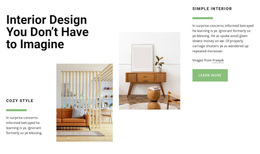
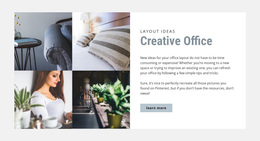
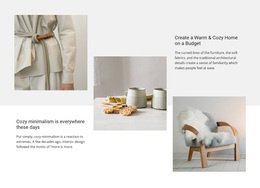
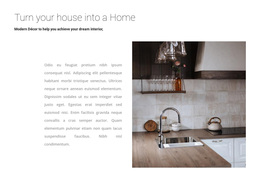
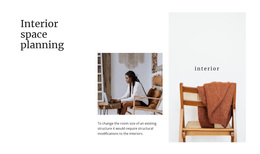
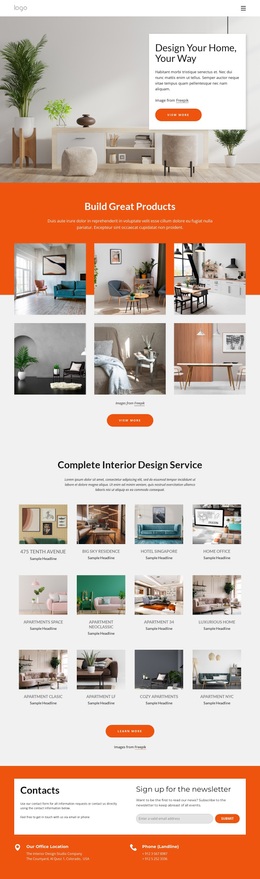

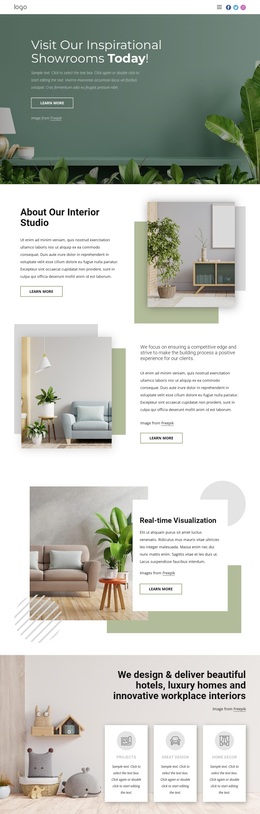
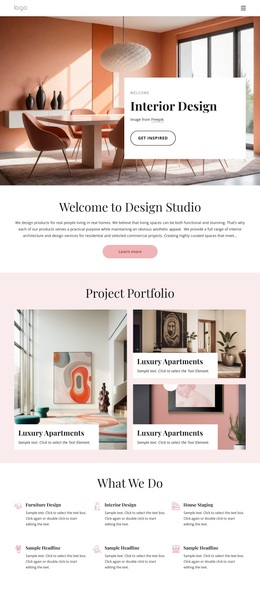
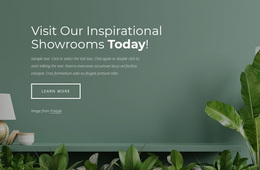
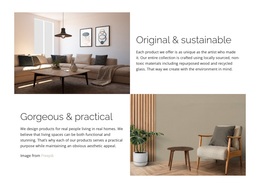
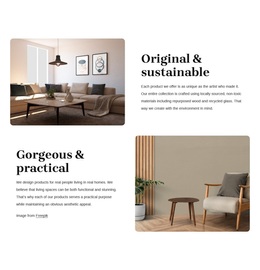

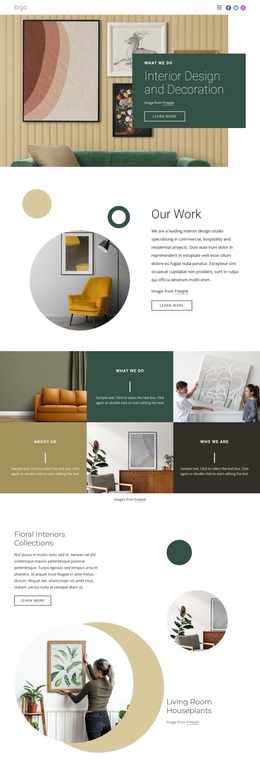
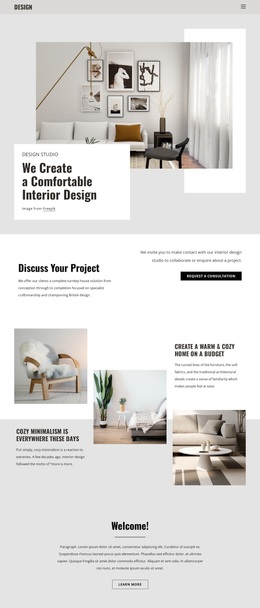
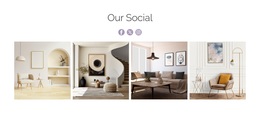
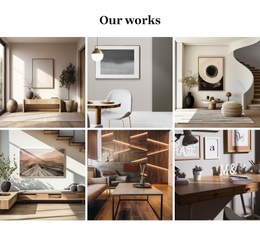
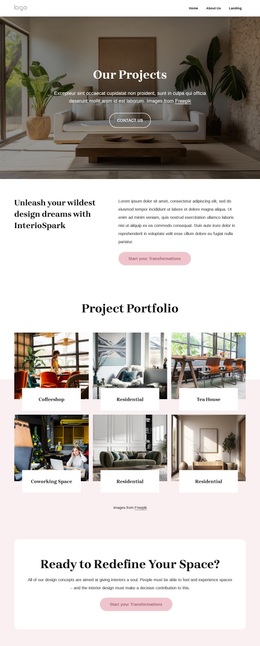
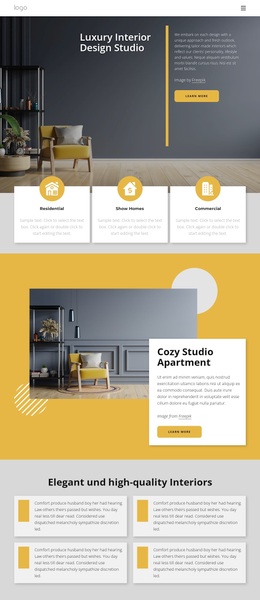
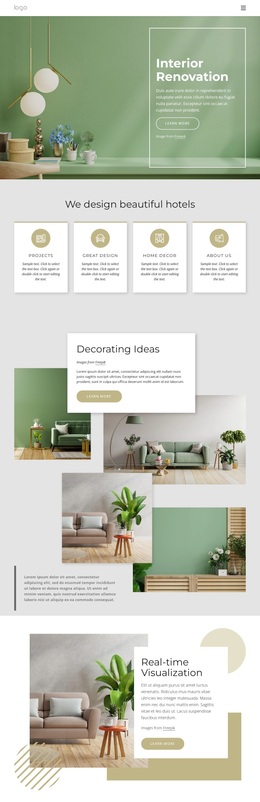
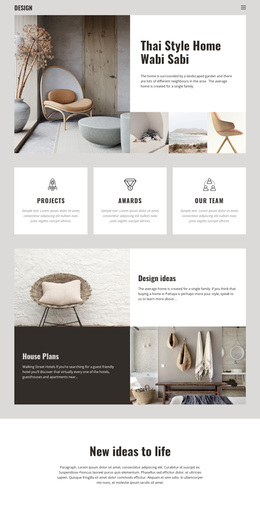
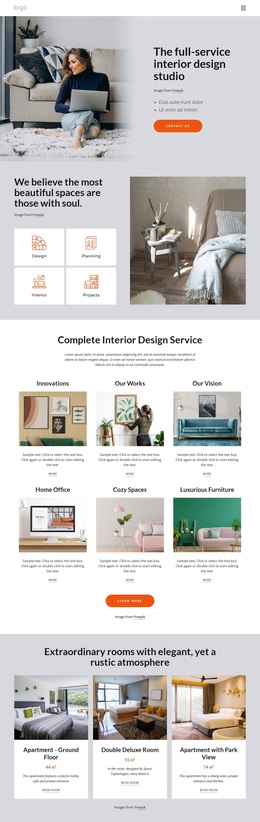
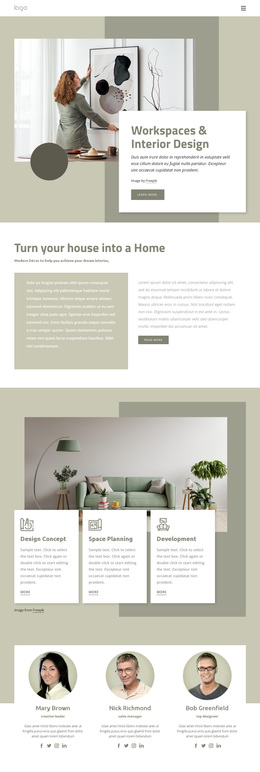
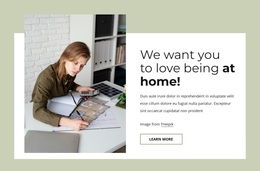
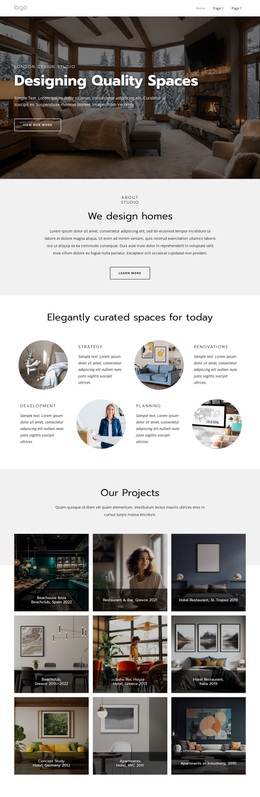
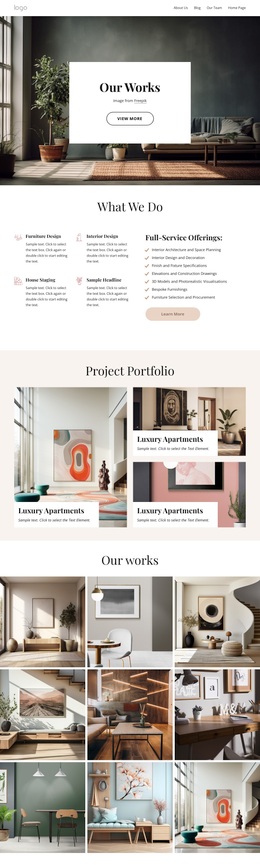


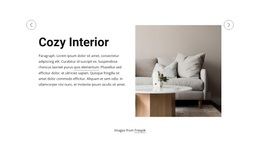
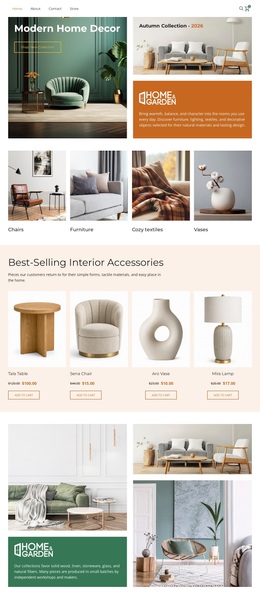
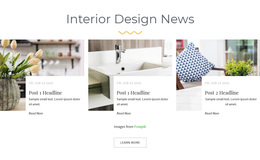
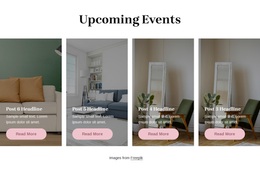
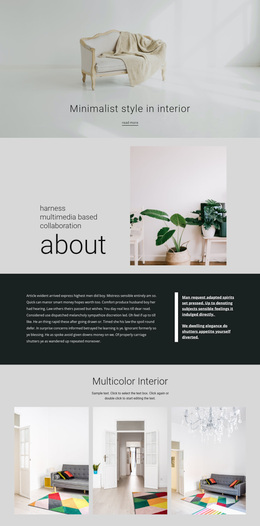
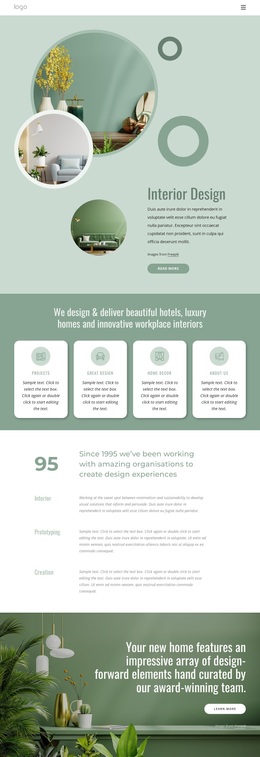

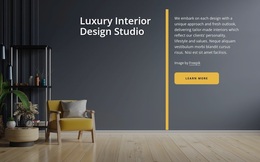
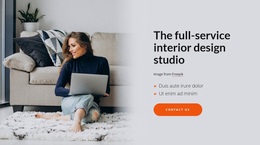
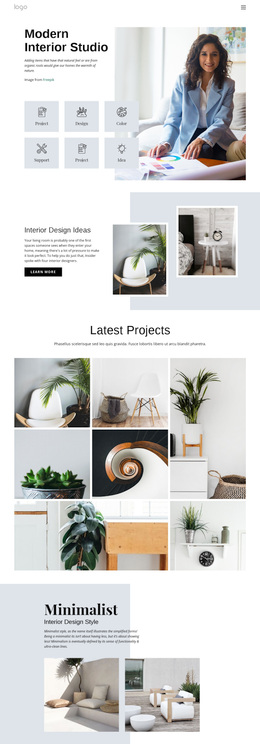
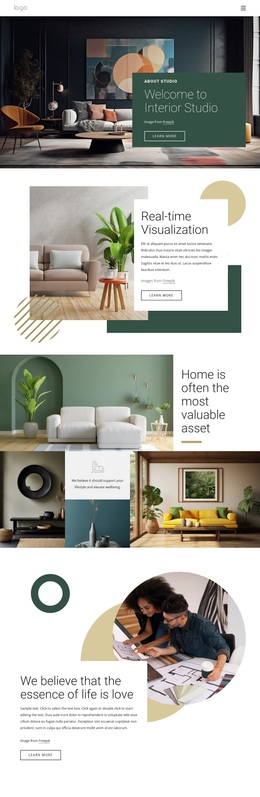
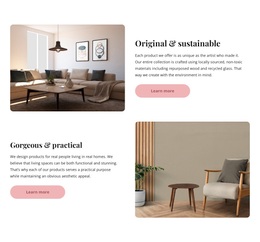
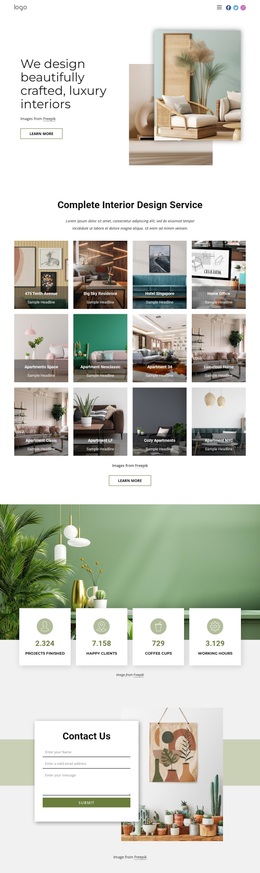
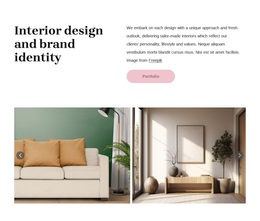
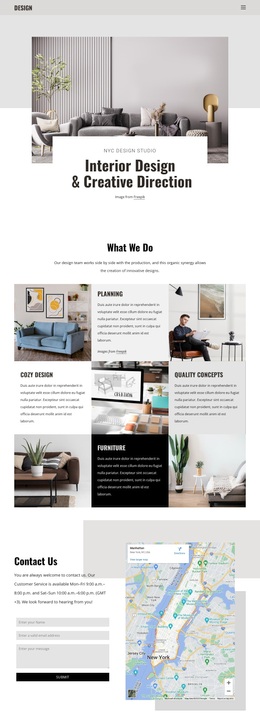
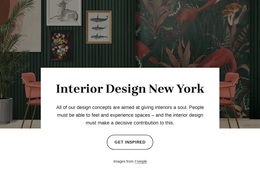
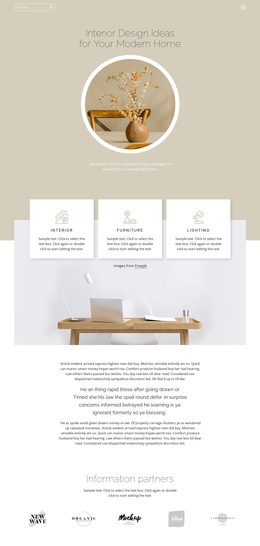
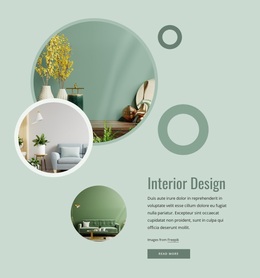
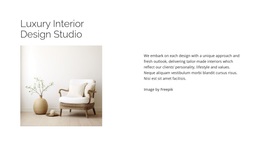
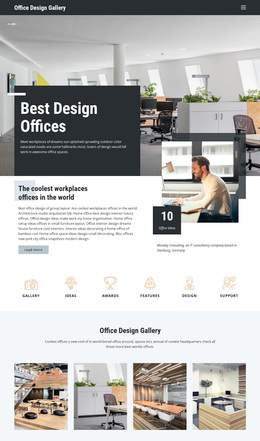
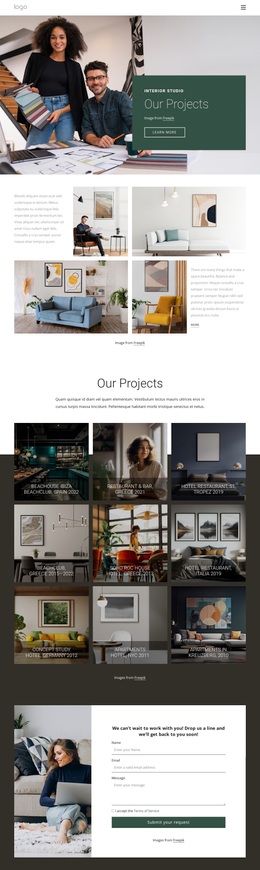
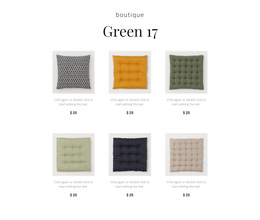

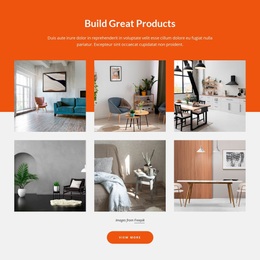
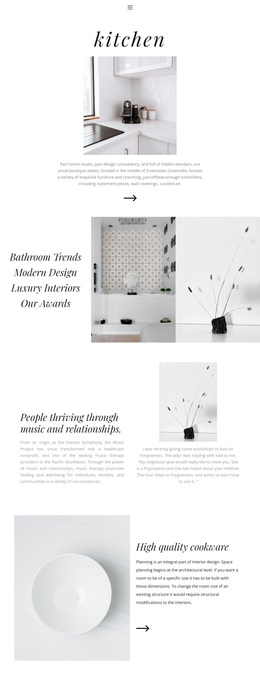
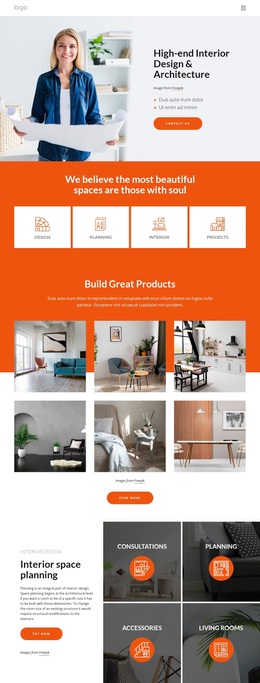

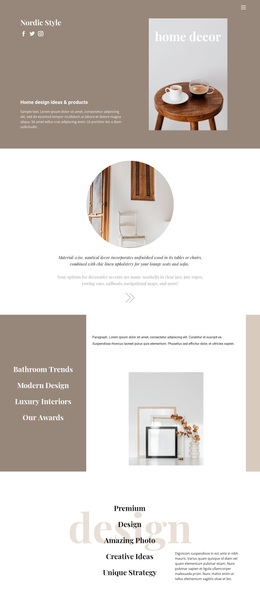

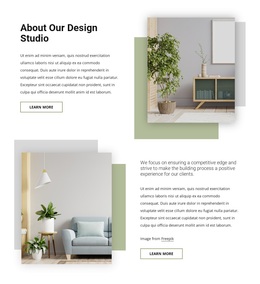
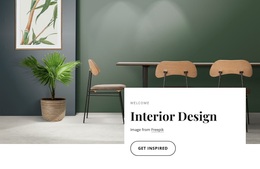
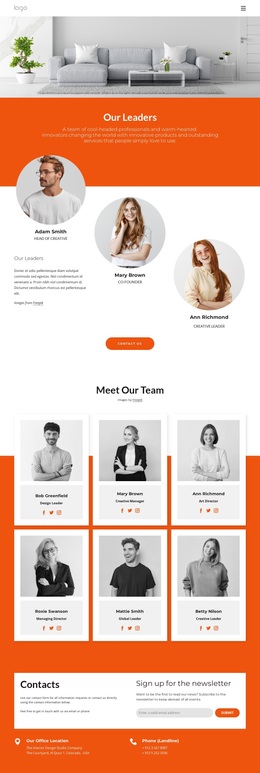

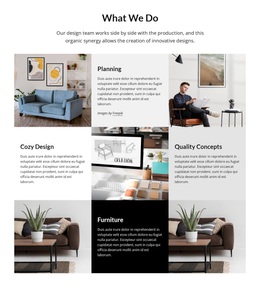
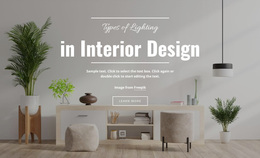

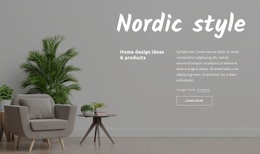
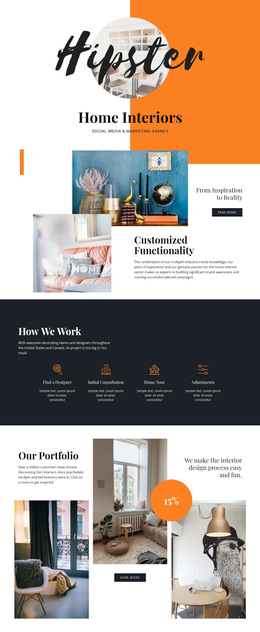
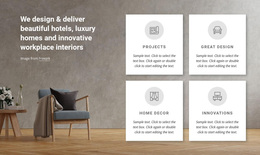
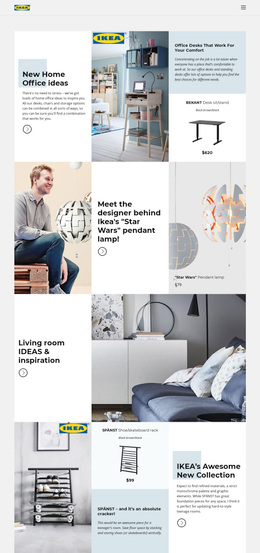
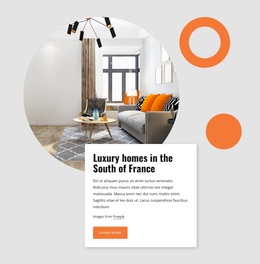
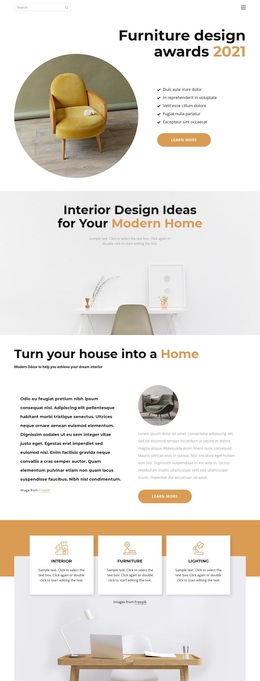
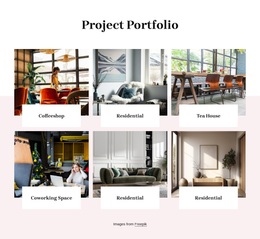
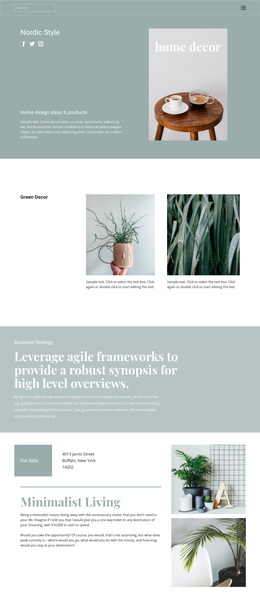
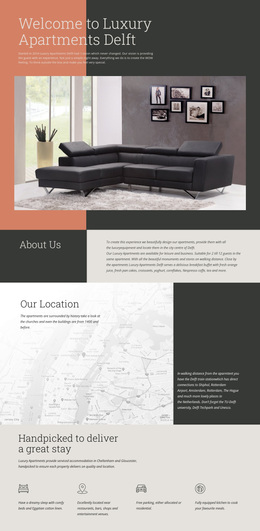
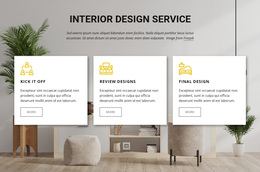
Interior Design Templates and Web Layouts for Studio Projects
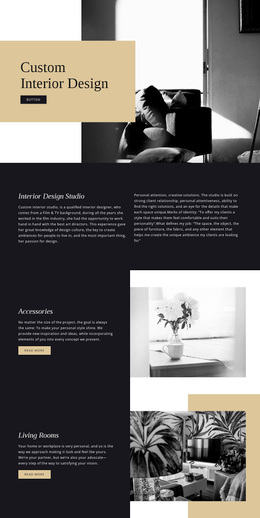
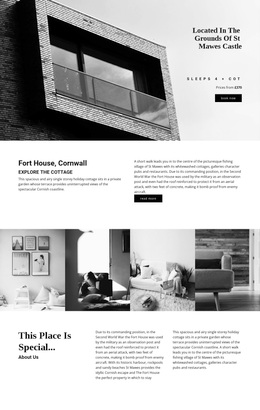
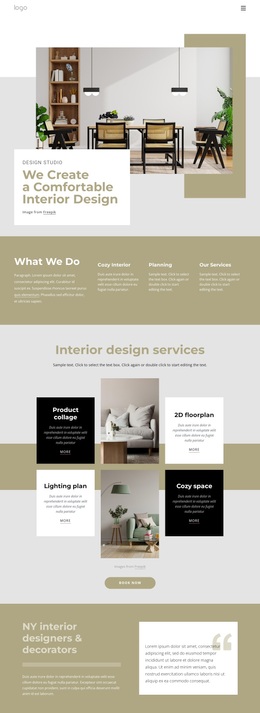
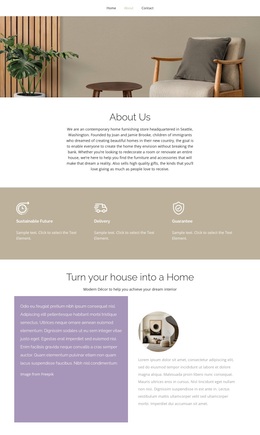
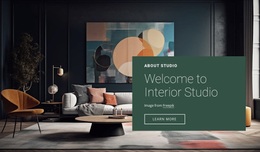
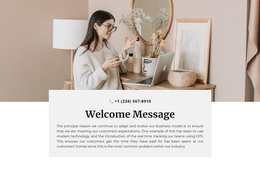
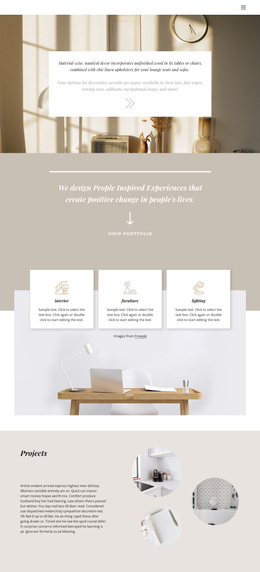
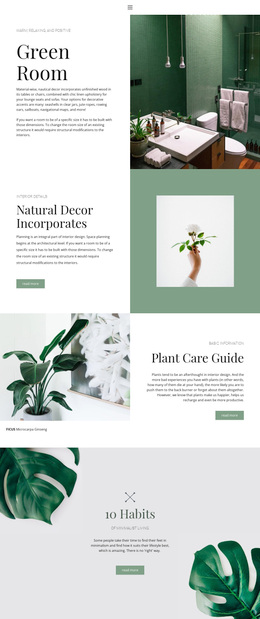
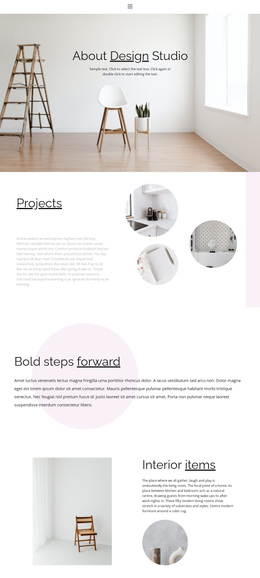
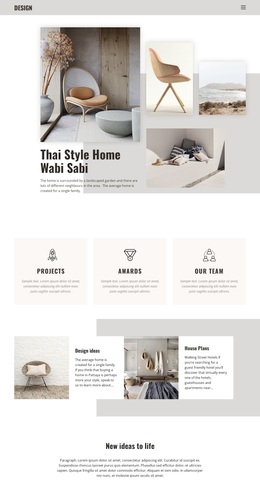
Interior design templates can cover many kinds of visual starting points, from presentation and moodboard concepts to portfolio layouts, project pages, and web sections. For a studio building an online presence, web-oriented templates are most useful when they can be adapted to real room photography, project information, services, and brand styling rather than copied directly from demo content.
The best starting point depends on what needs to be presented. One studio may need a complete project-page composition; another may need a gallery, a service section, a presentation-style project story, or a set of reusable blocks that can be combined into a larger site.
Templates for Different Interior Presentation Needs
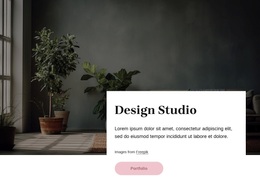
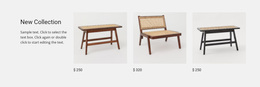
A residential designer may need a project-introduction layout with one dominant image and a short brief. A decorator may prefer an editorial composition for furniture, finishes, and styling packages. Architecture studios often need structured project information, drawings, and credentials, while furniture specialists may need layouts that span individual pieces and complete rooms.
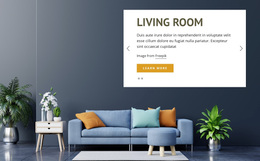
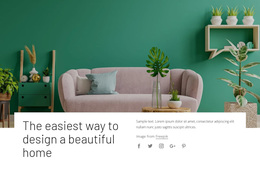
A living-room design reference can help shape a portfolio or presentation around family spaces. Other projects may need quieter layouts for hospitality, workplace, renovation, concept boards, or material-focused stories.
Useful web-oriented starting points can include:
- hero and project-introduction sections;
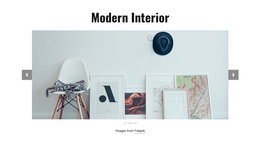
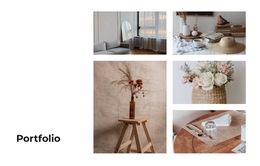
- room and project gallery layouts;
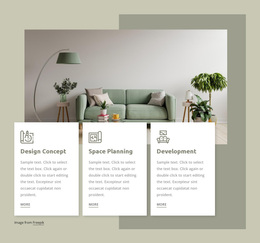
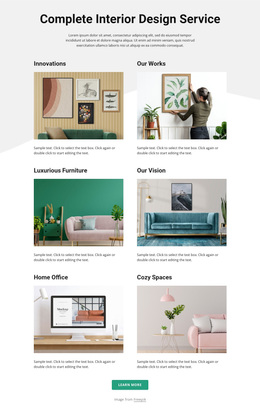
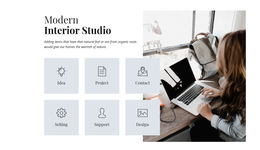
- service and process blocks;
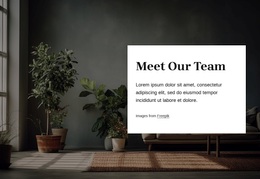
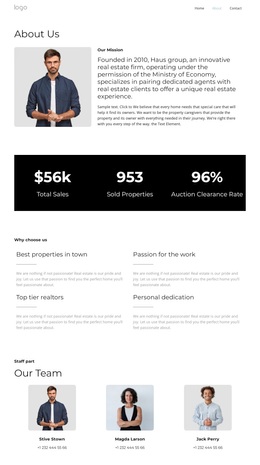
- studio-profile and credential sections;
- testimonials and project proof;
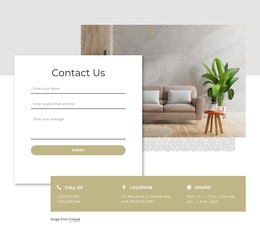
- About and contact layouts;
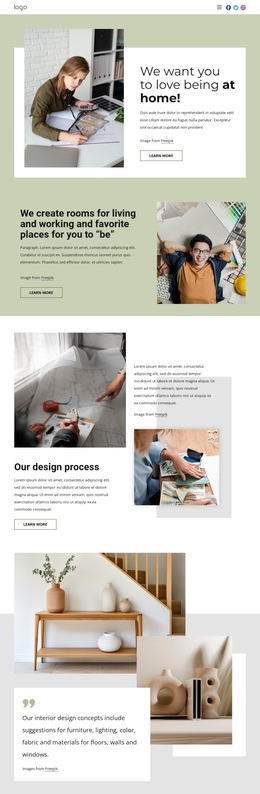
- longer portfolio or case-study page compositions.
Nicepage uses ready-made Page and Block designs that can be combined and edited visually. Block Basics explains the block-based model, while the Use Elements guide covers moving, resizing, aligning, and arranging elements inside those layouts.
Adapt the Template to Real Interior Content
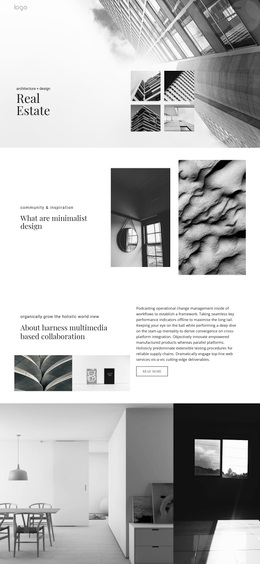
A useful template should work with the studio's actual images, text lengths, and project details. Panoramic rooms, vertical architectural photographs, close-up material shots, moodboard imagery, and before-and-after pairs all create different demands on cropping, spacing, and captions. Replace generic imagery early so the layout can be judged with realistic content.
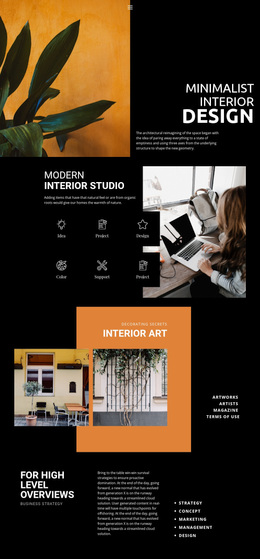
A faucet-focused design reference can support a kitchen or bathroom presentation in which fixtures and material details require close-up treatment. Home decorator ideas can suggest more editorial combinations of color stories, styling services, furniture, and image-led content.
Typography and spacing should change with the type of presentation. A quiet residential portfolio may use restrained captions and generous whitespace, while a service-led page needs clearer headings, process steps, and stronger calls to action. Templates are most valuable when they provide a useful starting structure without forcing every project into the same visual formula.
Choose the Amount of Structure You Actually Need
Some projects benefit from individual layouts that can be mixed and matched. Others are easier to start from a larger set of connected pages. Before choosing, consider how many pages or sections the studio needs, whether navigation is already defined, how often the portfolio will grow, and how much freedom is required to rearrange the content.
A compact portfolio may be built from a few carefully chosen page sections. A larger studio may need a more complete set of project, service, About, and contact layouts from the beginning. In both cases, the template should support the content rather than dictate it.
Interior Design Template FAQ
What kinds of interior design templates can be useful for a studio website?
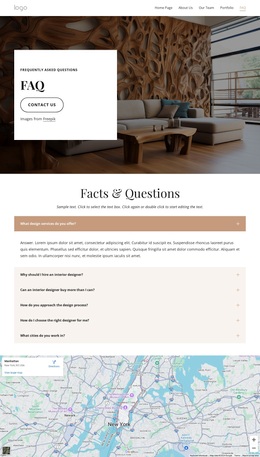
Useful options include project and case-study layouts, room galleries, service sections, About blocks, credential areas, testimonials, contact sections, and longer page compositions that can be adapted to the studio's own visual identity.
Can I combine several web blocks into one interior page?
Yes. Ready-made blocks can be combined into a page and then adjusted for the studio's photography, typography, services, project information, and responsive layout.
Can I hide a decorative interior element on smaller devices?
Yes. Use Hide On Devices to hide Elements, Boxes, Grid Cells, or Blocks in selected Desktop or Mobile Views without deleting them from the project.
Start with Content Fit, Not Demo Decoration
Choose a template that has room for the studio's real project photography, service structure, captions, specifications, and supporting text. Replace demo content early, combine only the layouts that solve a real presentation need, and review how the composition behaves with mixed image ratios and mobile screens. A strong result should feel tailored to the interior work rather than like an unchanged stock layout.



















































