
890 Features Templates

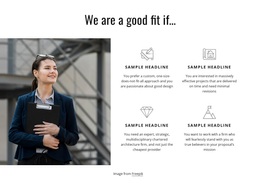
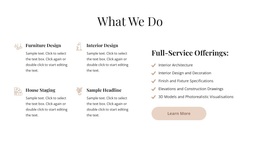

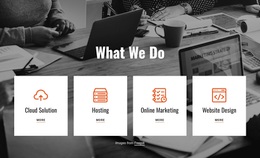
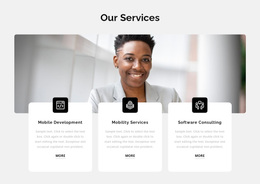


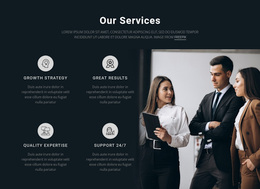
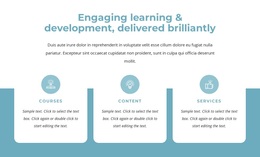
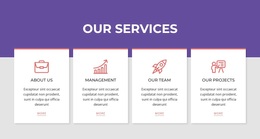
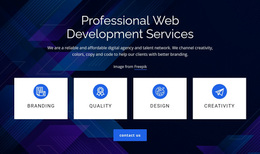


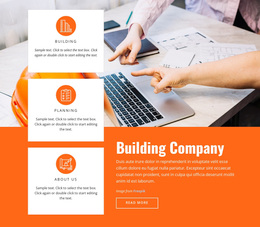
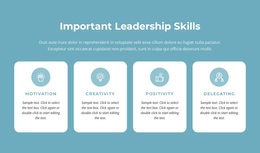

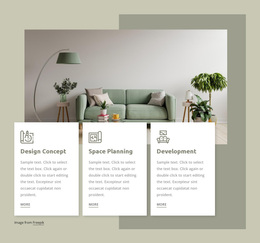
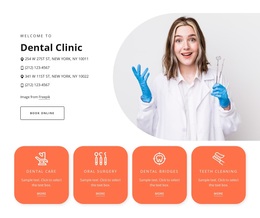

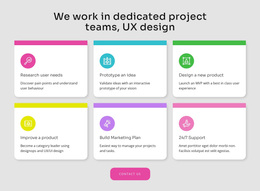

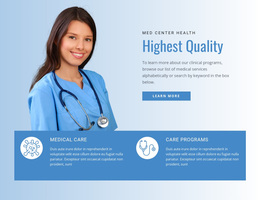
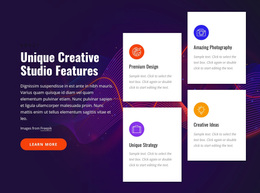
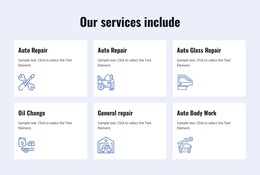
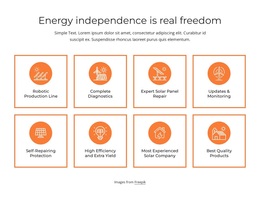

Creative Features Templates for Product and Service Highlights
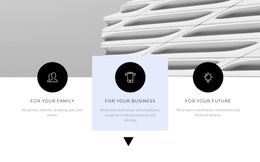
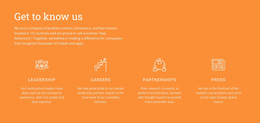
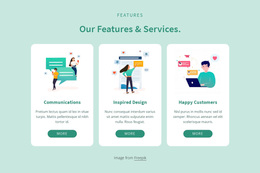
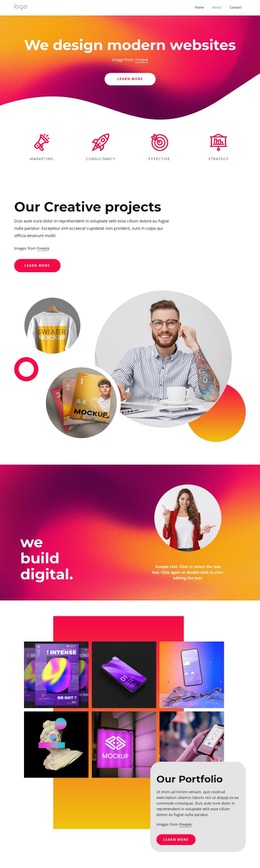
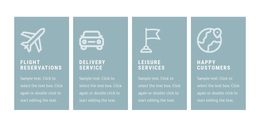
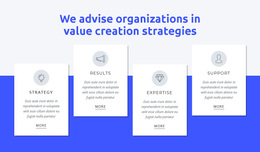
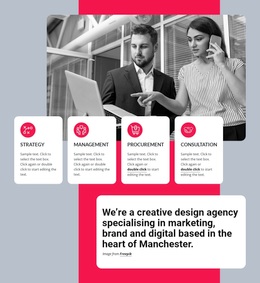
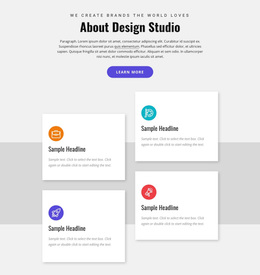
Features Templates give you ready-made ways to present the advantages, capabilities, services, or qualities that matter most to visitors. Instead of building the section from scratch, you can start with a design whose item count, visual rhythm, and content density already suit the message and then adapt it to the project.
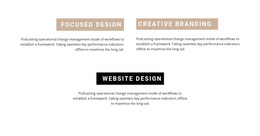
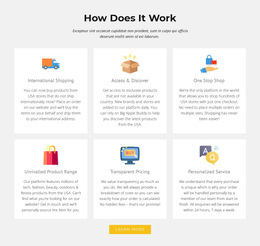
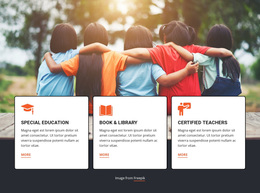
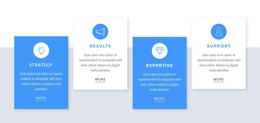
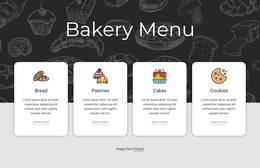
The strongest starting point is not simply the most decorative option. A Features block should make several ideas easy to compare, whether the design uses cards, columns, icons, screenshots, images, or stacked text groups.
Browse Features Designs by Layout and Content Type
Different feature sets call for different visual structures. Before choosing a template, compare how the design handles the content you actually need to show.
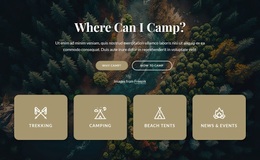
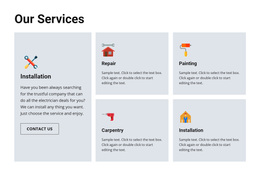
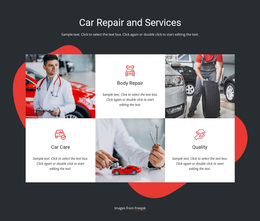
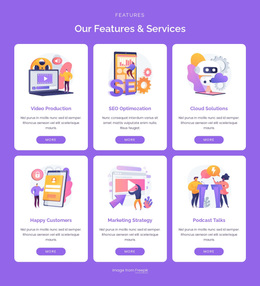
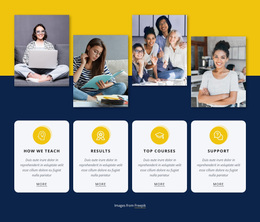
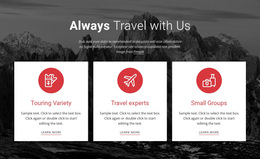
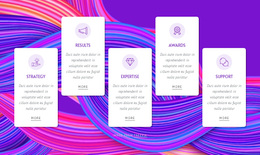
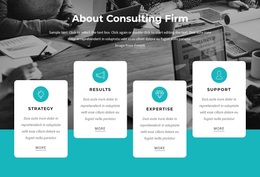
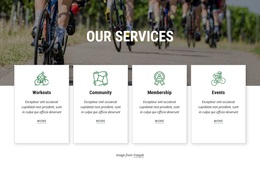
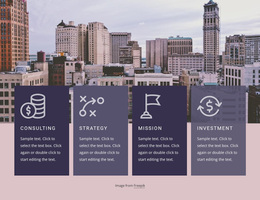
- Card-based layouts work well when every feature needs a clear visual boundary.
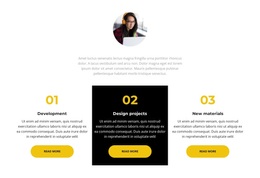
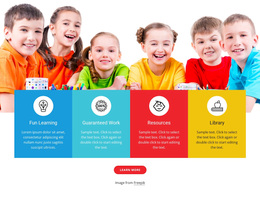
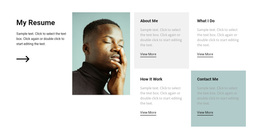
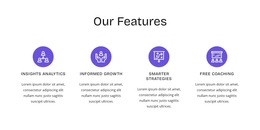
- Column arrangements keep short benefits compact and easy to scan.
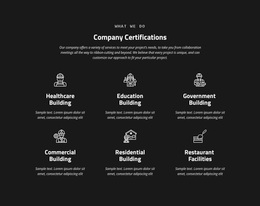
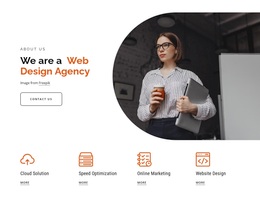
- Icon-led sections suit concise capabilities that do not need large imagery.
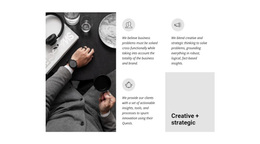
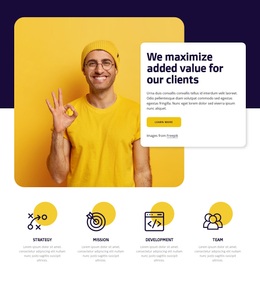
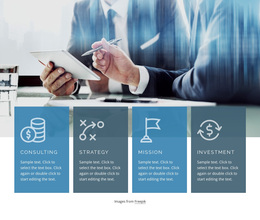
- Image or screenshot layouts help when a product feature is easier to understand visually.
- Stacked feature groups give longer explanations more breathing room.
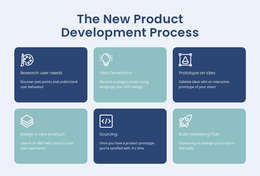
Also check the number of items. Three substantial benefits may need larger blocks, while six short points can fit a tighter repeated pattern without making the page feel crowded.
Match the Template to Real Feature Content
A useful Features section usually combines short item titles, concise explanations, and optional supporting visuals or links. The design should make those parts easy to repeat while still leaving enough flexibility for different copy lengths.
Nicepage Grid Repeater directly supports repeated structures that are useful for Features blocks. The Grid Repeater element can keep a recurring item pattern consistent while the titles, descriptions, and supporting content change from one feature to the next.
When comparing templates, look beyond the number of columns. Check whether the visual hierarchy remains clear after you replace the example content with your own wording, imagery, and calls to action.
Choose Between Compact and Visual Feature Sections
Some pages need a small set of benefits that visitors can understand in seconds. Others need screenshots, supporting images, or slightly longer explanations. A compact feature section works well for short service advantages, while a more visual layout can help demonstrate software capabilities, product details, or process benefits.
A practical comparison can focus on:
- How many feature items the section needs to support.
- How much text each item requires.
- Whether icons, images, or screenshots are part of the message.
- How the block fits the surrounding page in scale and spacing.
If the content is mainly measurements, milestones, or concise proof points, a facts-oriented section may be a better fit. Features templates are most useful when the repeated items explain what an offer provides and why those advantages matter.
Keep the Benefit Message Easy to Scan
A good Features design creates enough consistency for visitors to move from one item to the next without making every block look mechanically identical. Titles should stand out, descriptions should stay readable, and supporting visuals should reinforce the message rather than overpower it.
Consistency matters most at the item level. When every feature follows a recognizable pattern, visitors can understand the section quickly even if the visual treatment includes different icons, images, or text lengths.
Features Template Questions
How Do I Choose a Features Template If I Am Not a Designer?
Start with the number of benefits you need to present and the amount of content in each item. Then choose a ready-made Nicepage design whose cards, columns, visuals, and spacing already fit that content pattern.
Should I Use Icons or Images in a Features Section?
Use icons for concise concepts that need quick recognition. Use images or screenshots when the visual itself helps explain the product, service, or capability. The best choice depends on what visitors need to understand.
When Is a Features Template Better Than a Facts Section?
Choose Features when each repeated item explains an advantage, capability, service quality, or product strength. Choose a facts-oriented section when the content is mainly numbers, milestones, statistics, or short proof points.
Adapt a Ready-Made Features Pattern in Nicepage
Compare the available designs by item count, text density, supporting visuals, and layout style. Open the selected block in the Nicepage editor, replace the sample content with your real benefits, refine the repeated pattern, and integrate the finished Features section into the wider page.





















































