
330 Layered Images Templates



































































Creative Layered Image Templates for Comparing Composition Patterns
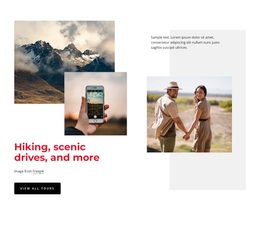
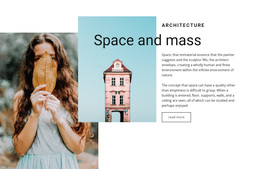
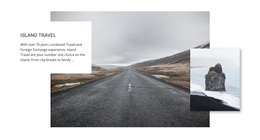
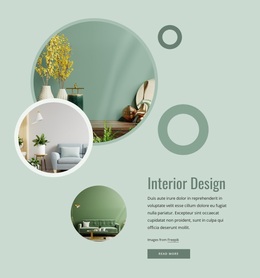
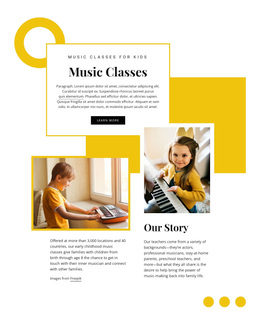
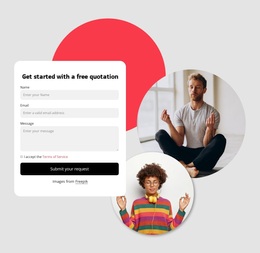
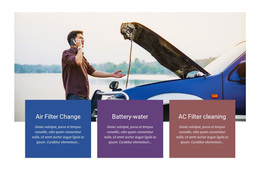
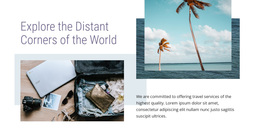
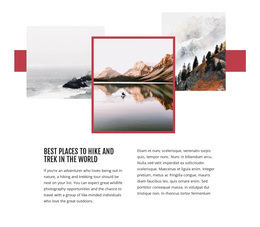
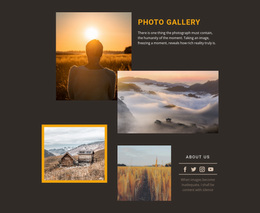
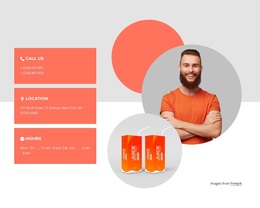
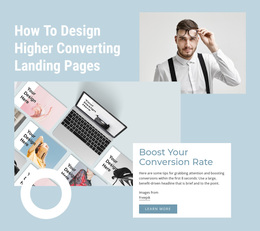
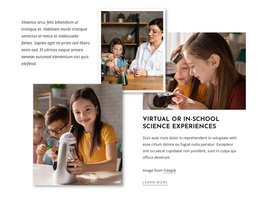
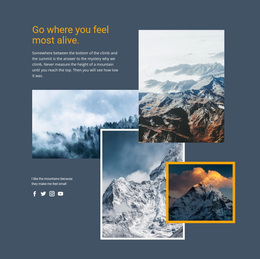
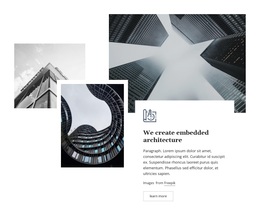
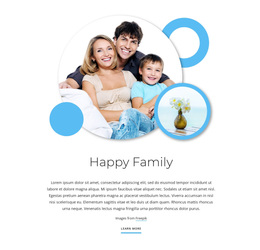
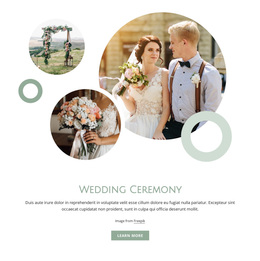
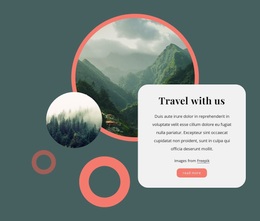
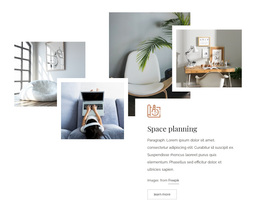
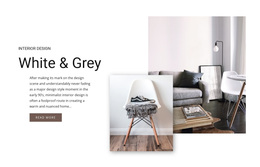
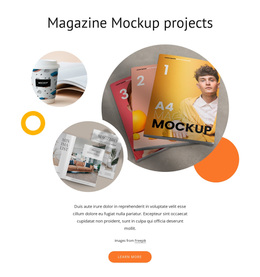
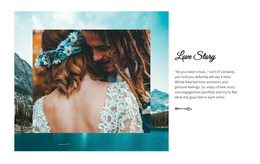
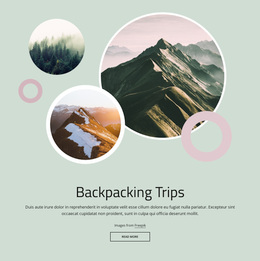
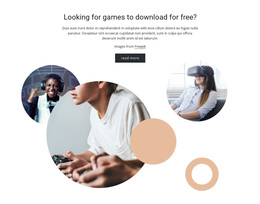
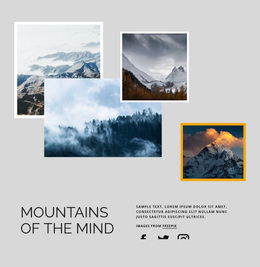
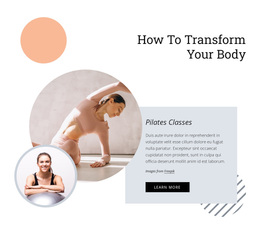
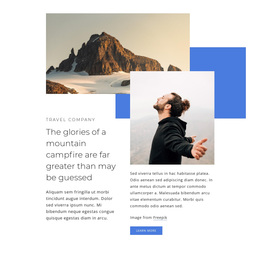
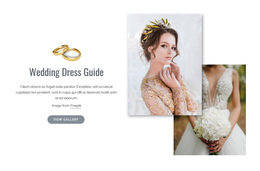
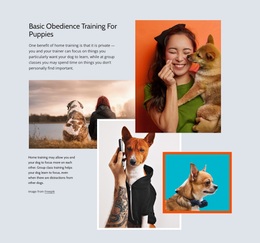
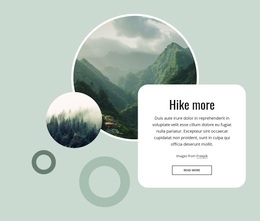
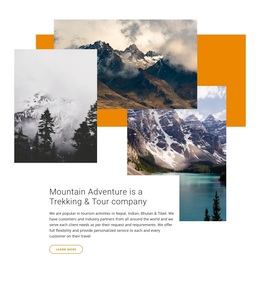
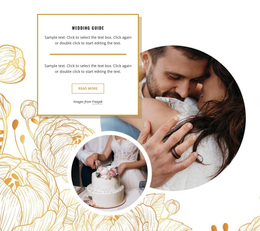
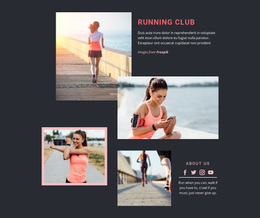
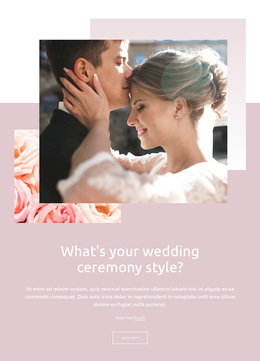
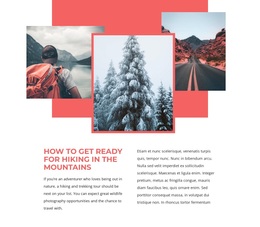
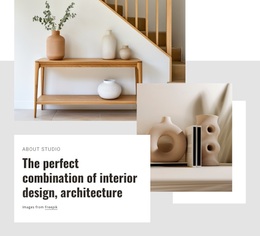
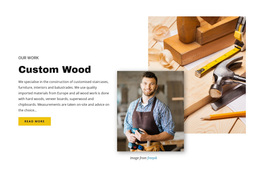
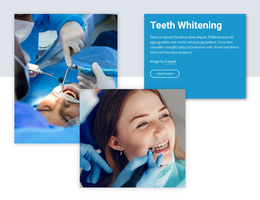
Layered Image Templates are useful when your main task is to compare visual patterns and choose the composition that best fits the content. One option may center on a large portrait image, another may use two balanced landscape visuals, while a third may build depth from several compact overlapping crops.
Compare Layered Images by Composition Type
Useful differences to compare include:
- Composition type — anchor image, balanced pair, or multi-image cluster.
- Image count and the role of each visual.
- Portrait or landscape ratio within the group.
- Relative scale between dominant and supporting images.
- Overlap direction and amount of negative space.
- Text placement beside or within the composition.
Prefer a pattern that already supports your content without major structural changes.
Choose by Image Count and Scale
Some content works best with one large anchor image and one or two supporting visuals. Other content benefits from two or three images with more balanced emphasis. Compare how much visual weight each image receives and whether the group still reads as one connected visual statement.
Compare Overlap and Image Placement
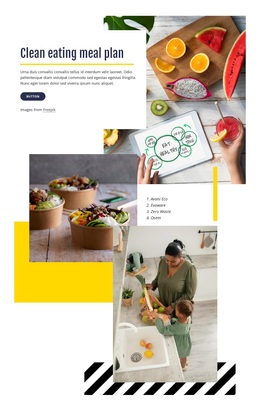
Look at where images cross, which visual sits in front, how much of each image remains visible, and whether the composition feels compact or open. These differences help determine whether the pattern suits product details, editorial imagery, portfolio work, or another image-led use case.
Customize the Selected Template
After choosing a composition, replace the placeholder visuals with your own content. Nicepage's Image Element provides the individual image content used in these arrangements. The Image Element can be used when updating images while preserving the overall layered structure.
You can also refine:
- supporting text;
- backgrounds;
- image crop choices;
- section spacing;
- relative visual weight.
Which Layered Images Pattern Fits Your Content?
Choose by the content itself: how many visuals need to appear, which one should dominate, what image proportions are available, and whether supporting text needs space beside the composition. The focus stays on selecting the right layered pattern, not on website integration or technical workflow.
Layered Images Compared With Other Visual Blocks
A Gallery is usually organized around browsing individual media items. Layered Images instead makes several pictures work together as one designed composition.
An Overlap Block can combine images, cards, text panels, shapes, and other elements across boundaries. Layered Images is more specific because the depth comes primarily from image-to-image relationships.
Layered Images Template FAQ
How do I choose between several Layered Images Templates?
Compare image count, scale, overlap direction, open space, and text placement. Choose the pattern that already fits the role your visuals need to play.
Can I replace the images after choosing a template?
Yes. You can replace the visuals in the Nicepage editor and adapt supporting content while keeping the main composition pattern.
Are Layered Images Templates only for portfolios?
No. They can work for product presentations, editorial sections, services, brand stories, event pages, and other image-led content where several visuals should form one composition.
When should I use Layered Images instead of a Gallery?
Choose Layered Images when the relationship between several pictures creates one focal composition. Use a Gallery when visitors need to browse images more independently.
Can a Layered Images Template include supporting text?
Yes. Many compositions can include a heading, short description, or CTA as long as the text does not overpower the image relationship that defines the section.
Select a Pattern That Fits the Content
Compare the available patterns by image count, scale, orientation, overlap direction, negative space, and supporting-text placement. Choose the composition that best matches your content, then customize the visuals in the Nicepage editor.





















































