
Modal Popup Templates
-
-

-
-
-
-
-
-
-
-
-
-
-
-
-
-
-
-
-
-
-
Free Website Builder SoftwareDownload
-
-
-
-
-
-
-
-
-
-
-
-
-
-
-
-
-
-
-

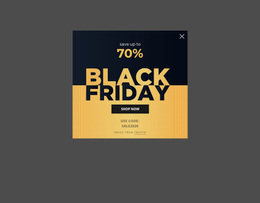
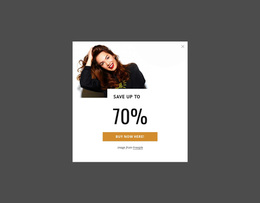
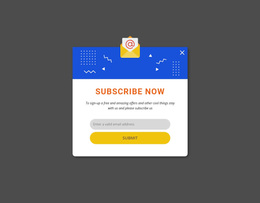
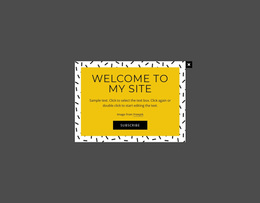


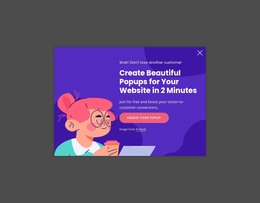
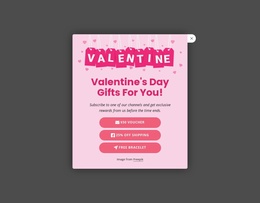
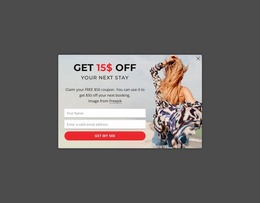
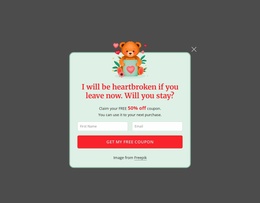
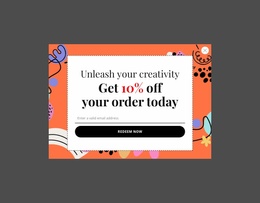
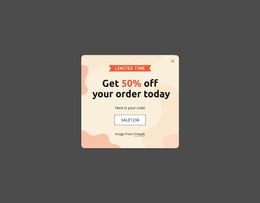
Clean Modal Popup Templates for Different Popup Tasks
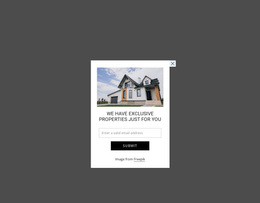
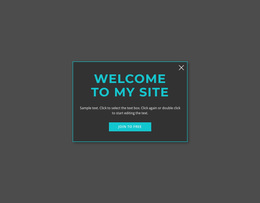
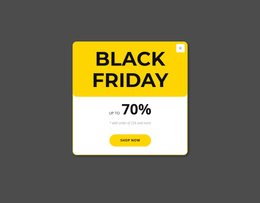
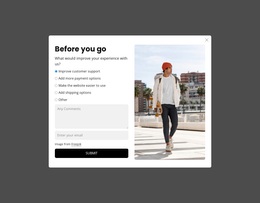
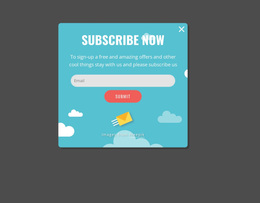
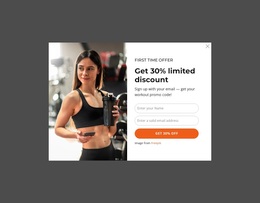
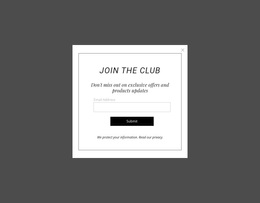
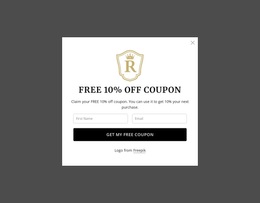
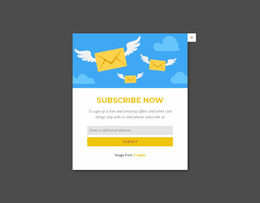
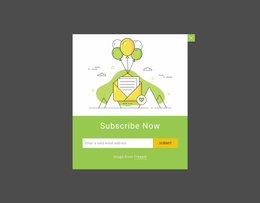
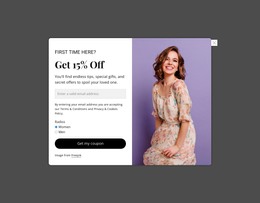
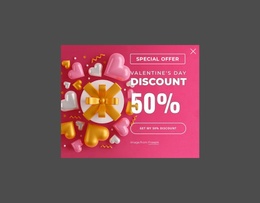
A Modal Popup template gives you a starting design for content that appears above the current page when it needs extra attention. The broad templates collection is primarily about finding the right popup pattern: a compact notice, signup prompt, promotional offer, media-led layout, or detail panel.
Rather than starting with a platform or implementation method, start with what visitors should see and do when the popup opens.
Compare Modal Popup Patterns by Purpose
Different tasks benefit from different arrangements:
- Announcement and notice templates keep the copy short and make the message easy to scan.
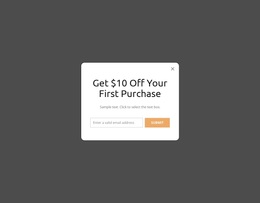
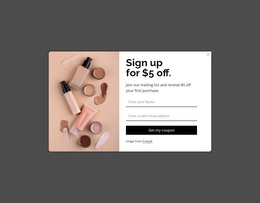
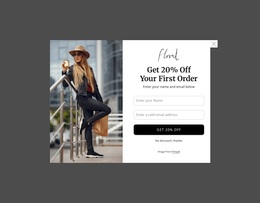
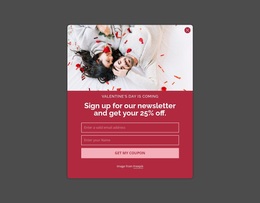
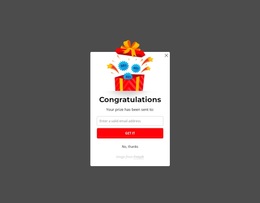
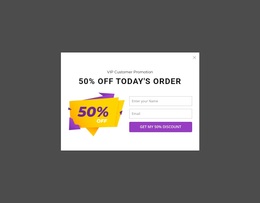
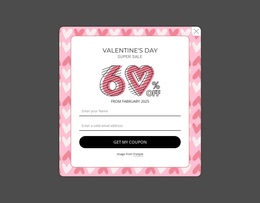
- Signup and lead templates reserve enough room for fields, labels, and a clear submit action.
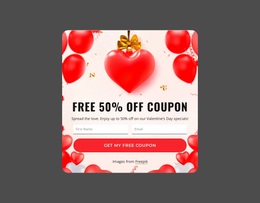
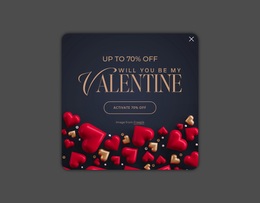
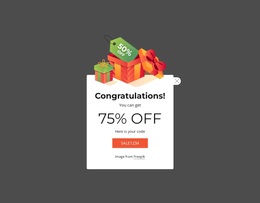
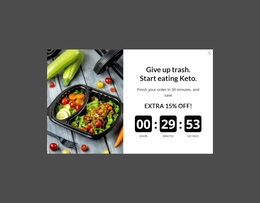
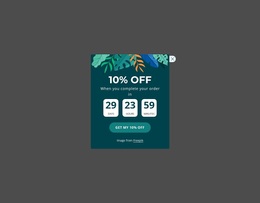
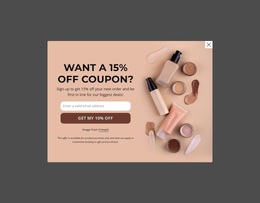
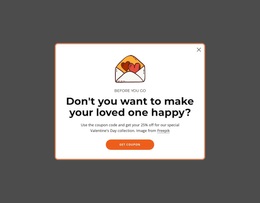
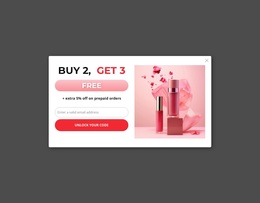
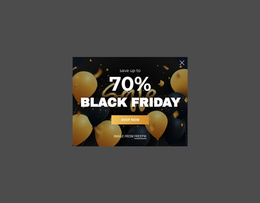
- Promotion and offer templates can give more visual weight to an image, discount, product, or campaign message.
- Detail and media templates provide additional space for information that would otherwise interrupt the main page.
This is the broadest selection layer in the cluster. The useful question is not whether a design is technically HTML, CSS, or part of a full website project, but which popup pattern best matches the immediate task.
Choose the Right Content Capacity and Layout Direction
A small alert does not need the same structure as a registration form. Likewise, an image-led offer may need a split composition, while a short message can work in a compact centered panel.
When comparing designs, look at:
- content capacity — how much information the layout can hold without feeling crowded;
- visual priority — what visitors notice first;
- action placement — whether the next step is obvious;
- media balance — whether an image supports the message instead of competing with it.
Nicepage provides ready-made Blocks and Elements you can adapt on the visual canvas. Once you choose a suitable popup direction, replace the sample content and refine the composition for your actual message.
Match the Template to the Interaction
A popup design should make sense when it opens, not only as a static thumbnail. Check that the headline, supporting copy, controls, and action feel connected and that the layout still works when the amount of real content changes.
For example, a signup layout may need more vertical room than a short announcement. A product offer can justify stronger imagery, while a confirmation message may work better with less visual noise.
This task-first approach keeps the page centered on popup discovery and selection rather than on a particular website type or implementation workflow.
Modal Popup Templates FAQ
Does Nicepage offer pre-designed elements and blocks?
Yes. Nicepage provides pre-designed Elements and Blocks you can use as starting points and adapt on the visual canvas to fit the project's needs.
Can Nicepage AI Services generate blocks?
Yes. According to the supplied Nicepage product information, AI Services can generate sites, pages, and blocks. You can then refine a generated block for the specific popup task.
How do I choose the right Modal Popup template?
Begin with the task: announcement, signup, promotion, additional detail, or media. Then compare layouts by content capacity, visual priority, action placement, and how comfortably the real content fits.
Select a Popup Pattern and Adapt It
Review several Modal Popup designs, narrow them by purpose and content type, and open the strongest fit in the Nicepage editor. Replace the sample content, adjust the layout where needed, and keep the final popup focused on the task that led you to select that pattern.





















































