Thai home styling interior Template


Edit Template Offline
2. Create new page and search for id 38003
Edit Template Online
Create Awesome Websites


Free Nicepage Builder
Keywords
Thai-style imagery connects ideas, plans, and residential spaces
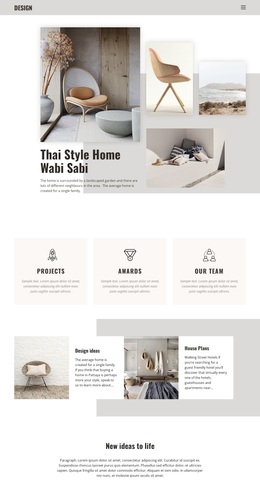
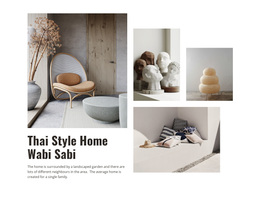
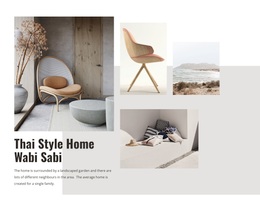
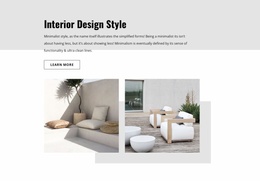
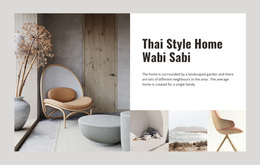
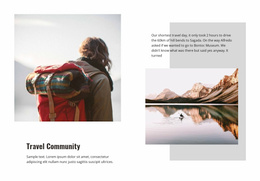
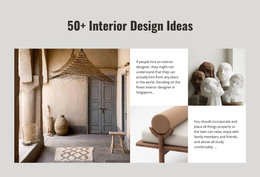
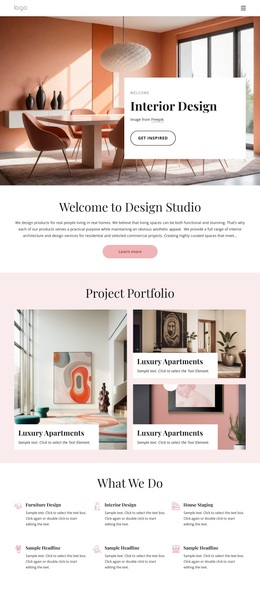
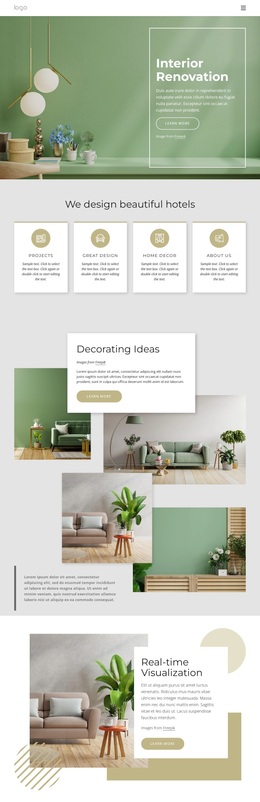
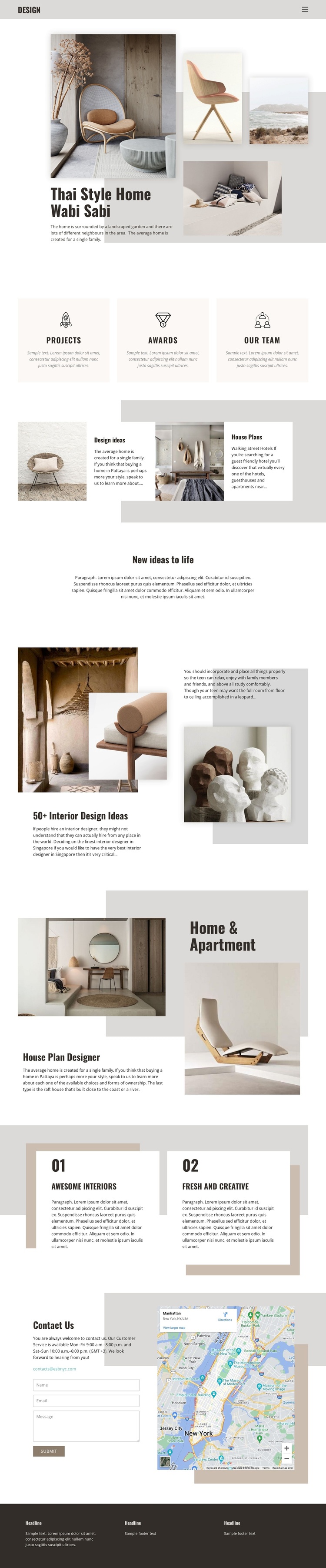
The large opening photograph, supporting collage, and Thai Style Home Wabi Sabi heading make visual atmosphere the first reason to consider this design. Instead of beginning with dense service text, the page uses interior imagery to establish a home styling direction and then supports it with concise descriptions. The three equal panels for Projects, Awards, and Our team broaden that introduction with compact categories that can be adapted to the project’s own content.
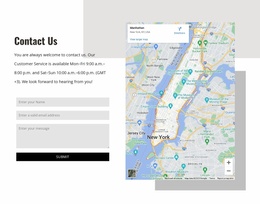
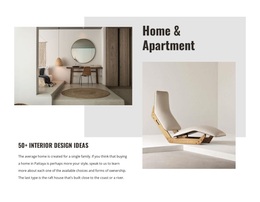
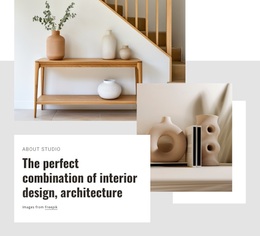
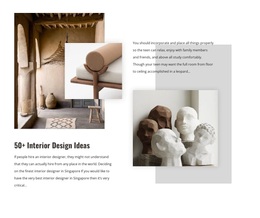
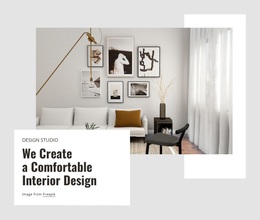
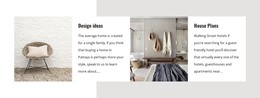
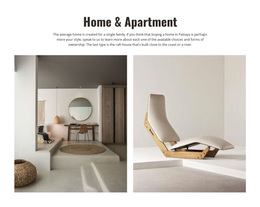
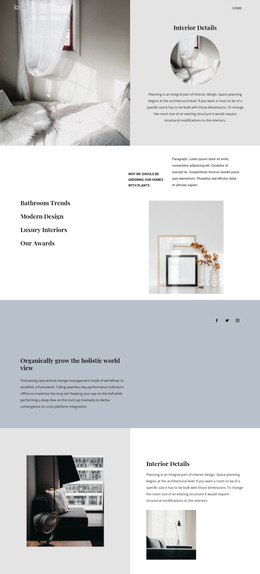
The design also covers more than one stage of residential inspiration. The alternating Design ideas and House Plans pairs connect visual exploration with planning-oriented information, while the 50+ Interior Design Ideas section gives the page a stronger gallery-like emphasis. Home & Apartment and House Plan Designer then shift the focus toward residential settings and planning language. Two numbered cards, Awesome Interiors and Fresh and Creative, provide short, memorable thematic highlights without interrupting the spacious composition. The result is a useful option for projects that need imagery, concept presentation, and a direct contact route in the same page. The Contact Us section makes that route concrete through the displayed email address, message form, and preview map, while the dark footer supplies a clear visual close. Its value comes from the relationship between atmosphere, idea coverage, residential planning, and inquiry content.
Customize with Nicepage
Open this ready-made template in the Template Builder and customize it visually in the Nicepage editor. Replace demo content, edit page sections, and adapt the design to your project without rebuilding the template from scratch.
Start With a Ready-Made Template
Choose a Design for a New Page
Use a ready-made template as a starting point instead of creating every page from a blank canvas. When adding a new page in Nicepage, browse available designs, compare different layouts, and choose an option that already fits the general purpose and visual direction of your project.
Browse Different Page Designs
Explore Page Designs using search, thematic categories, Design Sets, and full-page previews. The collection includes layouts for different subjects and page purposes, making it easier to compare alternatives before selecting a design to customize.
Customize the Selected Template
After choosing a design, create the page and continue editing it visually in Nicepage. Replace the demo content, adjust images, typography, colors, sections, and other elements, and adapt the ready-made layout to your own content instead of rebuilding the design from the beginning.
Explore More Design Directions
If the first option does not match your project closely enough, return to the design collection and compare other templates before committing to a layout. This makes the template library useful not only for faster page creation, but also for exploring different visual approaches and finding a suitable starting point for a new project.
This workflow gives you access to a broad collection of ready-made designs that can be selected, compared, and customized according to the needs of each new page or project.

Design Set (22)
-

-
-
-
-
-
-
-
-
-
-
-
-
-
-
-
-
Free Website Builder SoftwareDownload
-
-