
Product List Templates
-
-

-
-
-
-
-
-
-
-
-
-
-
-
-
-
-
-
-
-
Free Website Builder SoftwareDownload
-
-
-
-
-
-
-
-
-
-
-
-
-
-
-
-
-
-
-
-
-
-
-
-
-
-
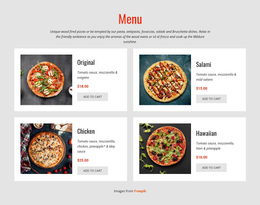
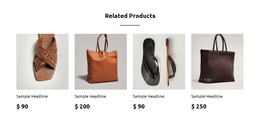
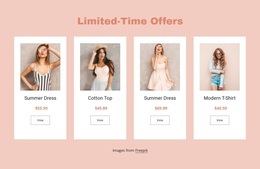
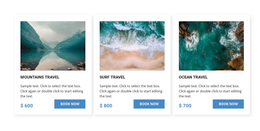
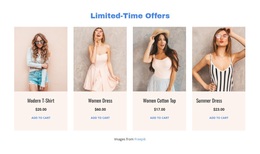

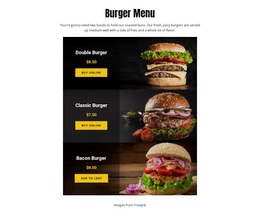
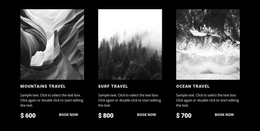
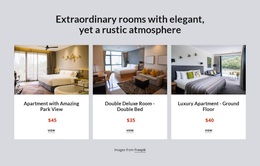
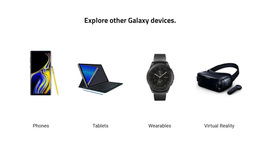
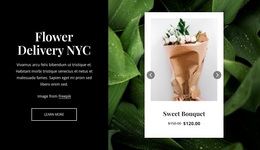
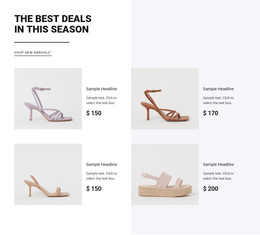
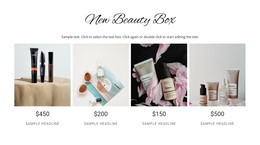
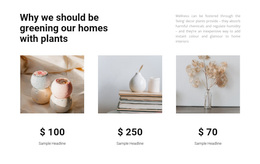
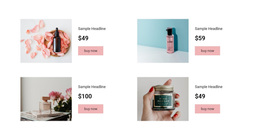
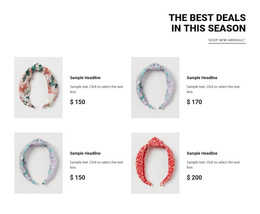
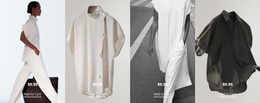
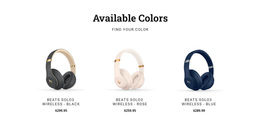
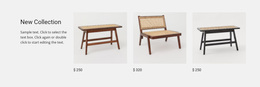

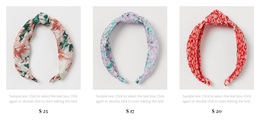

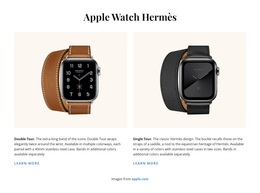
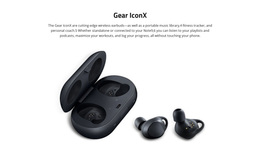
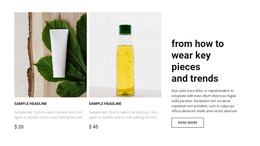
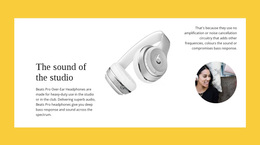

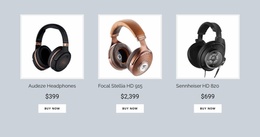
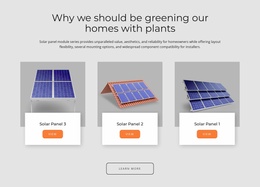

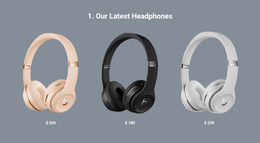

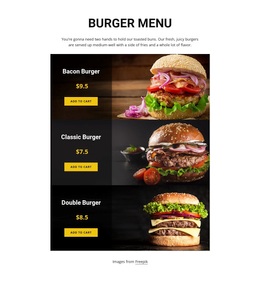
Ready-To-Use Product List Templates for Reusable Merchandise Sections
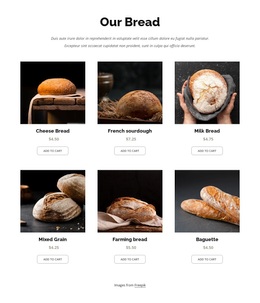
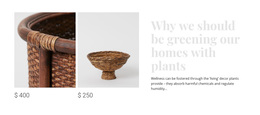
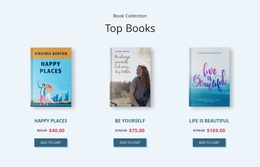
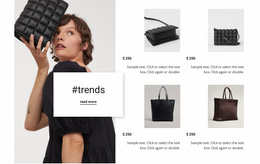
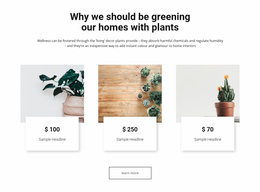
Choosing among Product List Templates starts with the type of collection visitors need to browse. A compact featured strip, a full catalog grid, and a product slider solve different presentation problems. Ready-made Nicepage blocks let you compare those arrangements first, then adapt the selected design to actual merchandise without building every entry from scratch.
What Should You Look for in a Product List Template?
A Product List template should organize multiple merchandise entries so visitors can recognize products, compare essential details, and choose what to examine next. Each repeated card needs a predictable content hierarchy, while the collection itself should fit the available page space.
The right design depends on the information each product requires. A small featured collection may prioritize images and prices, while a broader catalog preview may need descriptions or additional actions.
These templates are functional sections, not complete shopping websites. Their purpose is to provide a useful product browsing area that can be incorporated into a larger page.
Flexible Product Card Arrangements for Different Collections
Product List Templates are easiest to compare by the shopping task each layout supports, not by whether all the cards look attractive in a thumbnail.
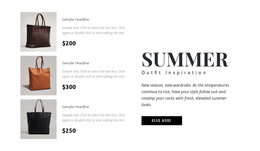
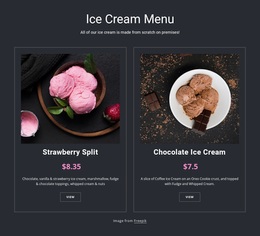
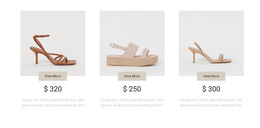
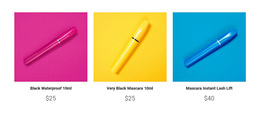
- Featured-products strip: A small, image-led selection for a promotion or homepage highlight.
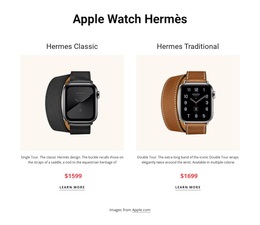
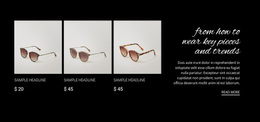
- Compact listing: Tighter cards for merchandise that can be recognized with a brief name and price.
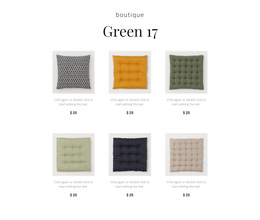
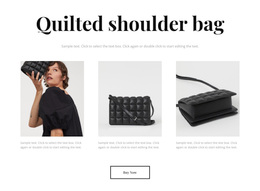
- Catalog grid: More visible items in rows and columns when visitors want to scan a broader range.
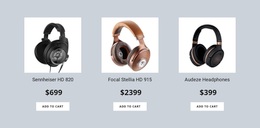
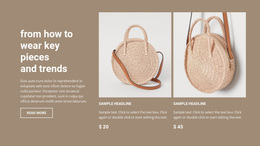
- Product slider: A controlled horizontal collection where space is limited, and products form one short group.
Match the number of visible products to the actual selection. Three to five featured items can make a short campaign collection easy to scan, while a broader range benefits from more cards visible at once. A large grid is not automatically better: use the amount of merchandise and the information needed per item to decide between a compact selection, full grid, and slider.
Nicepage's Product List Element offers Grid and Slider layouts with column, row, and spacing controls. Use the Product List Element documentation when adapting the selected design.
Customizing a Product List Block in Nicepage
Once you have picked a template, replace the sample merchandise before making detailed styling decisions. Test the longest product name, the widest price, and any necessary action. A template that looks balanced with placeholders may need more room for actual stock.
Nicepage applies product-related elements across repeated items, helping keep the chosen arrangement consistent. Available buttons can support product details or shopping actions when configured. If a project uses WooCommerce, product-source configuration belongs to its separate integration workflow; it should not dictate how you browse this general template collection.
Choosing Product List Instead of Product Details
Choose by scope: a Product List template helps visitors scan multiple options, while a Product Details view explains one selected item. A brief card can lead to a fuller product page without repeating specifications in the listing.
For a general template search, compare how many products visitors can see, how much information each card needs, and whether a strip, compact listing, grid, or slider shows that assortment most clearly.
Frequently Asked Questions About Product List Templates
Can I customize a Product List template in Nicepage?
Yes. You can select a Product List block design, open it in the Nicepage editor, and adjust its product-related elements and layout. The Product List Element supports styling presets, Grid and Slider arrangements, and spacing settings.
Can a Product List display products from different sources?
Yes. Nicepage supports products from its Products Panel and a CMS product source. CMS integration follows the applicable WordPress or Joomla workflow and requires supported product configuration.
Can Product List templates include product sorting and pagination?
Yes. Nicepage documents Sorting and Pagination elements for the Grid layout of its Product List Element. When configured, these options help visitors browse larger collections.
What is the difference between Product List and Product Details?
A Product List displays multiple merchandise entries for browsing and comparison. Product Details presents fuller information about one selected item. The two serve complementary purposes and should not be treated as interchangeable sections.
Select a Product List Design That Fits Your Merchandise
Compare ready-made Product List blocks by collection size and display format. Choose the strip, compact listing, catalog grid, or slider that suits your products, then adapt its images, prices, and actions in Nicepage. The best starting template is the one that makes your particular selection easiest to browse.





















































