
210 Industrial Templates









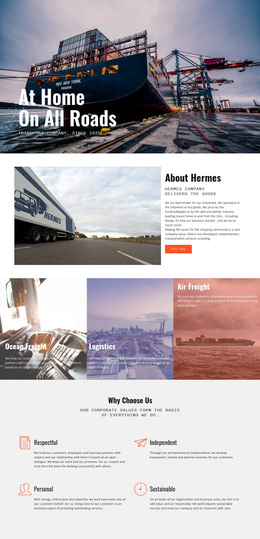
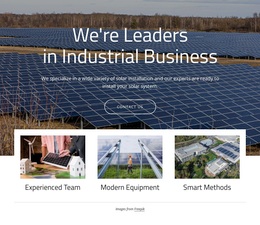
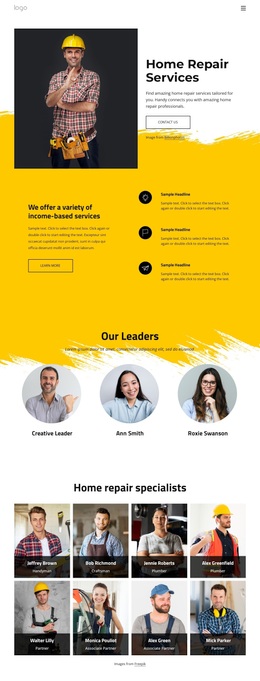


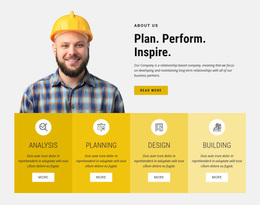



































































Customizable Industrial Templates for Manufacturing Websites
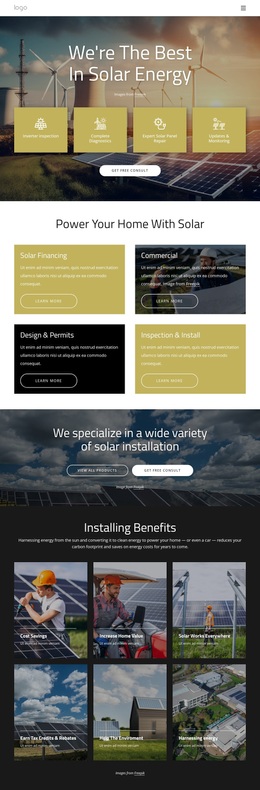
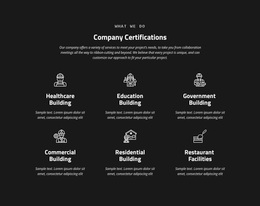
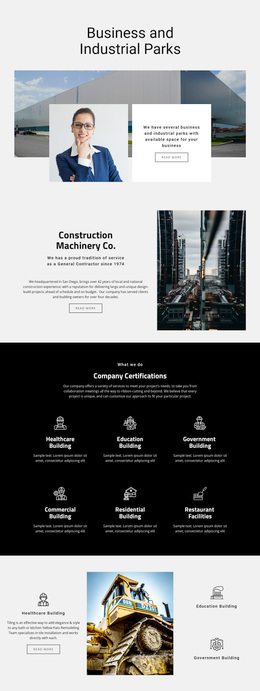
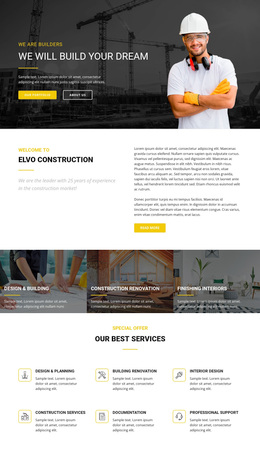
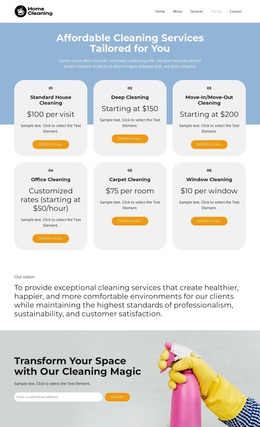
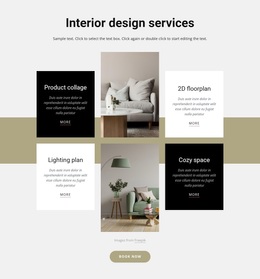
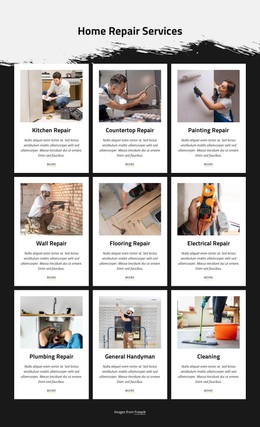
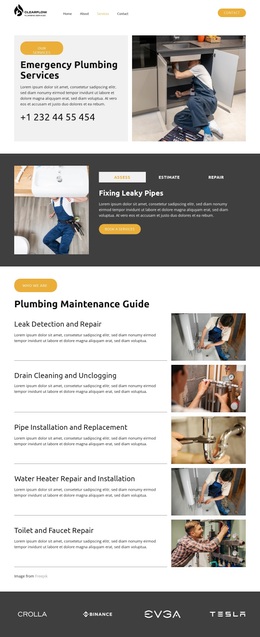
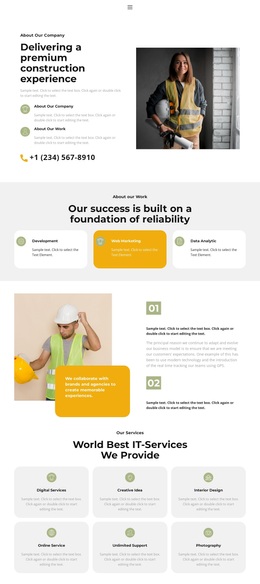
Industrial templates are best approached as a hub for selection and comparison. Manufacturers, factories, engineering firms, equipment suppliers, and industrial service companies may need different visual styles, delivery formats, editing environments, and levels of technical detail, so a useful starting point is to compare options rather than follow a single prescribed site architecture.
Browse Industrial Template Directions by Project Type
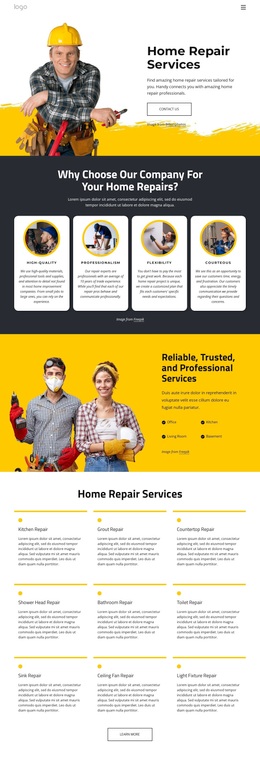
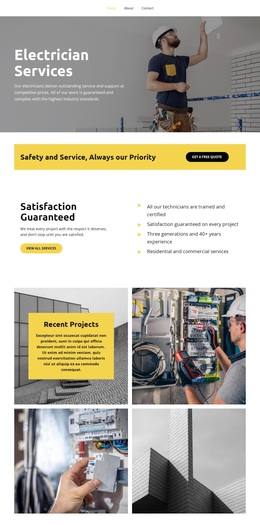
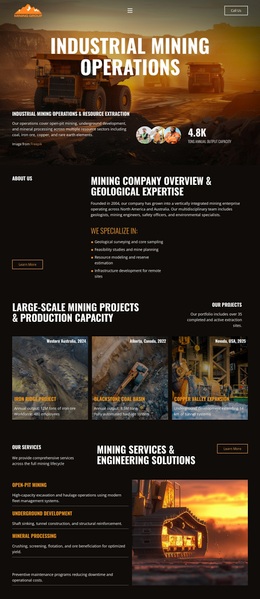
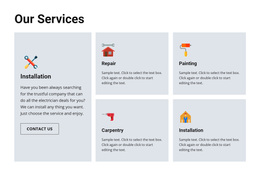
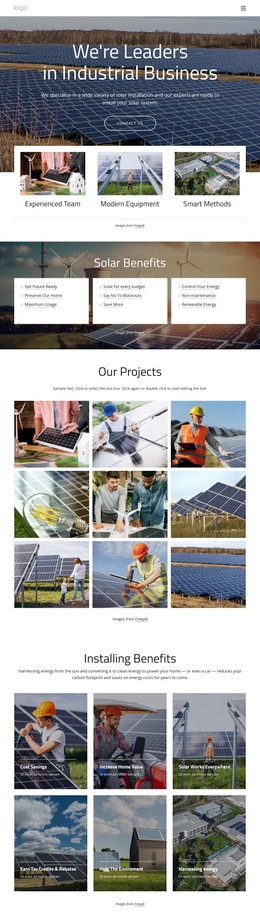
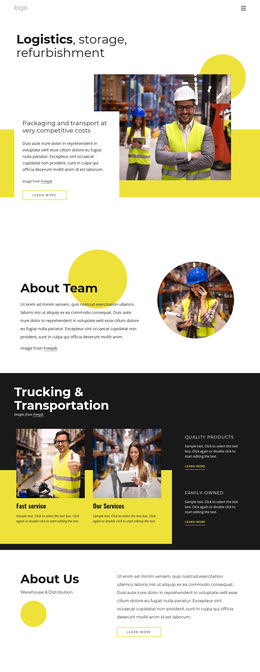
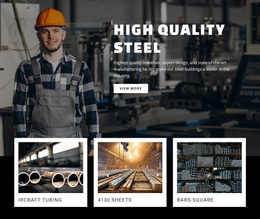
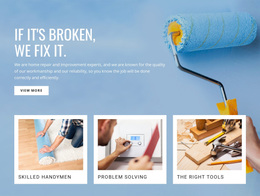
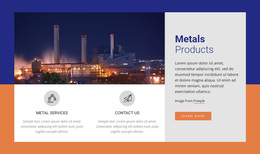
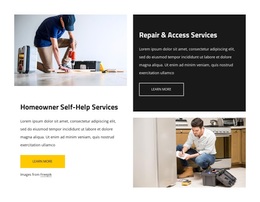
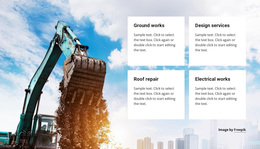
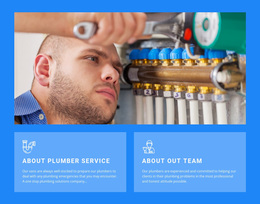
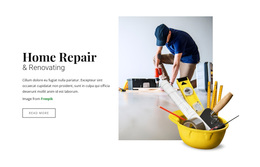
A machinery producer may prefer a product-led design with large equipment visuals and specification-focused sections. A plant service company may need a more restrained service layout, while an engineering firm can prioritize projects, expertise, and technical proof. The collection gives teams room to compare those directions before committing to one.
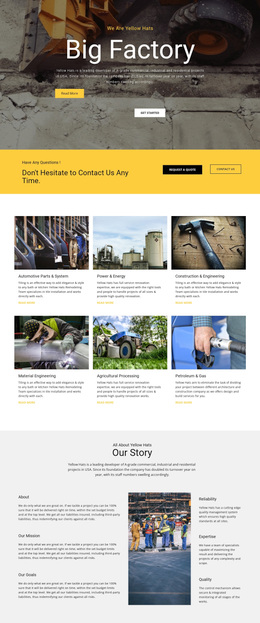
A factory website direction can be useful when production-floor imagery, capacity, and quality information dominate the project. A manufacturing layout can suit businesses centered on products, processes, and production systems.
How to Choose Between Industrial Template Types
Start with what you need to produce, not with decorative details. Compare the available directions in terms of both format and use case. HTML templates suit ready static layouts, WordPress themes and Joomla templates fit CMS-managed projects, one-page templates keep a complete site on one scrolling URL, landing pages focus on a single offer and conversion action. In contrast, general visual templates are useful when the main task is choosing a design direction before committing to a delivery format.
Other selection criteria include:
- content emphasis: equipment, services, projects, production, or company presentation;
- visual density: image-led presentation versus specification-heavy technical content;
- editing needs: visual customization, CMS editing, or source-level work;
- project scope: one focused page, one-page site, CMS project, or static layout.
Nicepage documents how to add, move, resize, align, and arrange individual controls through its page Elements workflow. That flexibility helps once a direction has been selected, but the key task on this page is choosing the right starting category rather than defining a complete site map.
Brand treatment is another selection factor. Some industrial concepts depend on restrained neutral palettes, while others use strong safety accents, material colors, or high-contrast technical cues. Nicepage provides Site Colors for shared Theme Colors once the preferred direction is chosen.
An elevator website structure shows how a specialized industrial niche can emphasize installation, maintenance, modernization, equipment types, and service requests. Other industries may need an entirely different balance of imagery, data, and services, which is exactly why comparing multiple template directions matters.
Compare Before You Commit to One Direction
Do not choose an industrial template only because the hero image looks appropriate. Check whether the layout gives enough room to the content the business actually needs: machinery categories, technical services, project evidence, process explanations, or facility information. Then compare a few alternatives and select the format that requires the least forced restructuring.
Industrial Template Selection Questions
How should a non-designer choose an industrial template direction?
Start with the site's purpose, audience, and dominant content. Compare designs that already give the right visual weight to equipment, services, projects, or production information.
Should a machinery manufacturer and an industrial service company use the same layout?
Not necessarily. A machinery business may prioritize product groups and specifications, while a service company may need capability-, project-, and contact-focused designs.
What should I compare when several industrial templates look suitable?
Compare the content emphasis, page format, visual density, editing needs, and project scope rather than judging only the imagery or color palette.
Can I adjust the selected industrial design after choosing it?
Yes. Nicepage Elements and Site Colors can be adjusted after selection, so the chosen direction can be adapted to the company's real content and brand.
Compare Industrial Template Formats Before Choosing
Use the collection to narrow the field before you start adapting content. Compare HTML, WordPress, Joomla, one-page, landing-page, and general visual directions based on their editing workflows, project scopes, and content emphases, then choose the format that best fits the job. This page works as a browsing and comparison point rather than as a blueprint for a complete multi-page website.





















































